
Your own AI photoshoot online in 45 seconds
Pick a ready-made look and get your AI photos — no prompts, no waiting.Pick an example you like, the way you would on Pinterest — the AI recreates its light, framing and mood with you in the shot.
63 541+ users
Ready-made
photo ideas
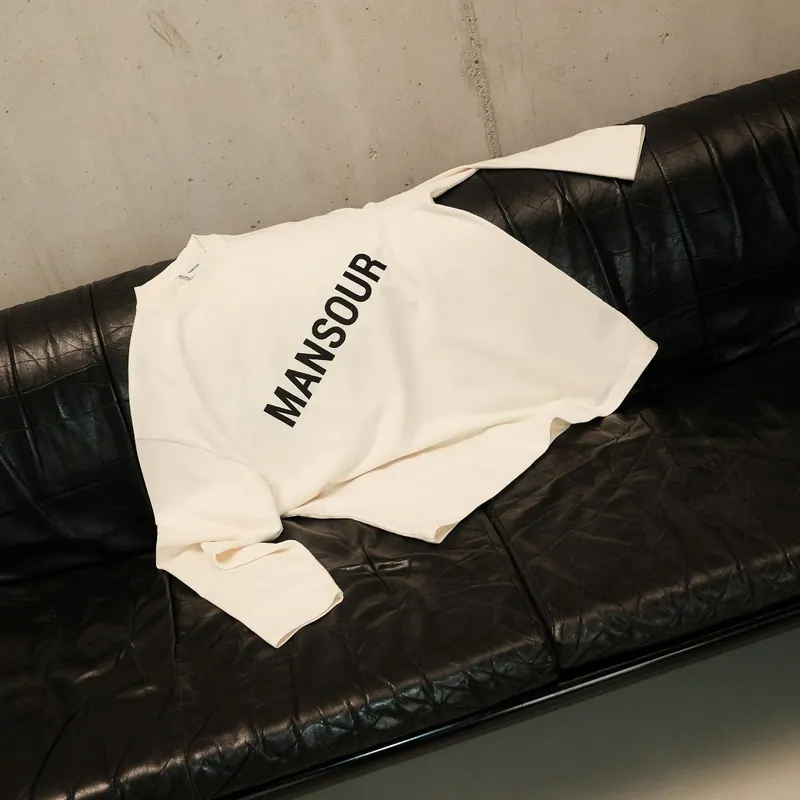
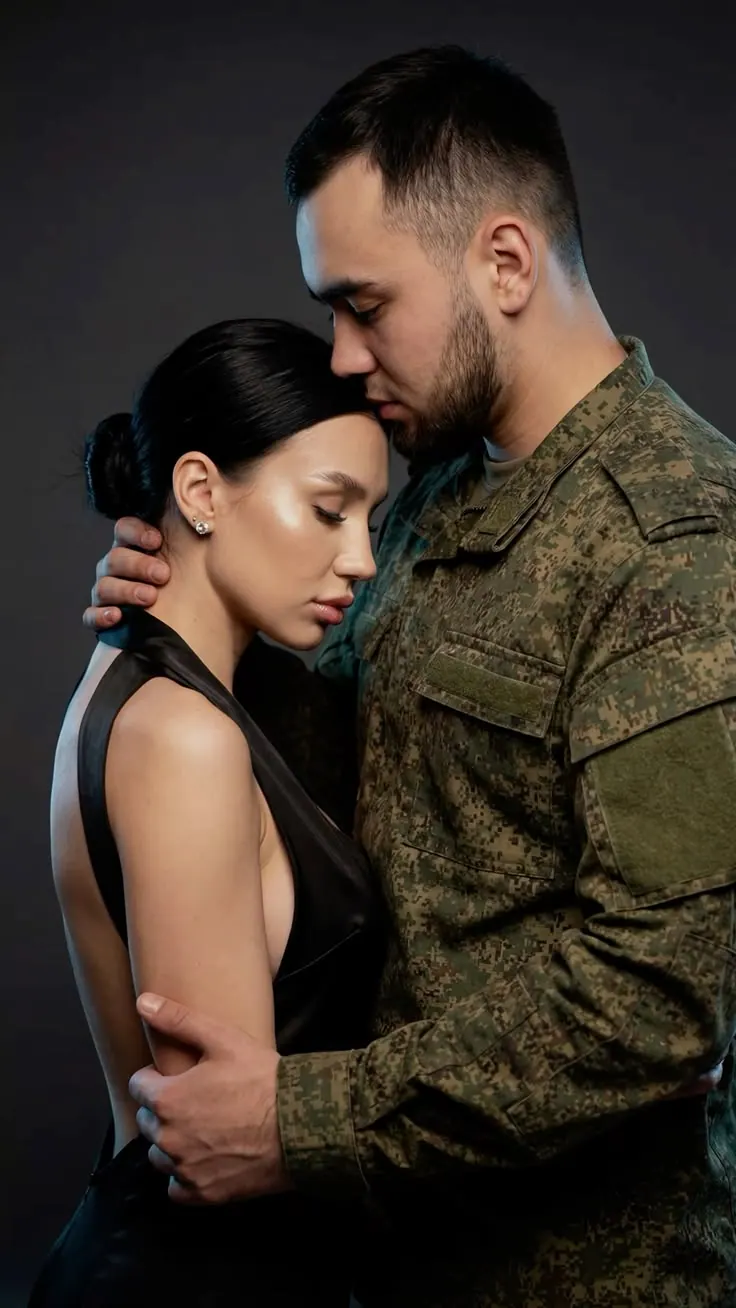
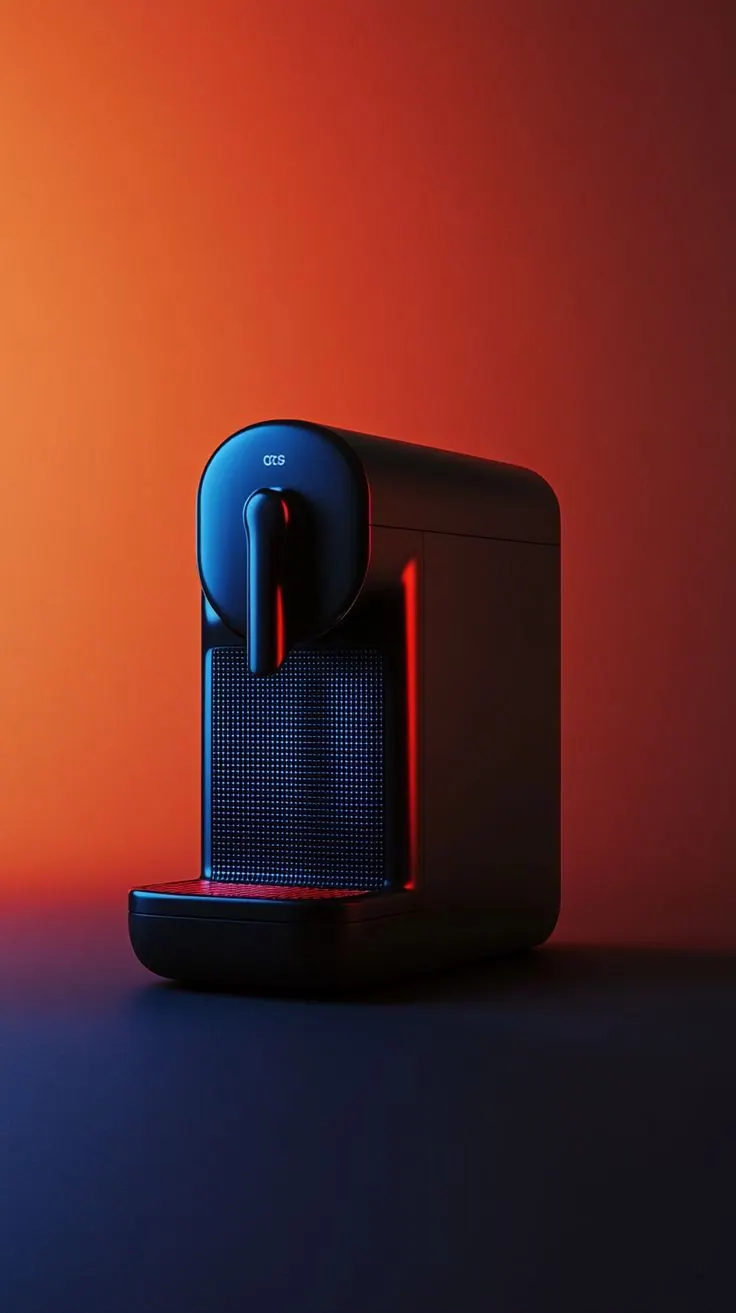
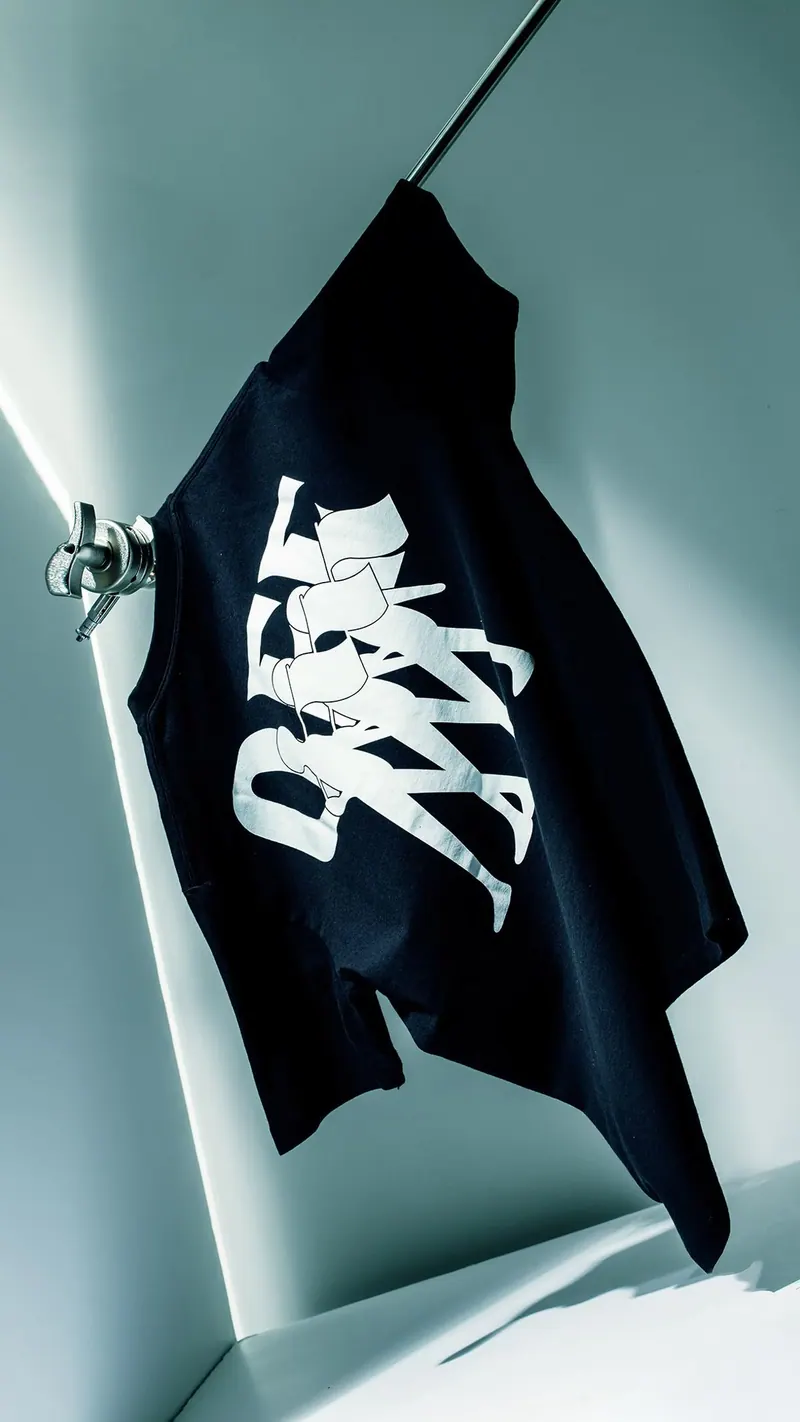
Every example here can be redone with you in it.
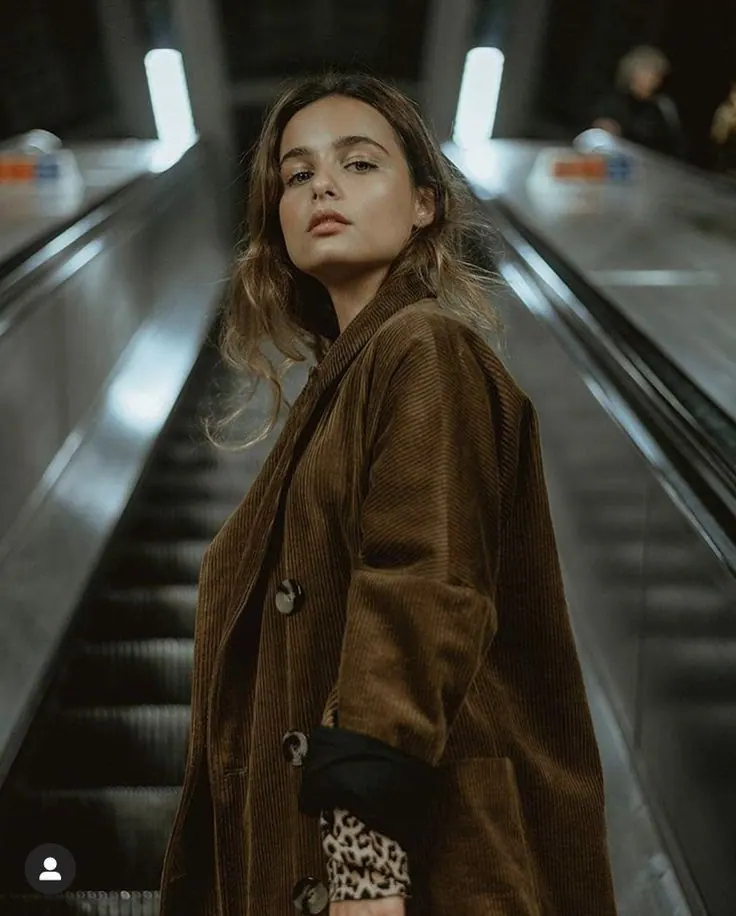
Brown Blazer in Motion
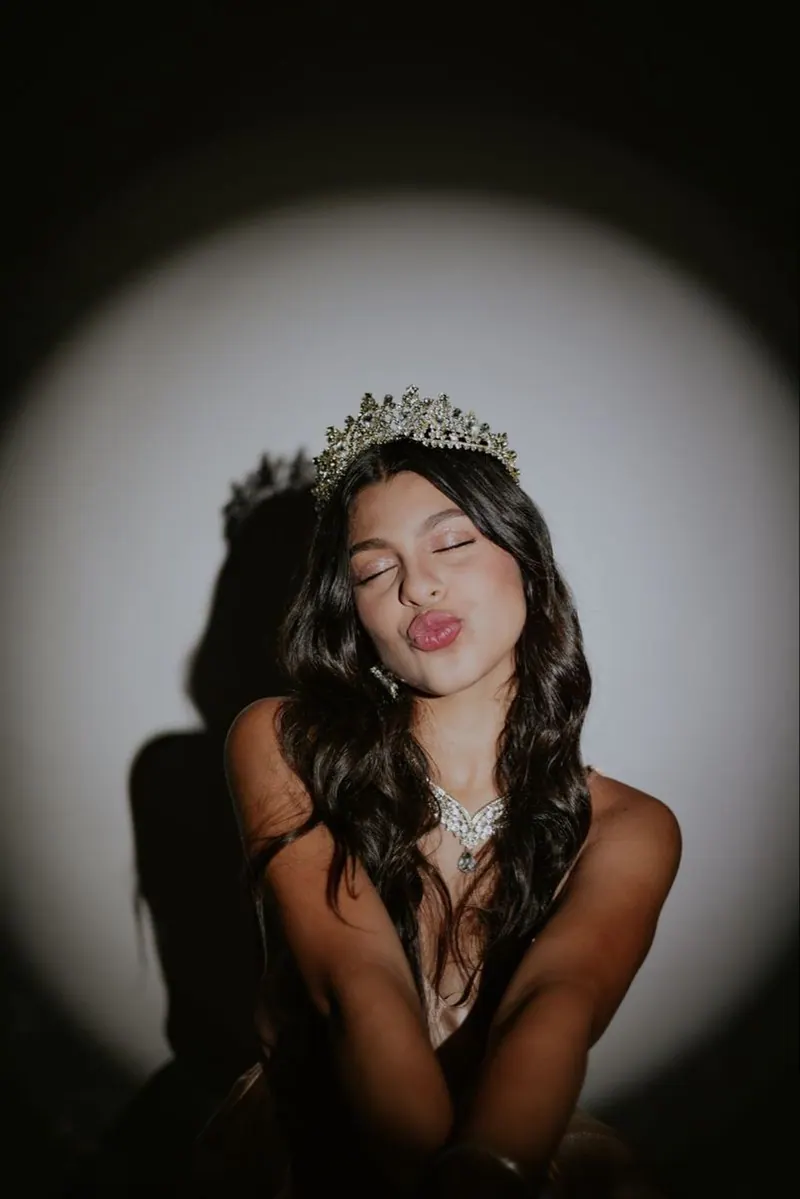
Spotlight Tiara
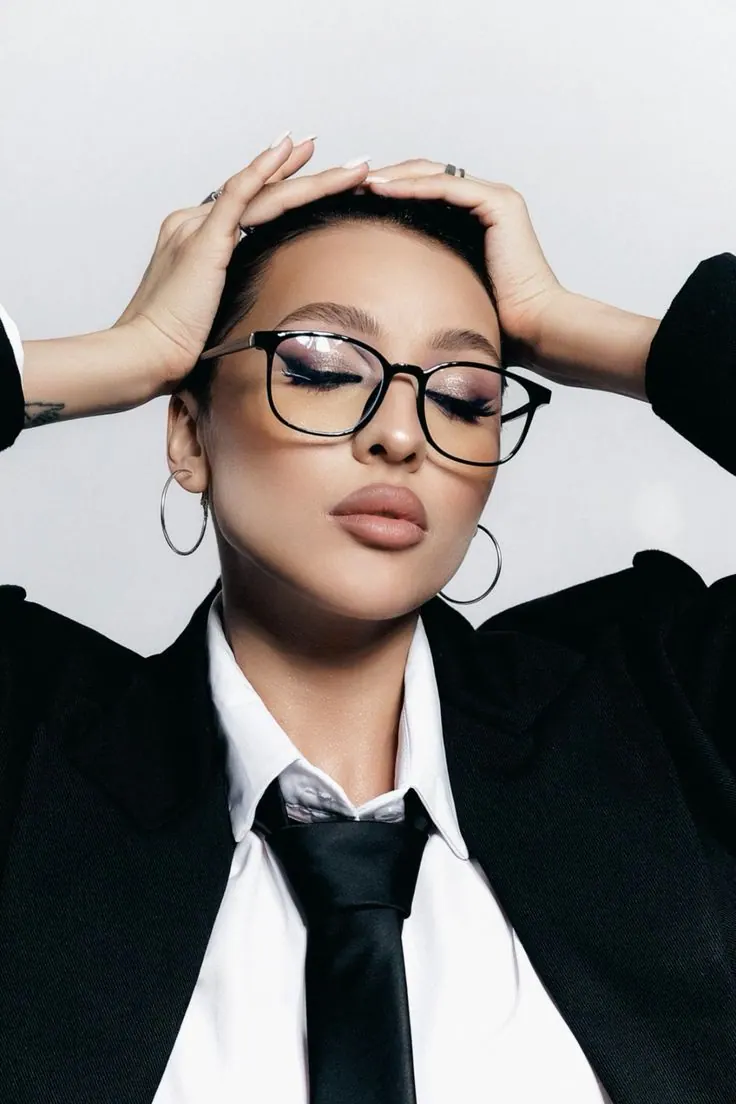
Glasses and Loose Tie
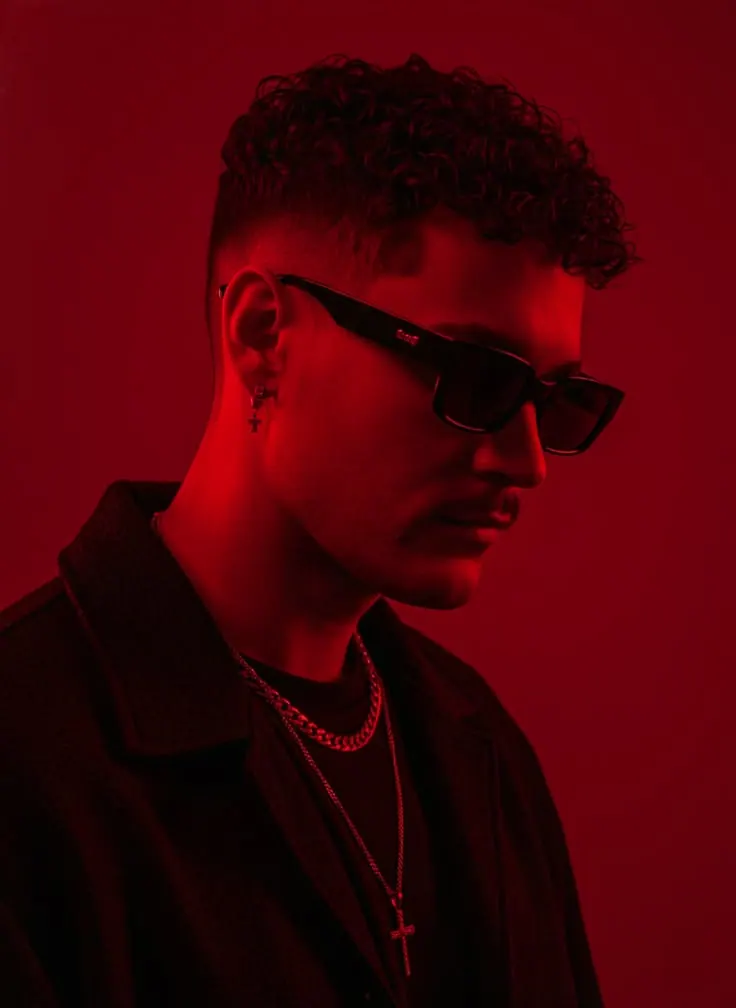
Red Profile
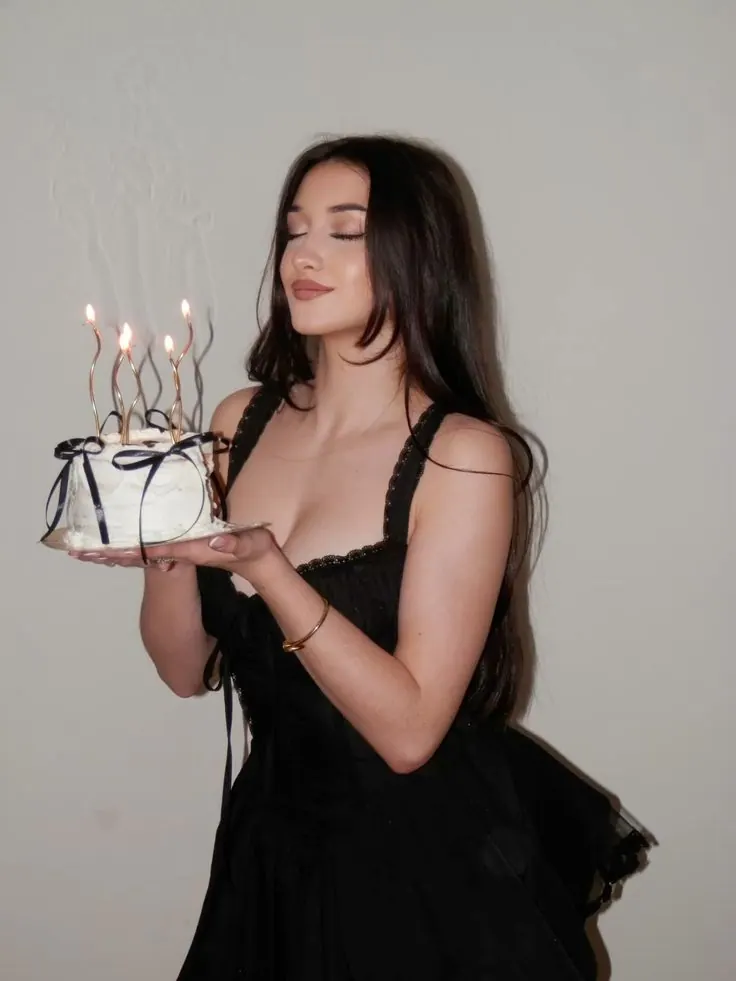
Blowing Out Candles
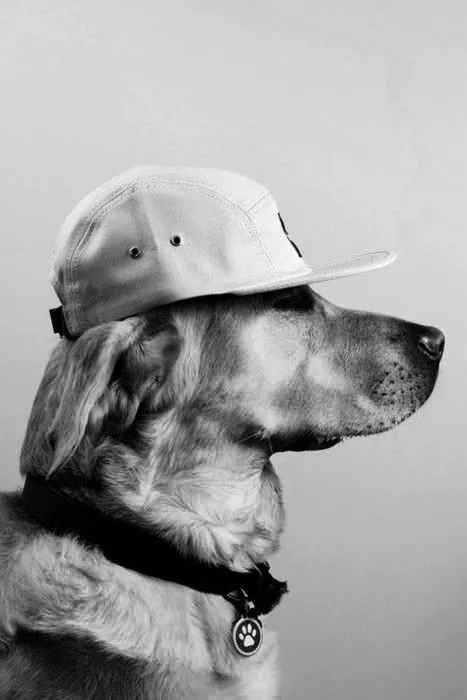
Retriever in a Cap
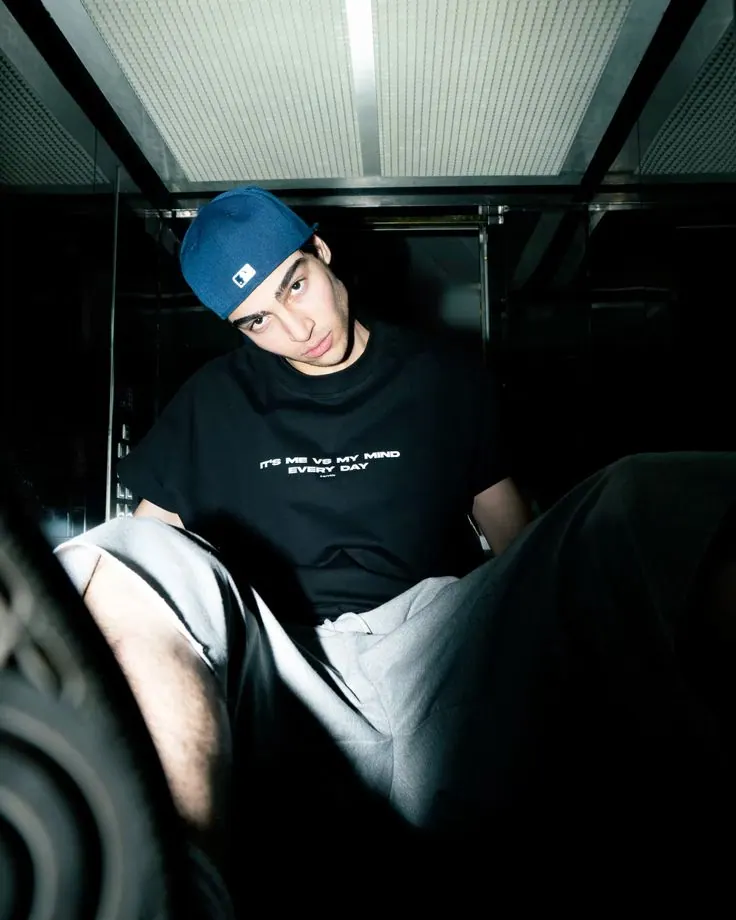
Blue Cap in the Lift
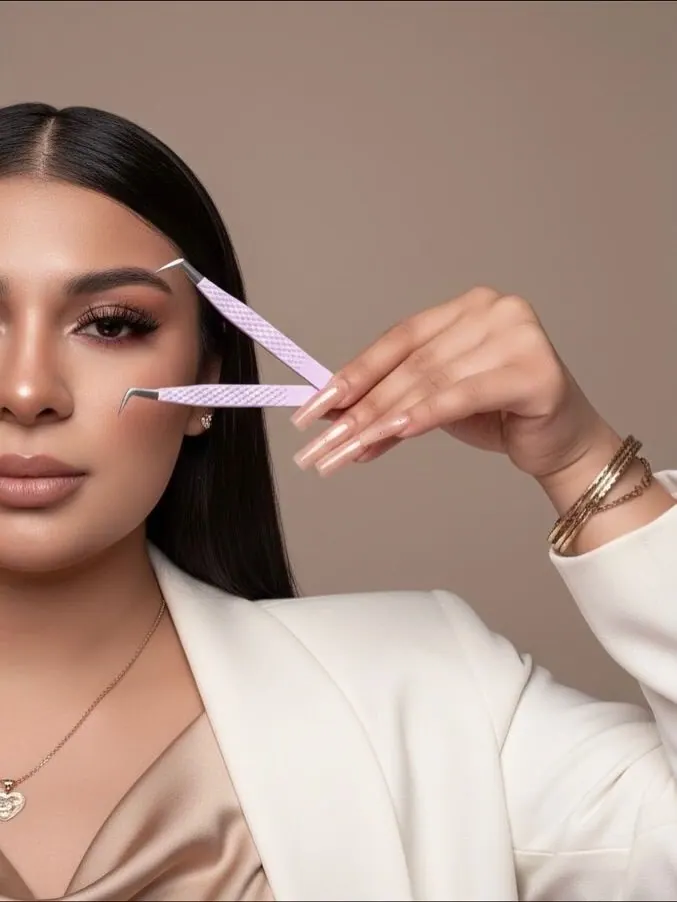
Lash Tweezers Close-Up
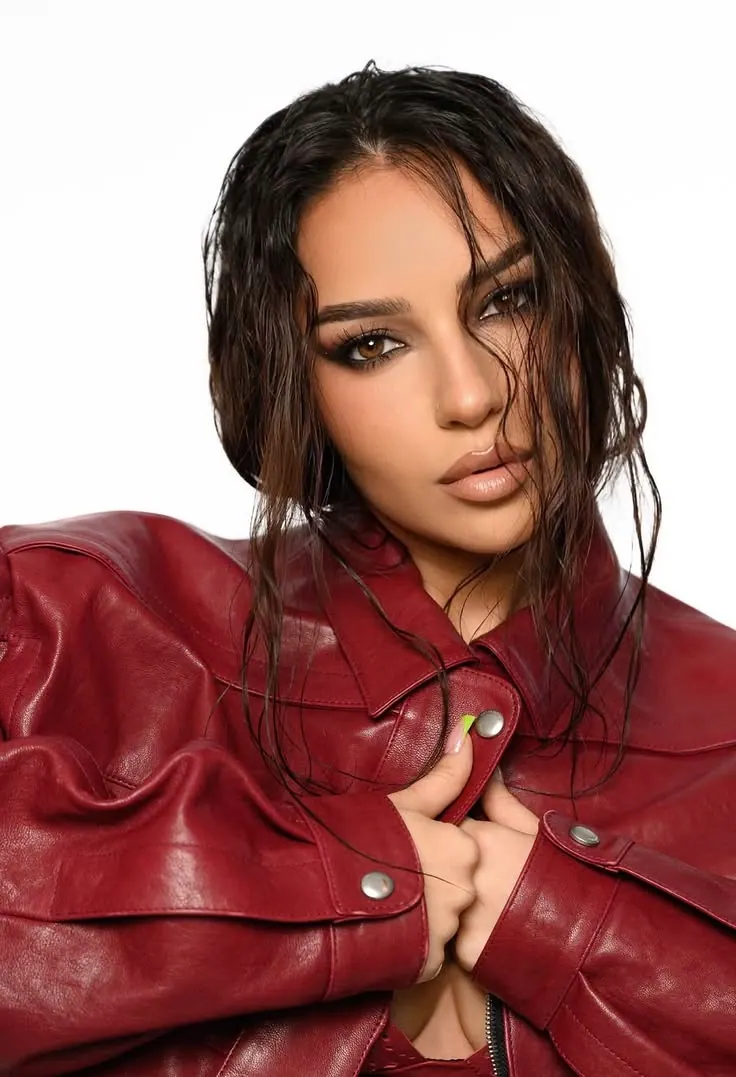
Red Leather on White
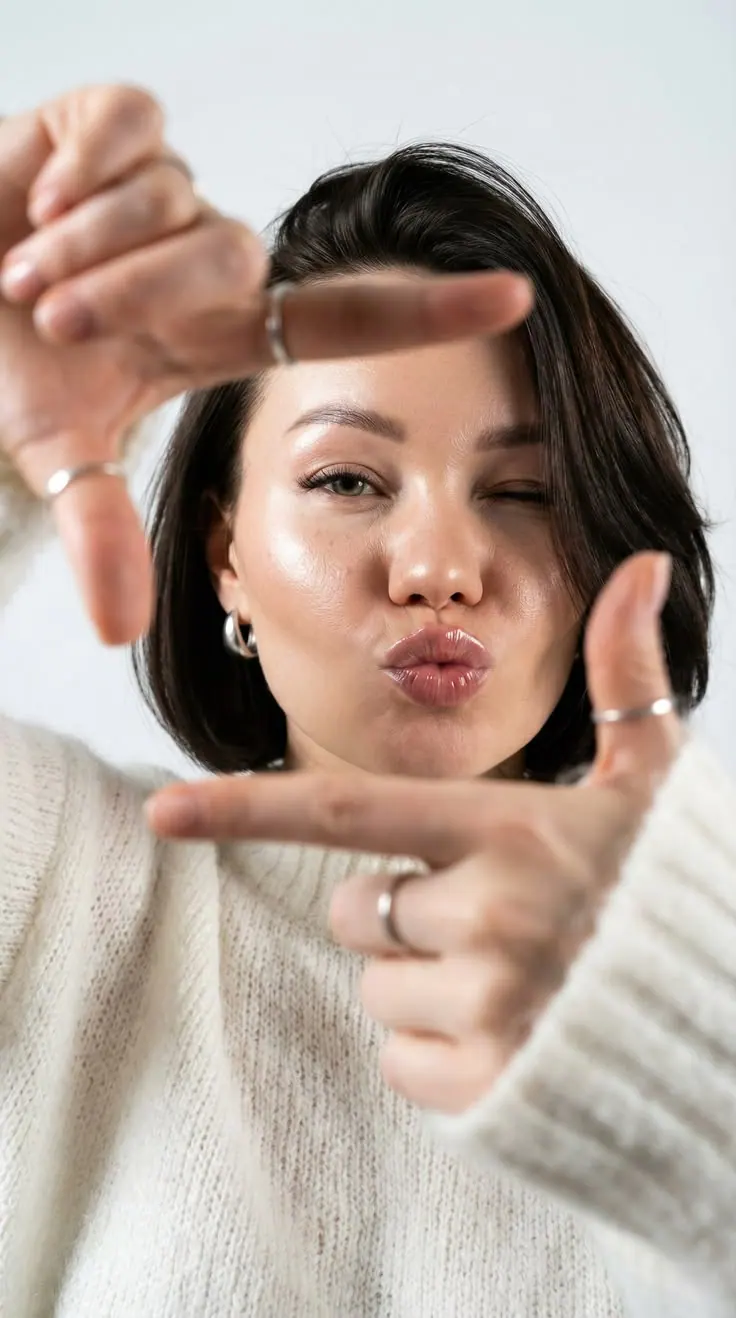
Hands Framing the Face
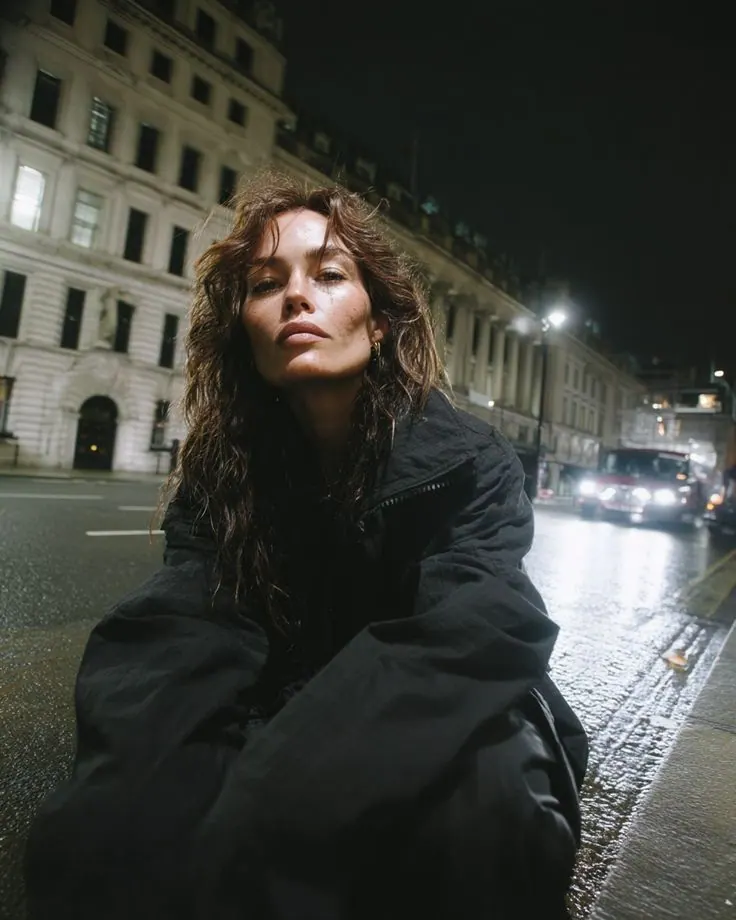
Wet Street at Night
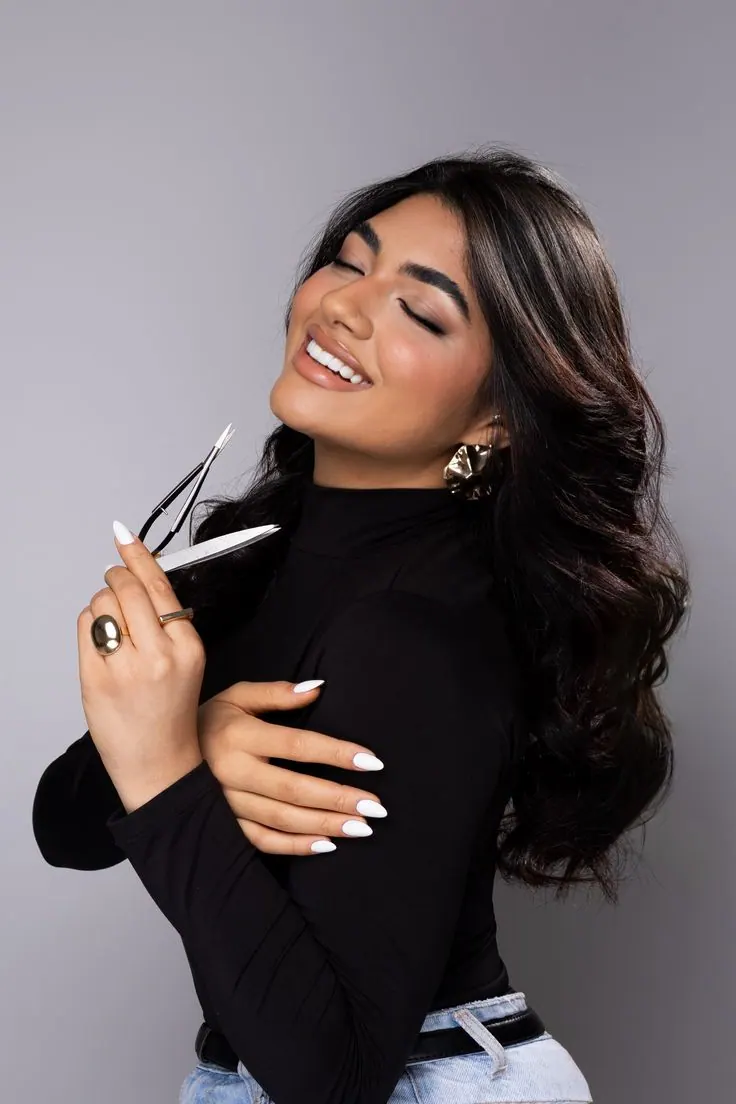
Makeup Brush Smile
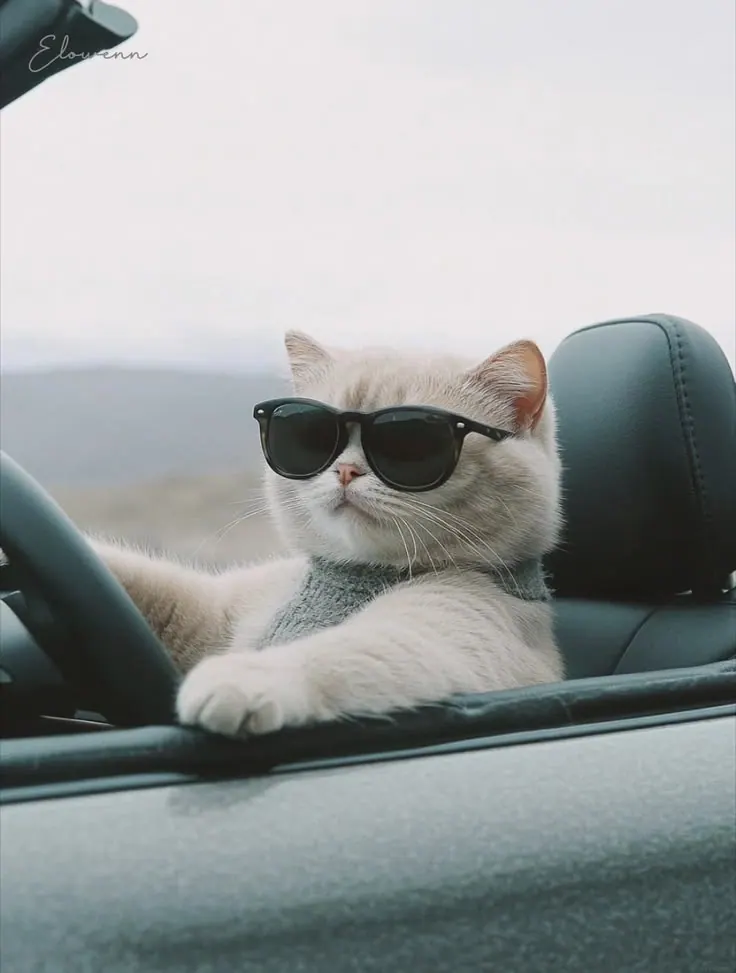
Cat in Sunglasses in a Car
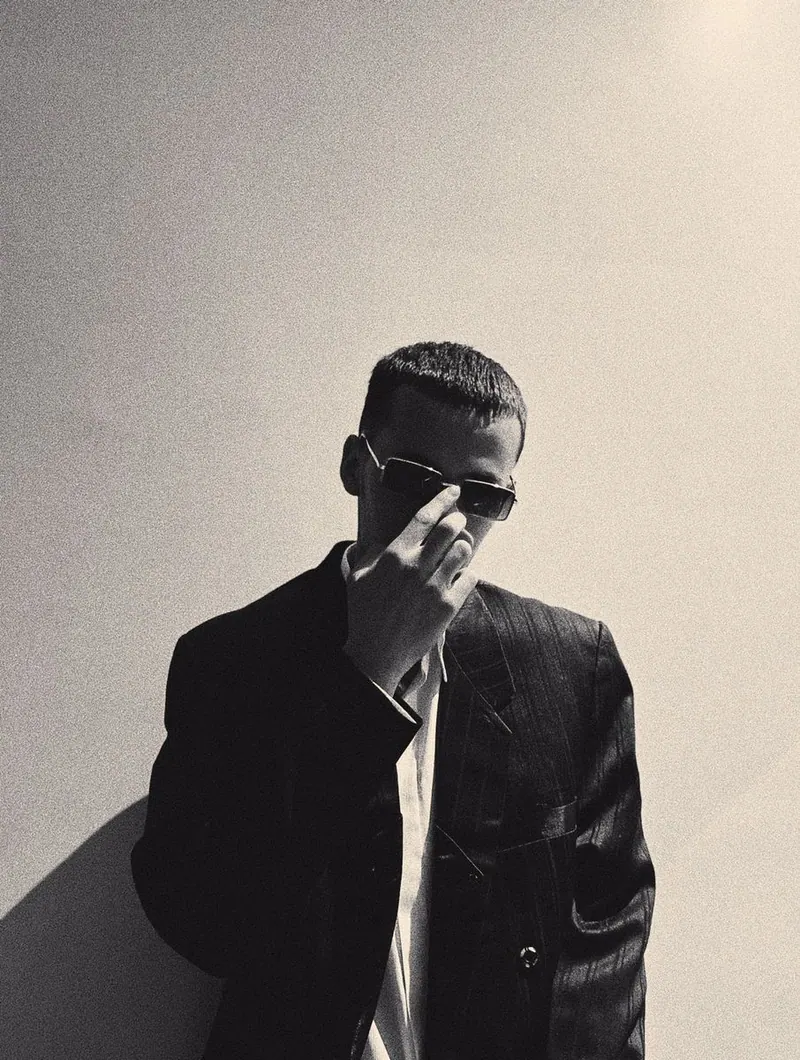
Hat and Suit in Shadow
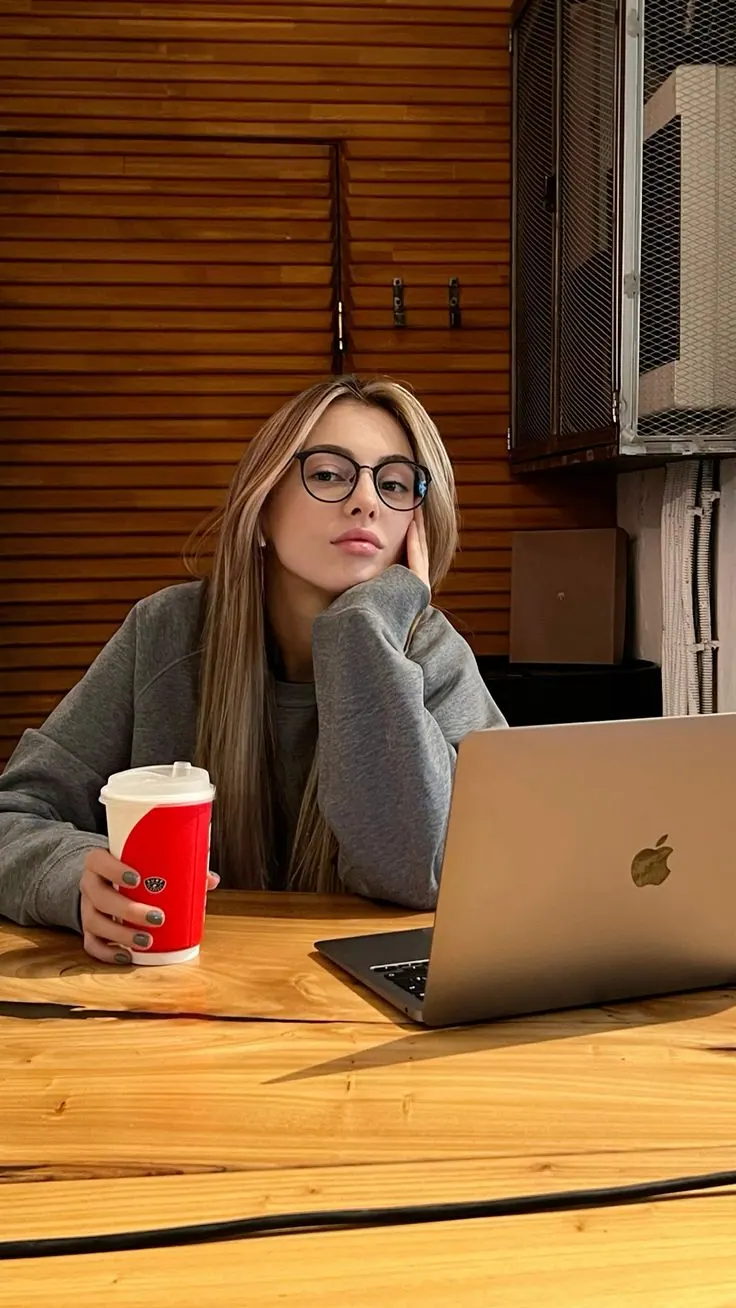
Laptop at the Cafe Table
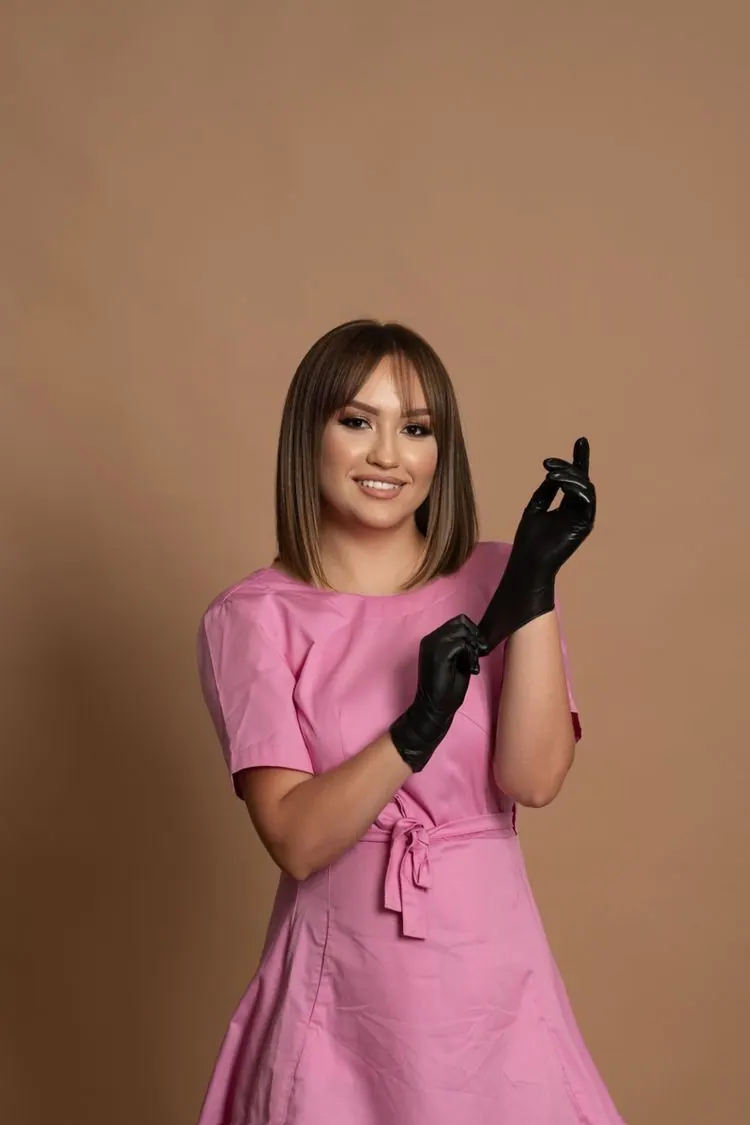
Pink Beauty Uniform
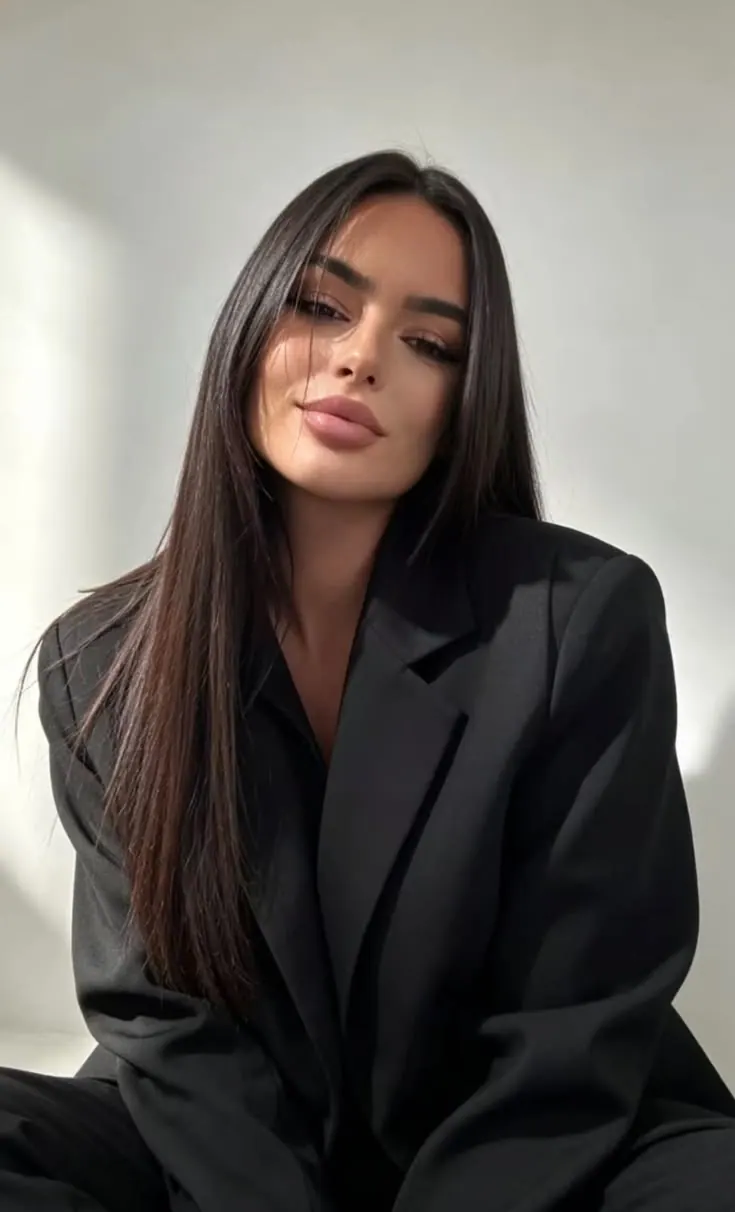
Black Blazer at Home
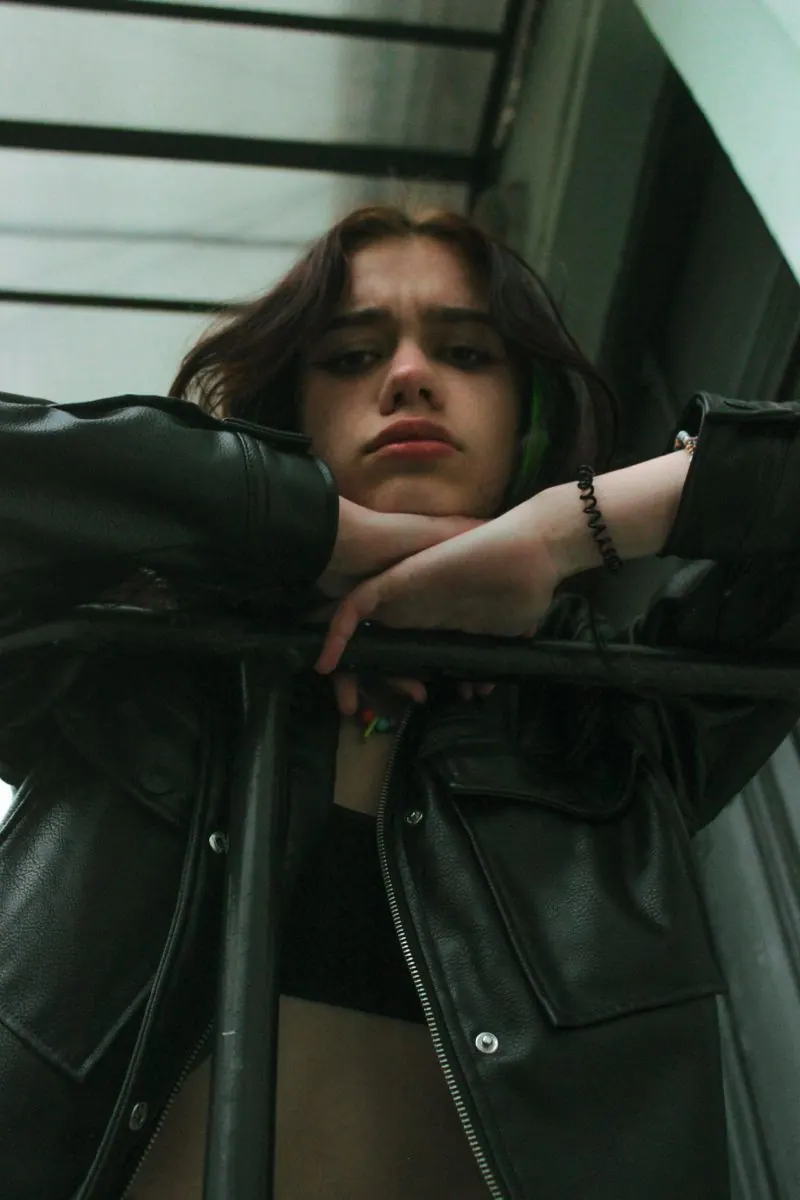
Leather Jacket at the Window
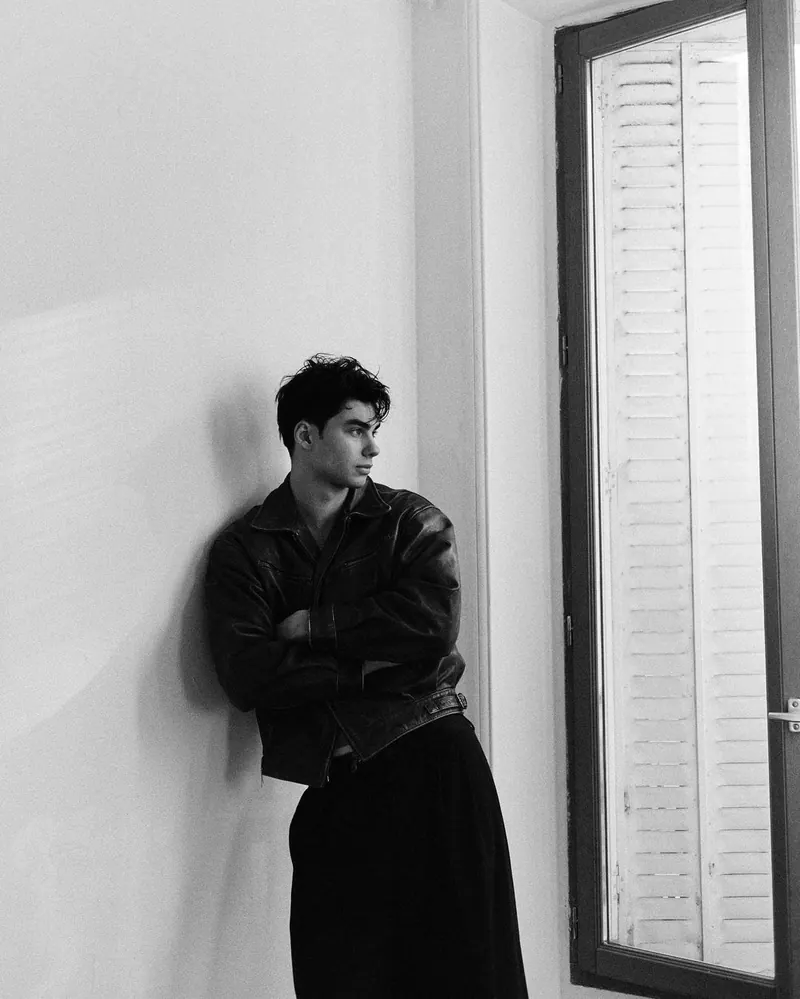
Window Light Black Coat
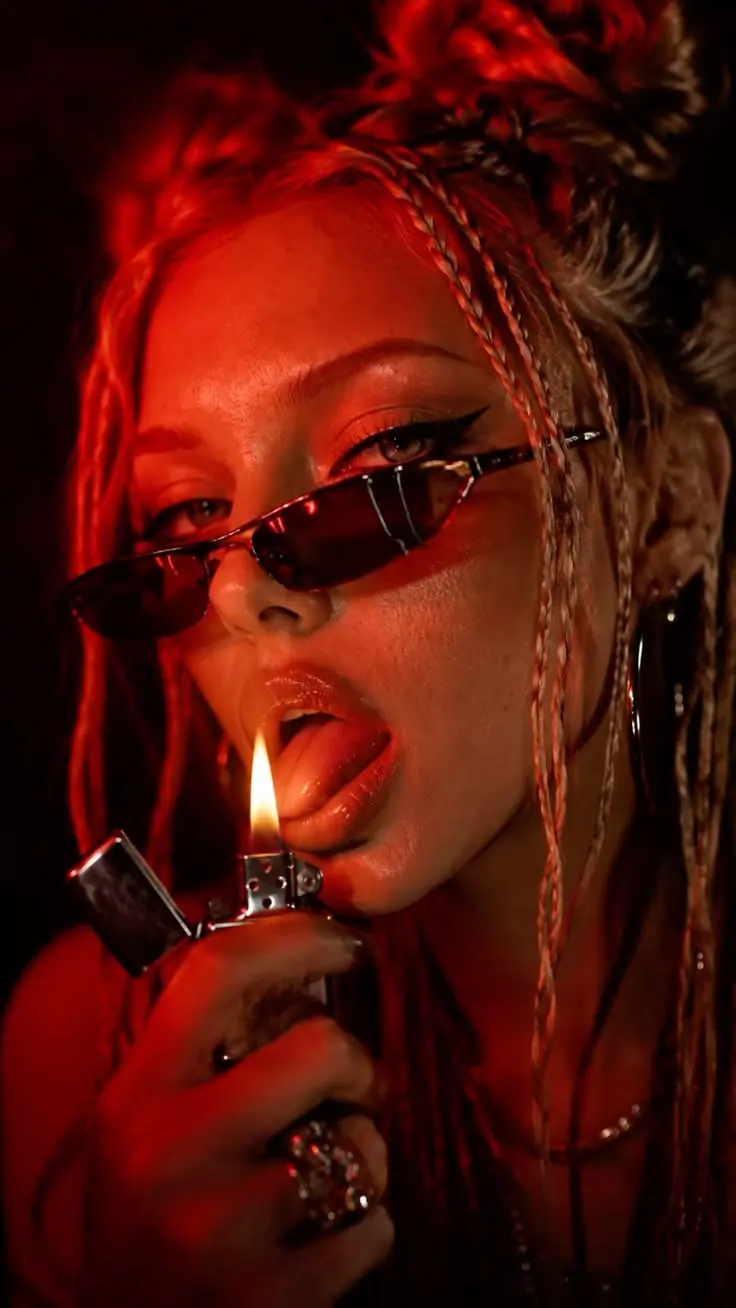
Lighter in Red
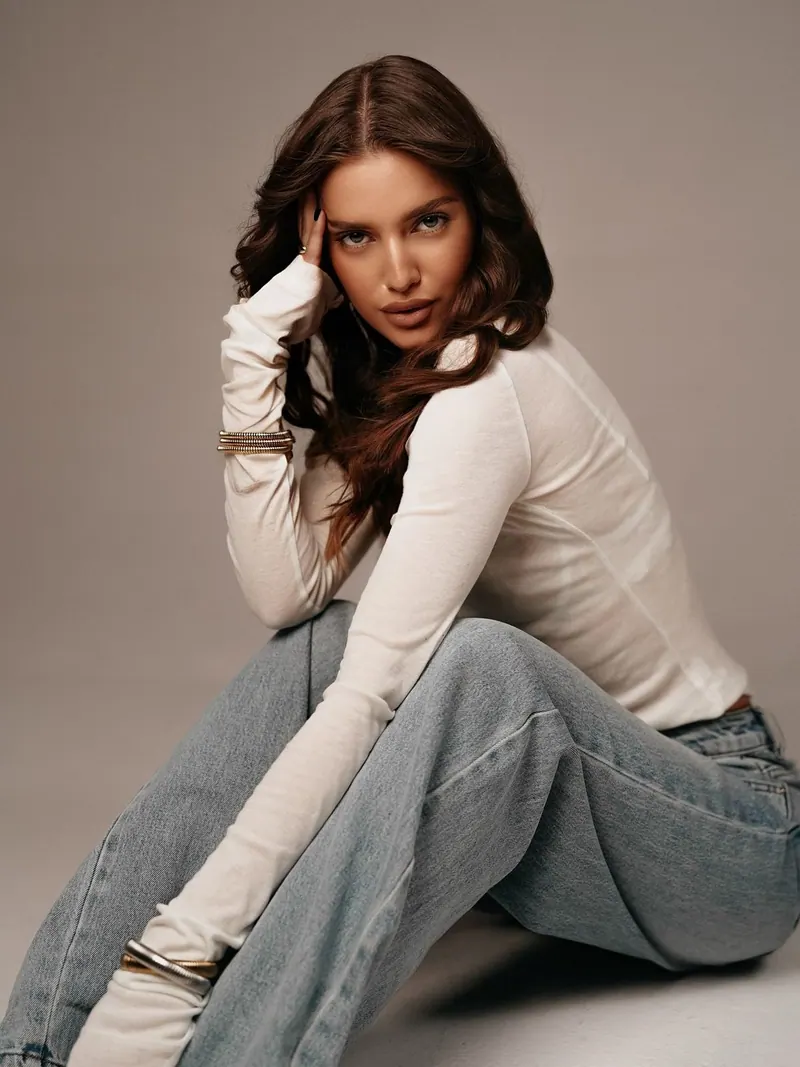
Denim on Grey
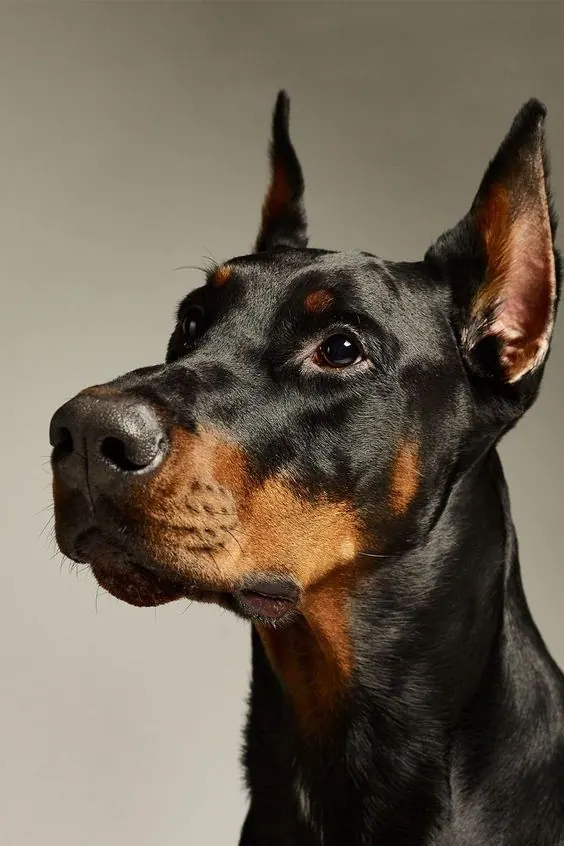
Doberman on Warm Grey
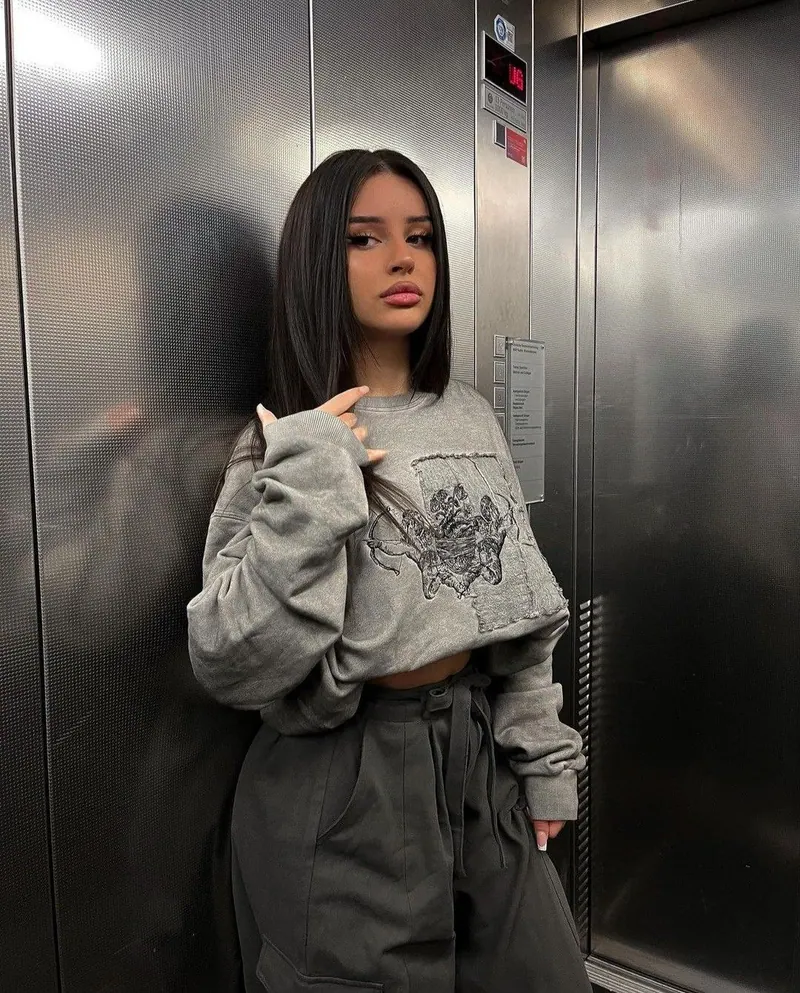
Lift in Grey
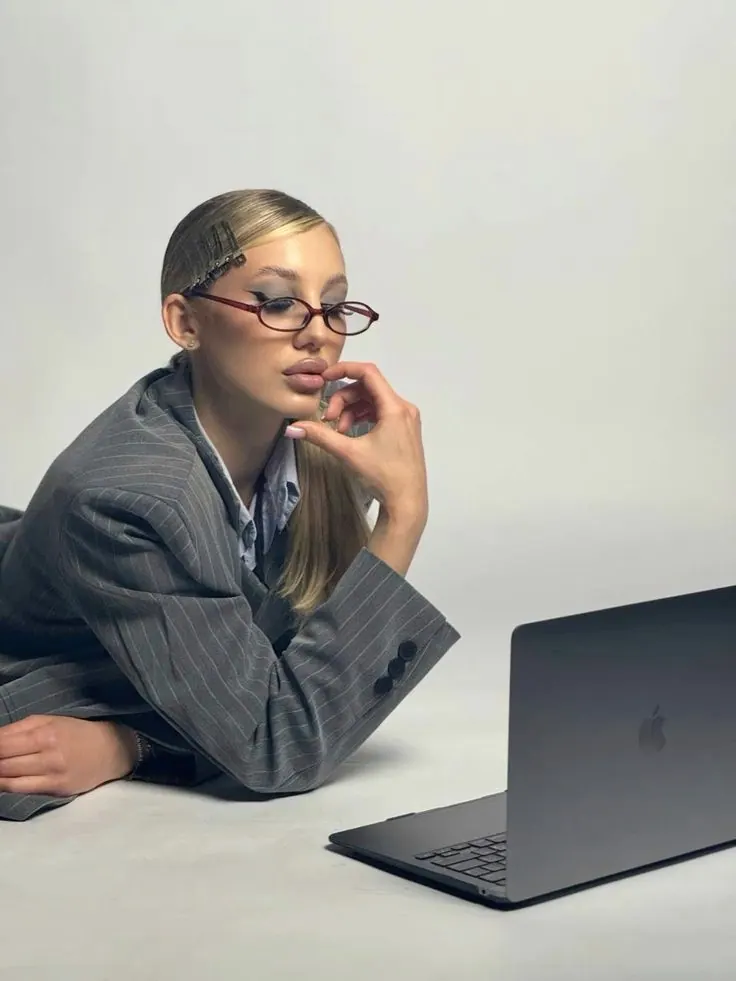
Laptop in Grey Blazer
How it works
Three steps from an example in the catalogue to a finished photo.
Pick a look
Find the style you want in the Photopin catalogue.
Upload your photo
Add a photo of yourself and, if you like, say what to change.
Get your photo
Photopin creates a new image of you in that style.
Pay only for what you get
A package tops up your pin balance. 4 pins = 1 photo, whichever template you pick; spend the balance gradually on any idea.
Trial
99 ₽
4 pins
1 photo · 99 ₽ per photo
Standard
390 ₽
40 pins
10 photos · 39 ₽ per photo
Popular
999 ₽
120 pins
30 photos · 33.30 ₽ per photo
Maximum
1,690 ₽
240 pins
60 photos · 28.17 ₽ per photo
Maximum
Enough for 60 photos
- Pins
- 240
- Total
- 1,690 ₽
Answers to common questions
Still not sure? Write to support — we reply the same day.
Photos where your face is clearly visible and not covered by hair, sunglasses or your hand. A few shots from different angles, in good light and without heavy filters, give the best likeness.
The better your source photos, the closer the likeness. Two to four clear shots are usually enough for your features to stay recognisable.
A few minutes. You can close the page — the photo keeps generating and appears in your account and in notifications when it is ready.
Yes. The photos you generate are yours to use — for your social profiles, your online store, your portfolio or your ads. Photopin claims no rights over them.
No. Your uploads and results are kept in private storage, reachable only by you through short-lived links, and are deleted automatically after the retention period. We never publish them and never use them to train models.
Pins are charged only once the finished file exists. If something goes wrong technically, your pins stay on your balance and you can run it again with one button.
A JPG in the aspect ratio you picked: 1:1 for a square, 4:5 for a feed post, 9:16 for a story.
More from Photopin
A photo you already have can become more than one thing in Photopin.