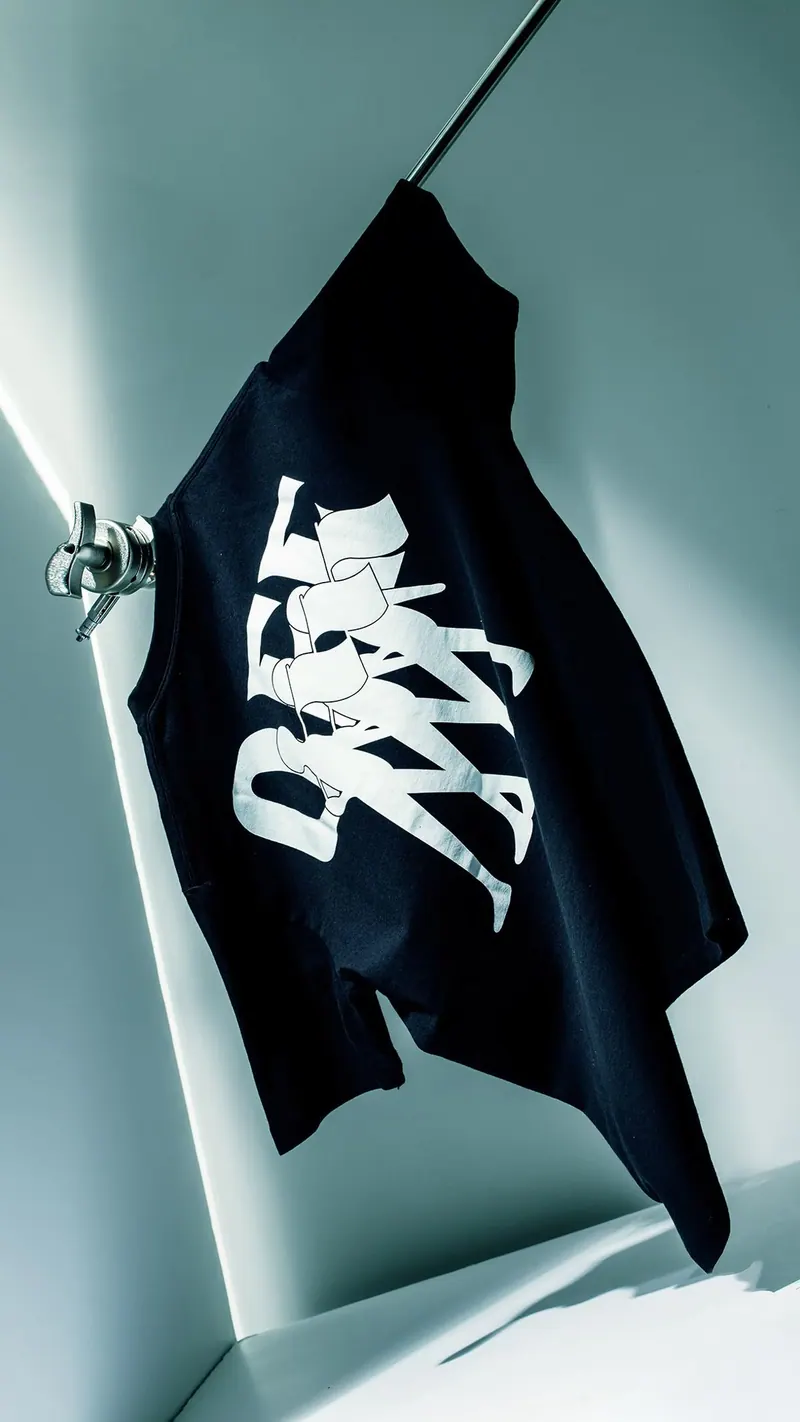
AI prompts for clothing photos
Ready-made scenes for clothing, shoes and accessories: on a model, on a clean background, as a flat lay or in a lifestyle shot. Every template includes the prompt and composition.
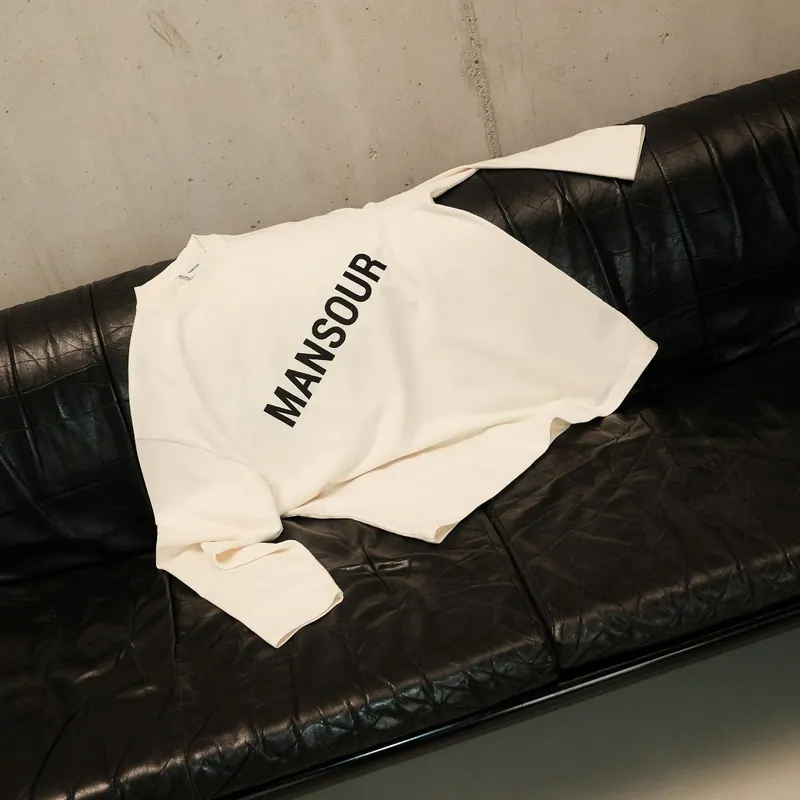
Tee on Leather
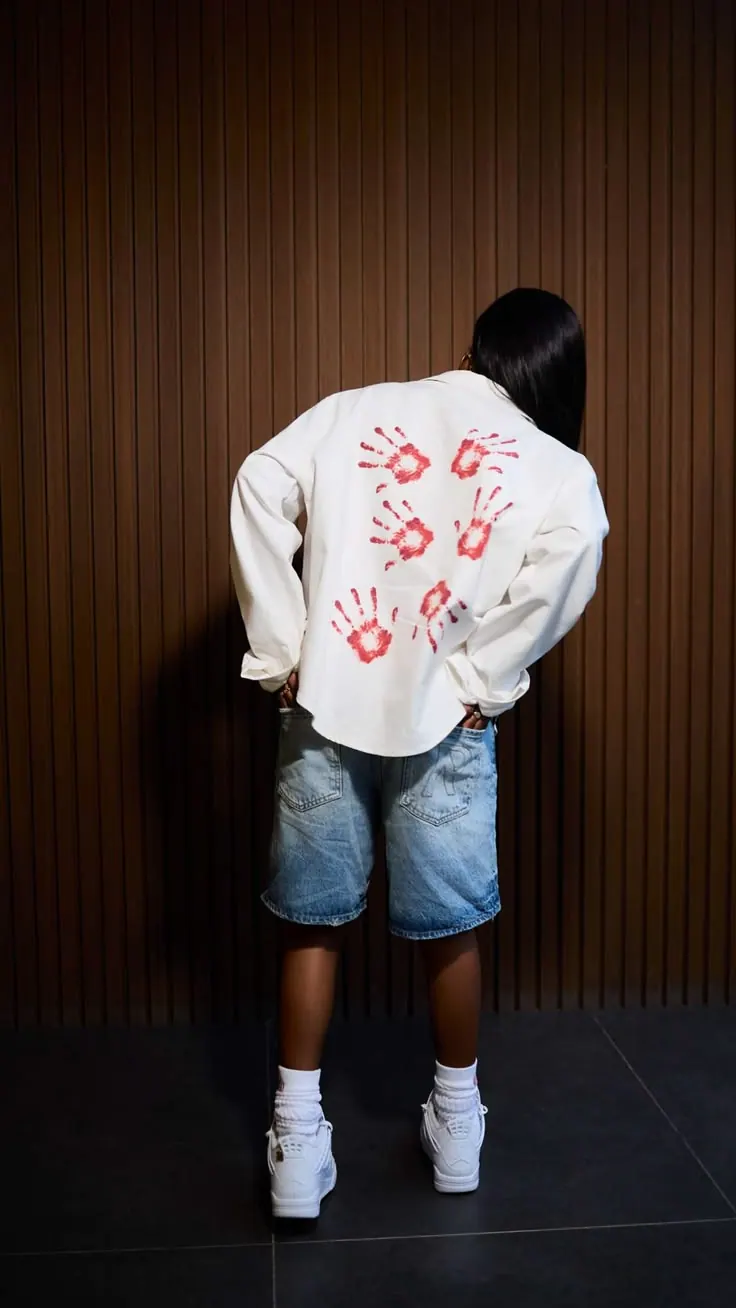
Back Print
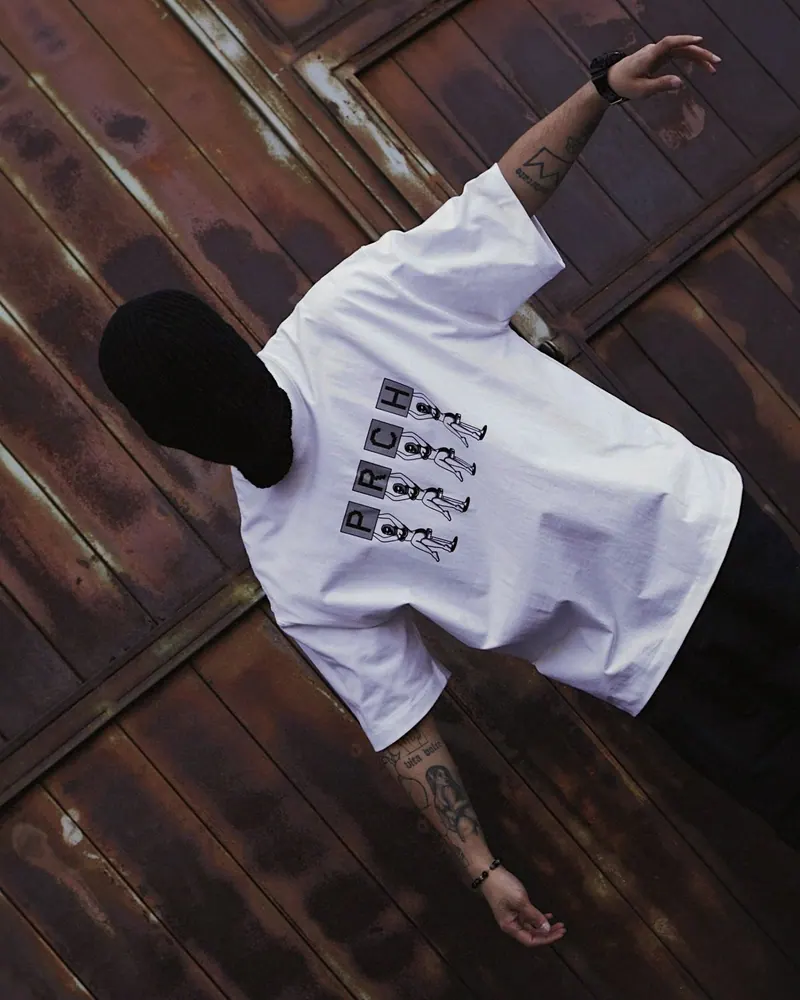
Tee on the Floor
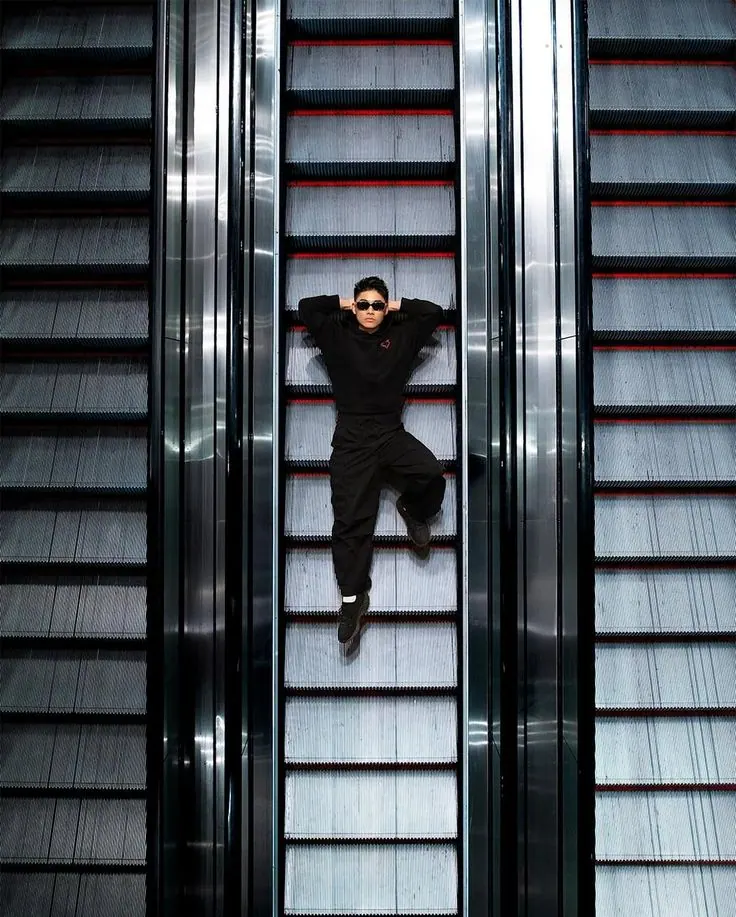
Escalator
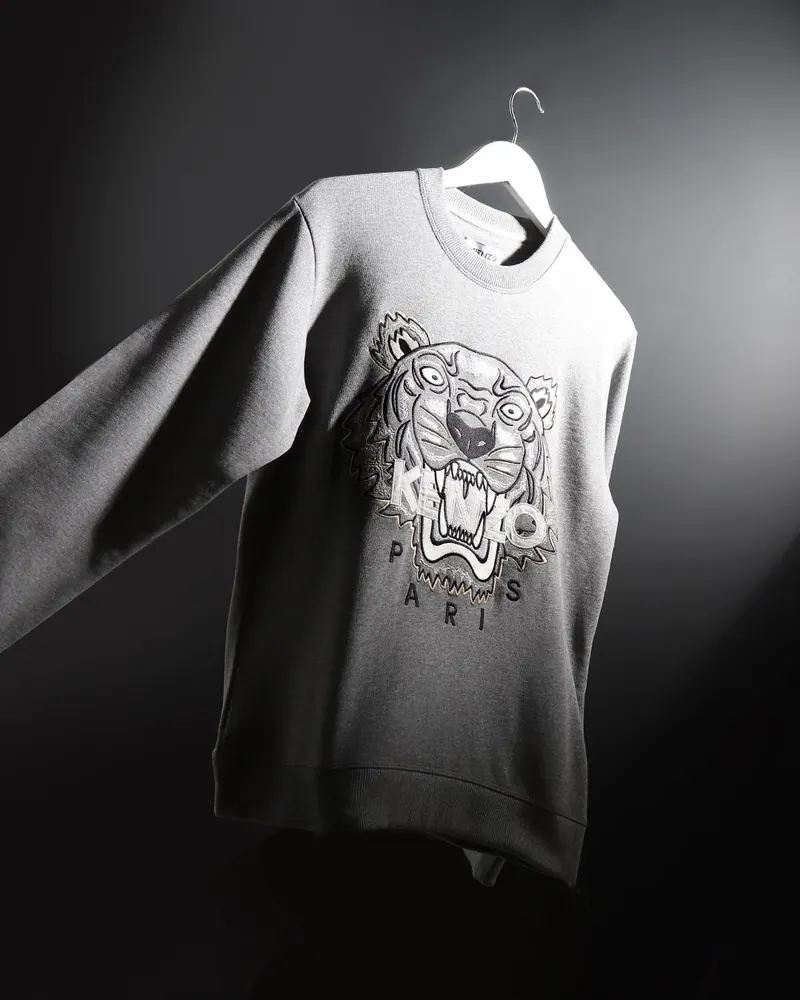
Sweatshirt on a Hanger
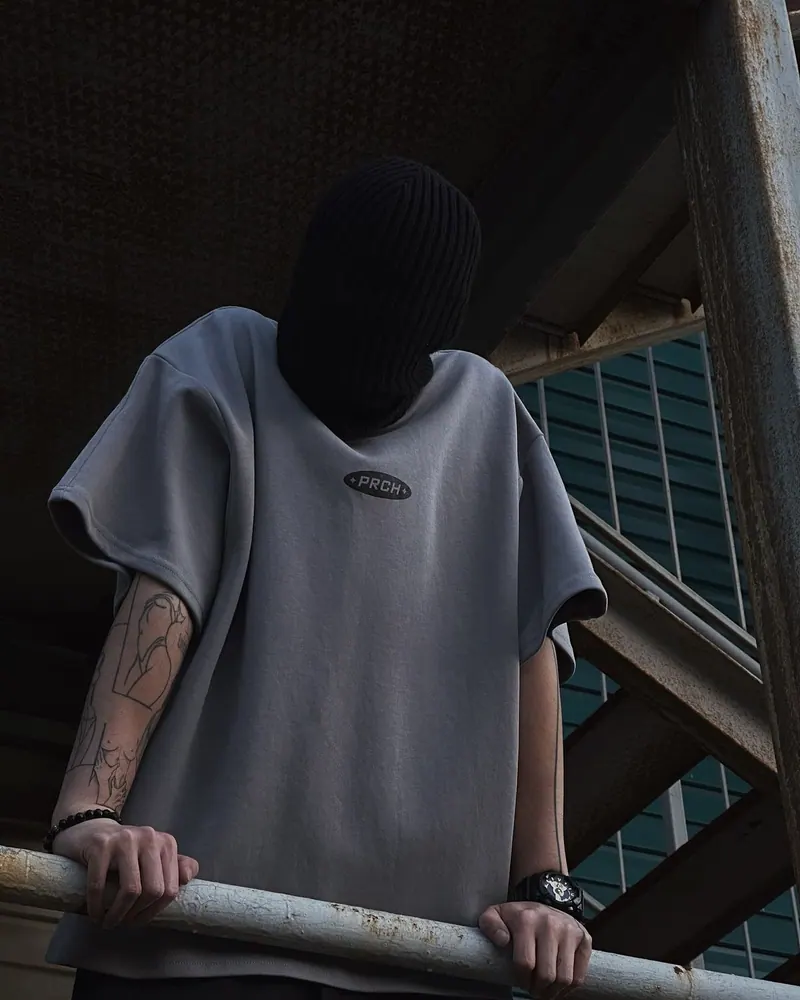
Dark Railing
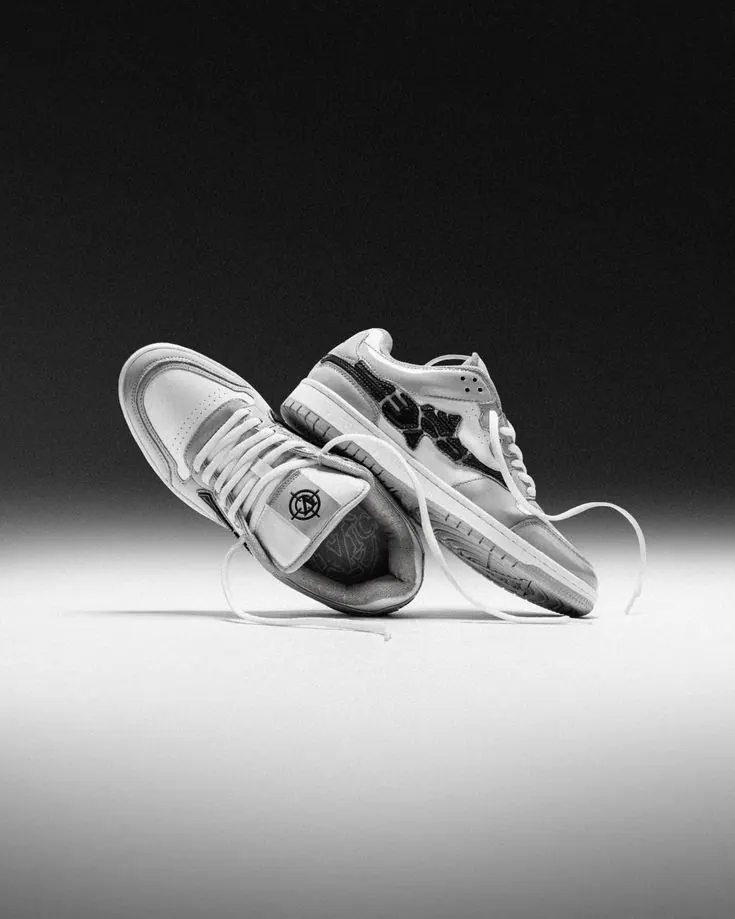
Sneakers in Studio
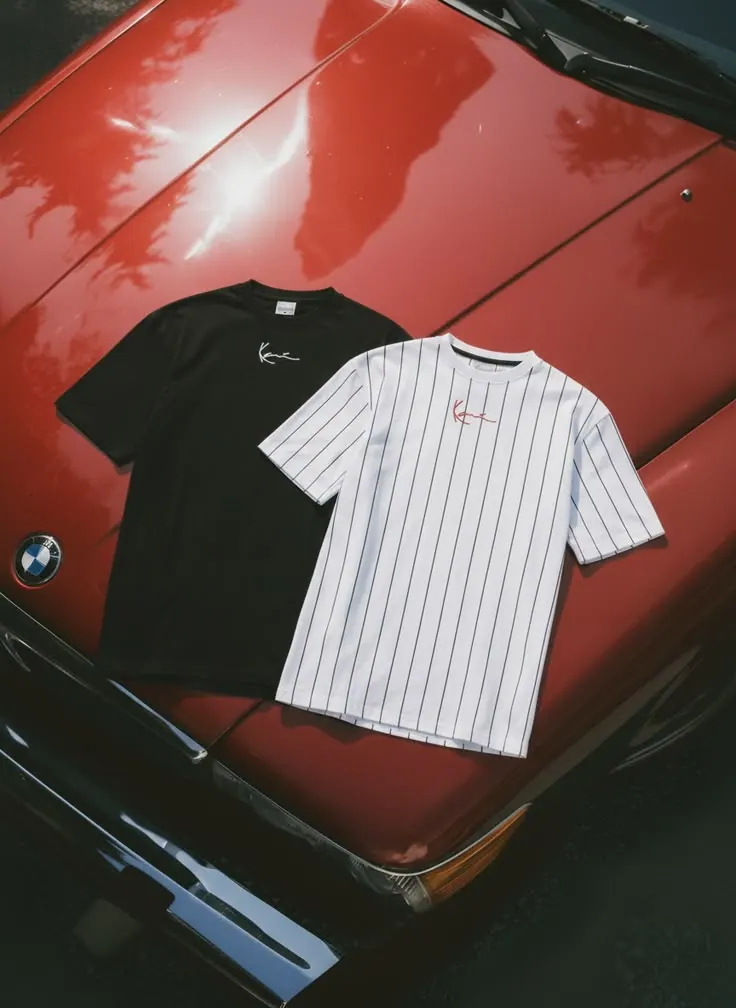
Tees on the Bonnet
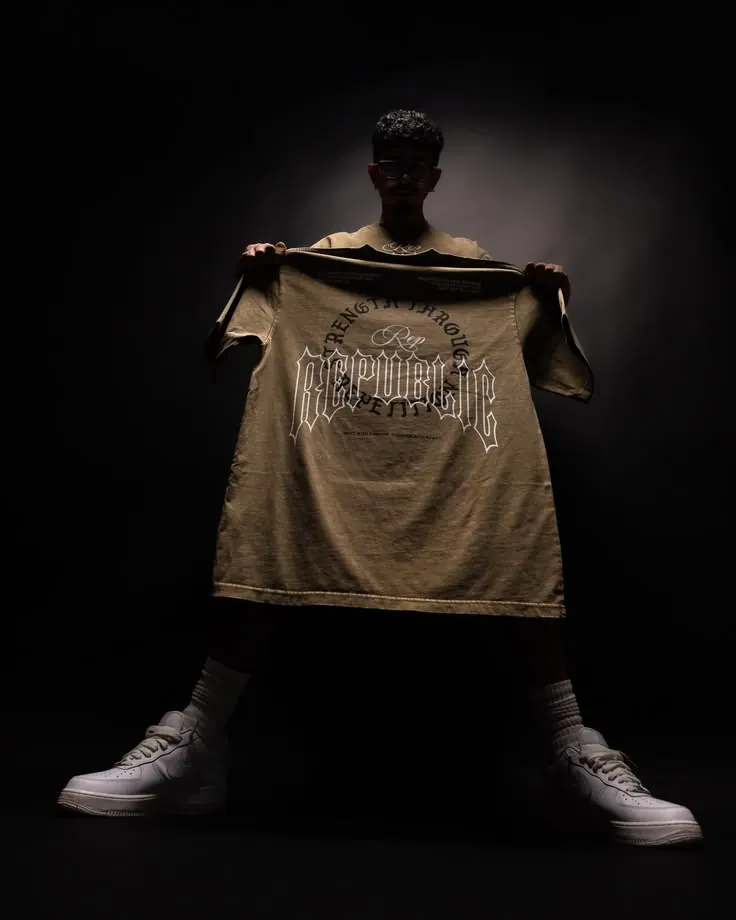
Tee in the Dark
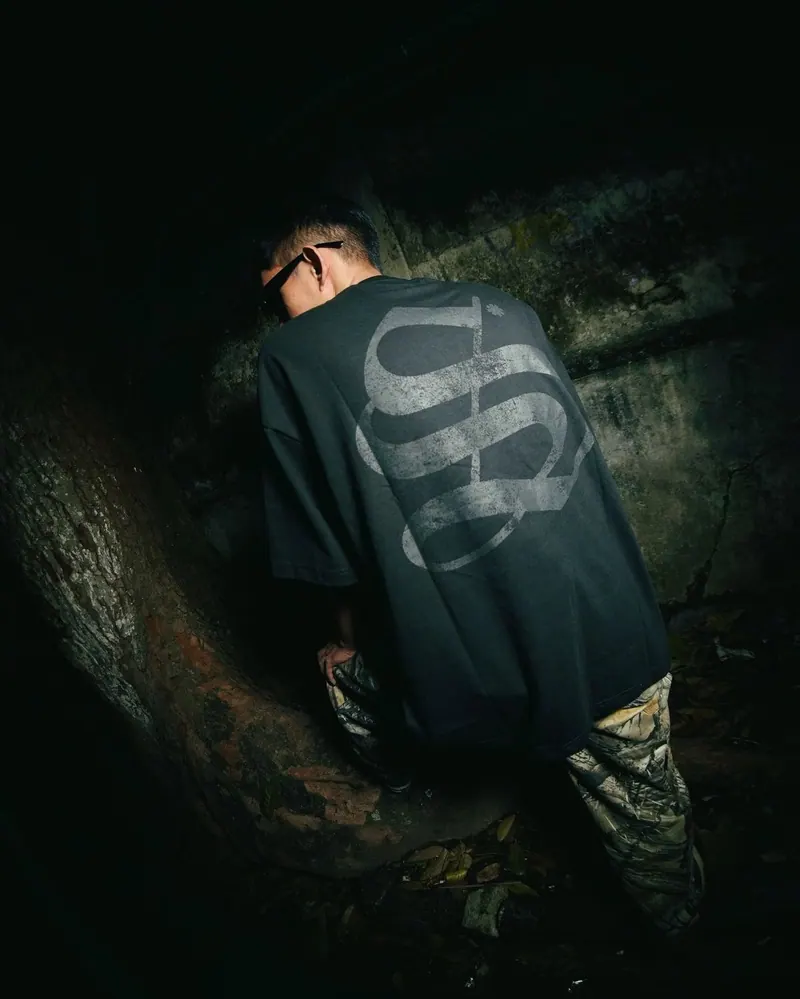
Print on Wet Rocks
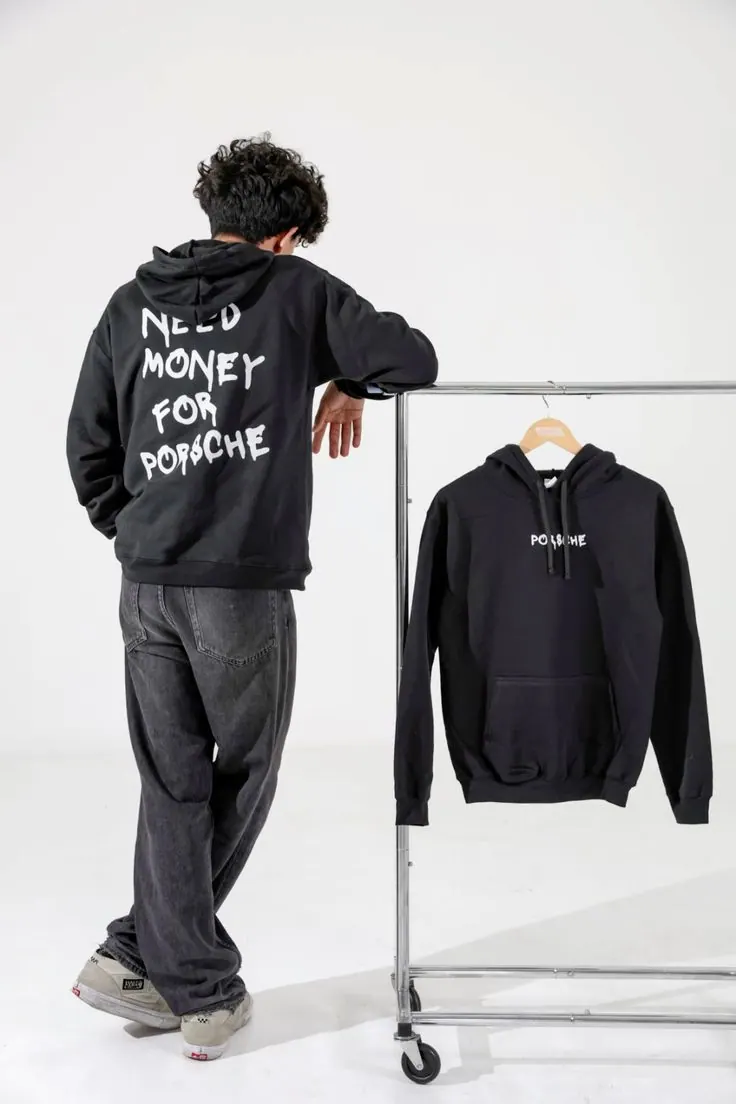
Hoodie on a Rail
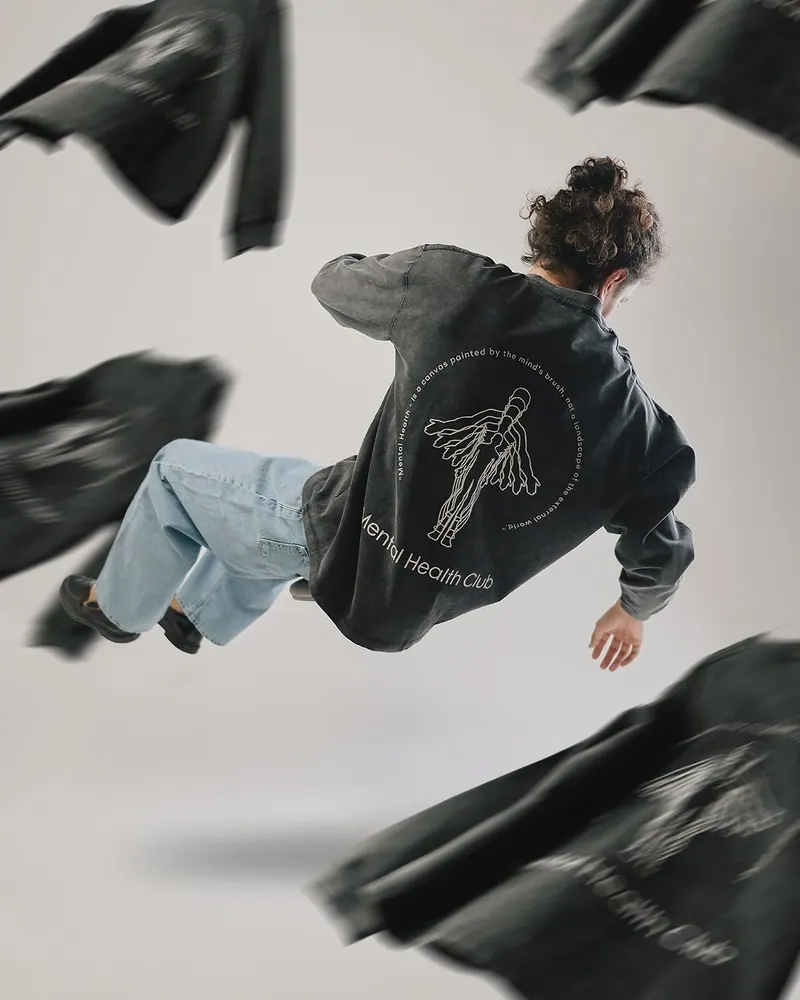
Sweatshirt in Motion
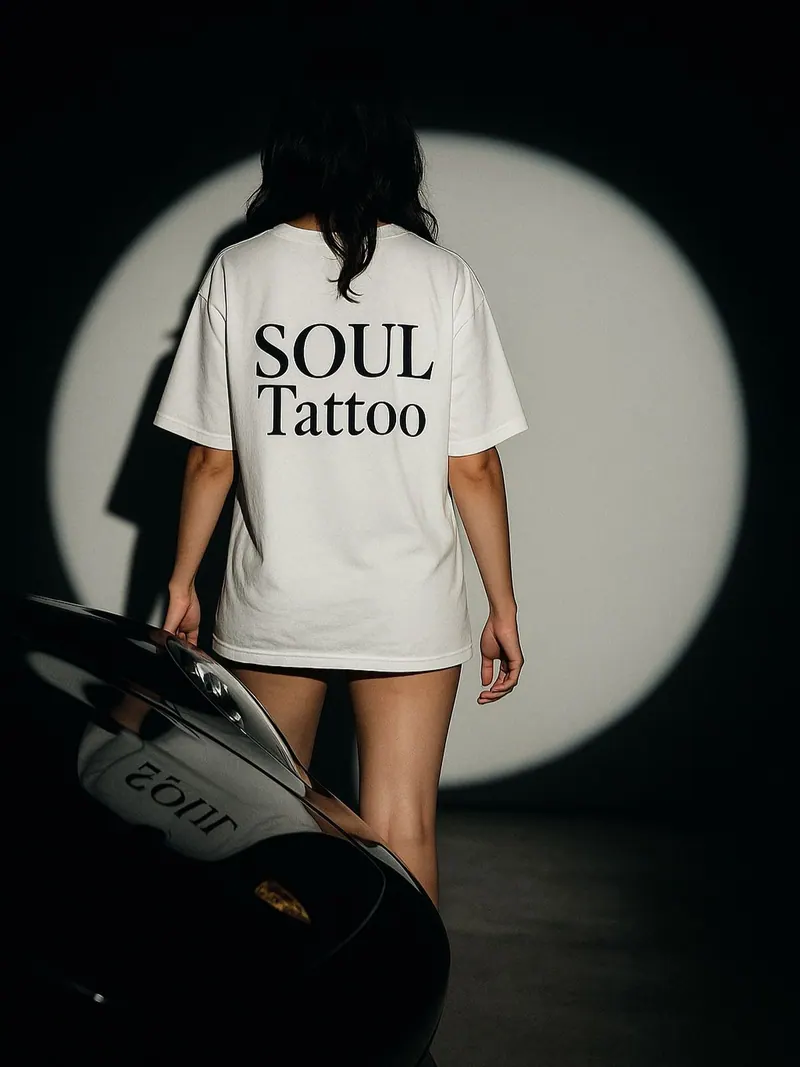
Spotlight Tee
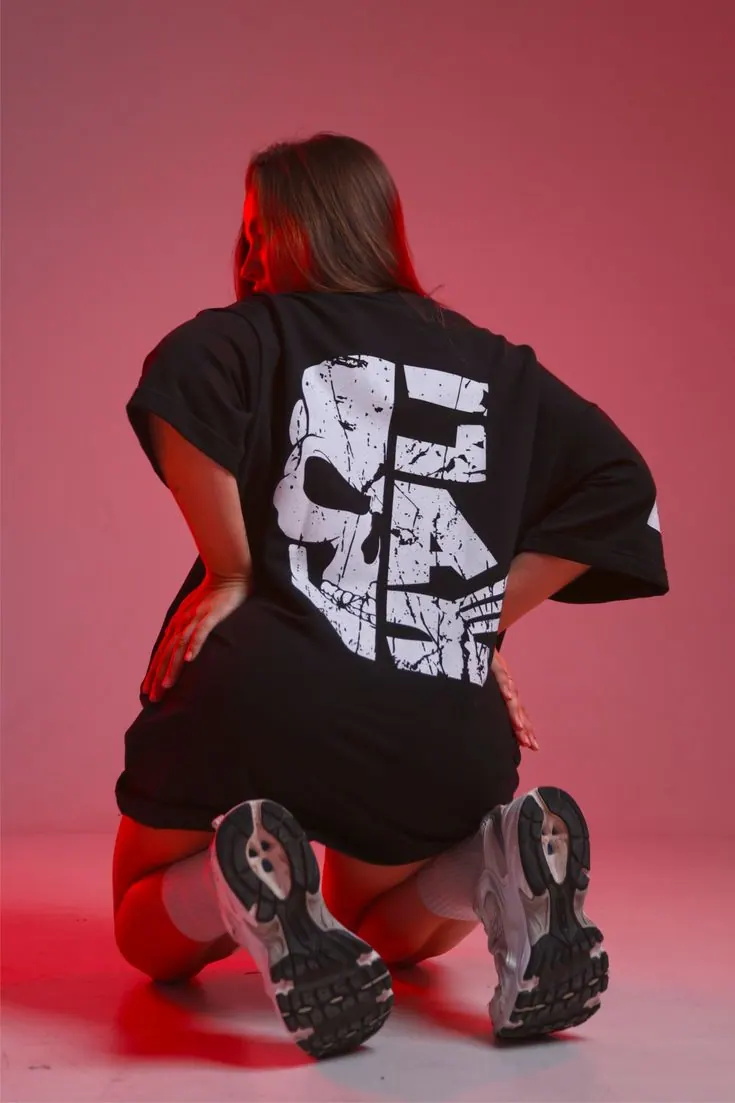
Pink Light
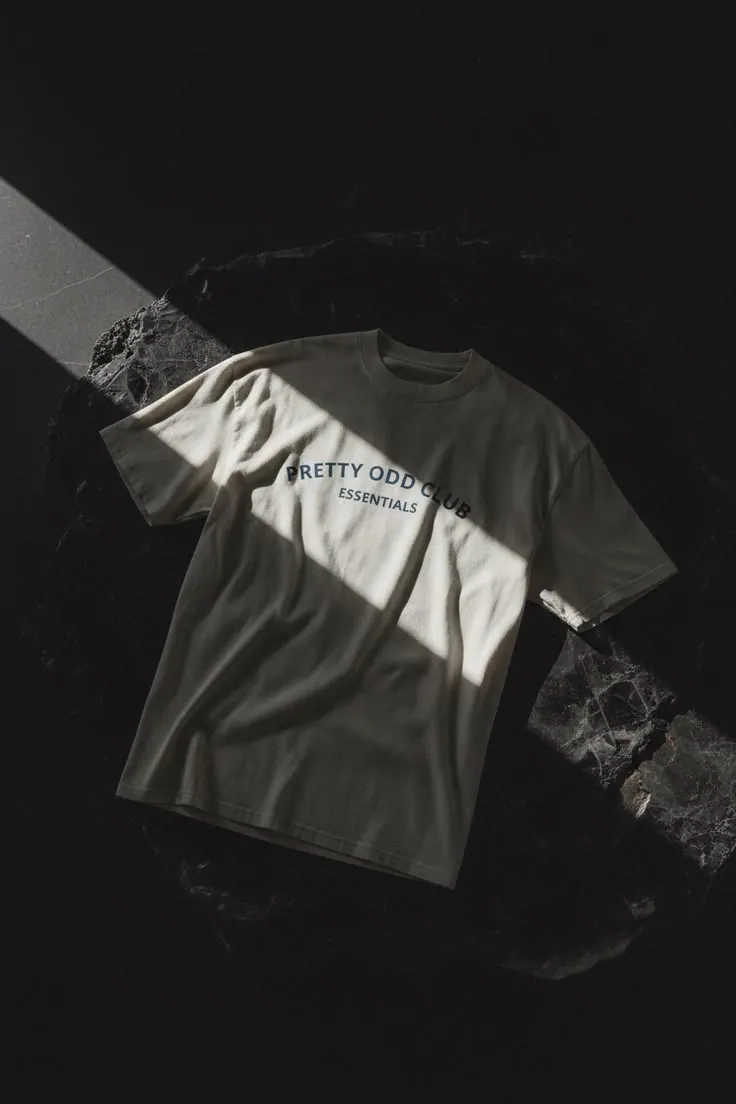
Tee on Concrete
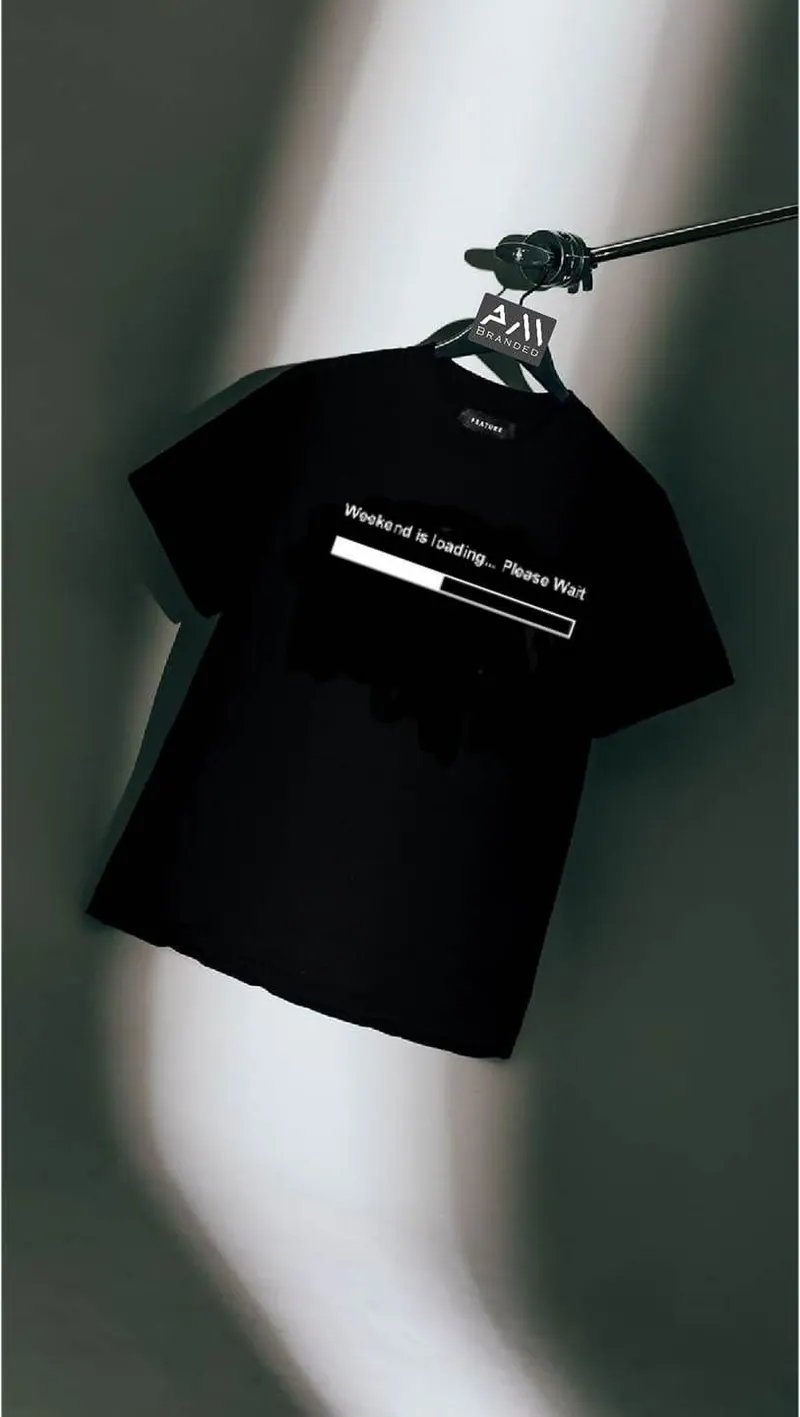
Tee on a Wire
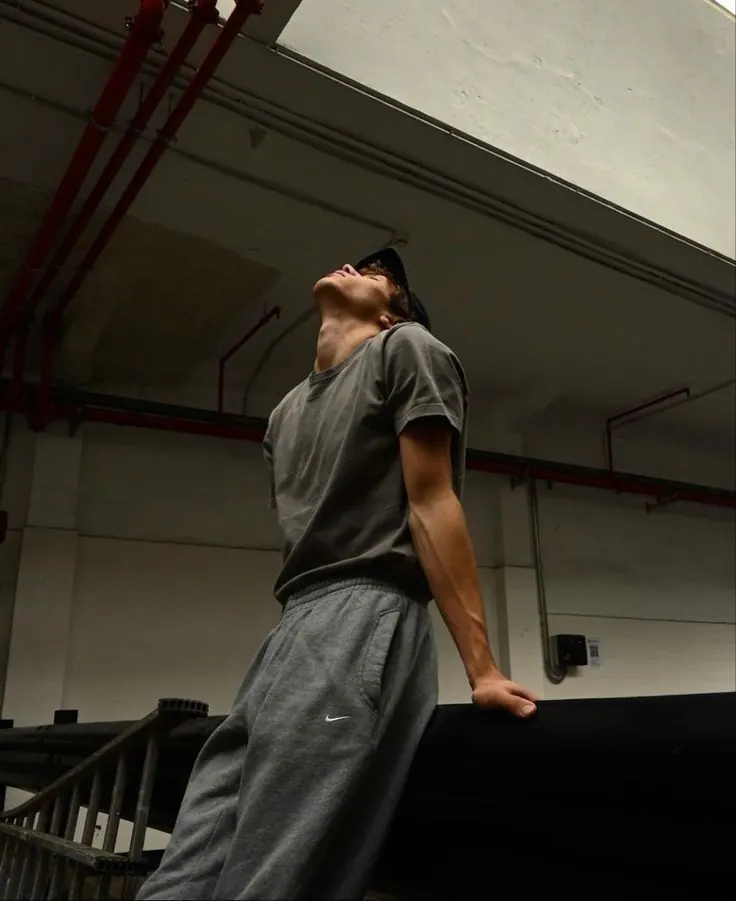
Parking Level
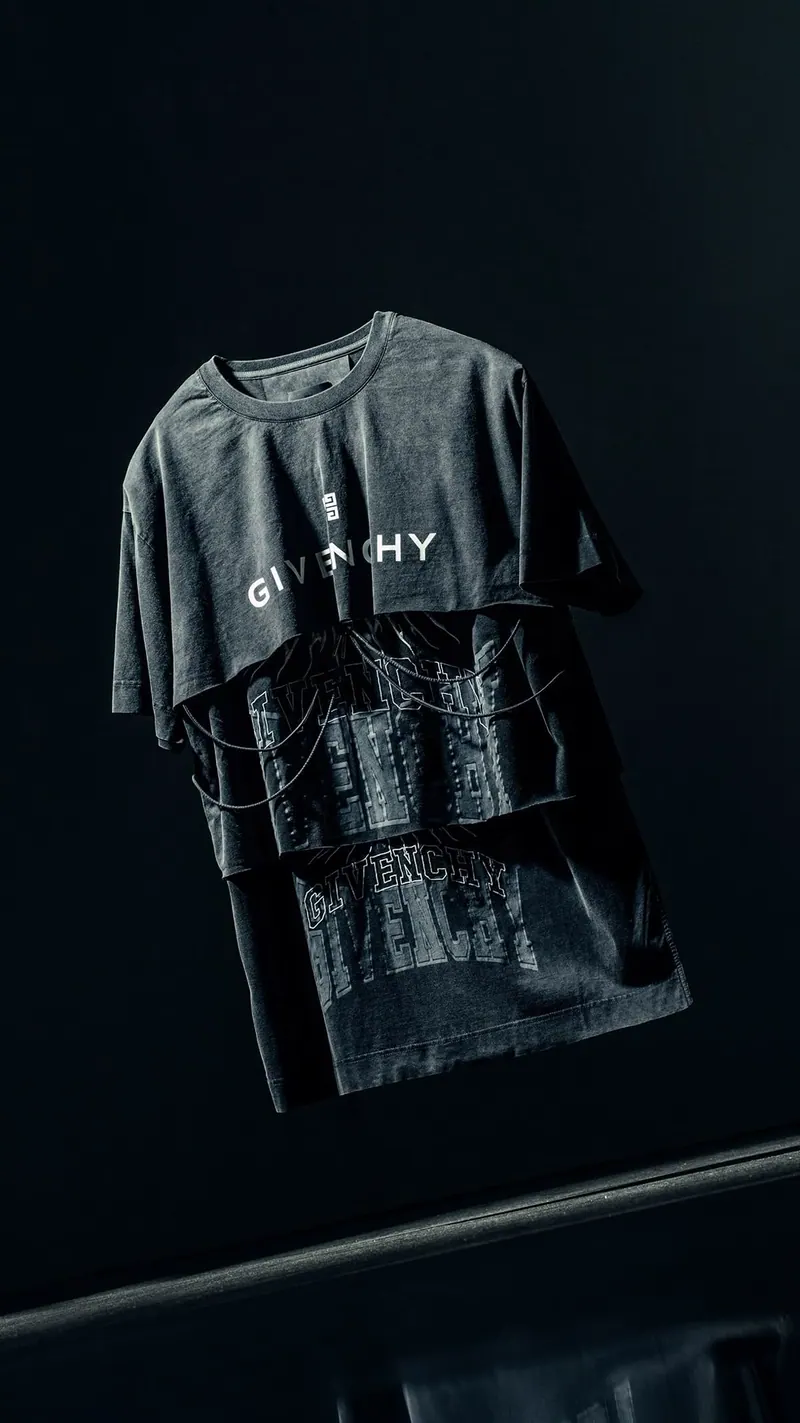
Two Tees
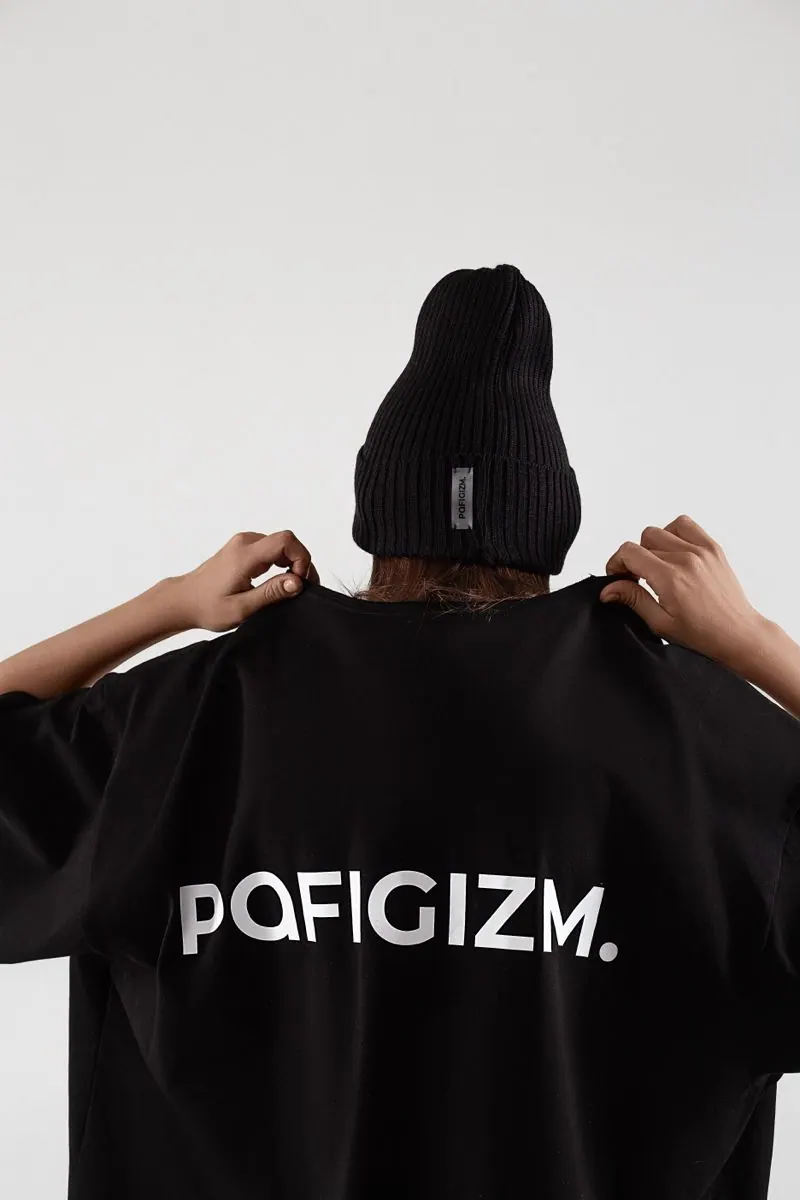
Lettering on the Back
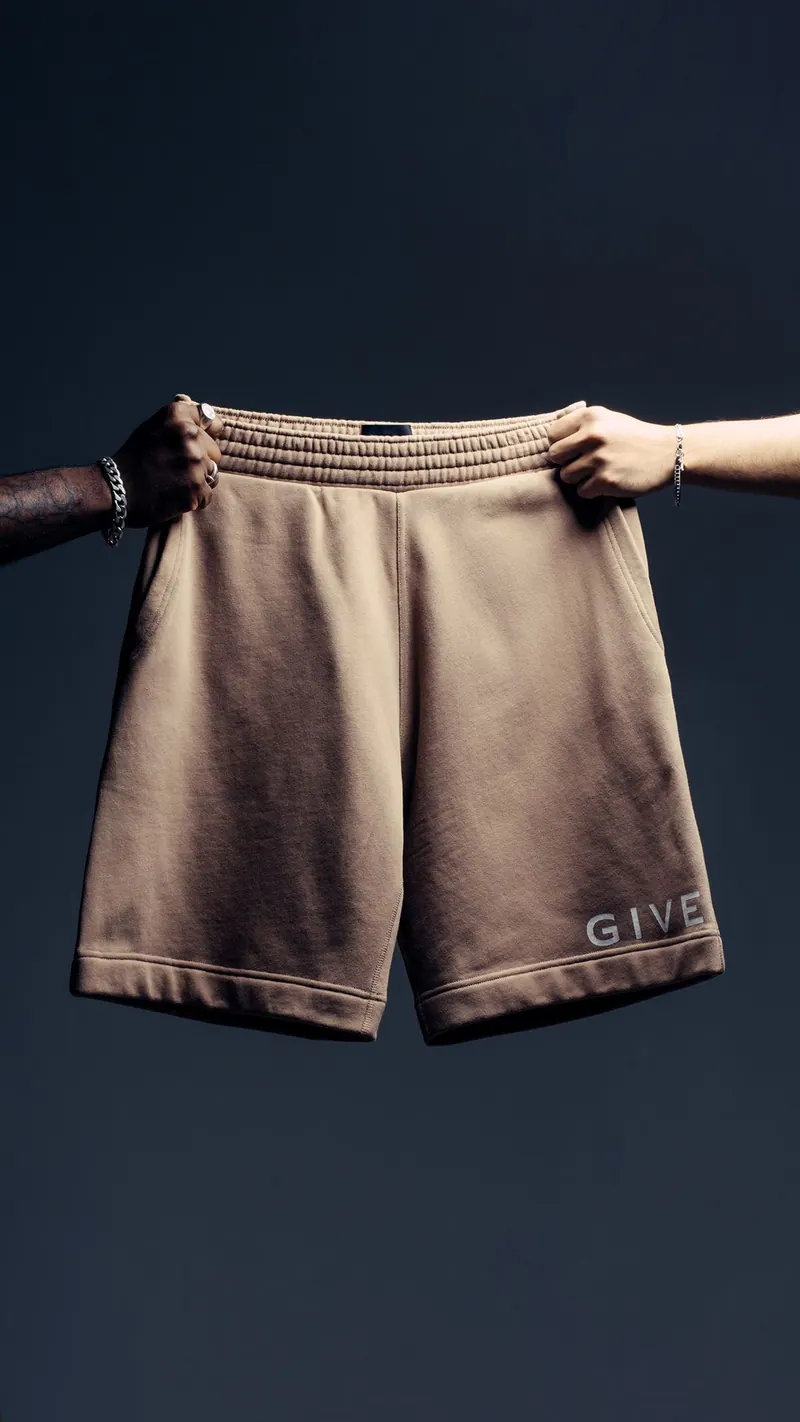
Shorts in Hands
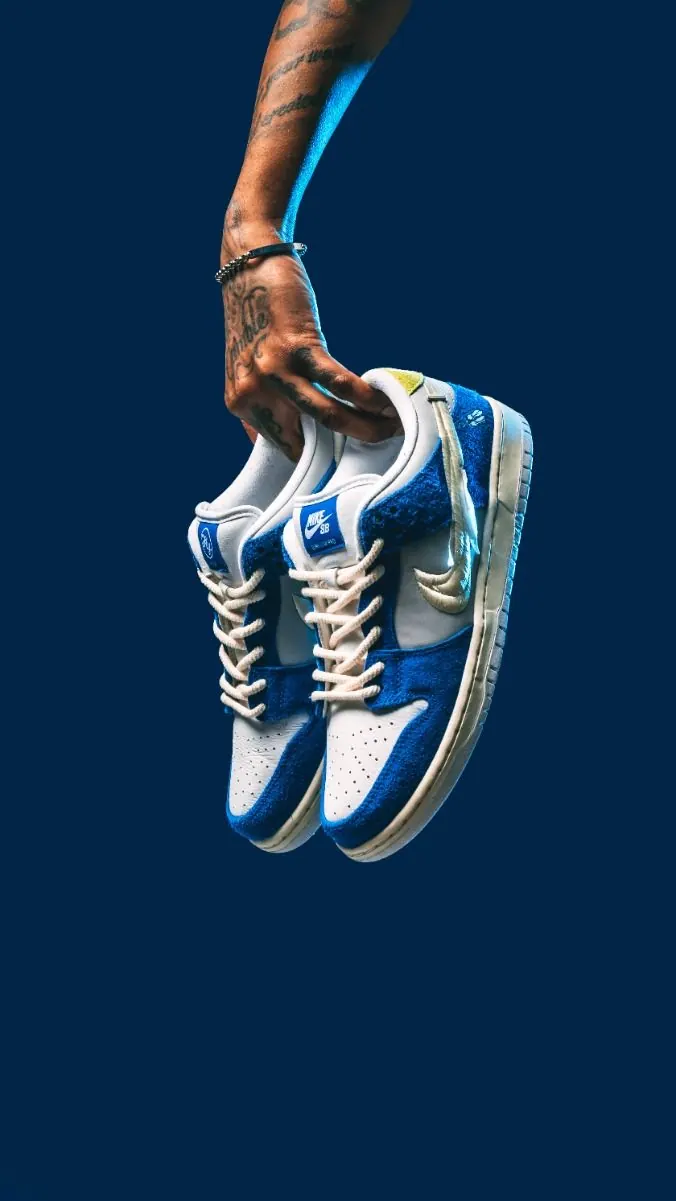
Sneakers in Hand
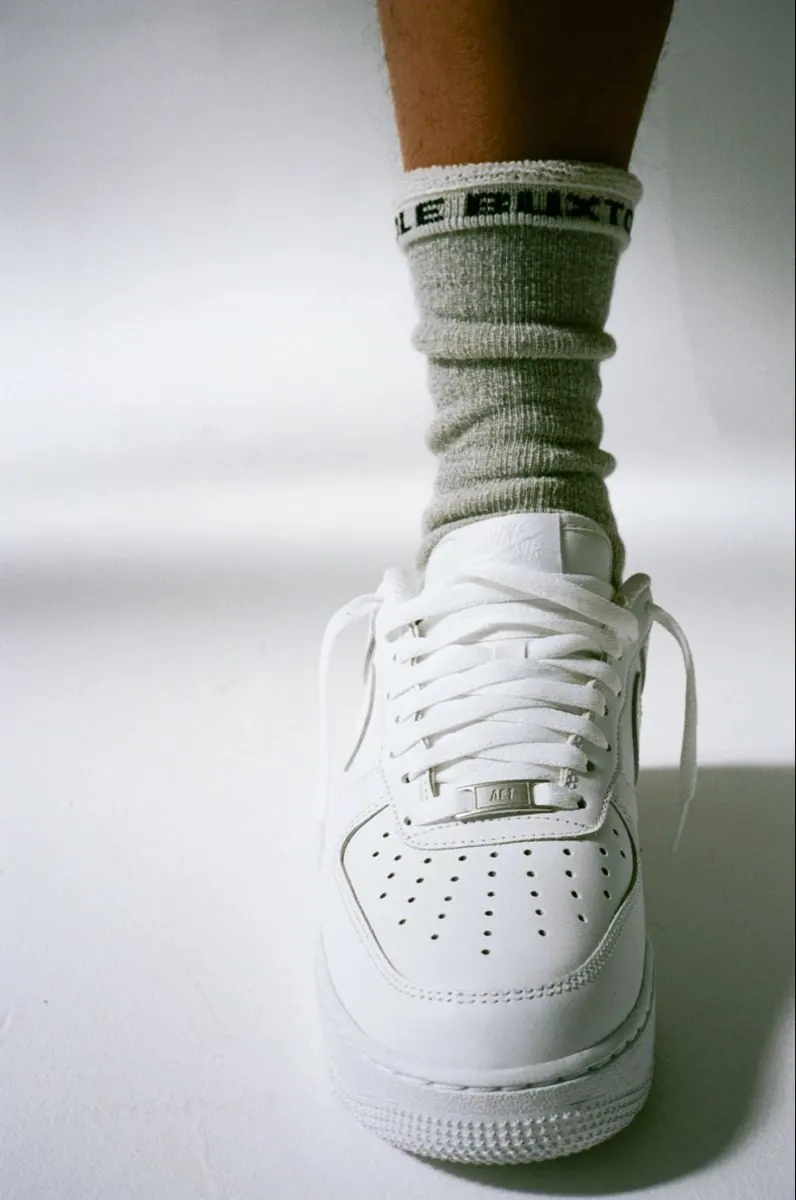
White Sneakers
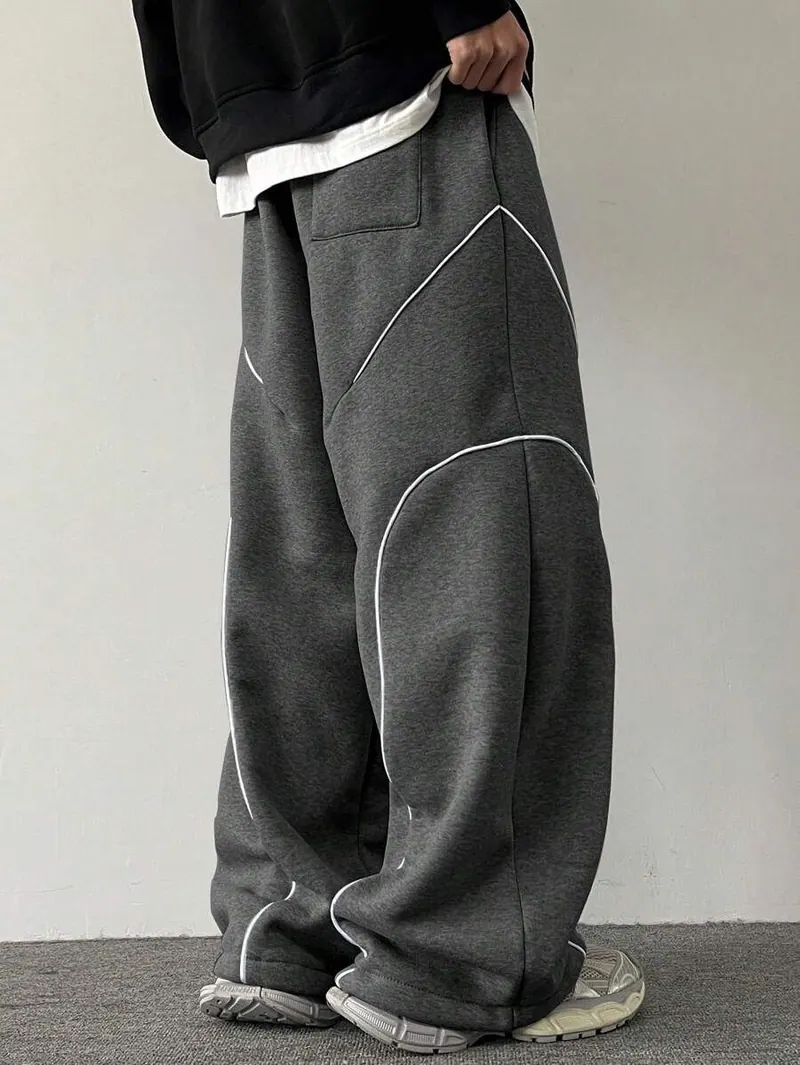
Wide Sweatpants
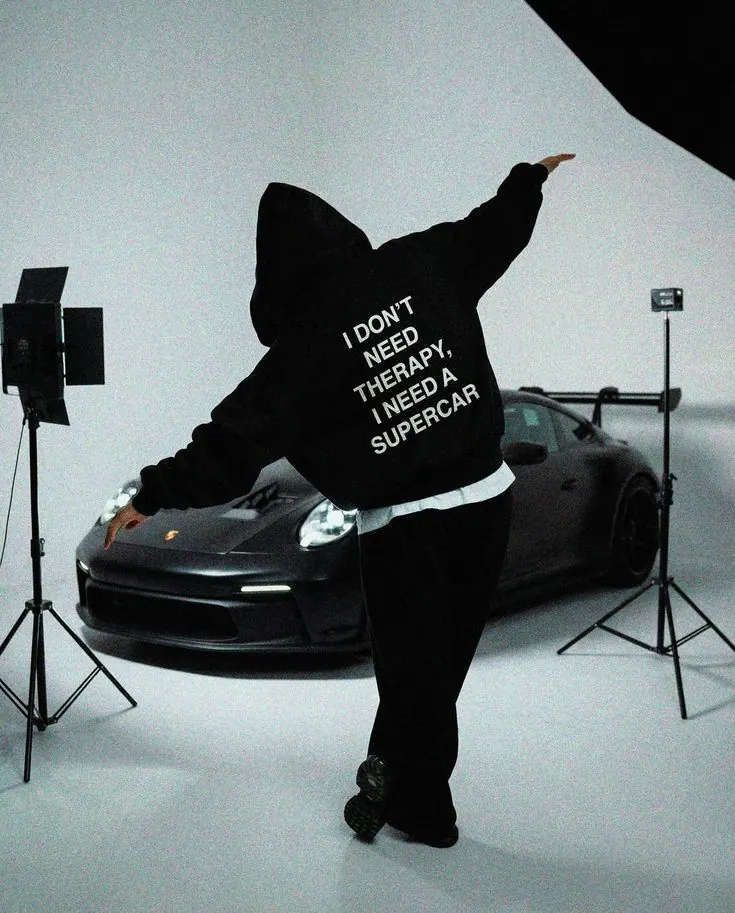
Hoodie and Supercar
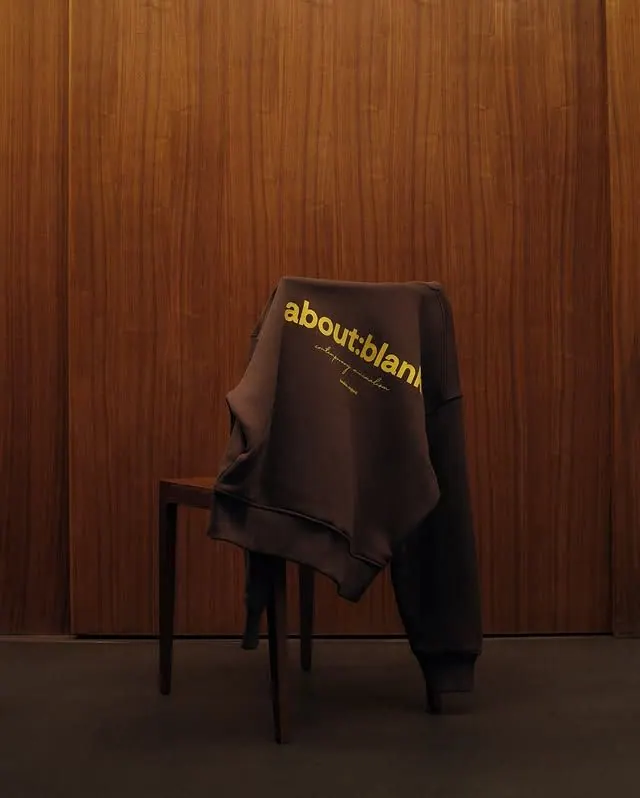
Sweatshirt on a Chair
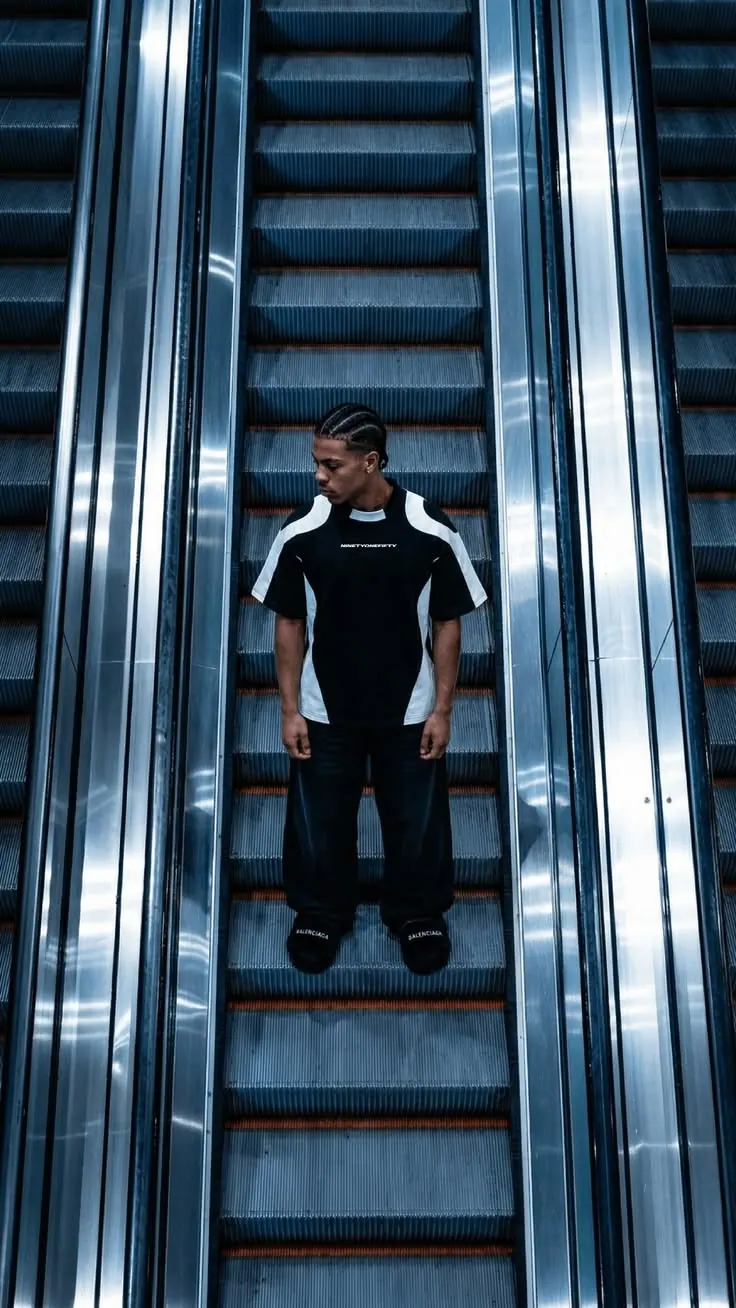
Between Escalators
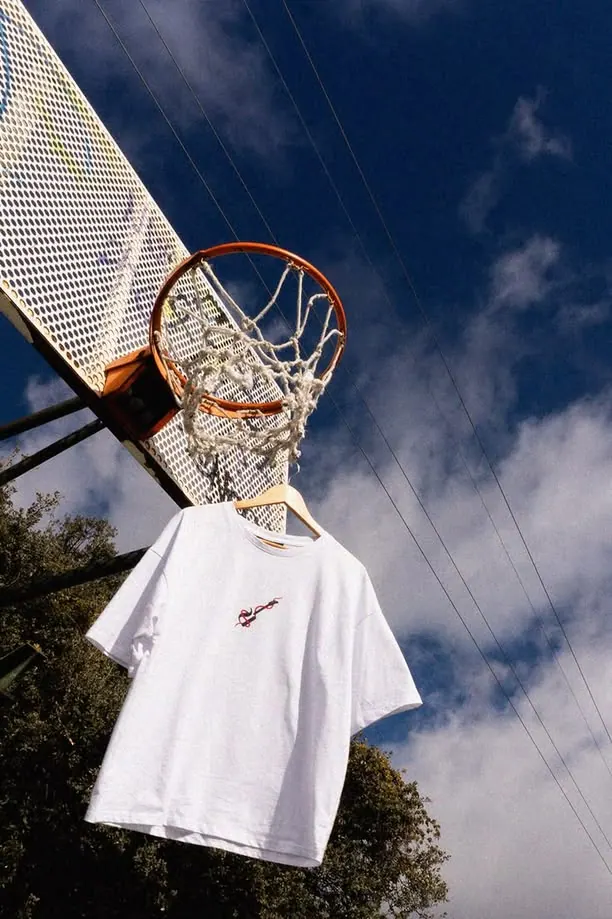
Tee on the Hoop
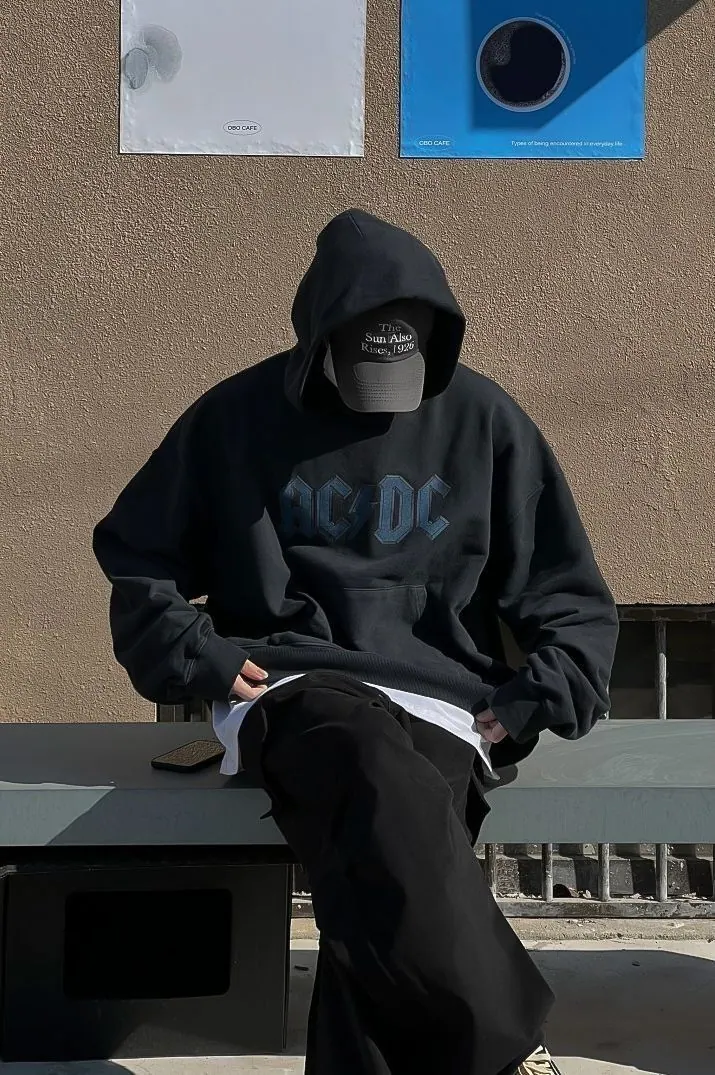
Hoodie in the Yard
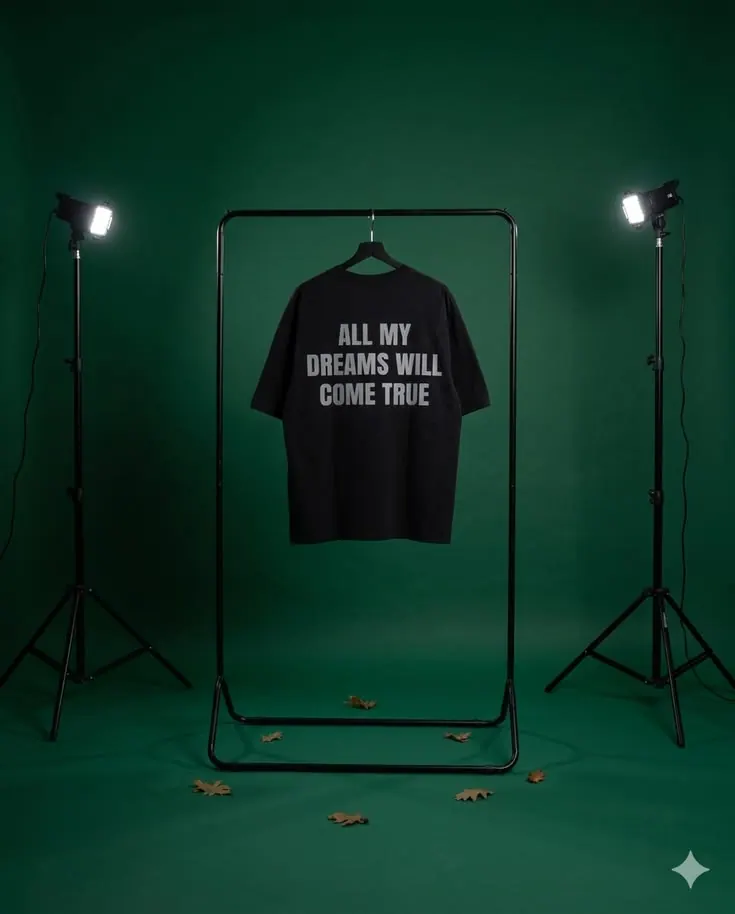
Green Set
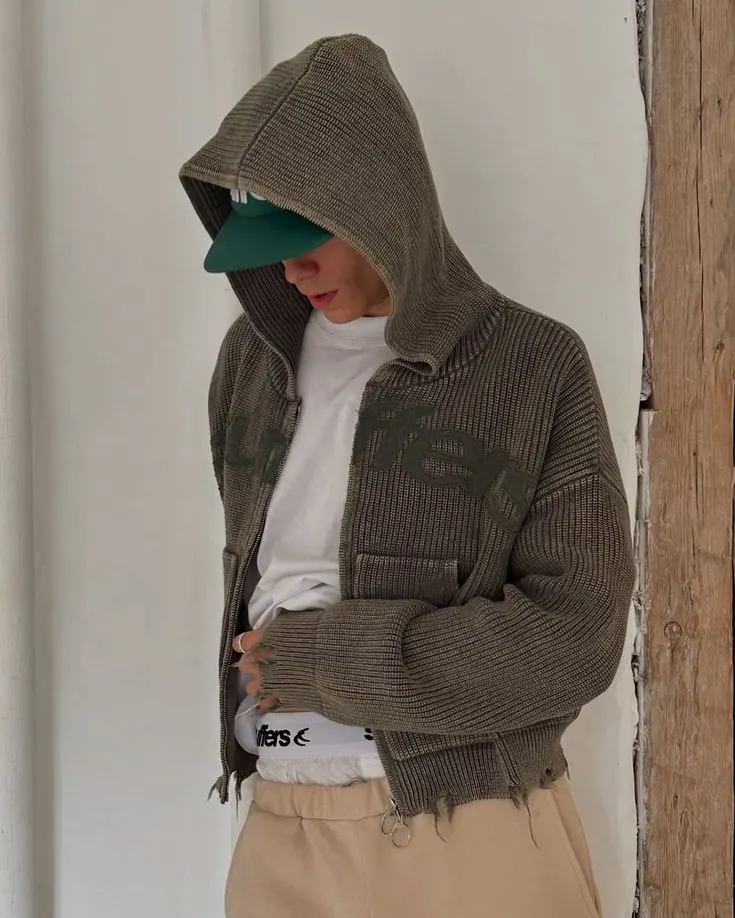
Knit Cardigan
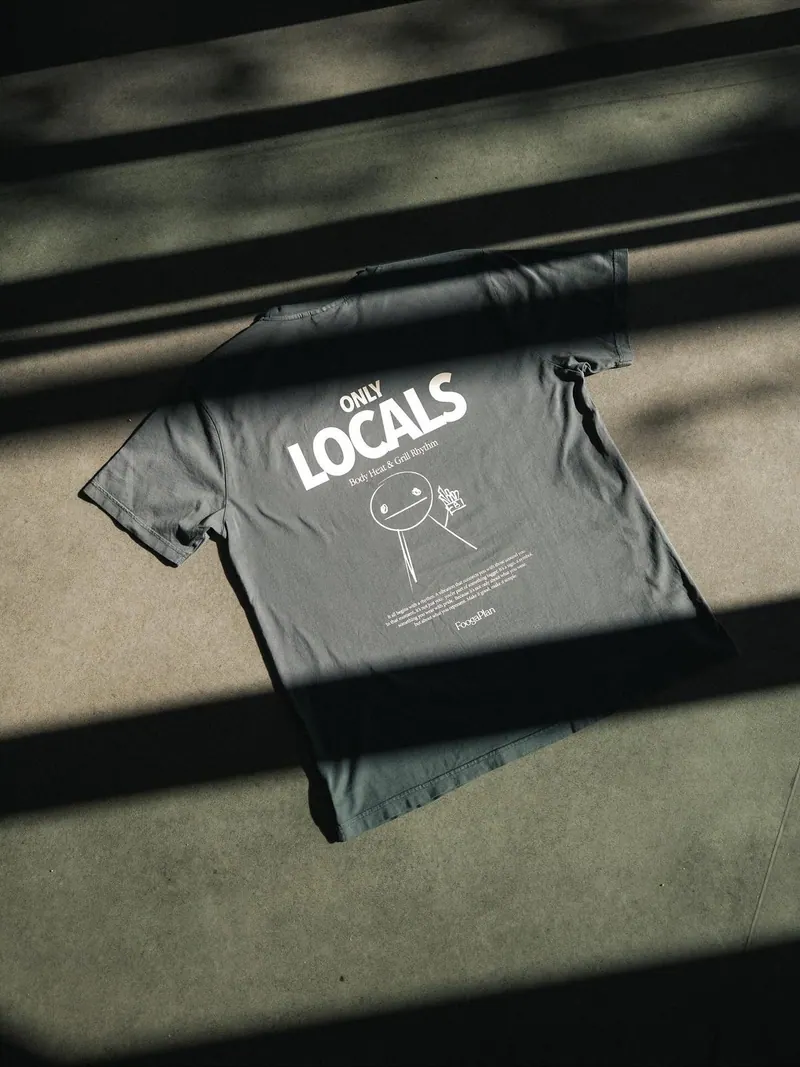
Tee on Concrete II
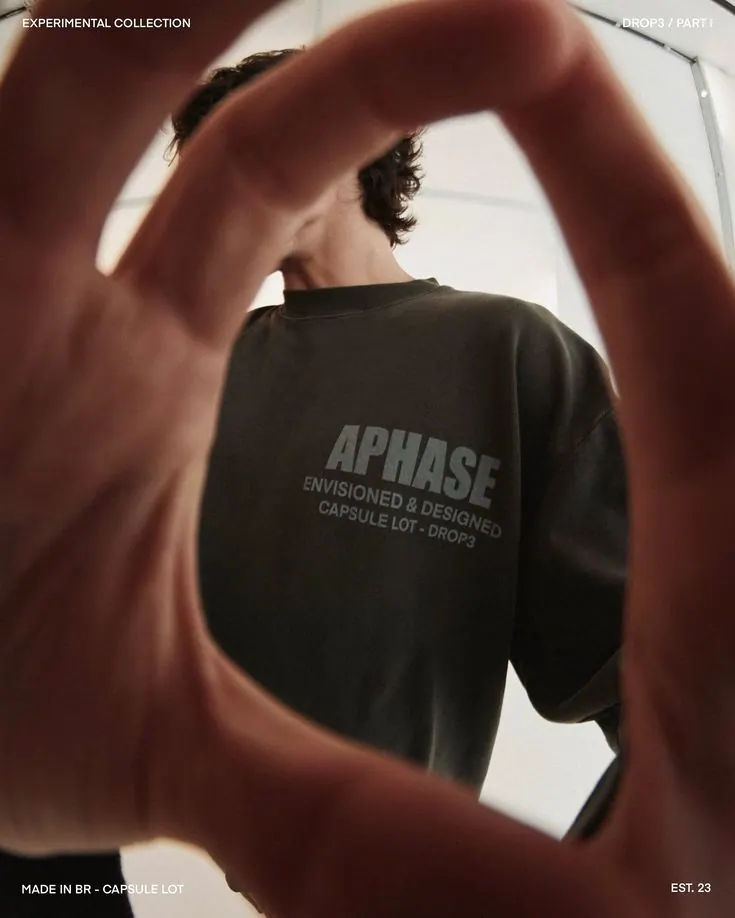
Sweatshirt from Behind
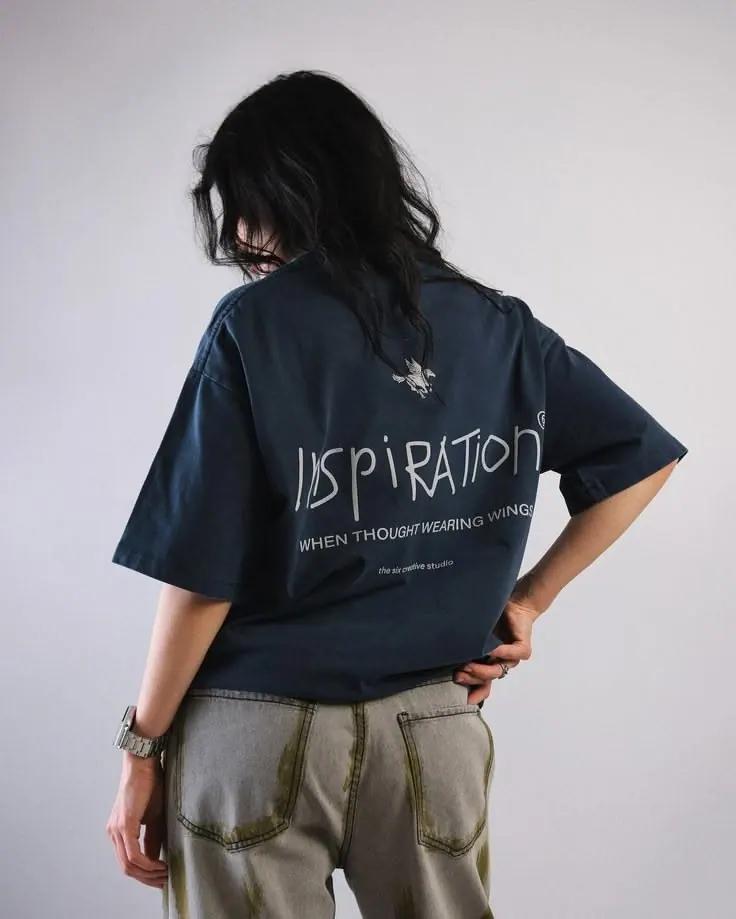
Navy Print
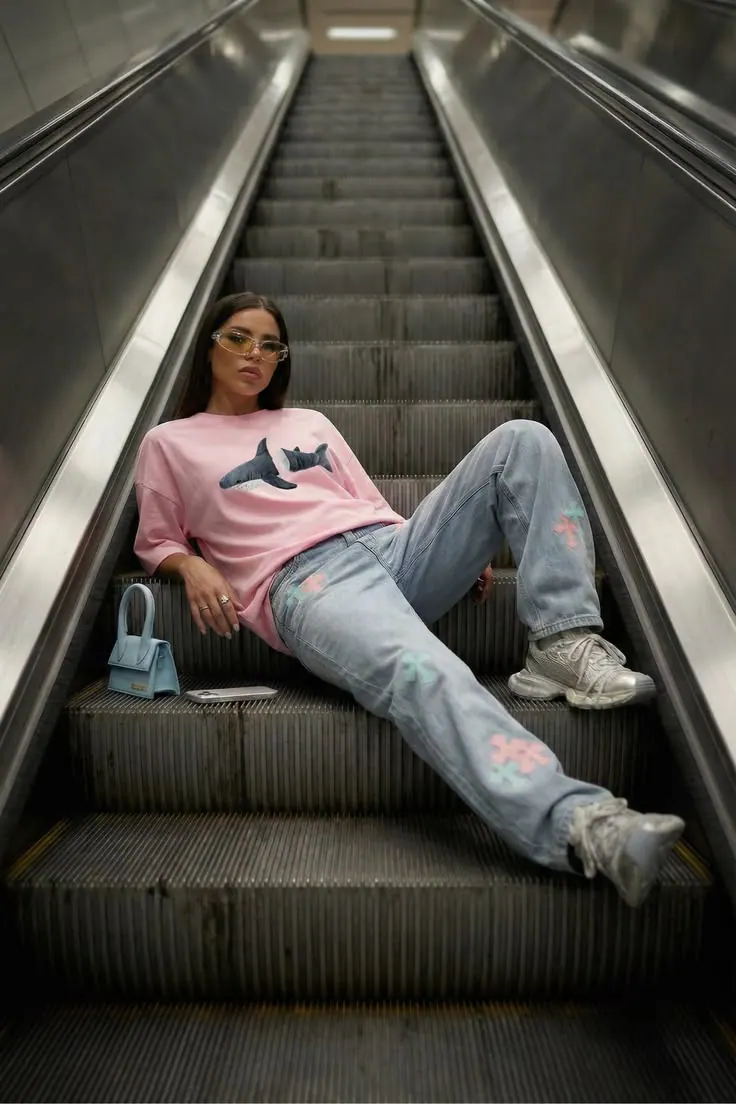
Pink on the Escalator
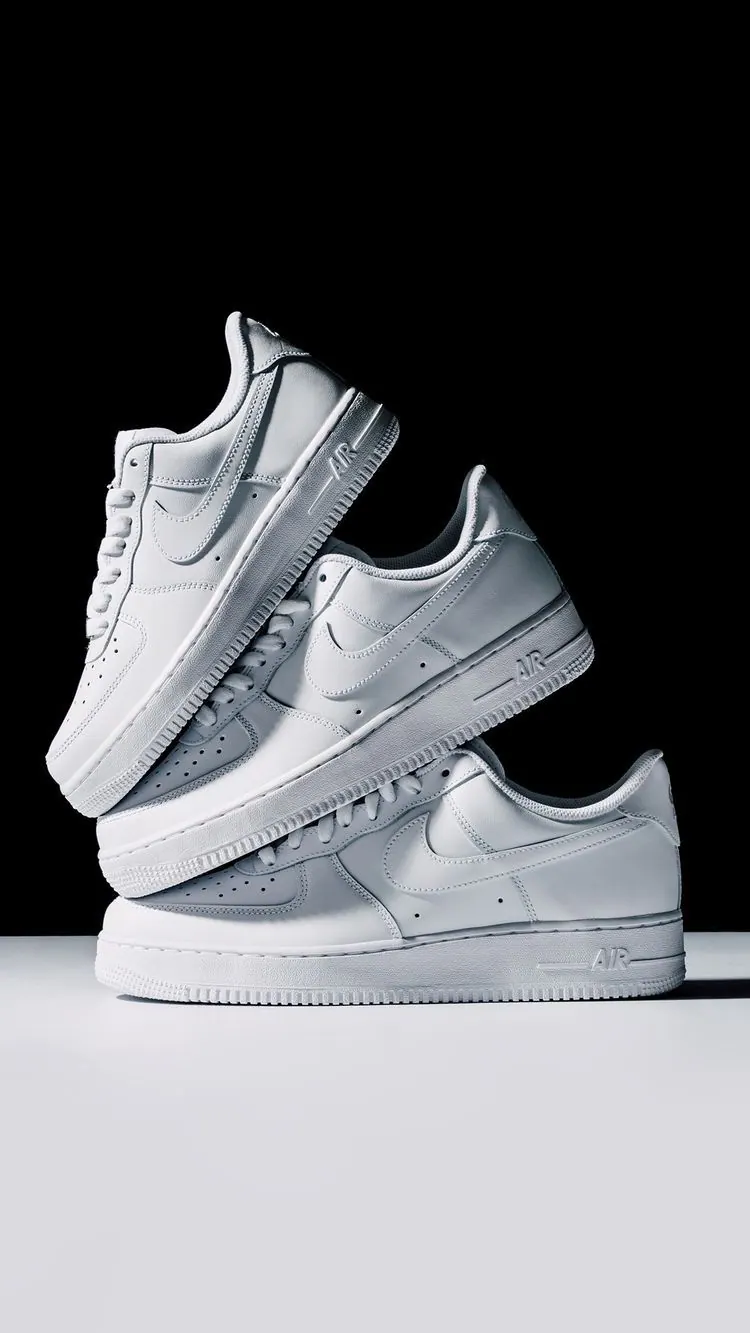
Pair of Sneakers
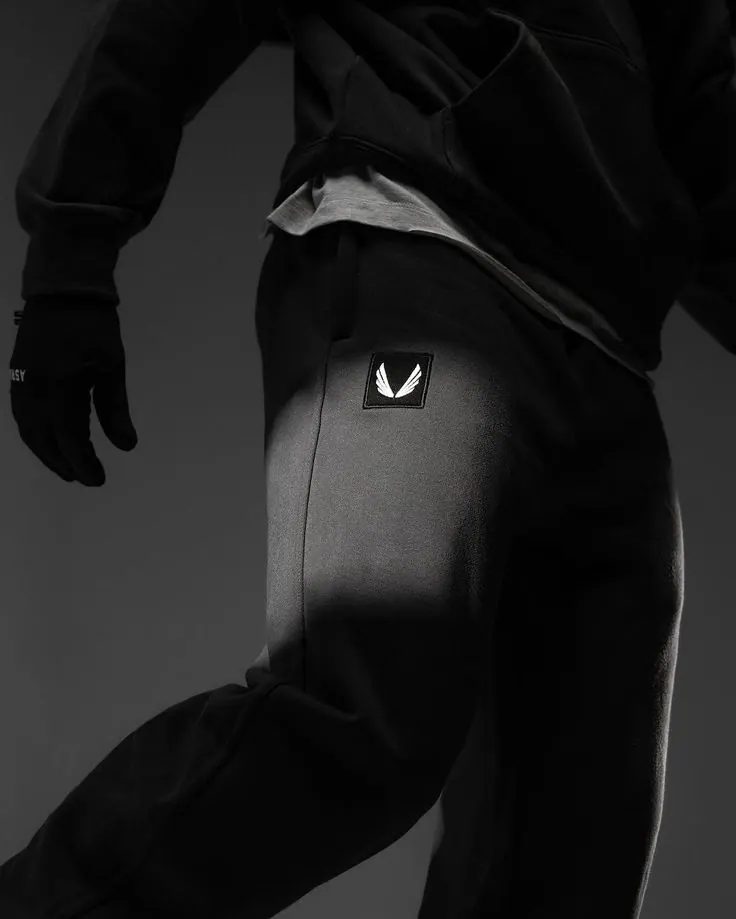
Fabric Detail
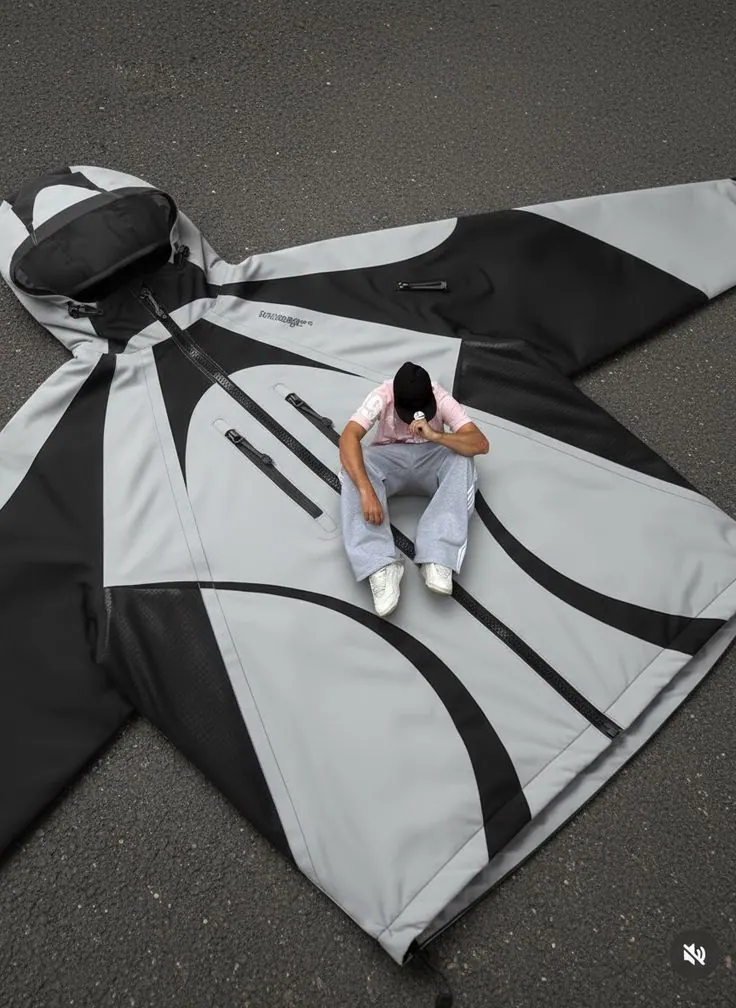
Giant Tee
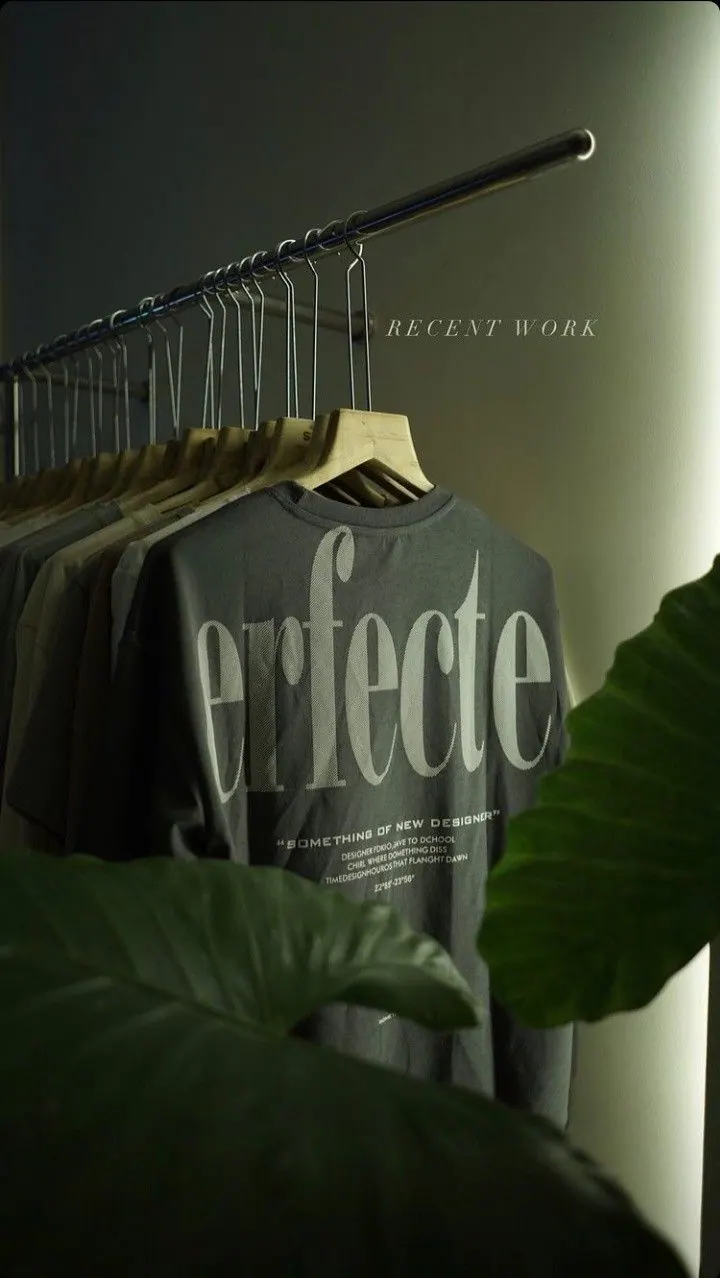
Tee and Plants
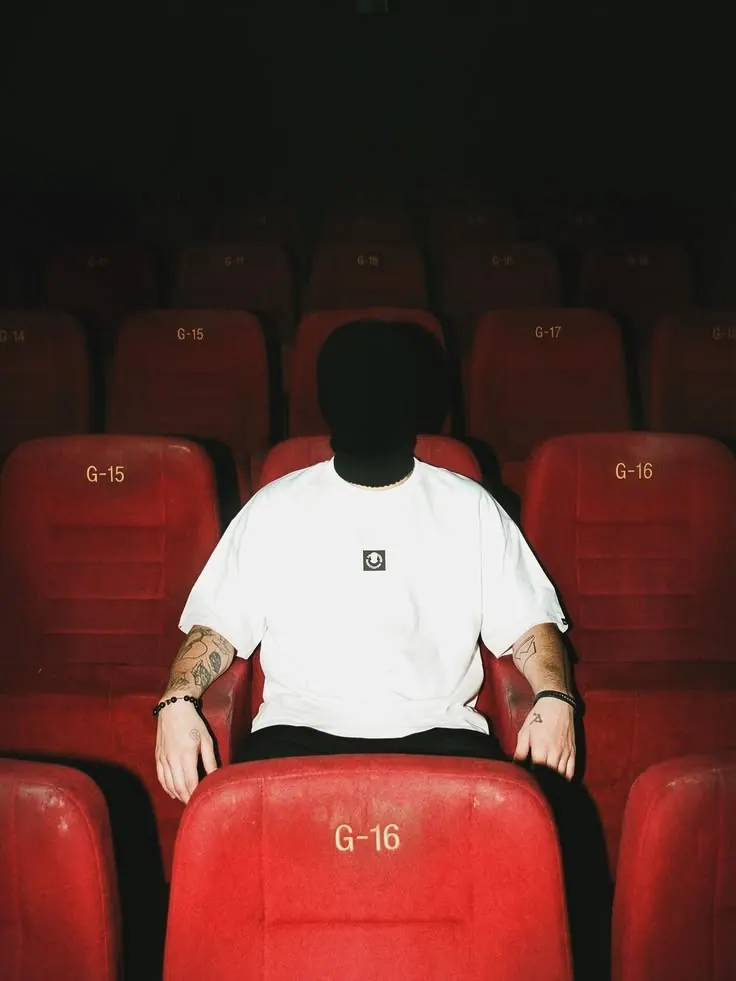
Red Seats
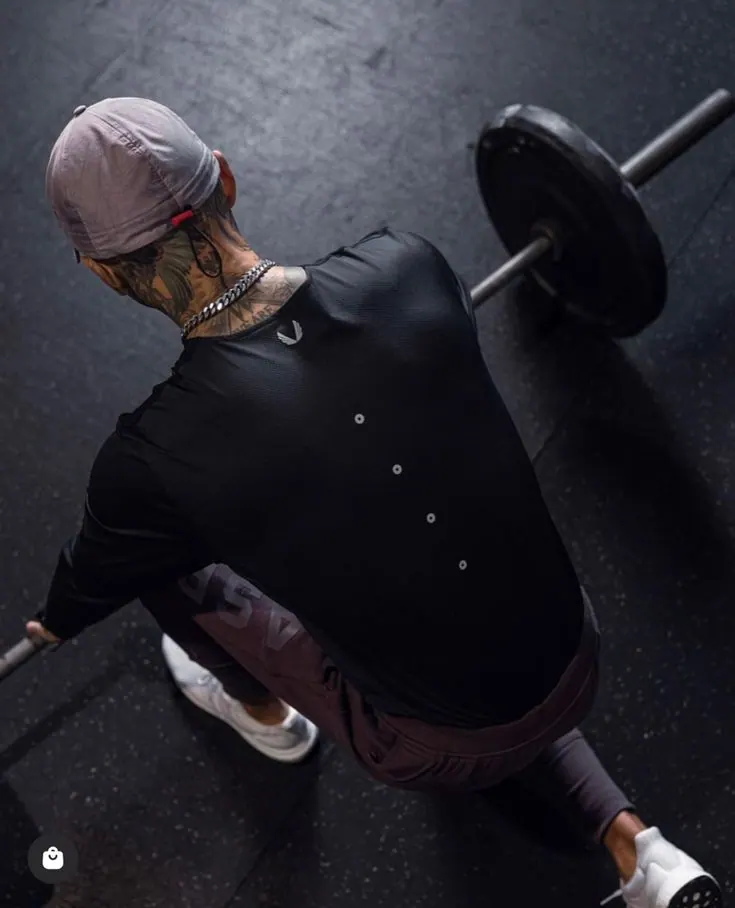
Sport Outdoors
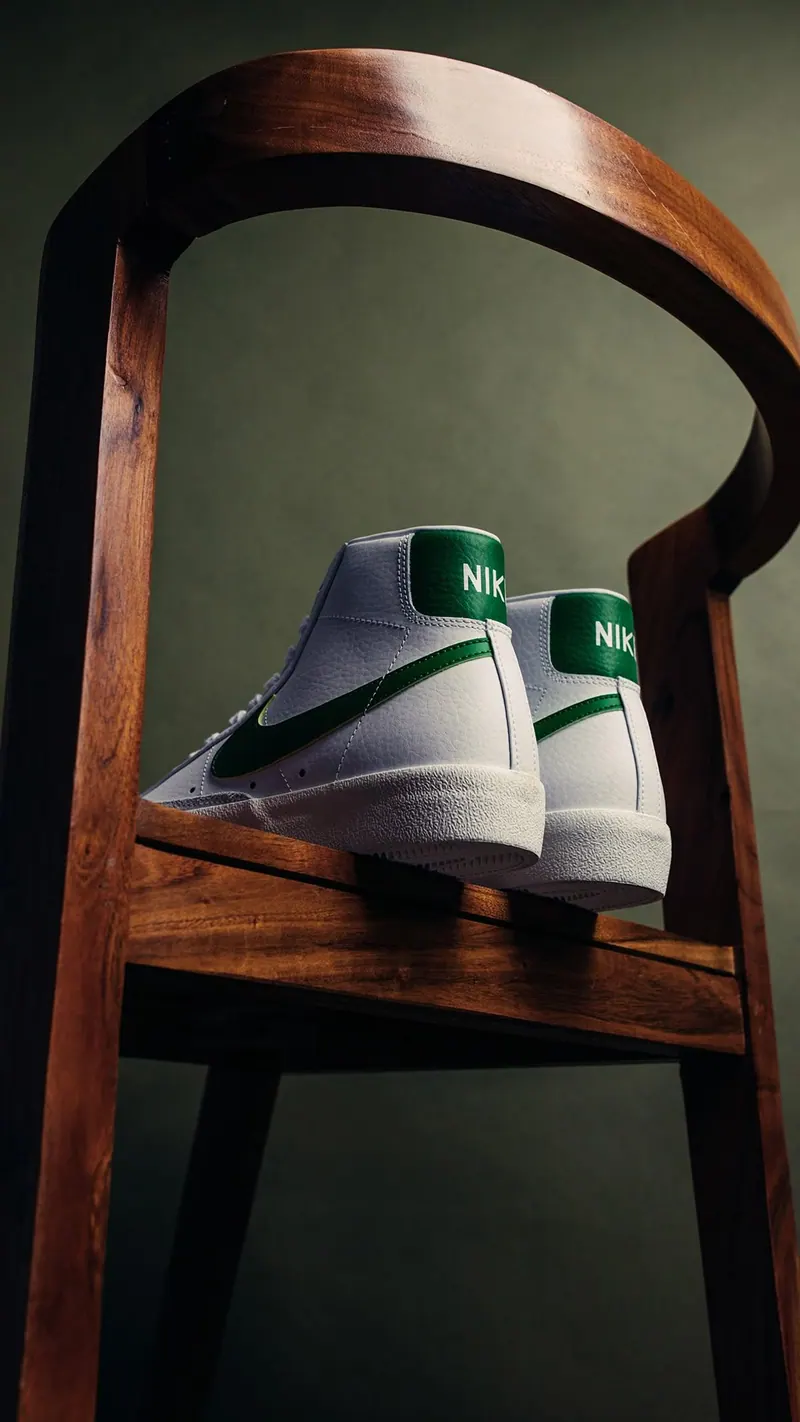
Sneakers on a Chair
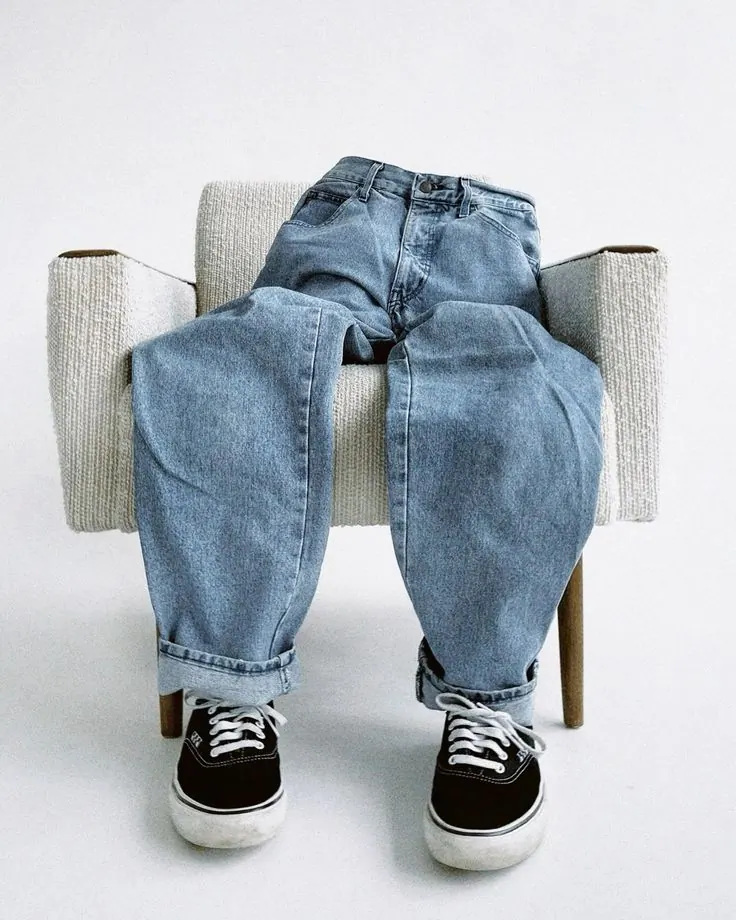
Jeans on a Chair
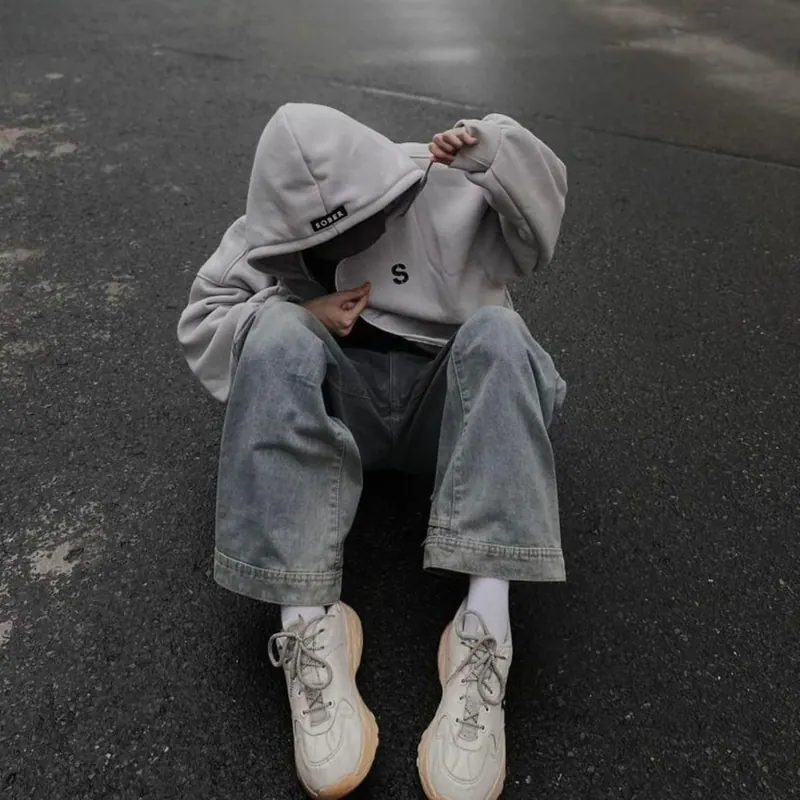
Hoodie on Asphalt
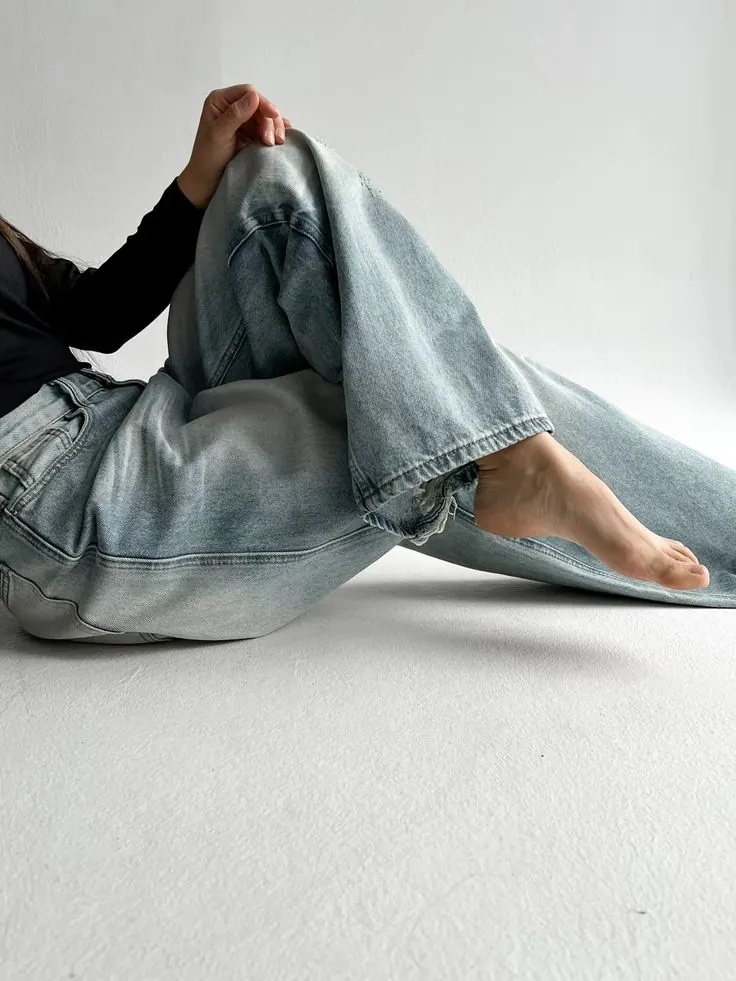
Light Denim
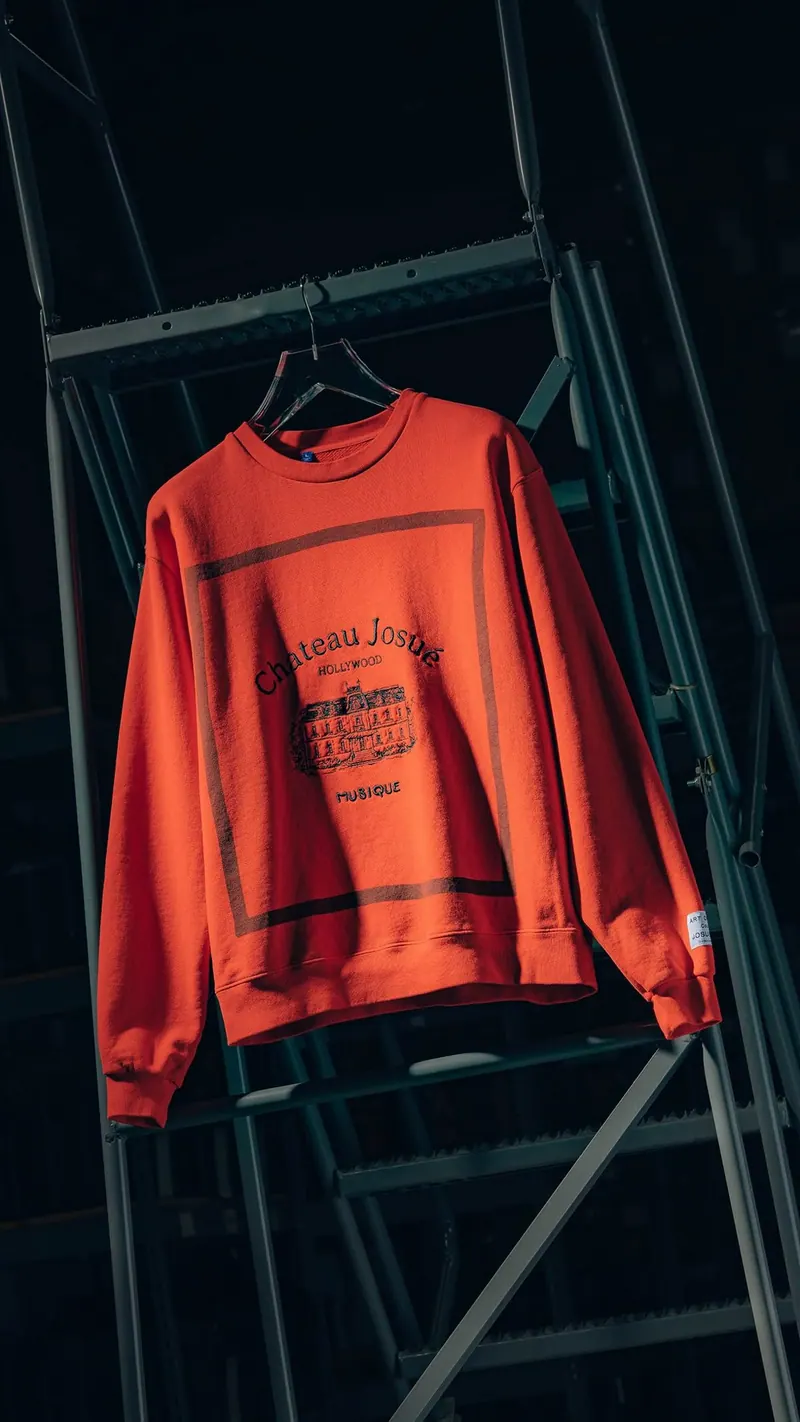
Red Sweatshirt
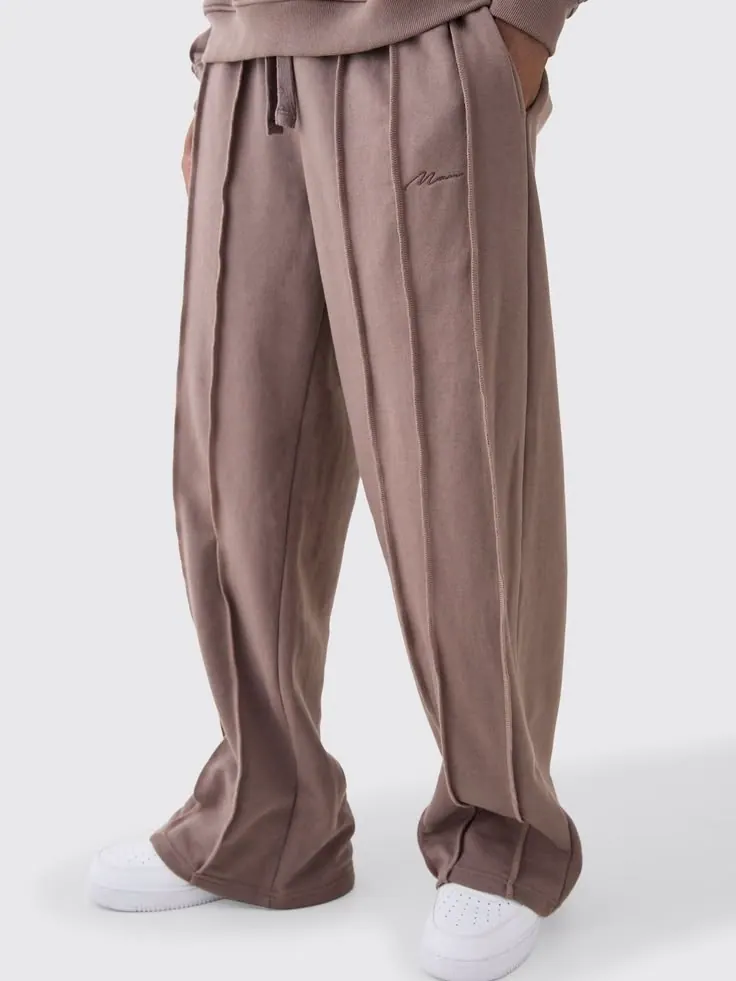
Trousers on White
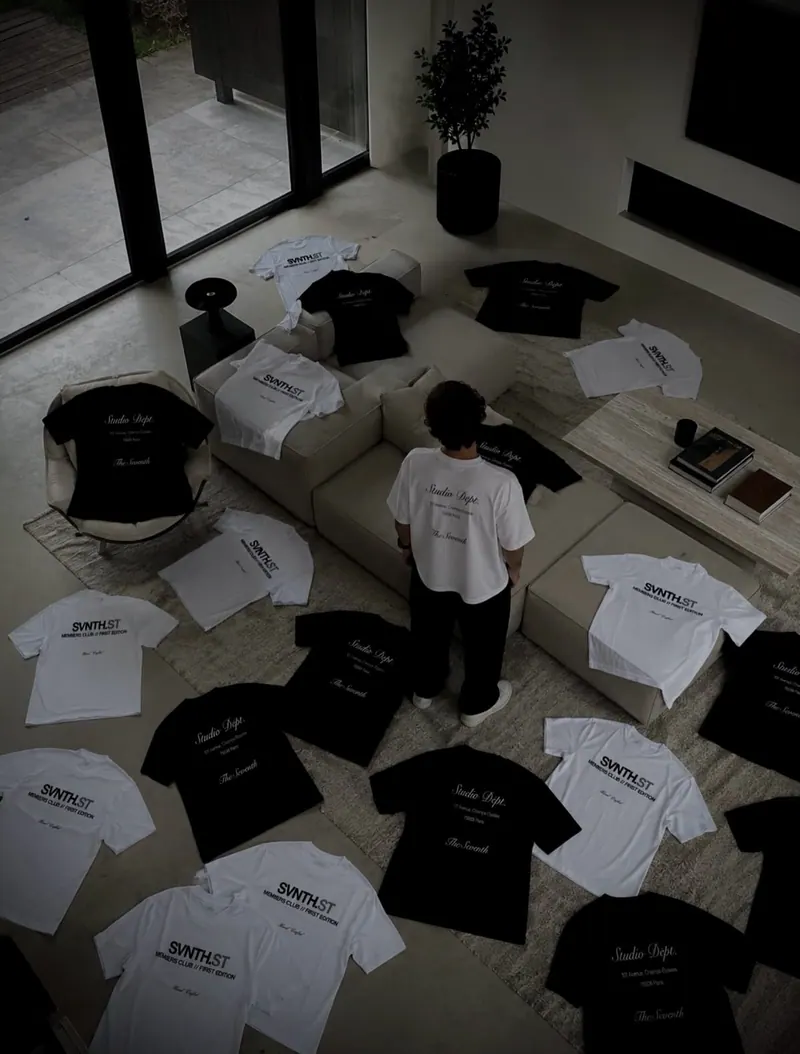
Room of Tees
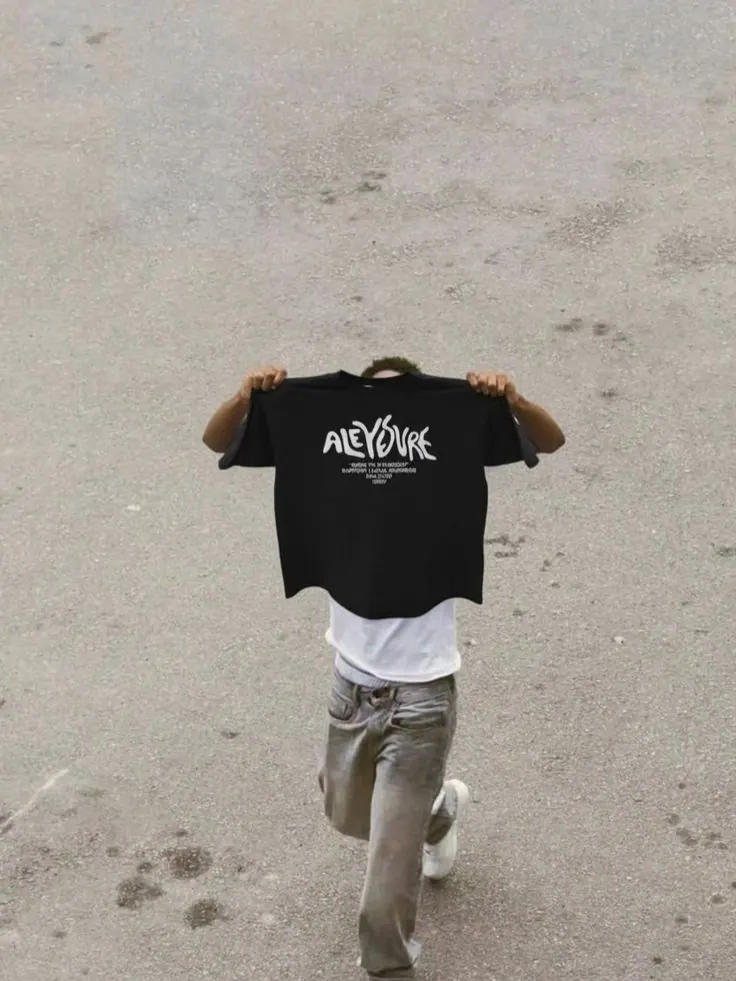
Tee from Behind
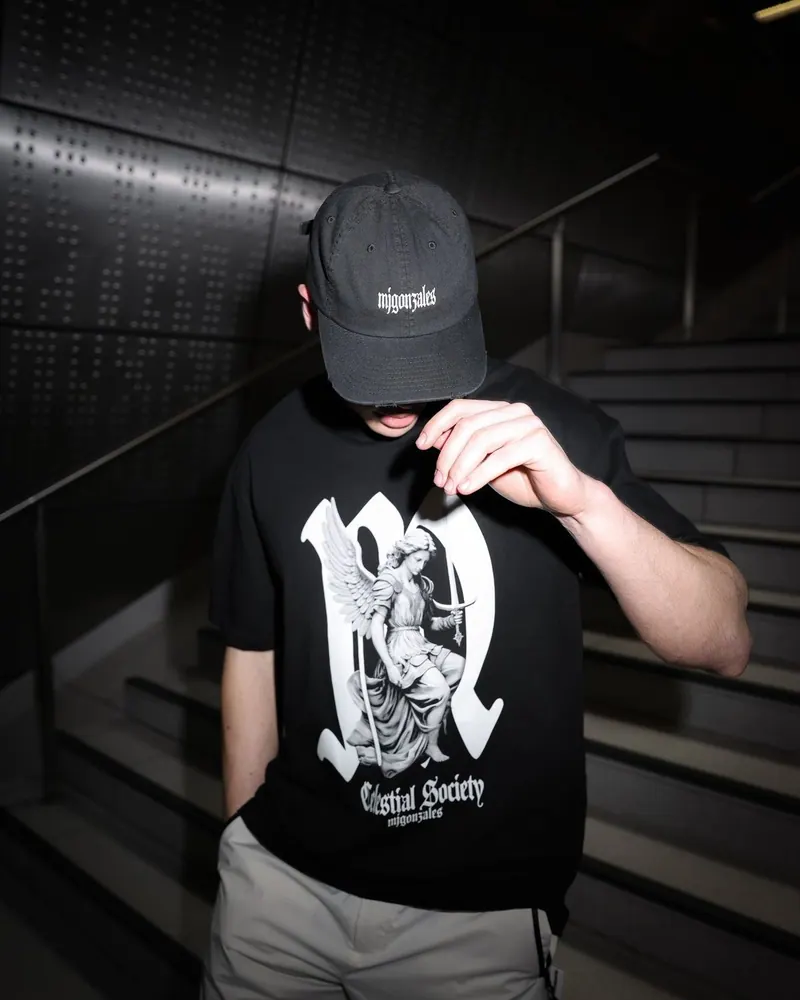
Cap and Print
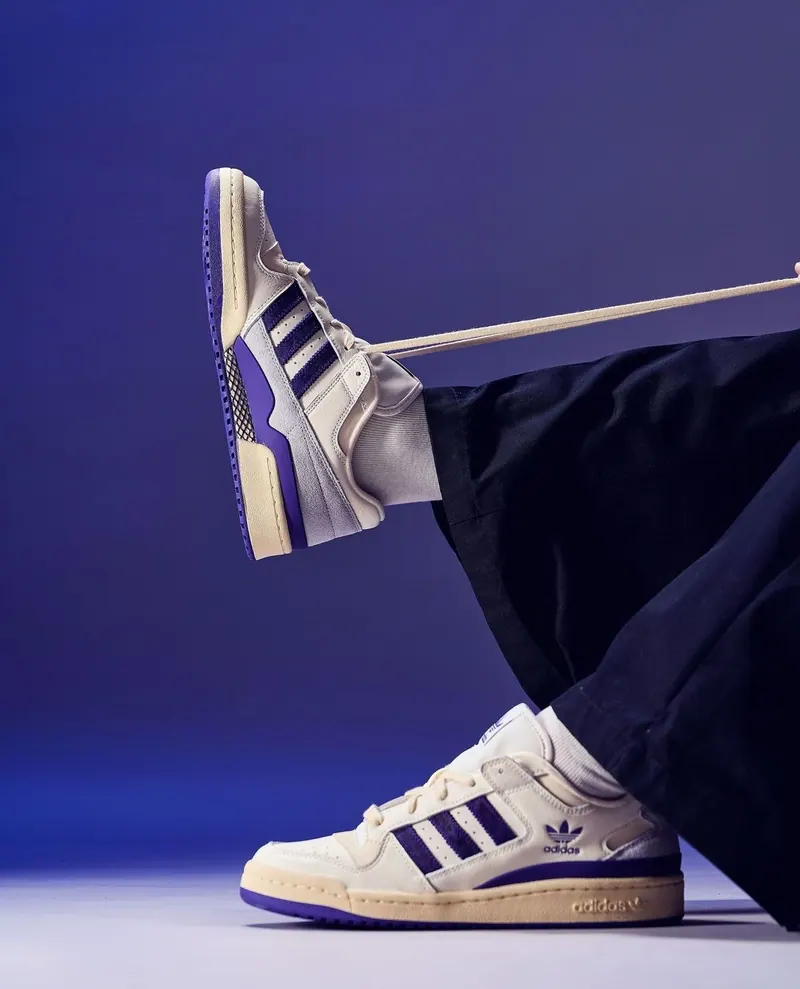
Sneakers on Blue
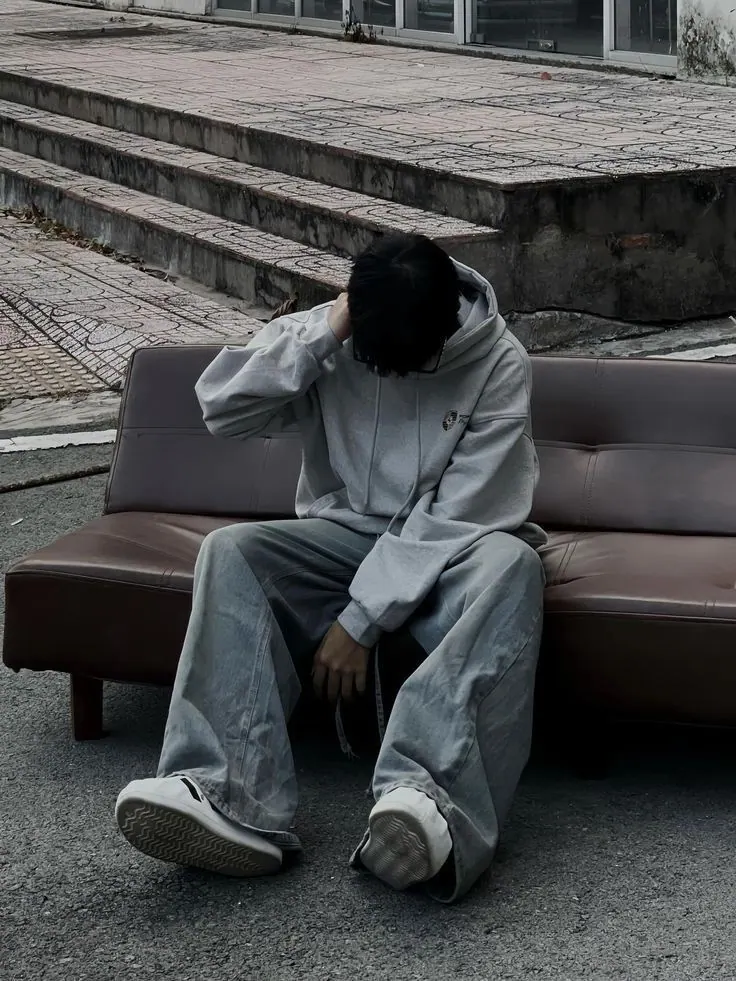
Yard and Hoodie
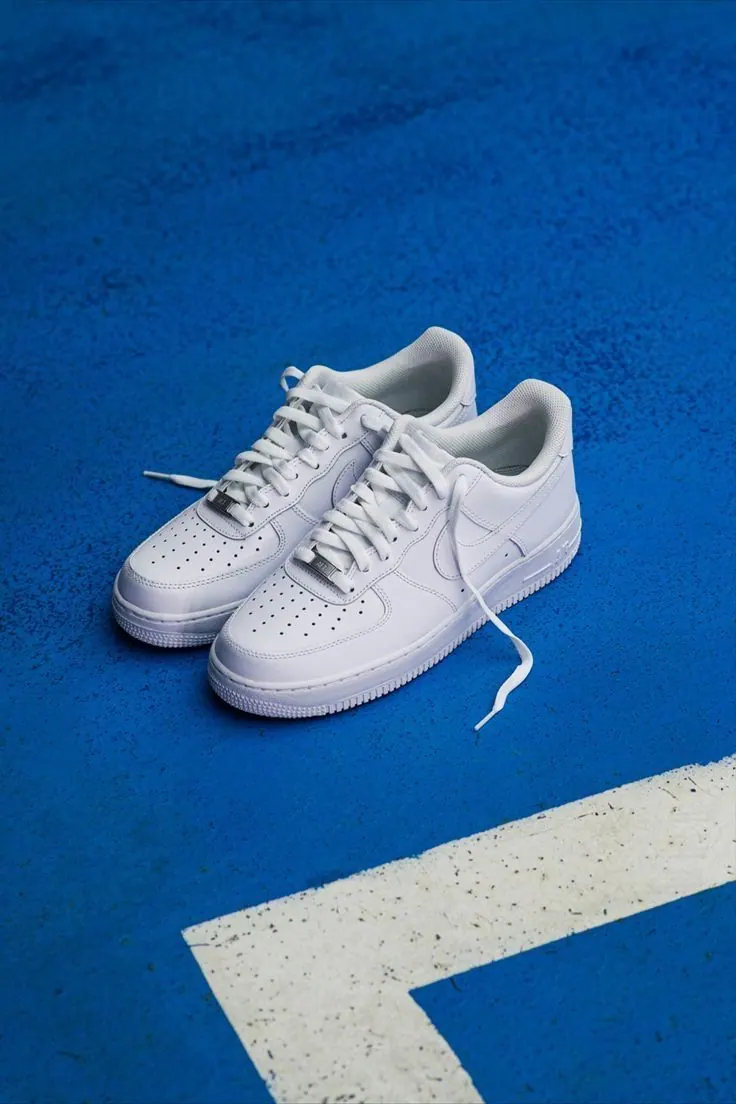
Sneakers on the Line
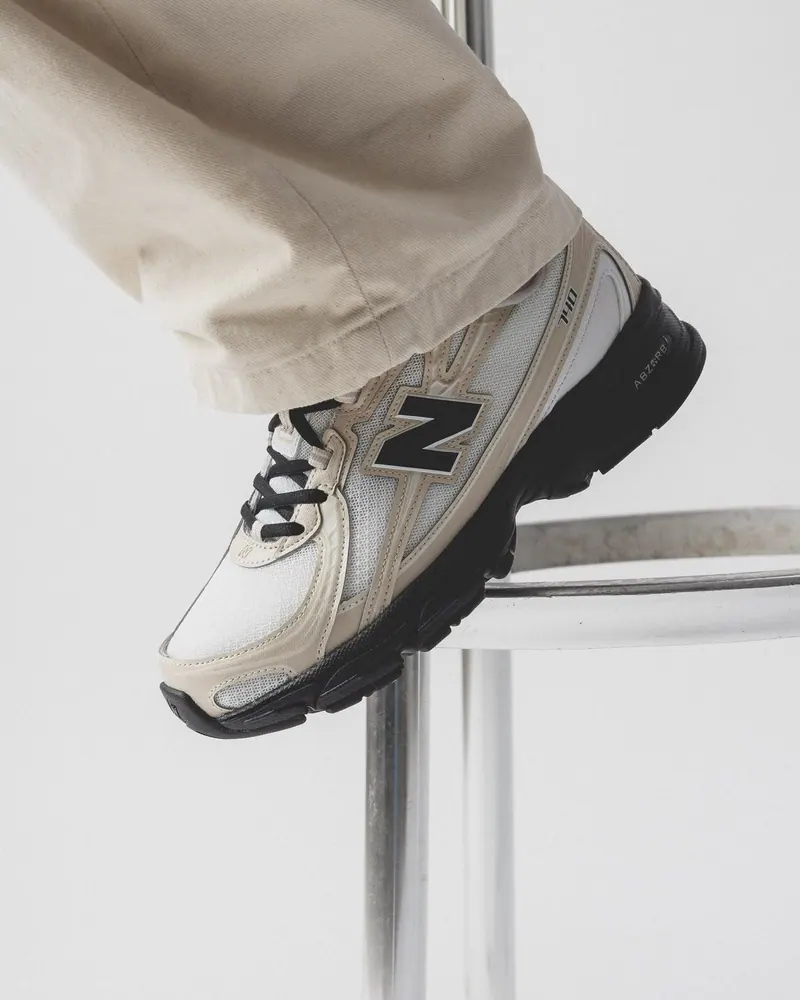
Sneaker Close Up
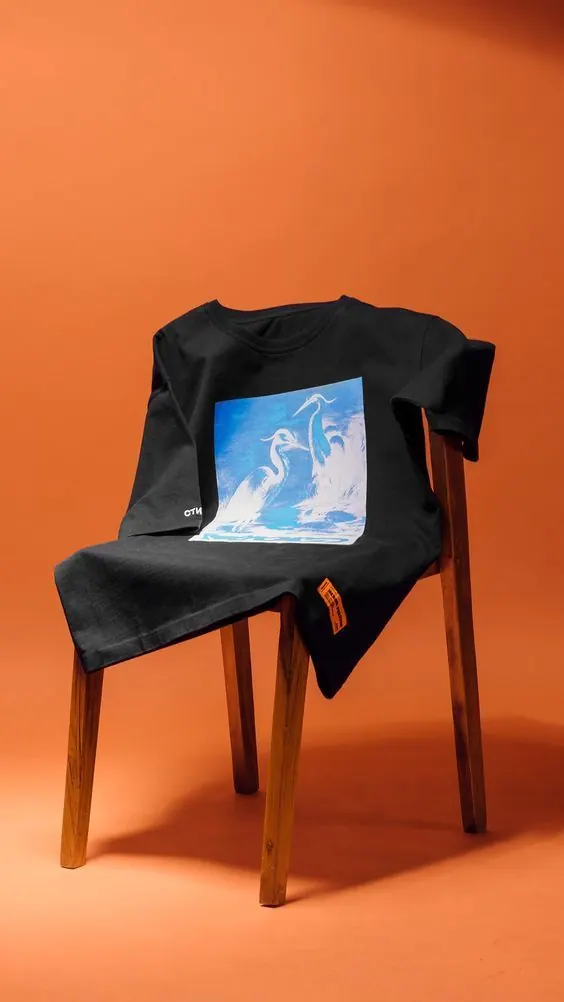
Tee on a Chair
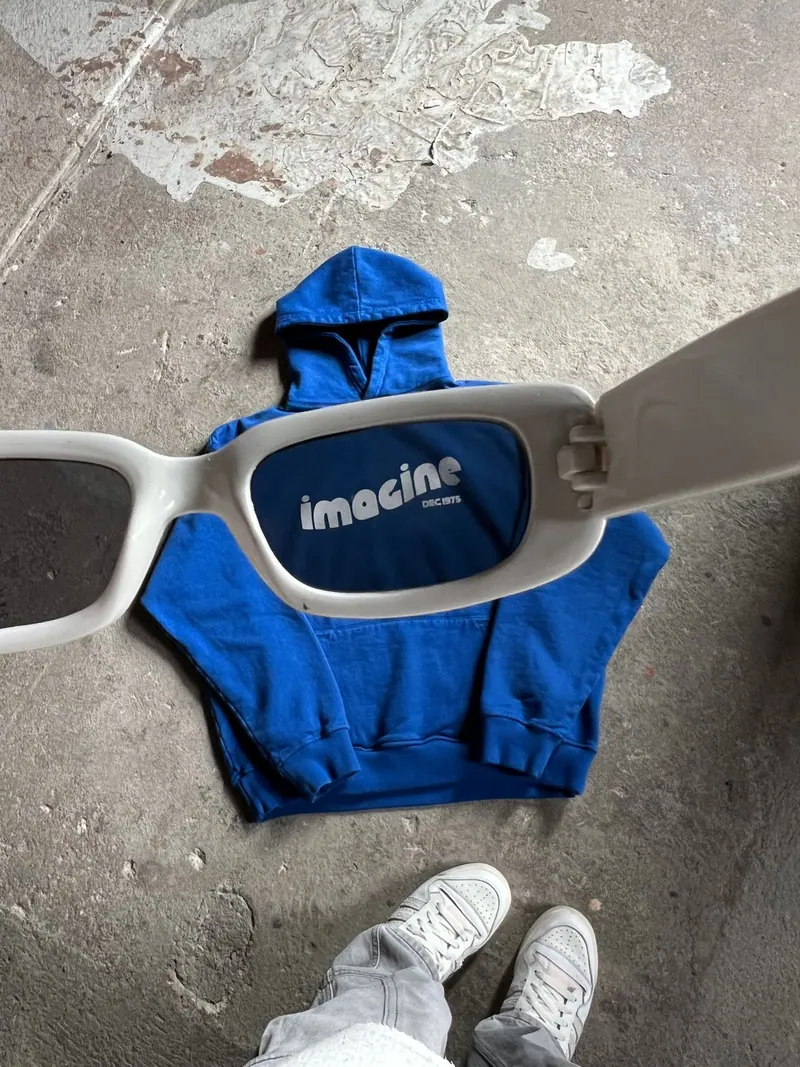
Hoodie and Shades
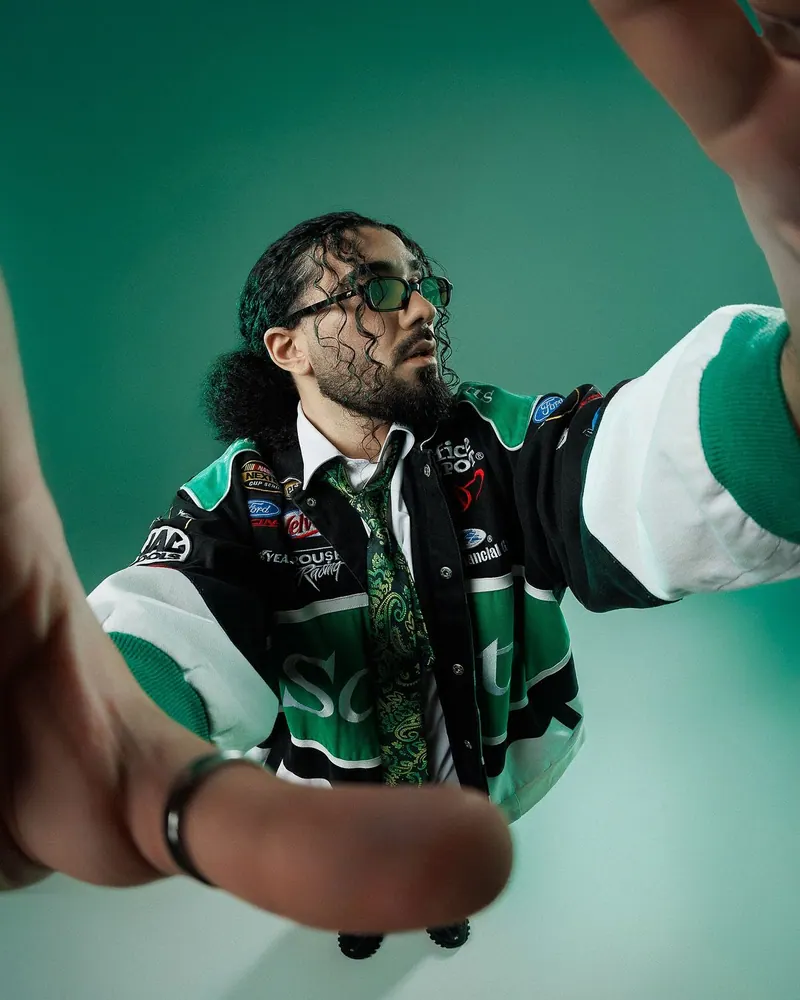
Varsity Jacket
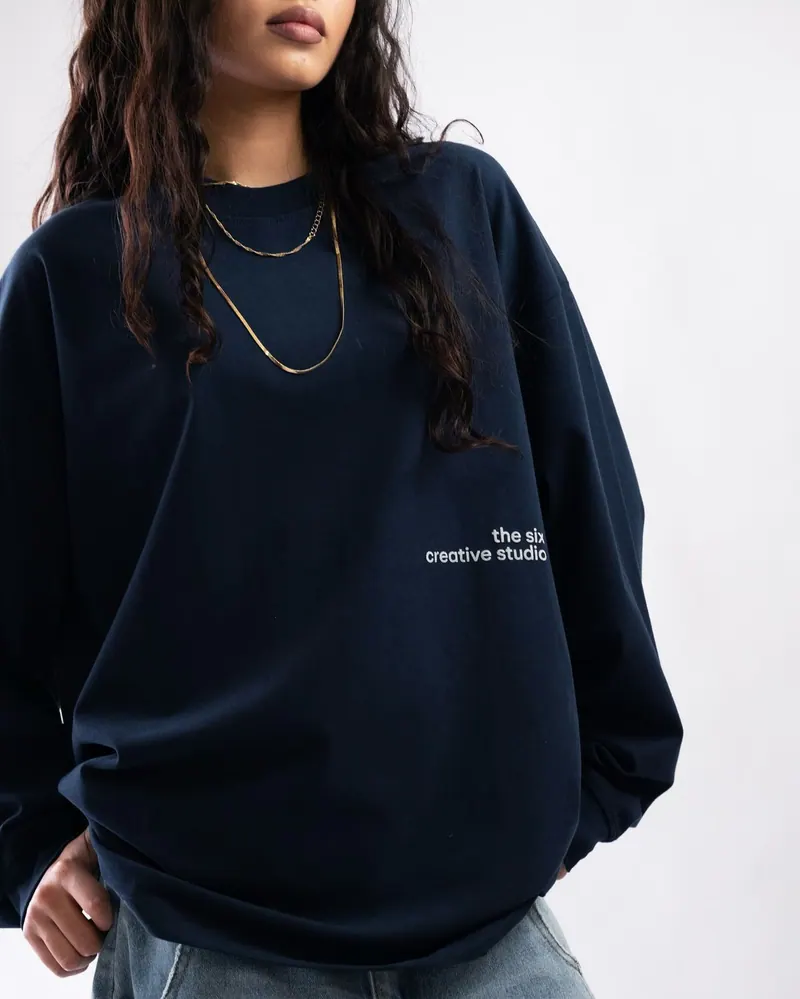
Navy Sweatshirt
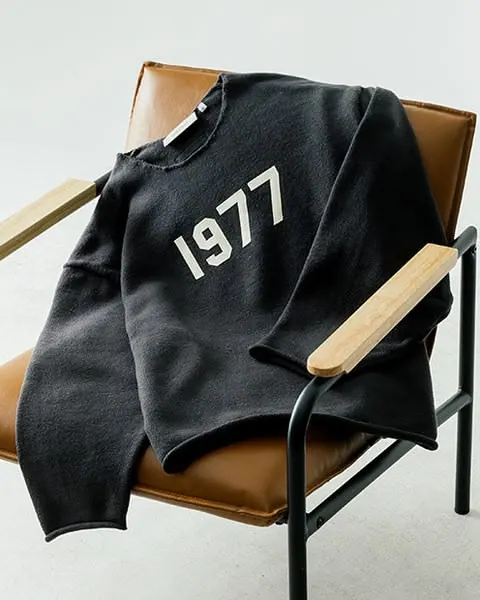
Sweatshirt 1977
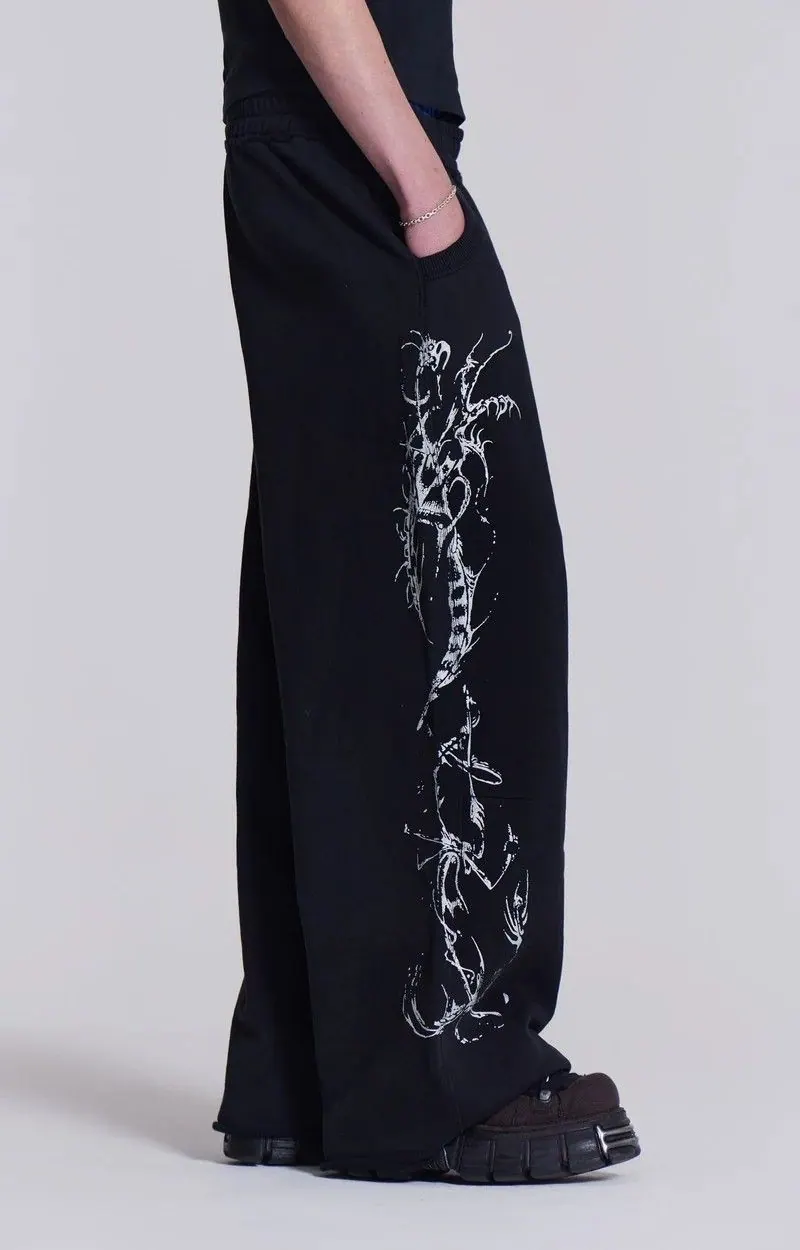
Printed Trousers
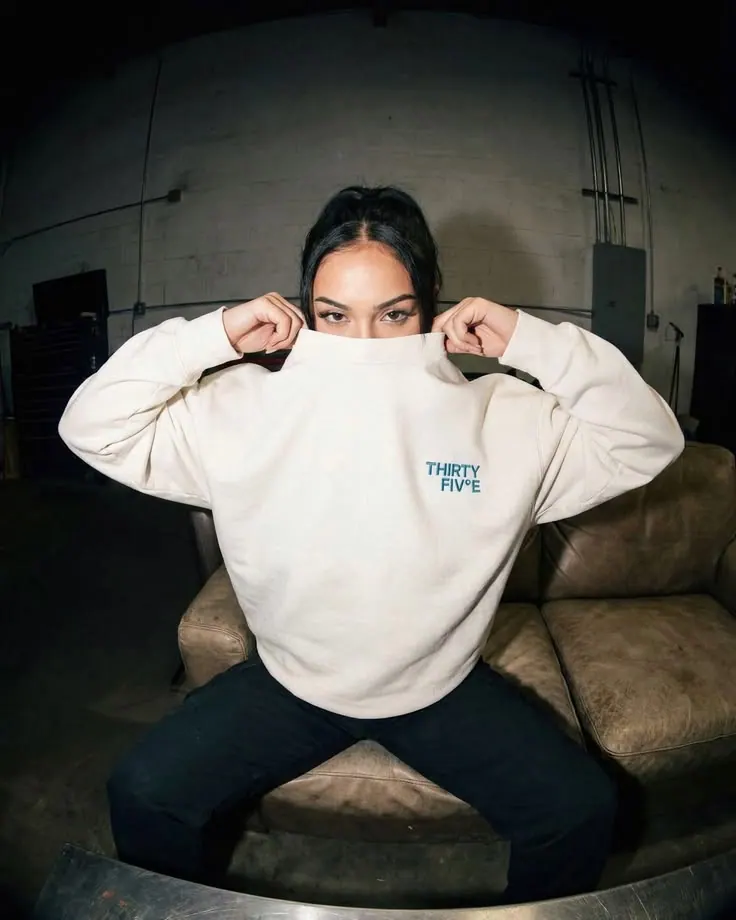
Sweatshirt in Spotlight
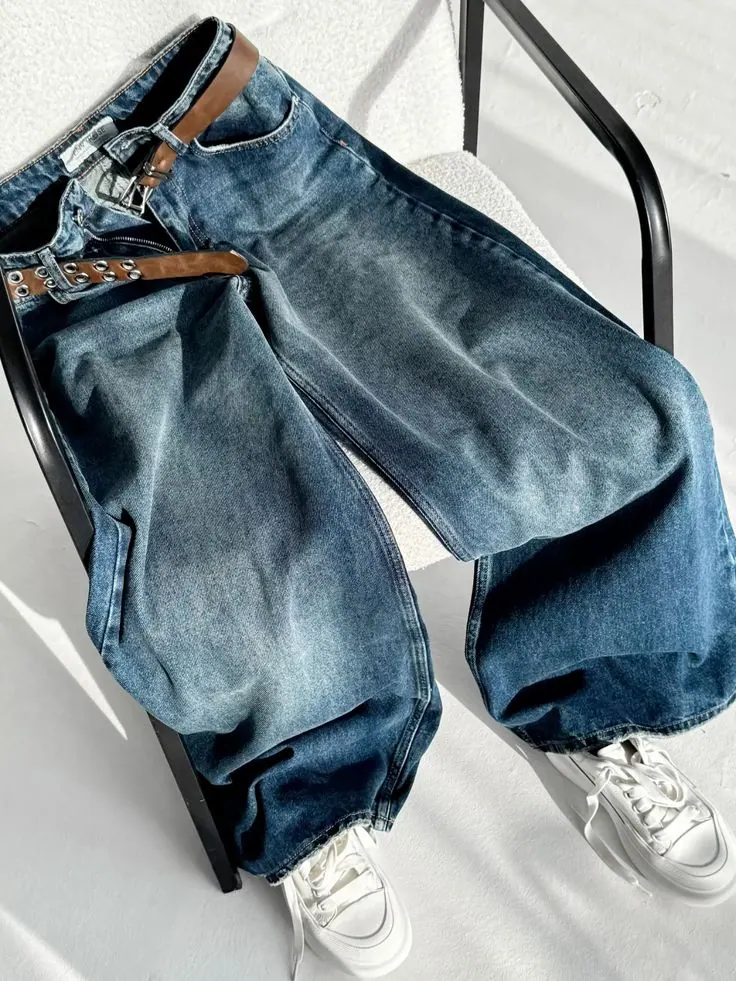
Wide Jeans
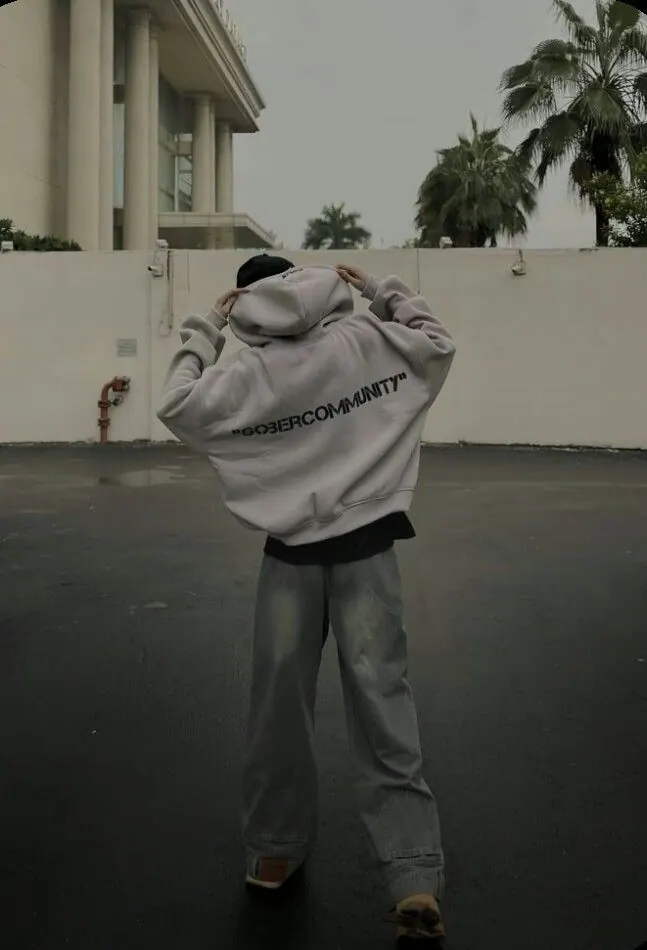
Set Outdoors
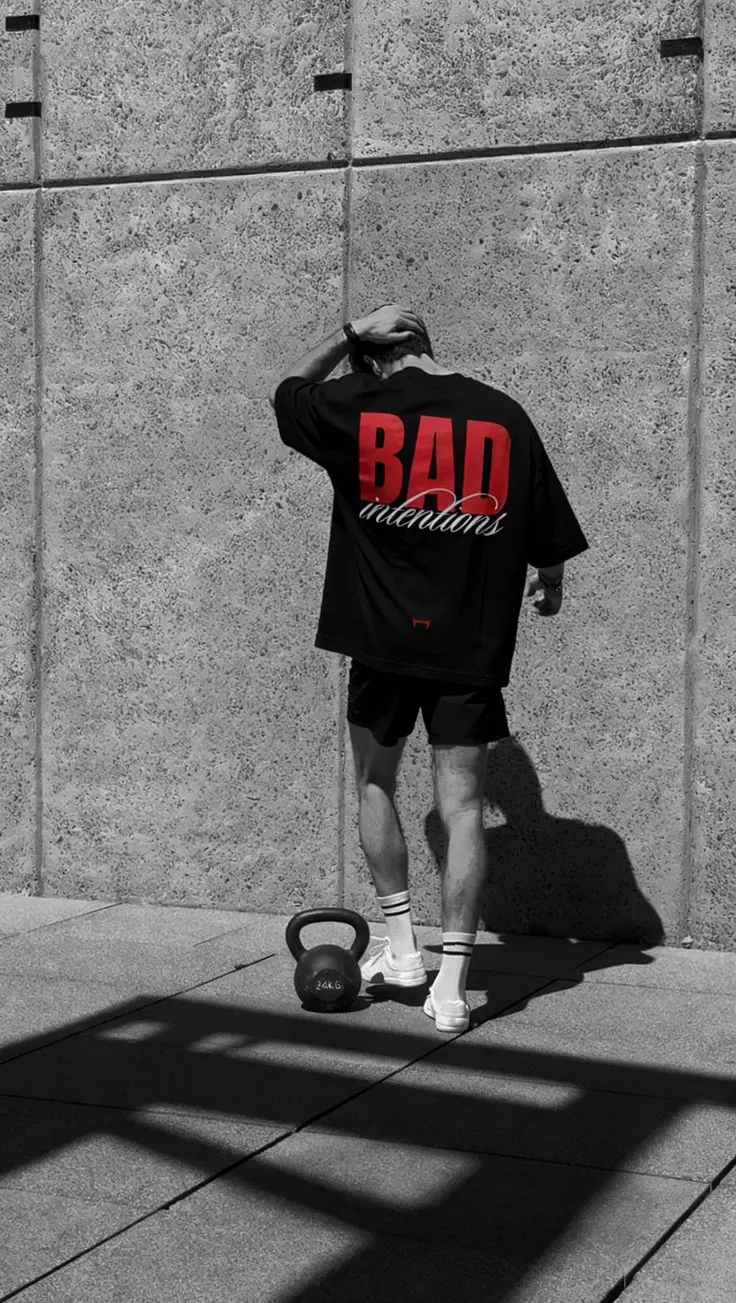
Shadow on the Wall II
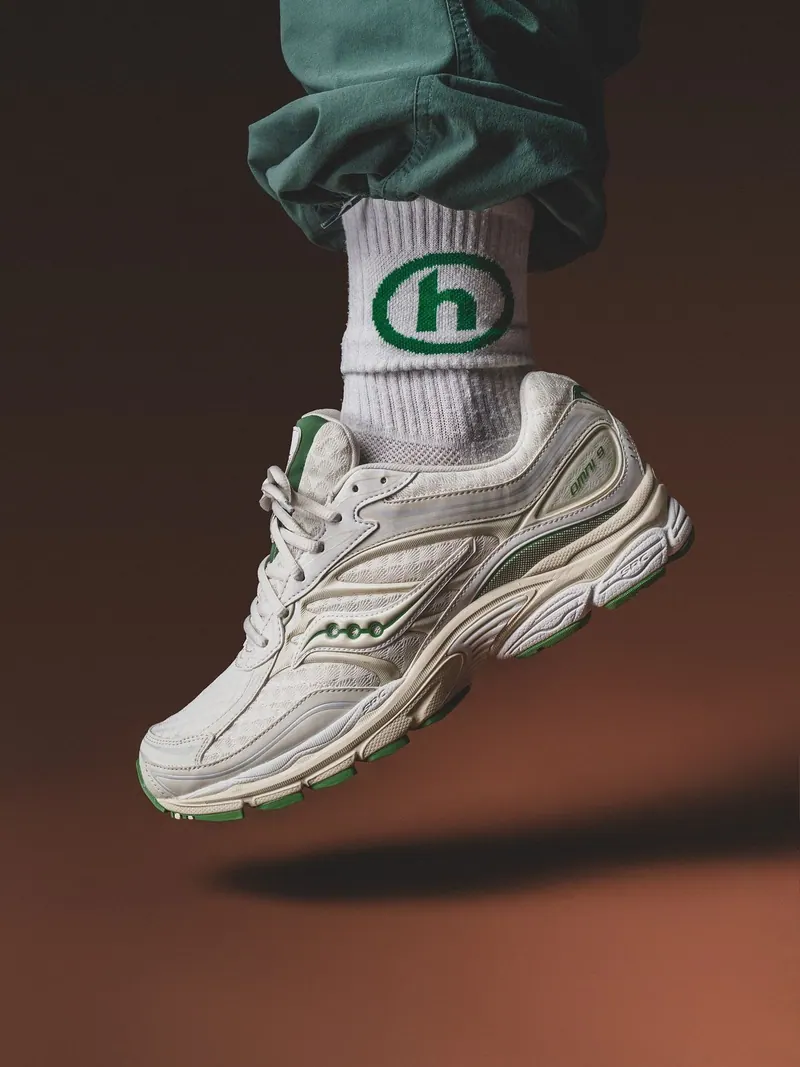
Sneakers and Socks
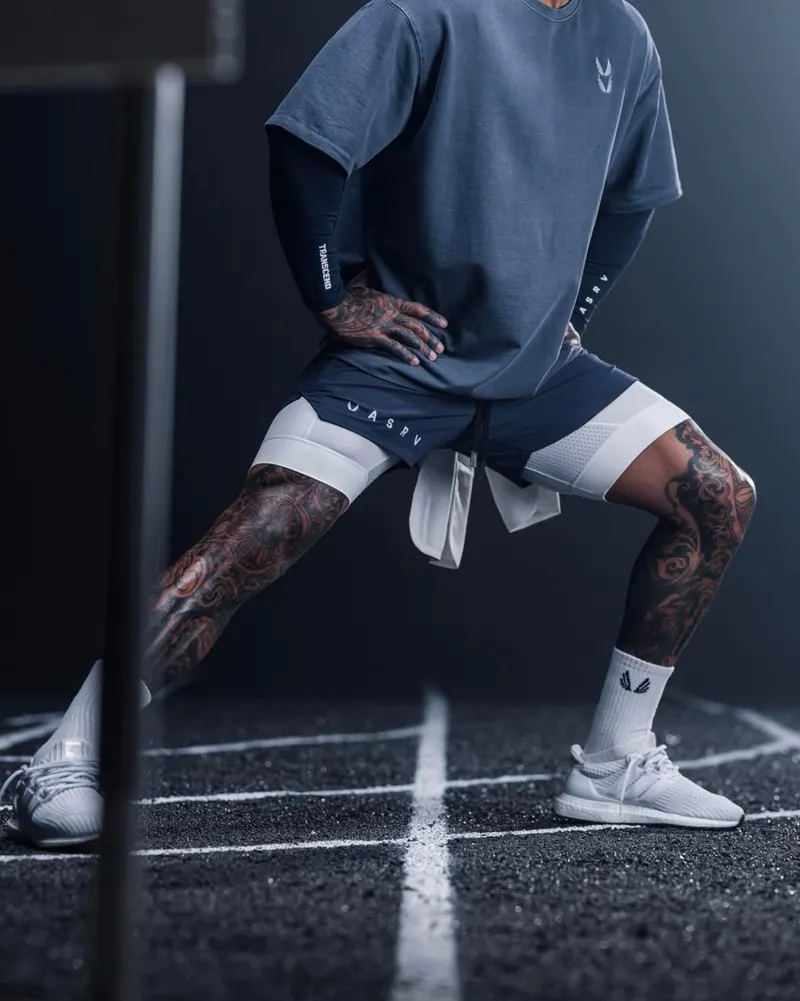
Night Court
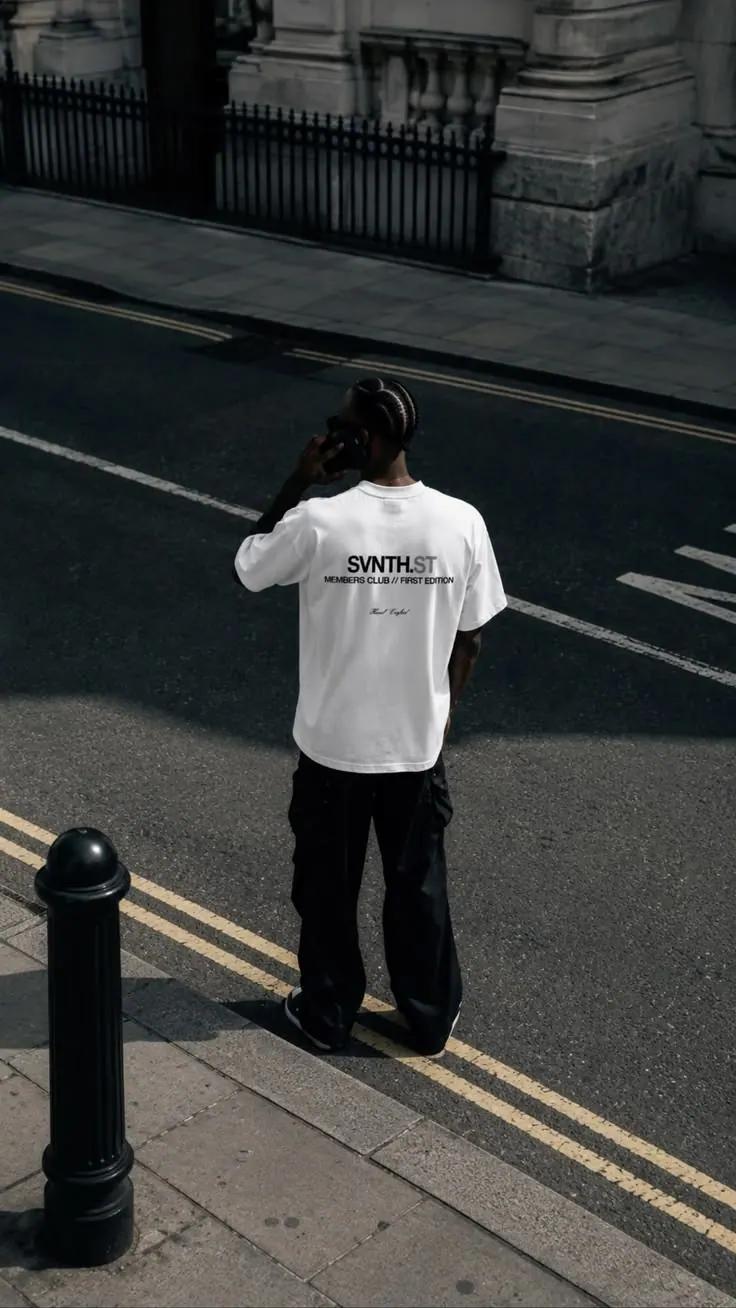
Street from Above
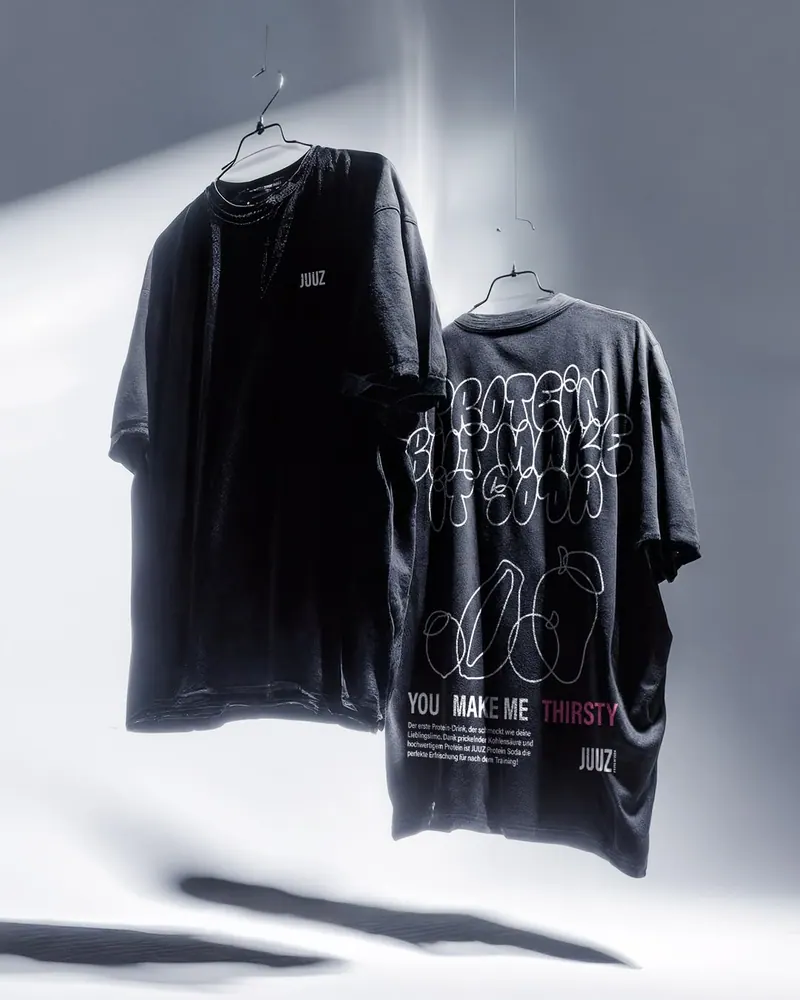
Two Tees on Hangers
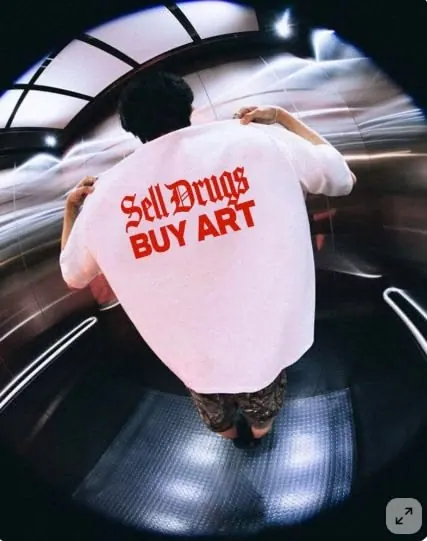
Print in the Lift
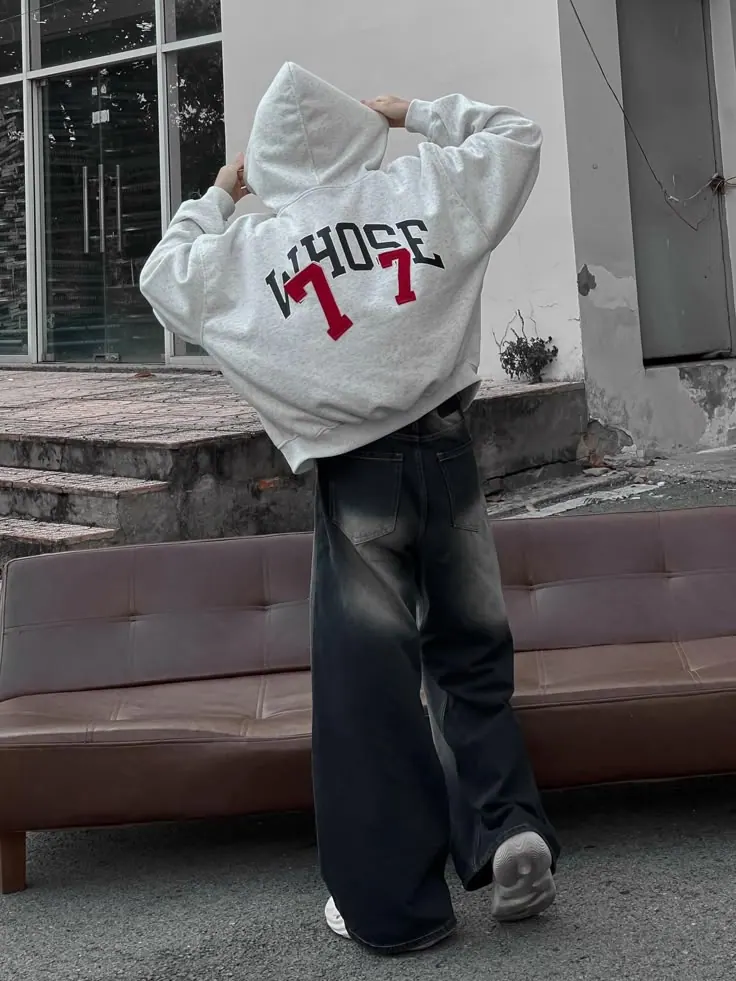
Hoodie by the Door
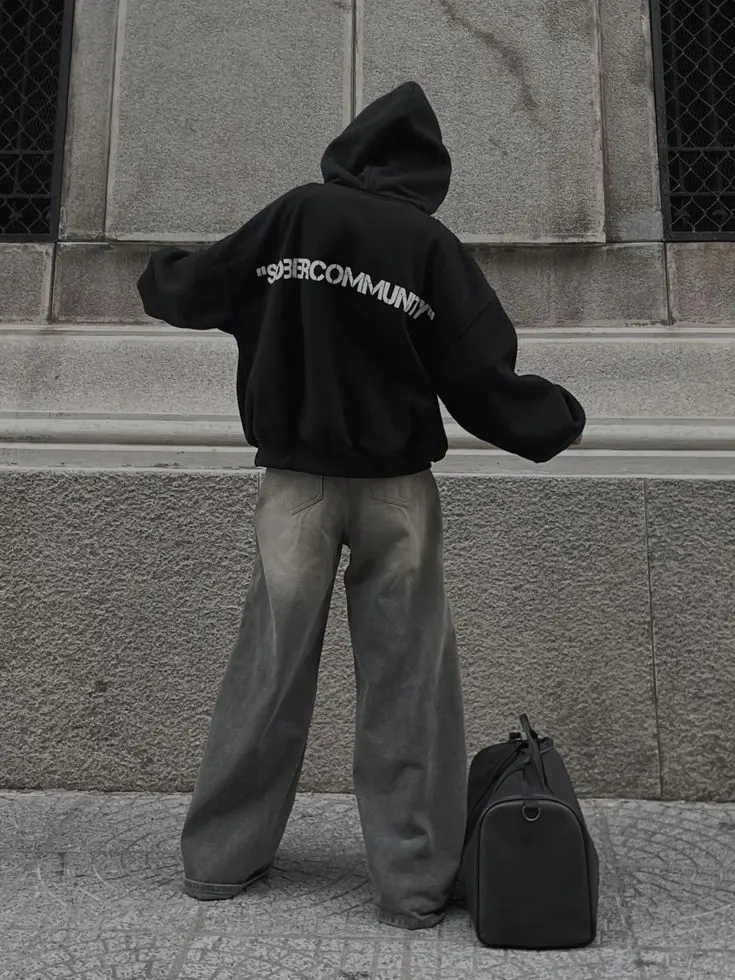
Back and Bag
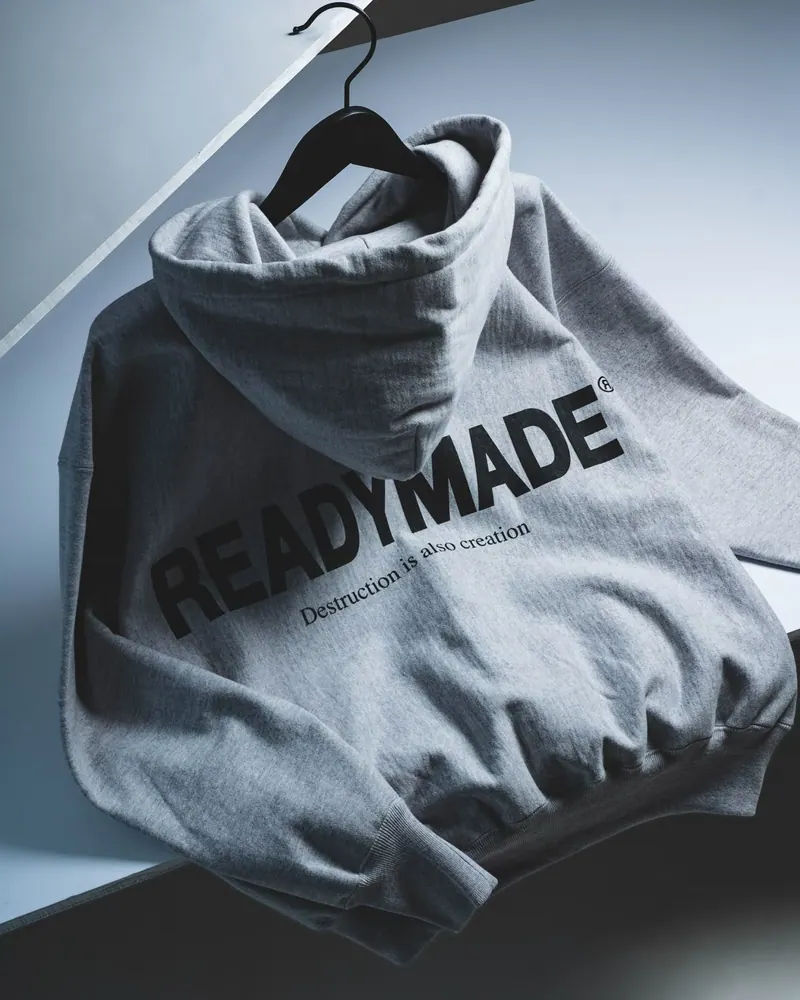
Hoodie on a Hanger
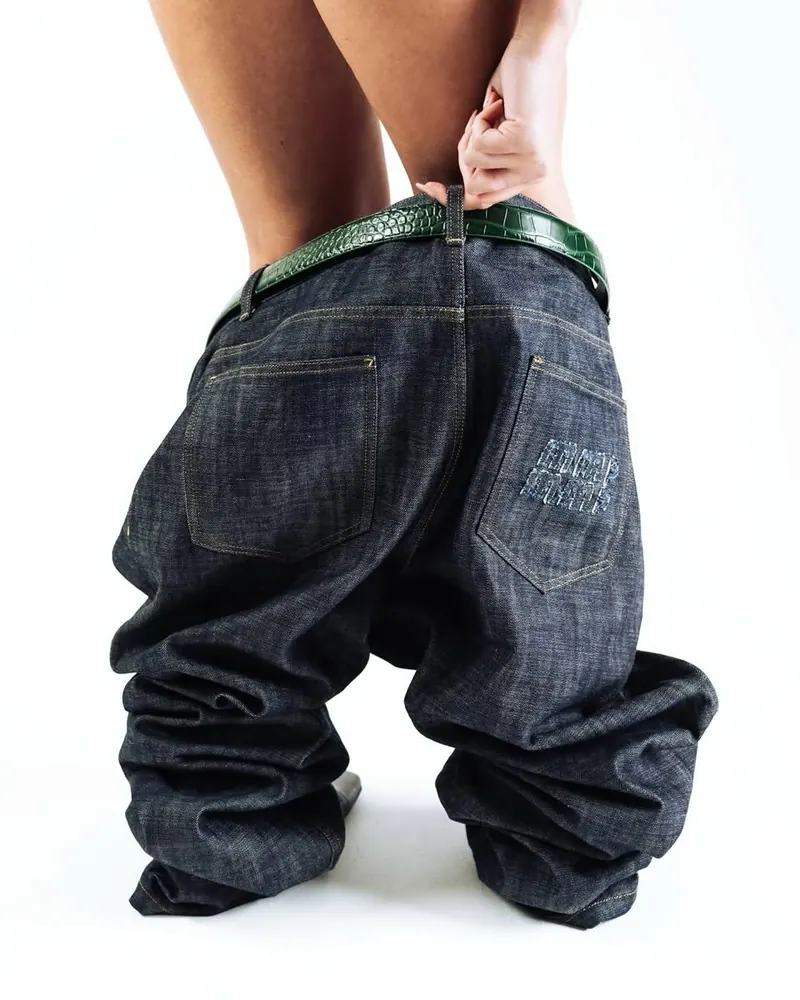
Baggy Jeans
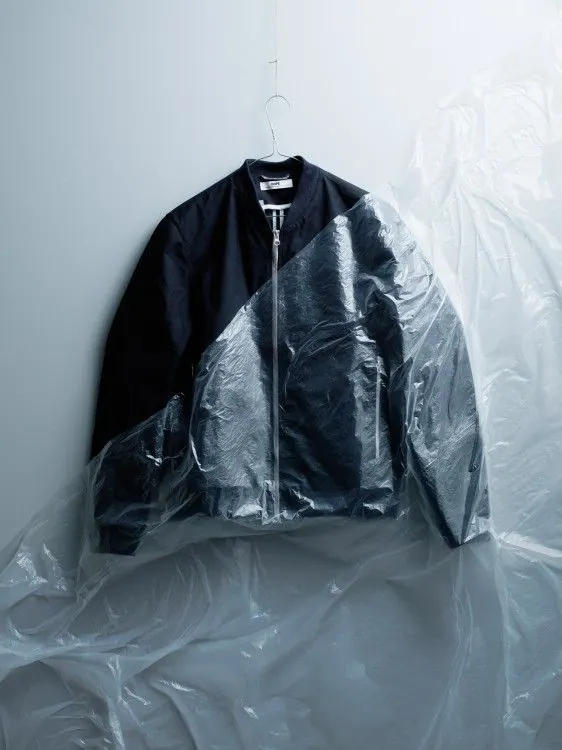
Jacket in Plastic
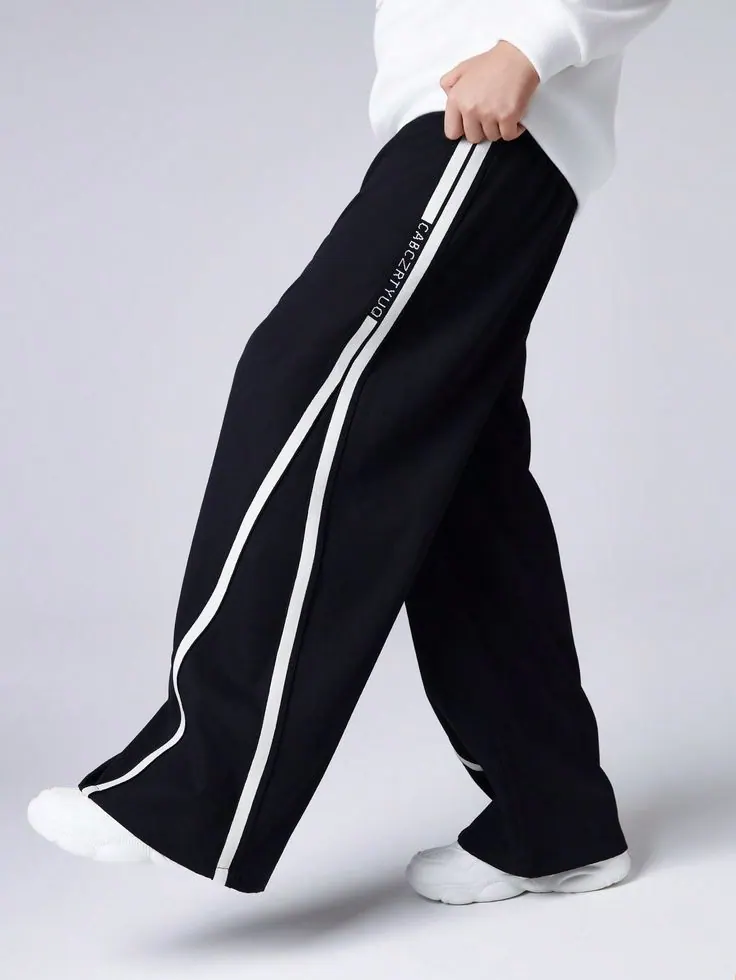
Track Trousers
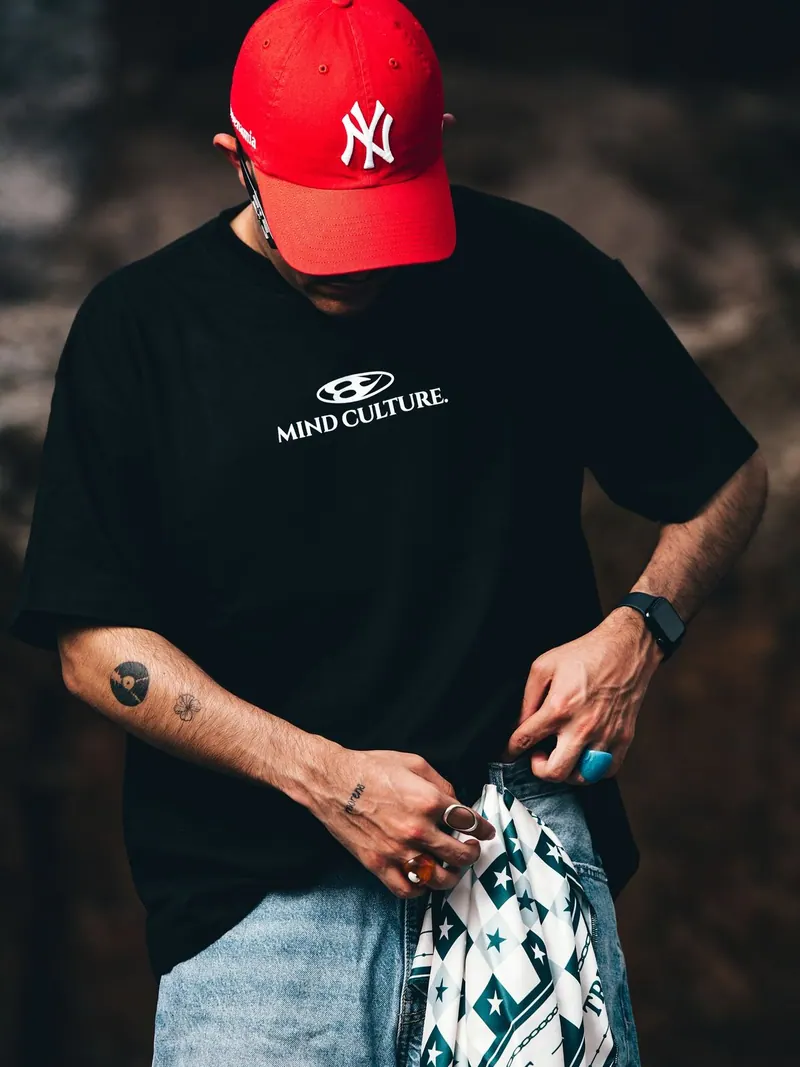
Cap and Tee
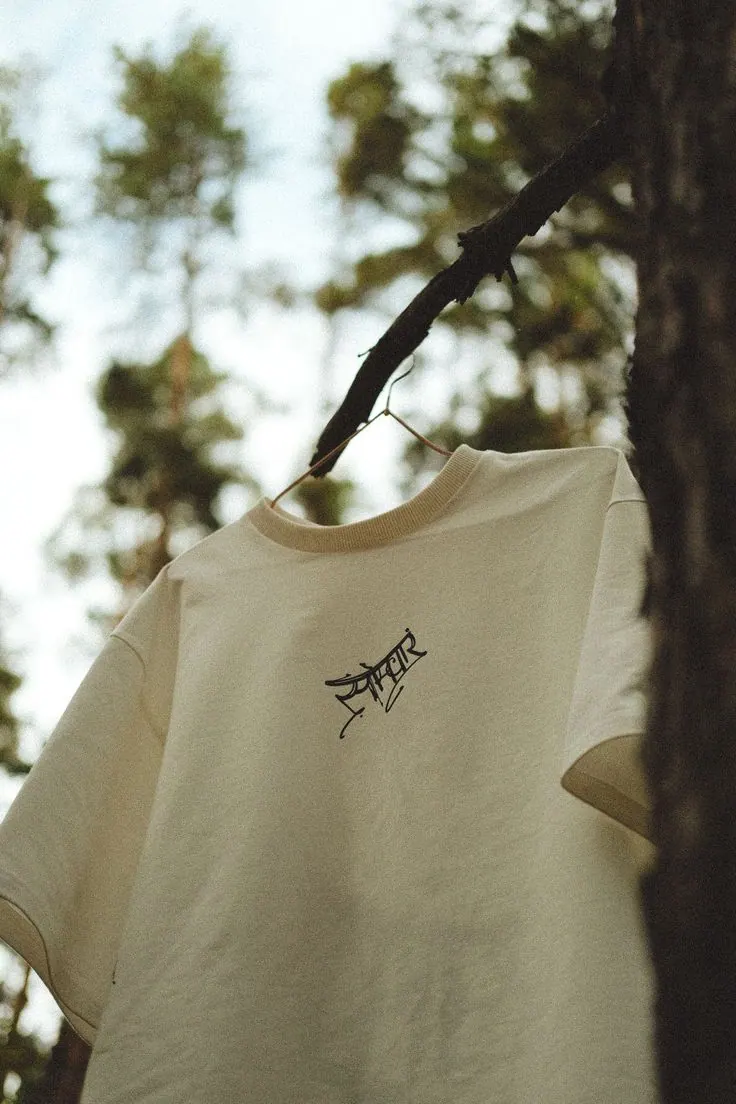
Tee on a Branch
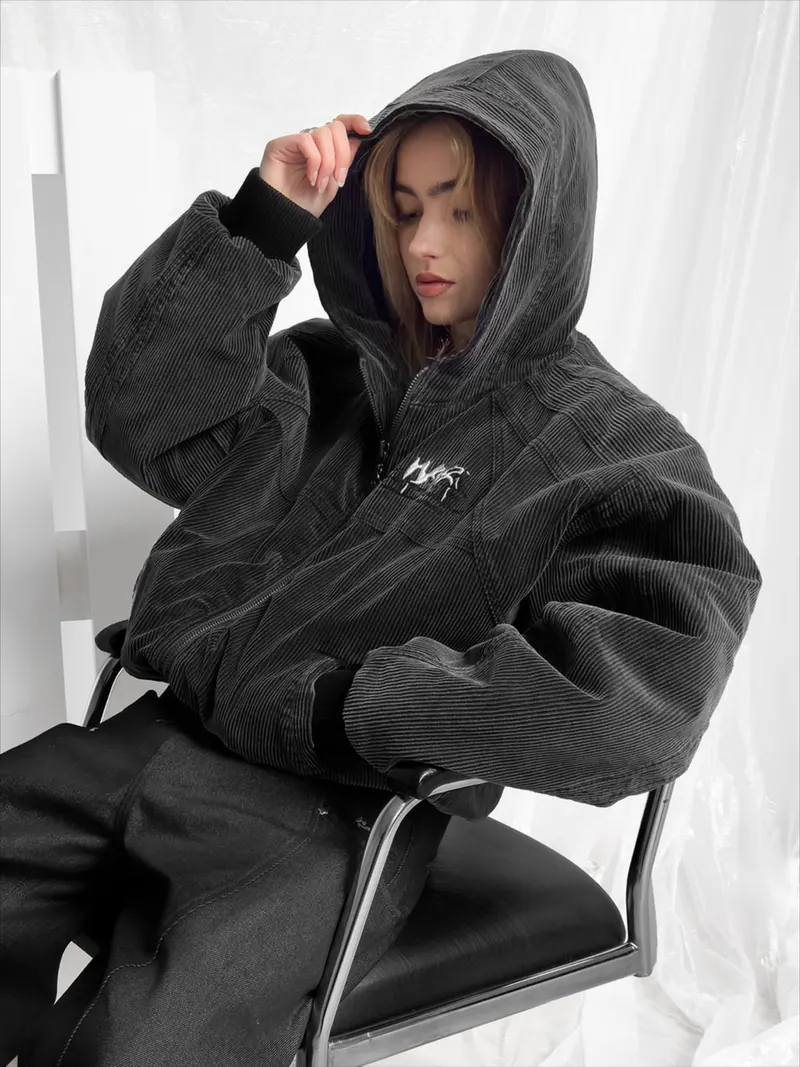
Teddy Hoodie
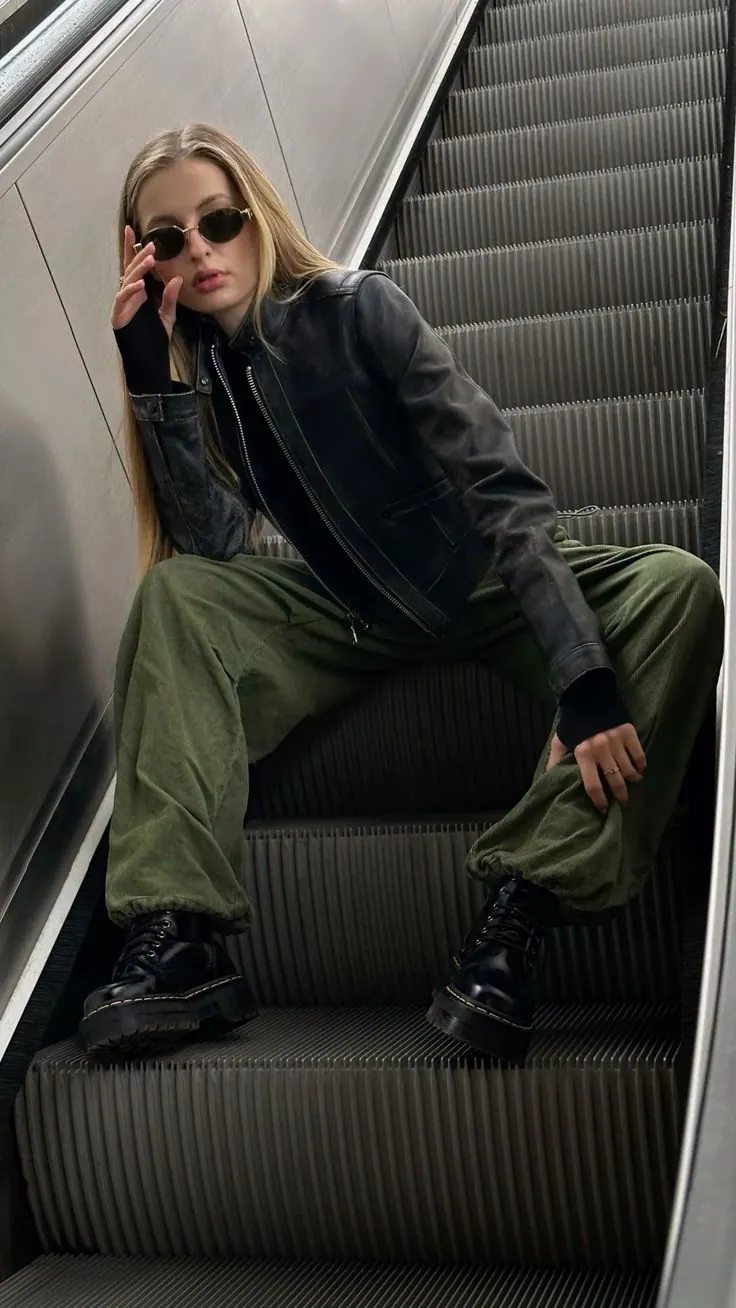
Cargo on the Escalator
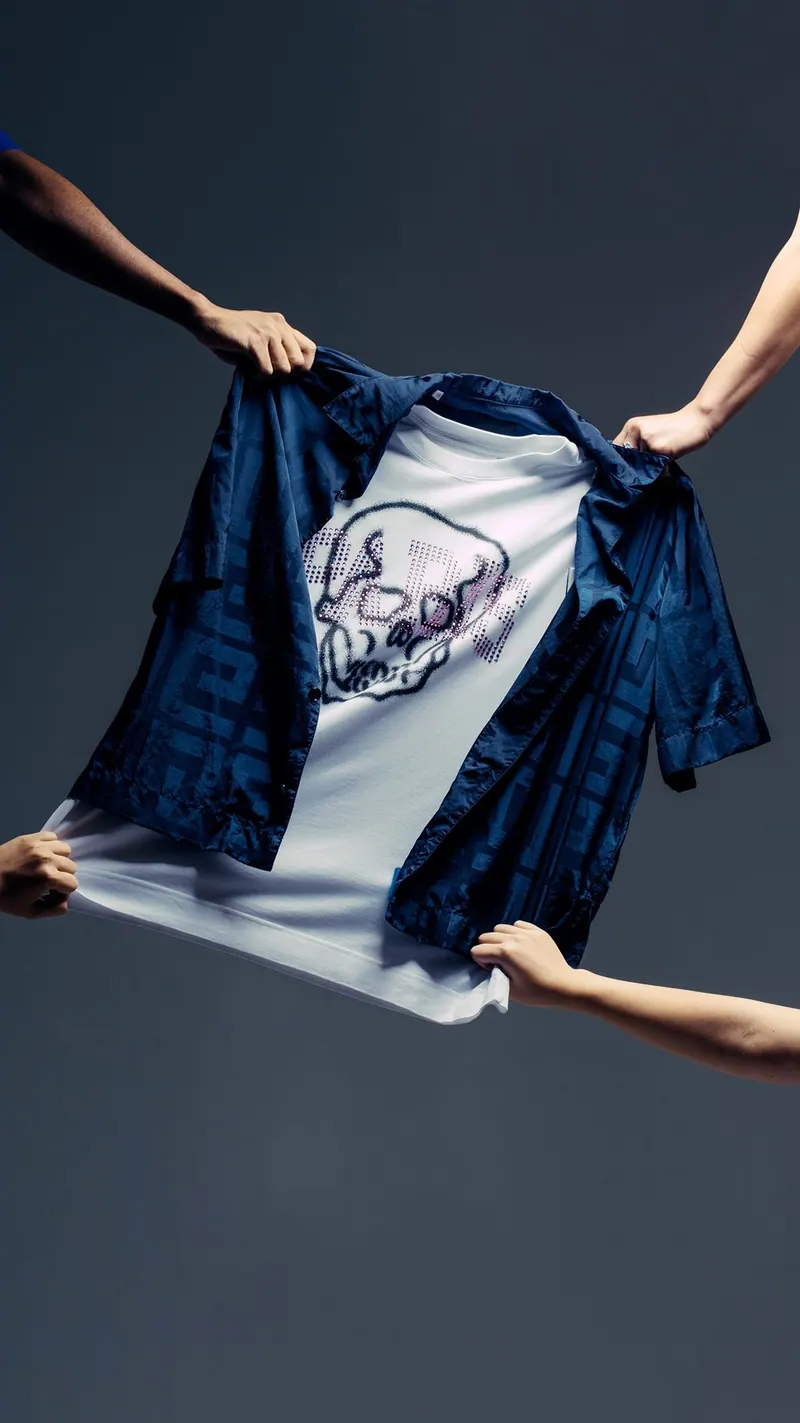
Tee in Hands
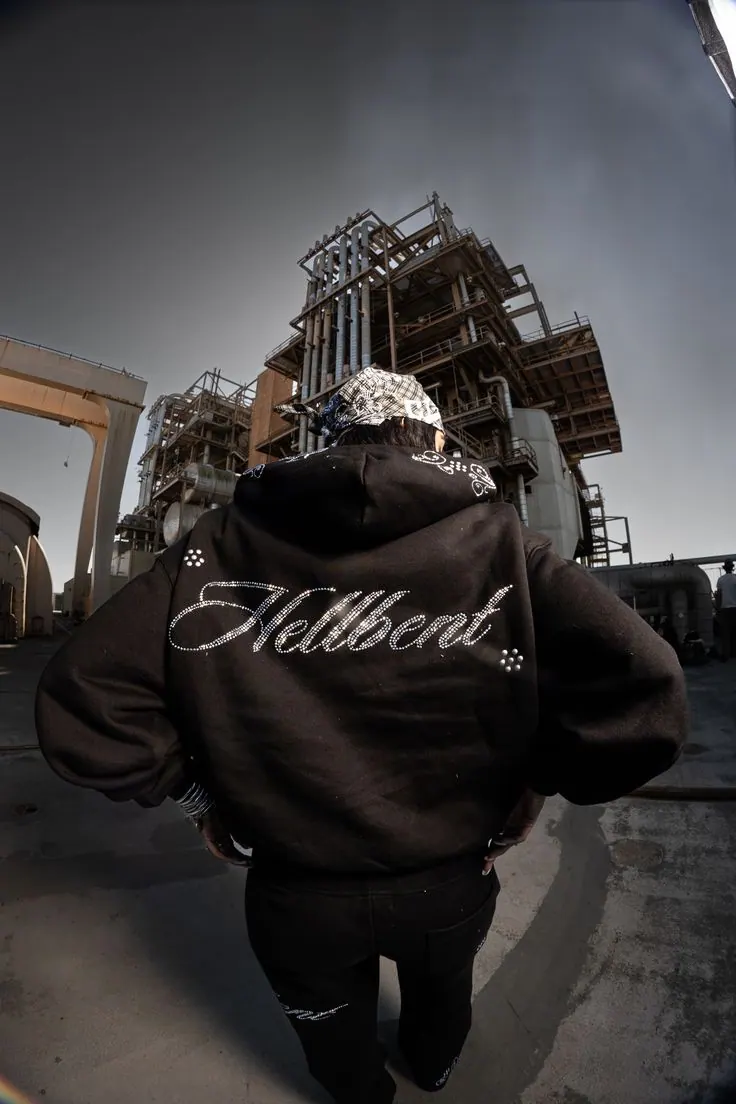
Varsity on Site
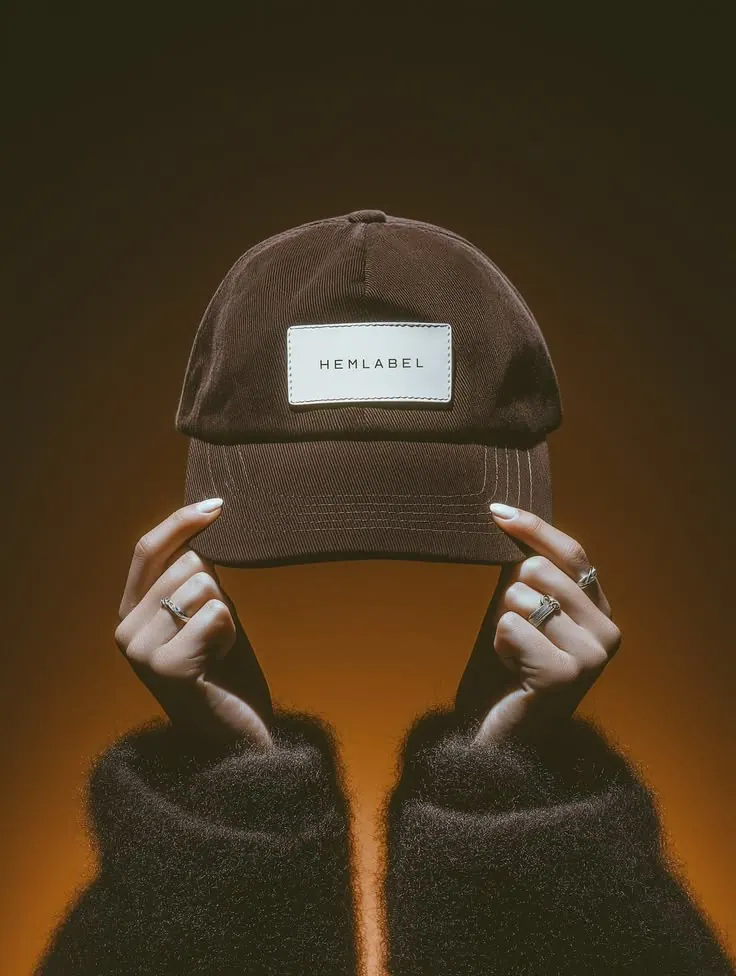
Cap in the Light
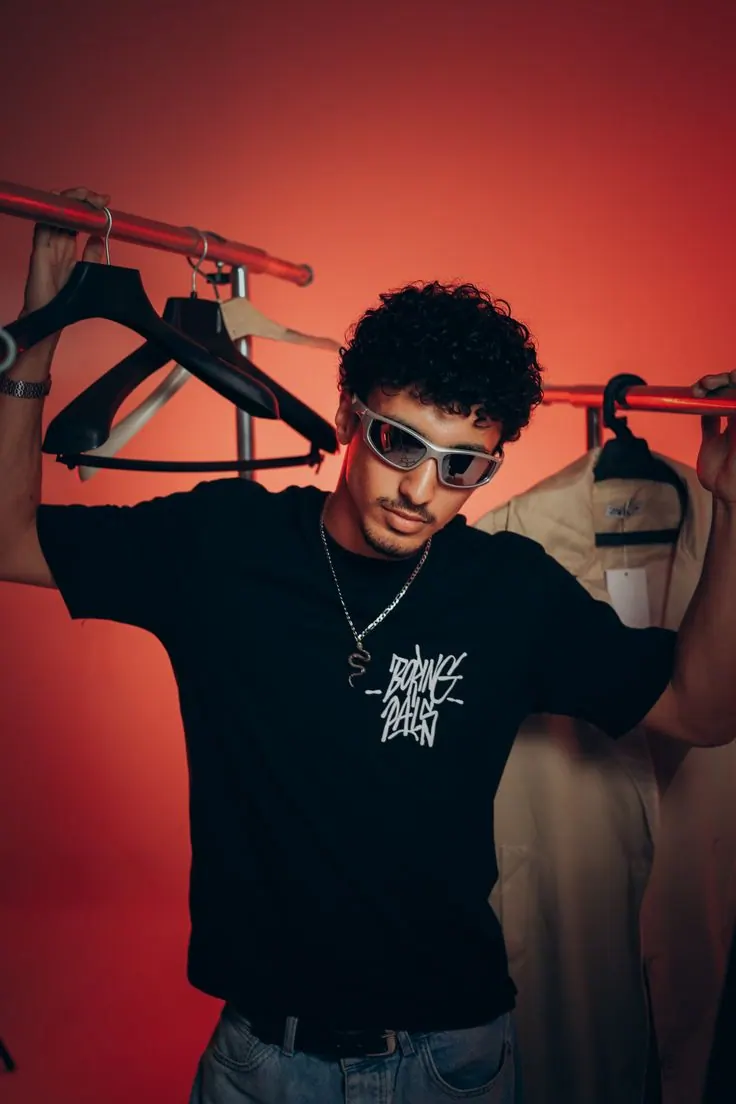
Red Light Rail
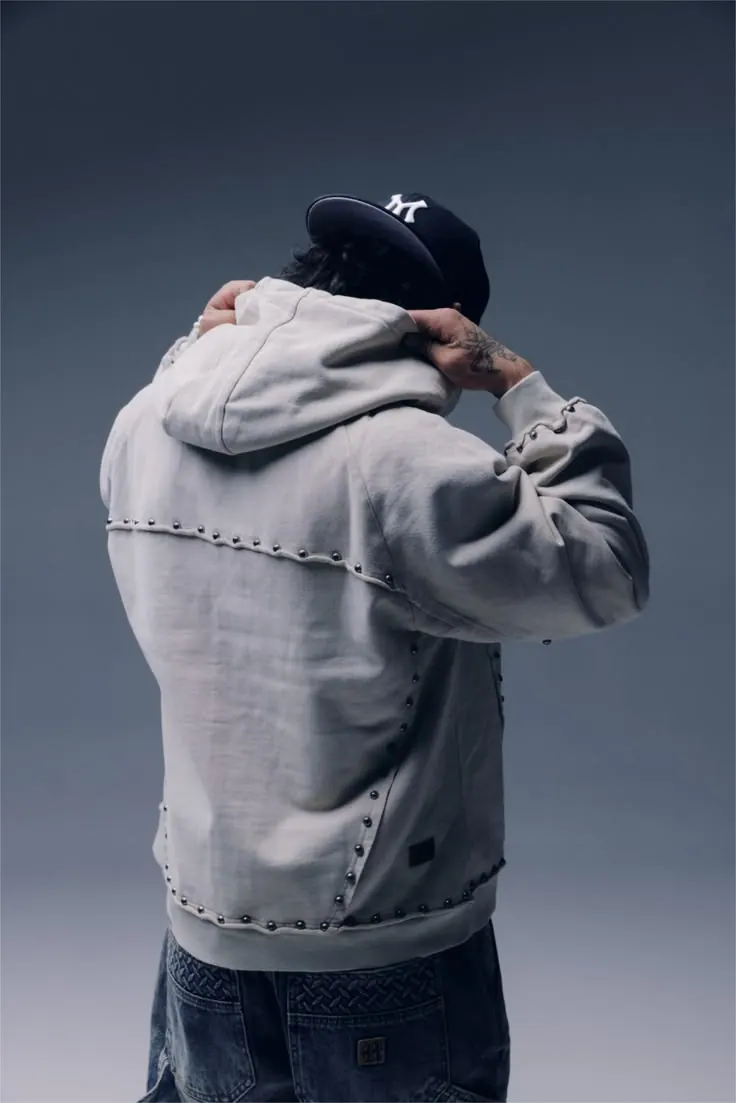
Hoodie from Behind
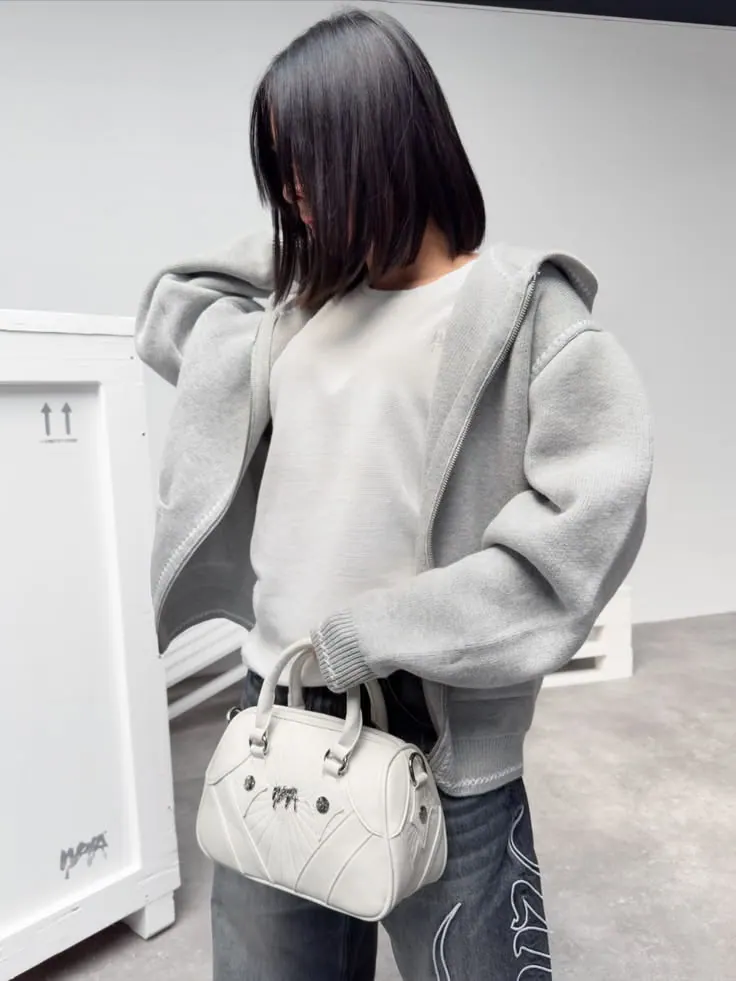
Hoodie and Bag
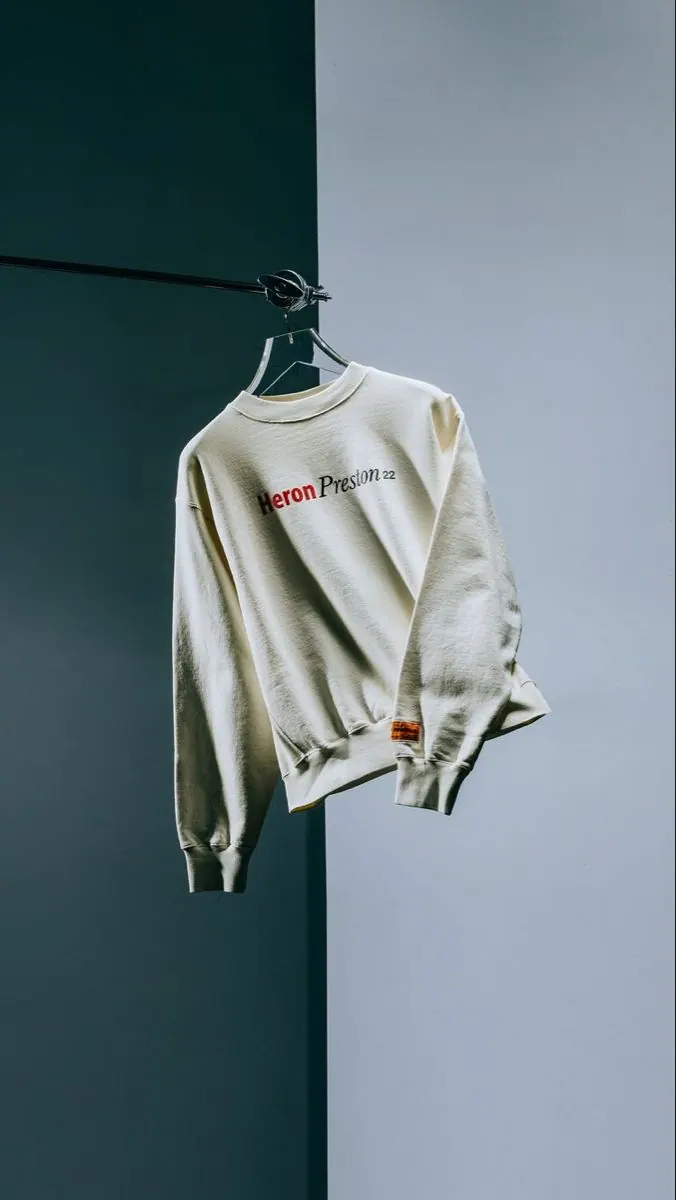
Sweatshirt on the Wall
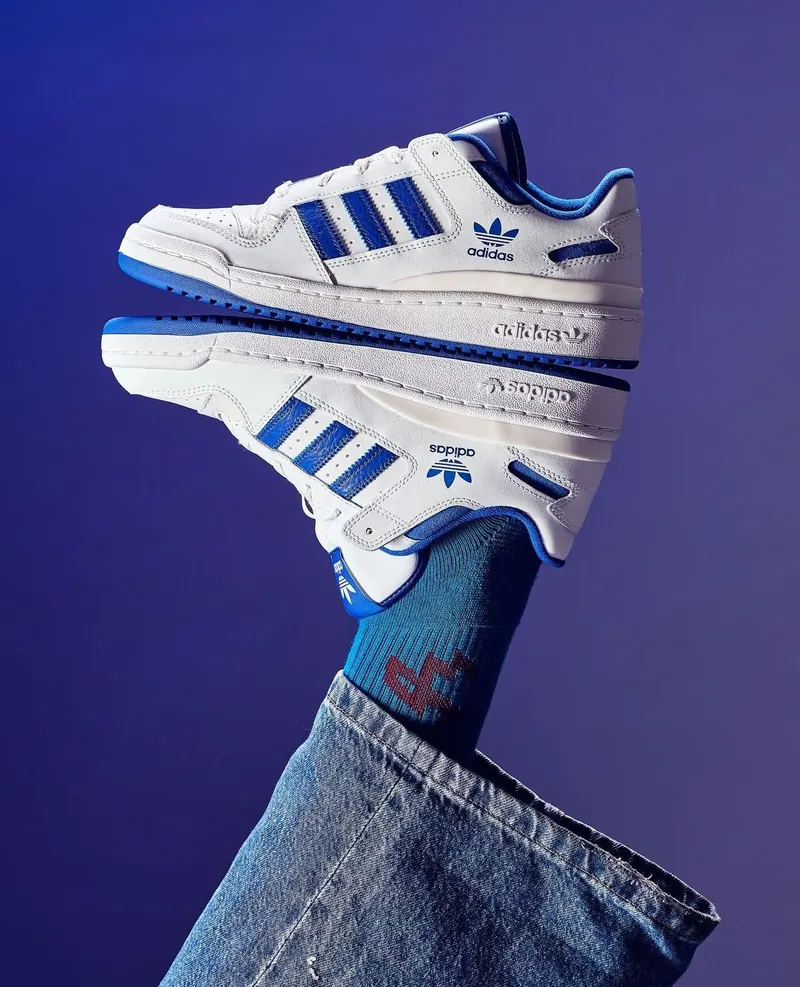
Sneakers and Denim
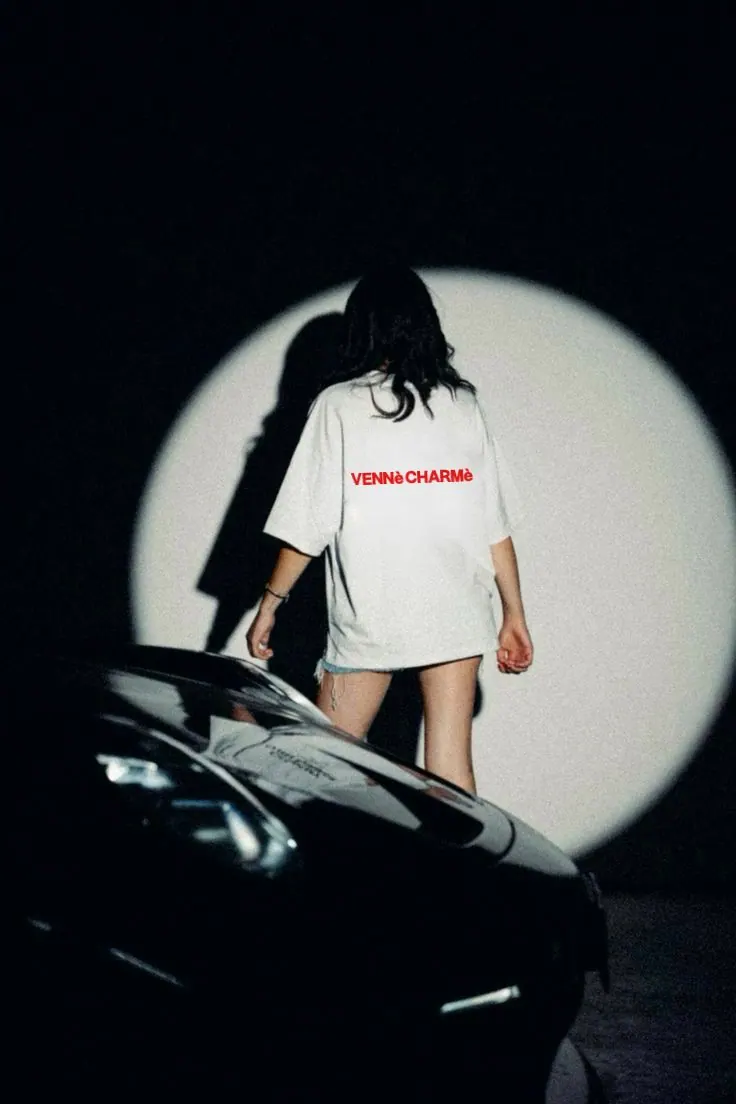
Headlights
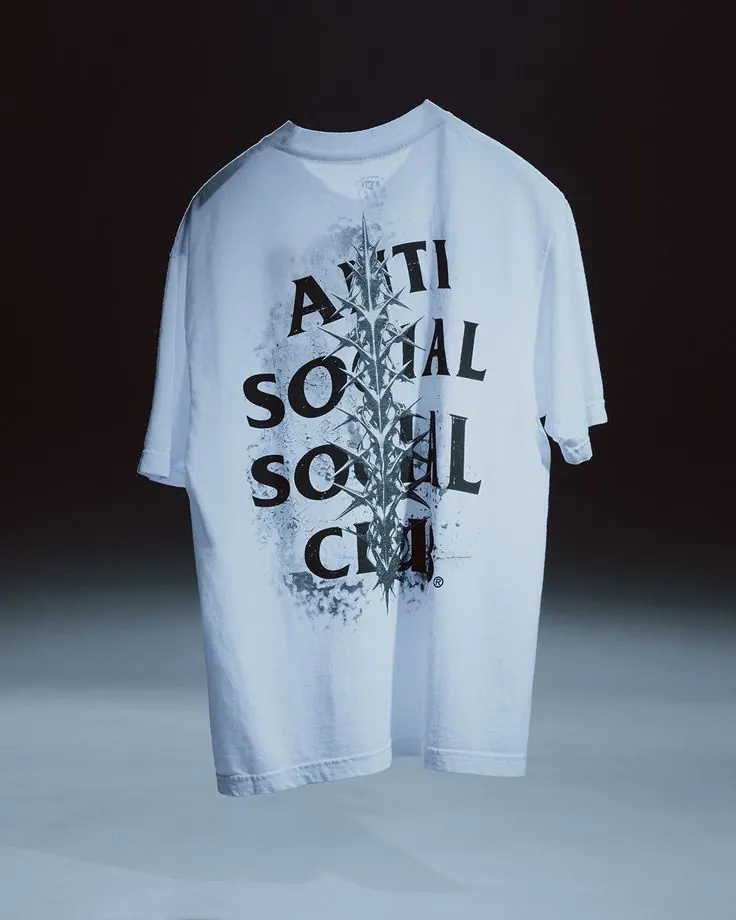
Tee on Light
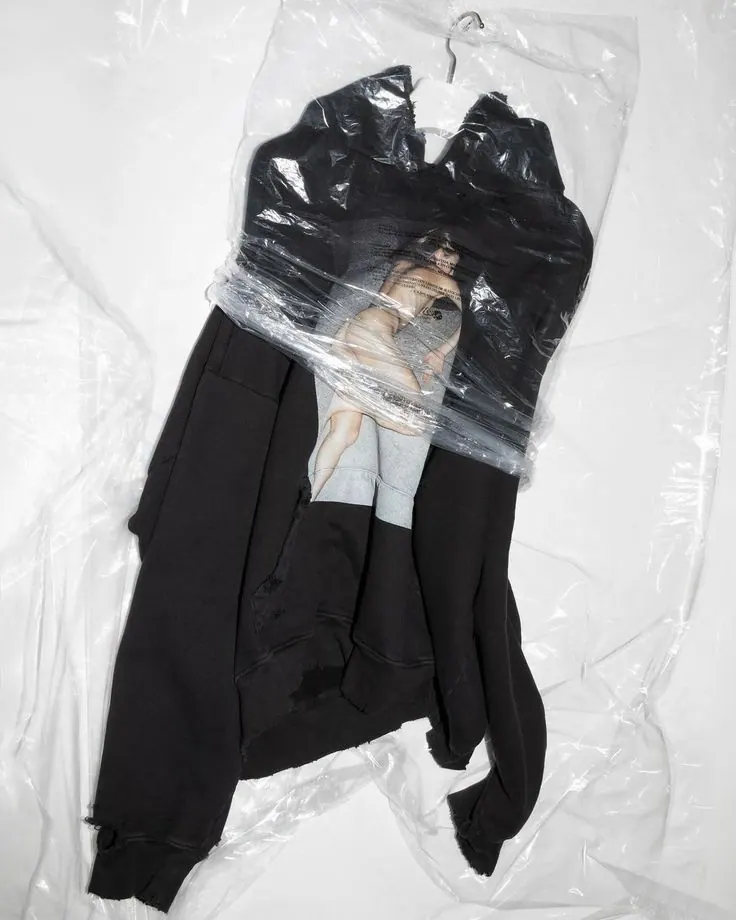
Set in Packaging
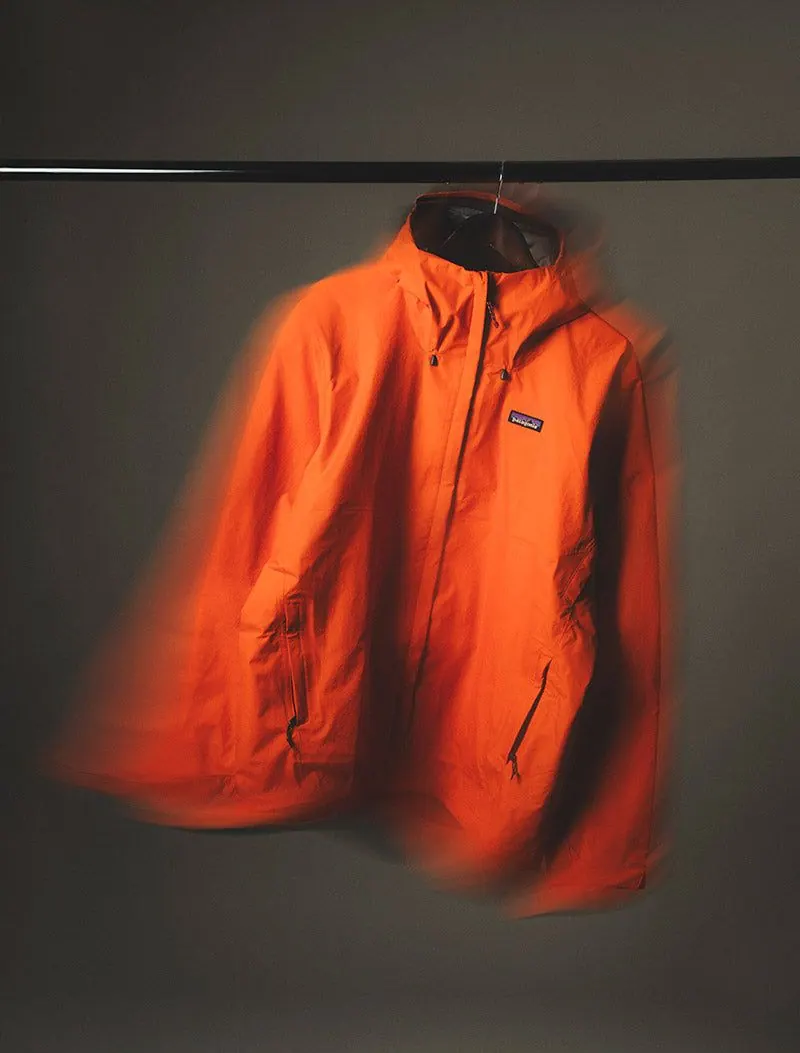
Orange Jacket
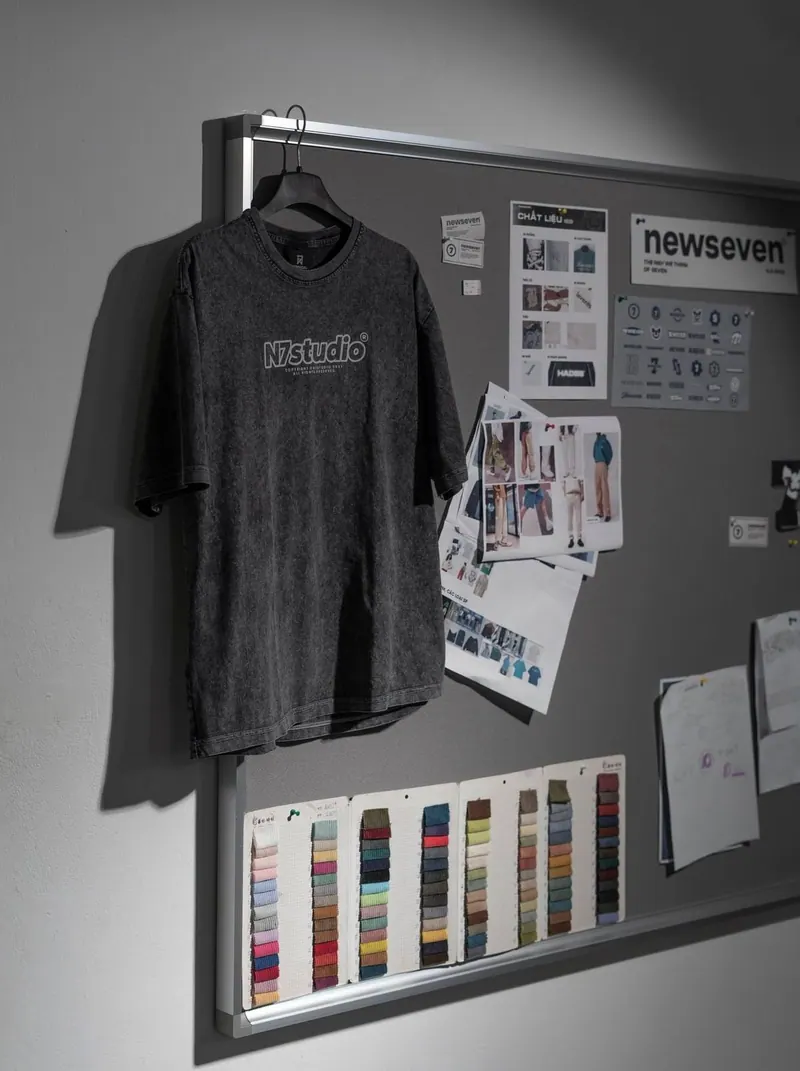
Tee and Moodboard
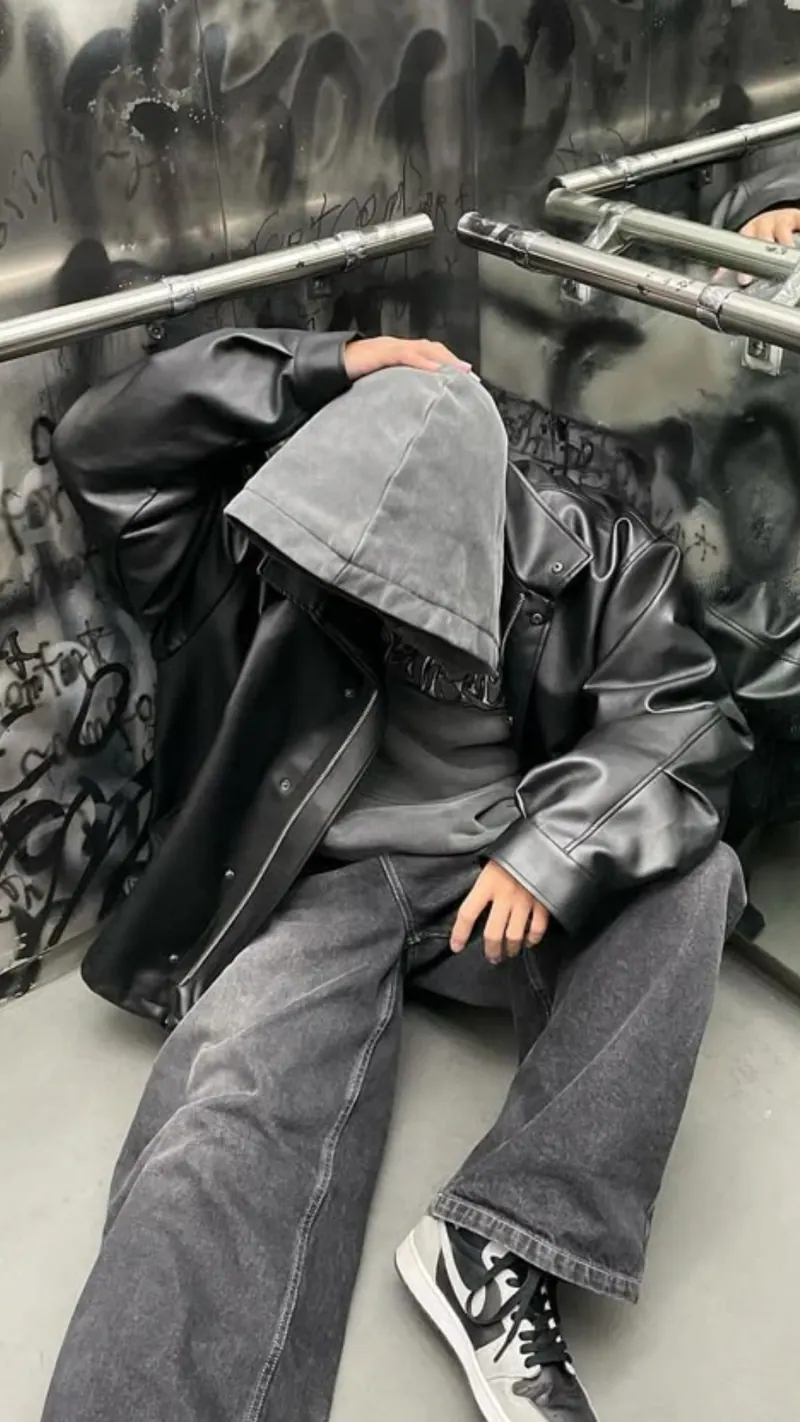
Hoodie Underpass
How to create a clothing photo from a ready-made prompt
Choose a reference, upload your source photos and download the finished image.
Choose a prompt for clothing photos
Pick a scene; its light and composition are already configured.
Upload a clear photo of the item
Use clear, well-lit photos without heavy filters or obstructions.
Get a clothing photo
Generate the image and download the finished JPG.
Questions about clothing photos
What to upload, how the prompts work and where to use the result.
Yes. Every card contains a configured scene, light and composition. Choose an example instead of writing the prompt yourself.
Upload a clear photo of the item. Use sharp, well-lit images without heavy filters or obstructions.
Usually a few minutes. You can close the page while the image is being generated and return to it from your account.
You receive a JPG and can choose 1:1, 4:5 or 9:16 depending on where the image will be used.