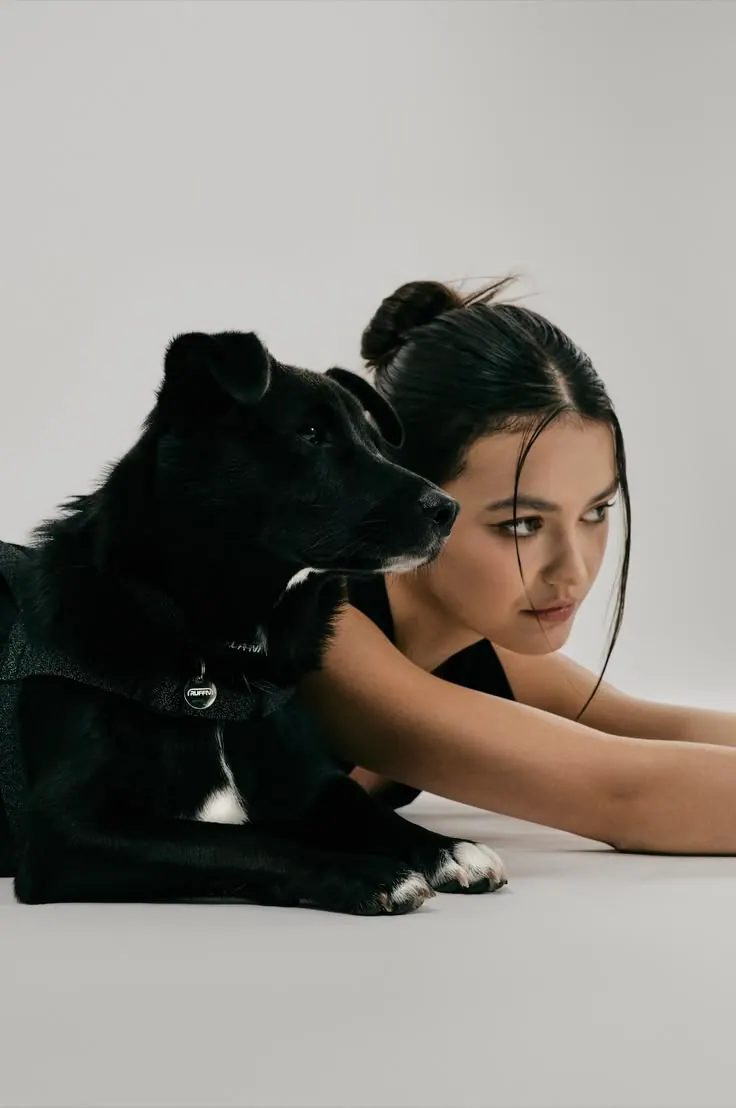
AI prompts for pet photos
Photo ideas for dogs, cats and other pets: individual portraits and photos with their owner. Pick a ready-made scene and upload clear photos of your pet.
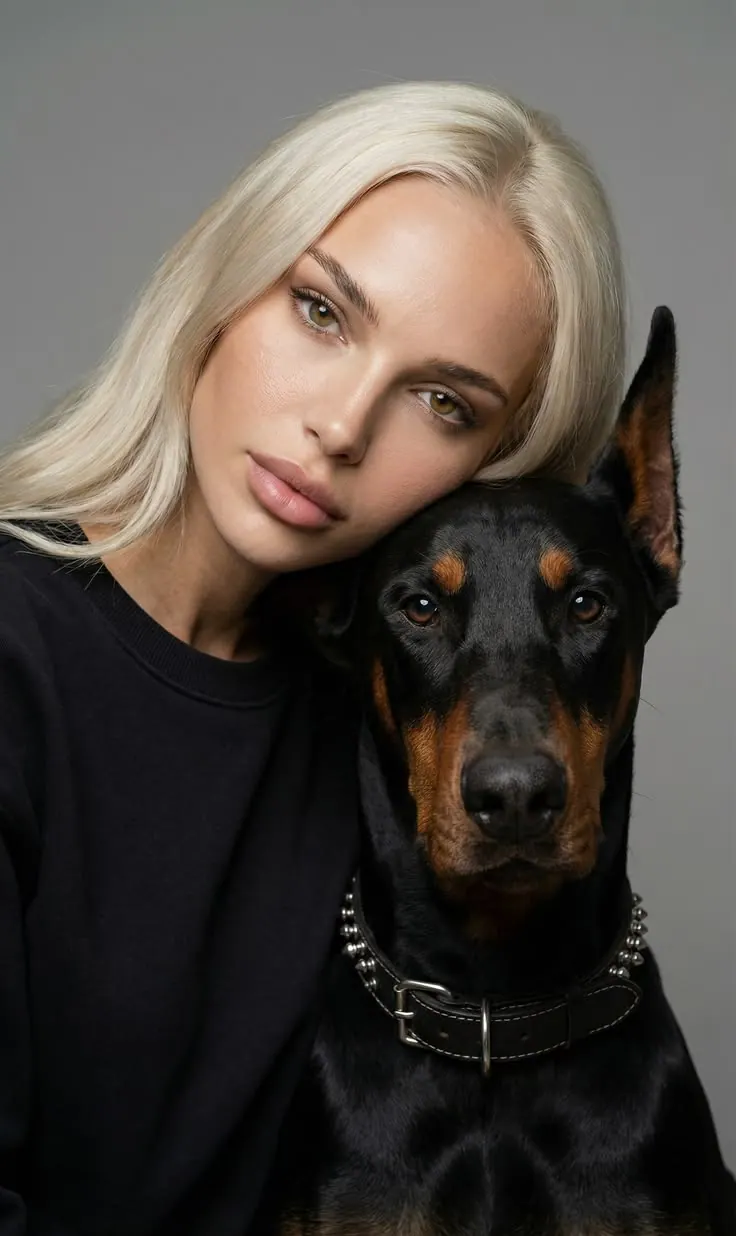
Doberman Portrait
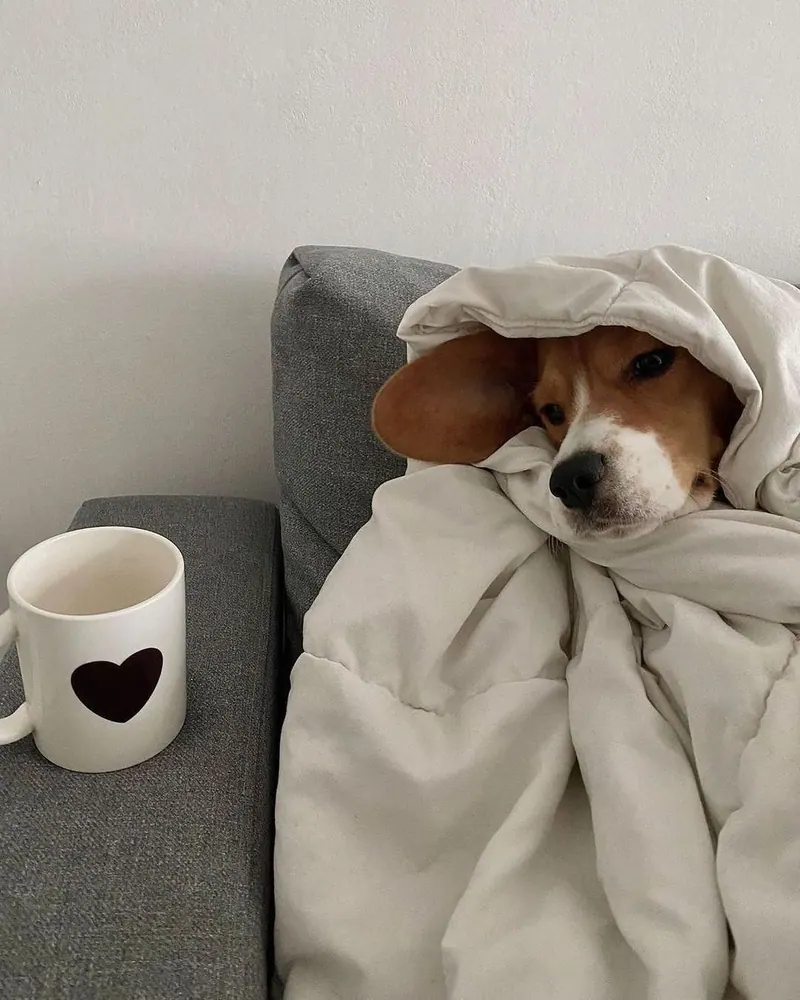
Dog in a Blanket
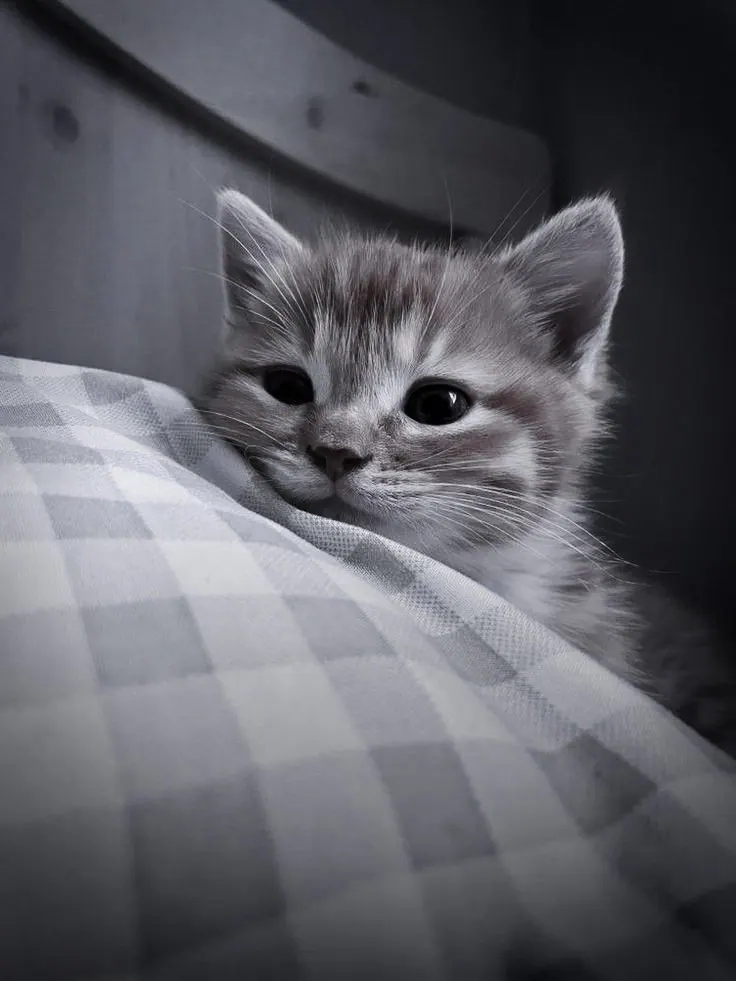
Kitten in Bed
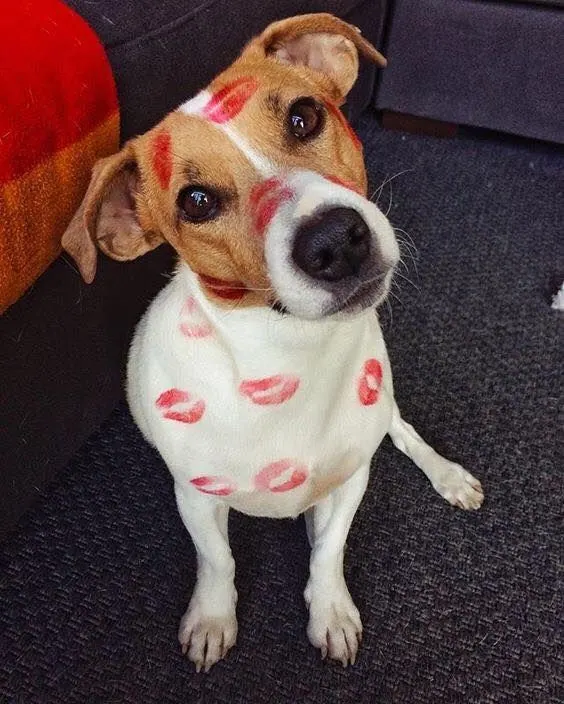
Lipstick Marks
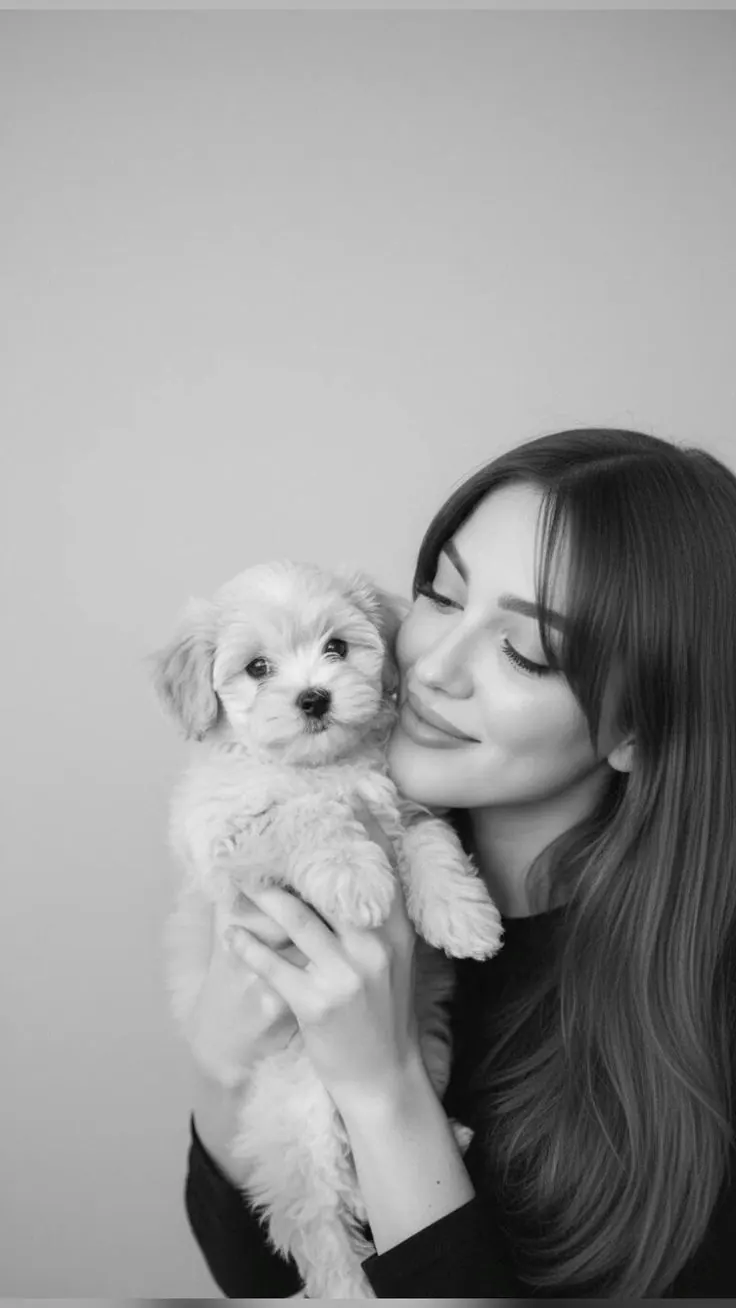
Puppy in Arms
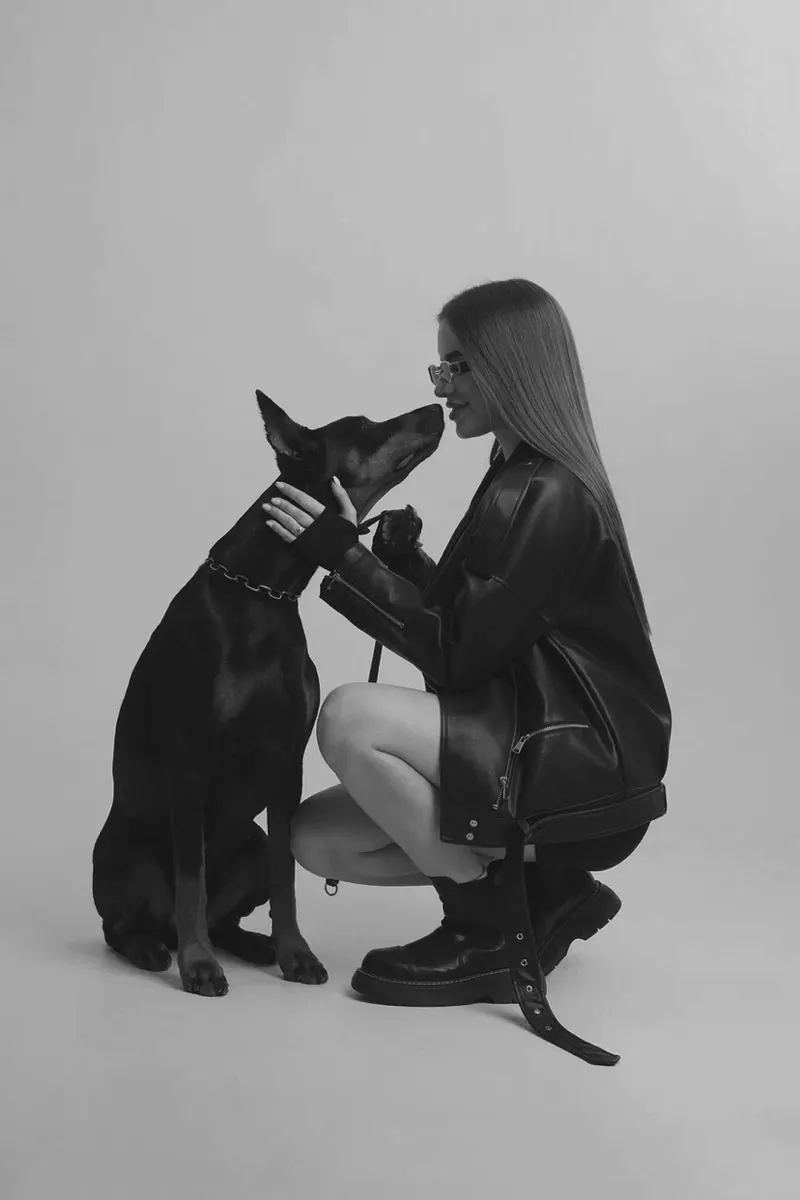
Nose to Nose
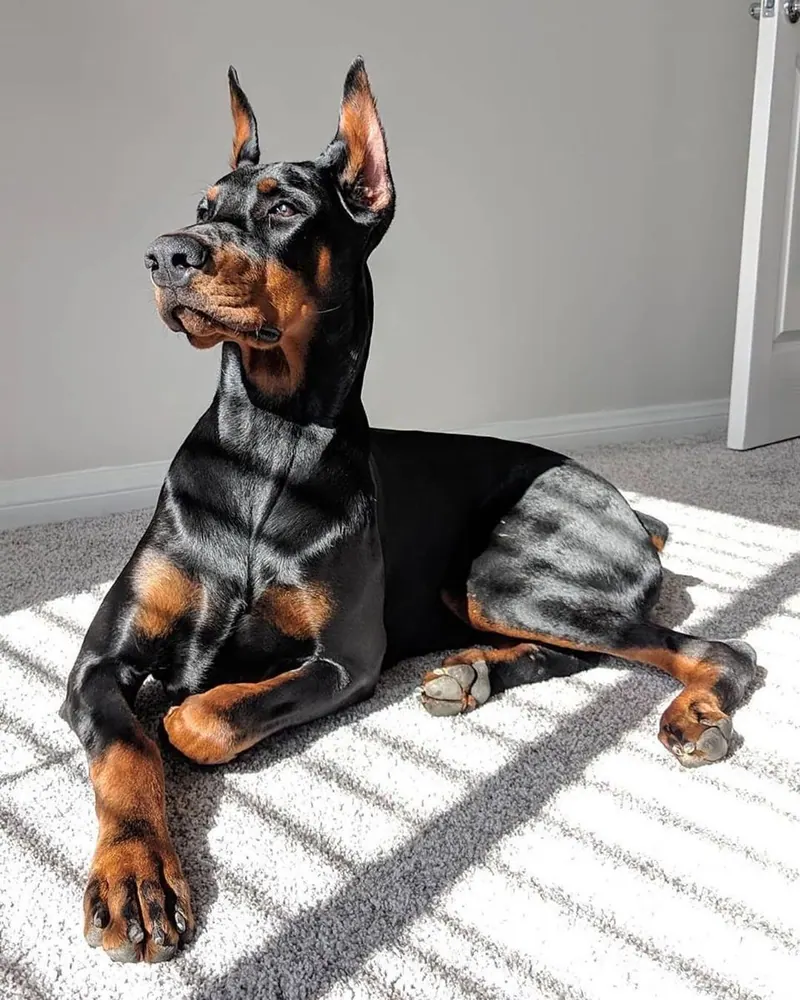
Doberman in Plaid
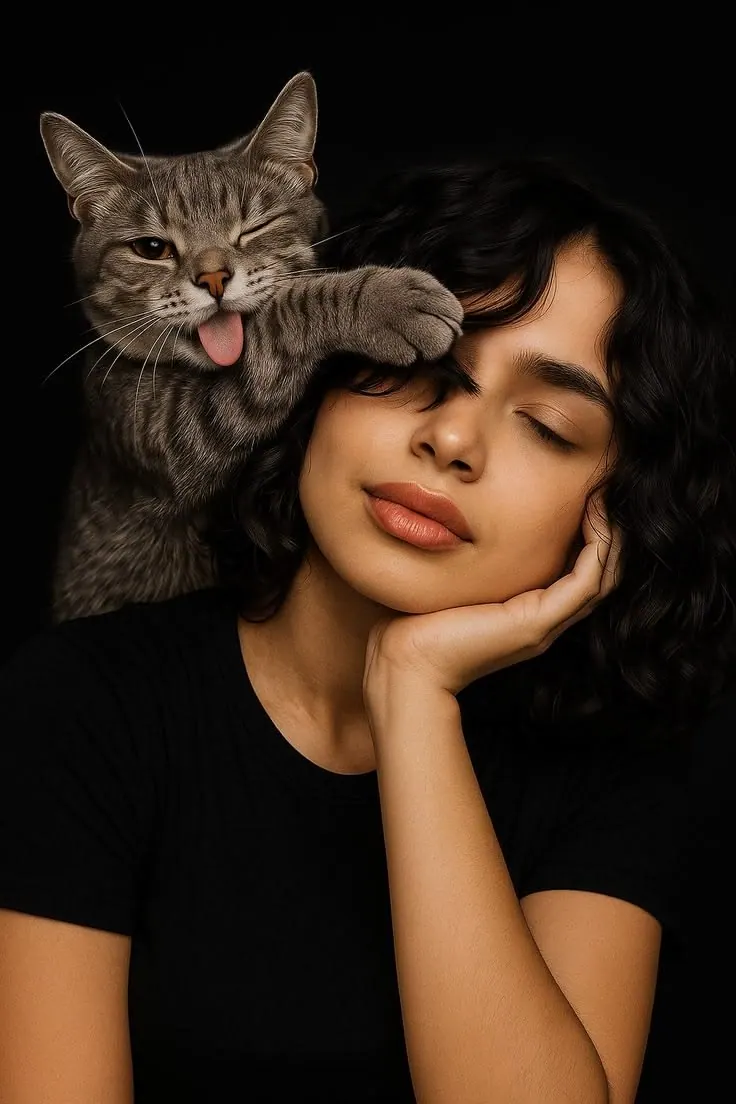
Cat on the Shoulder
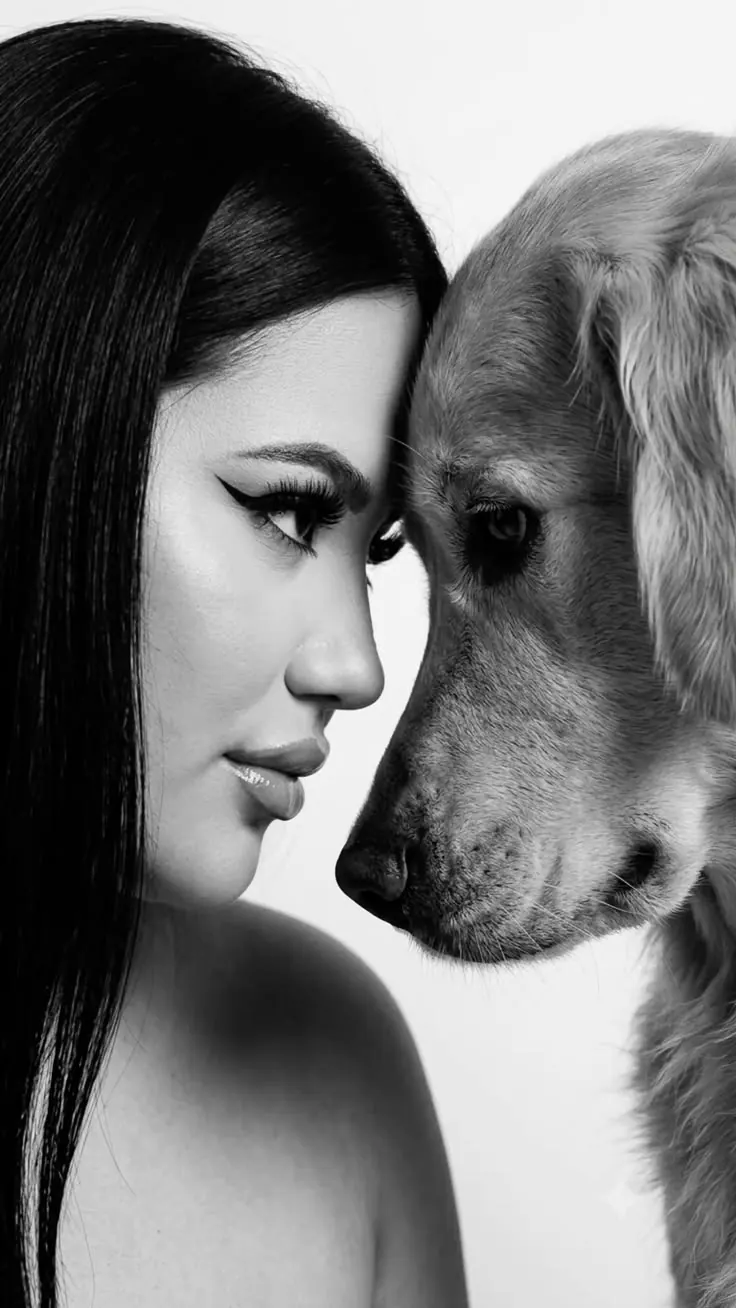
Retriever Profile
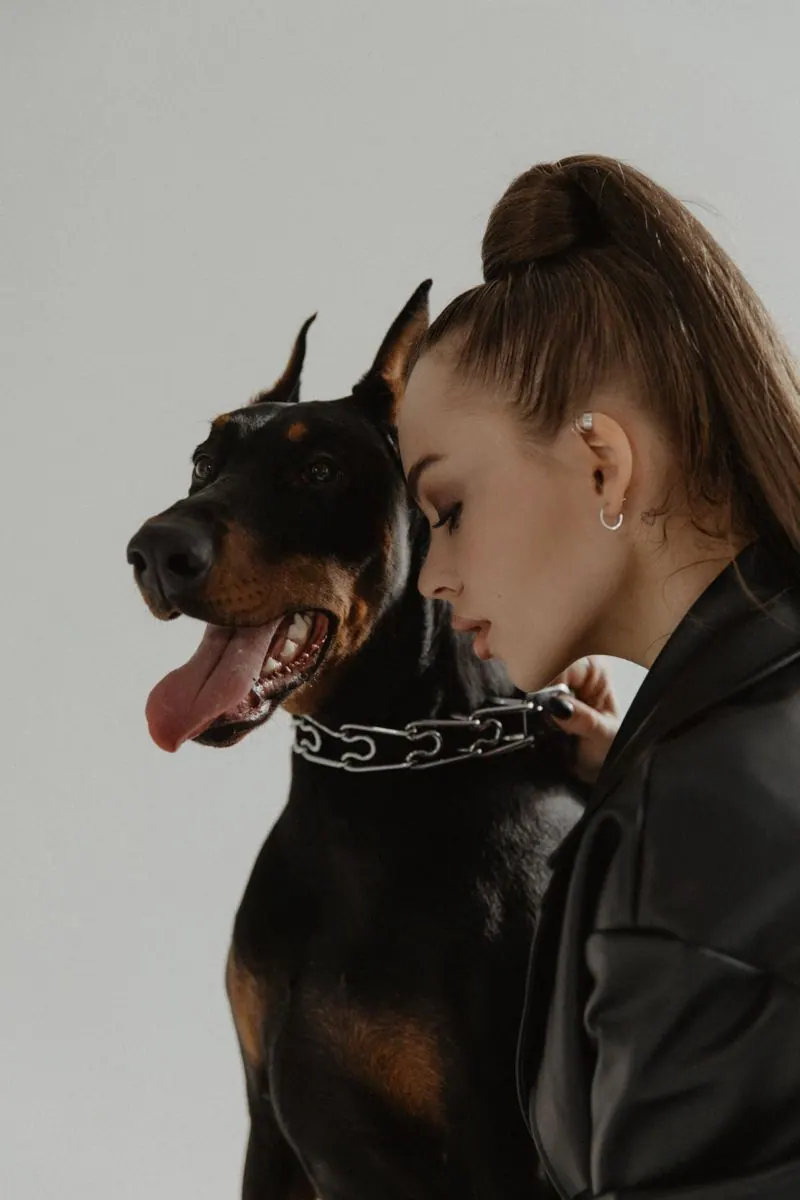
Doberman on Light
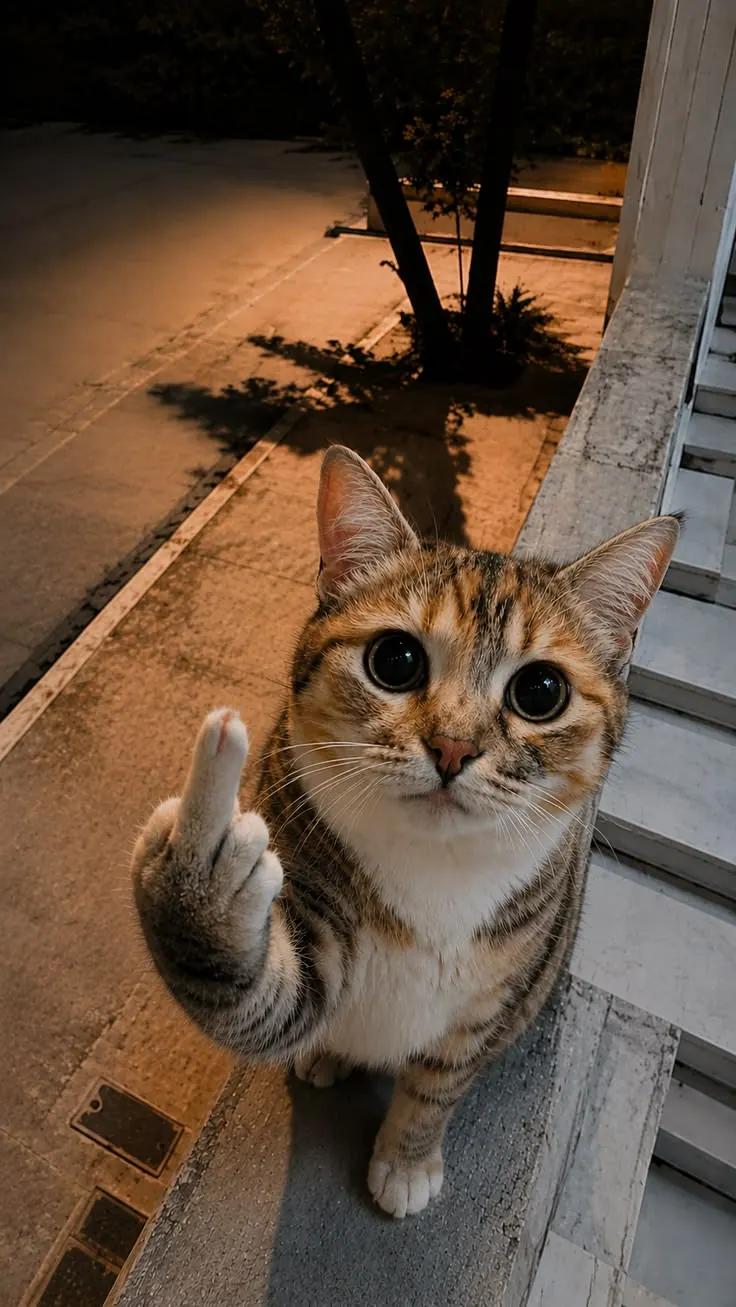
Cat at the Door
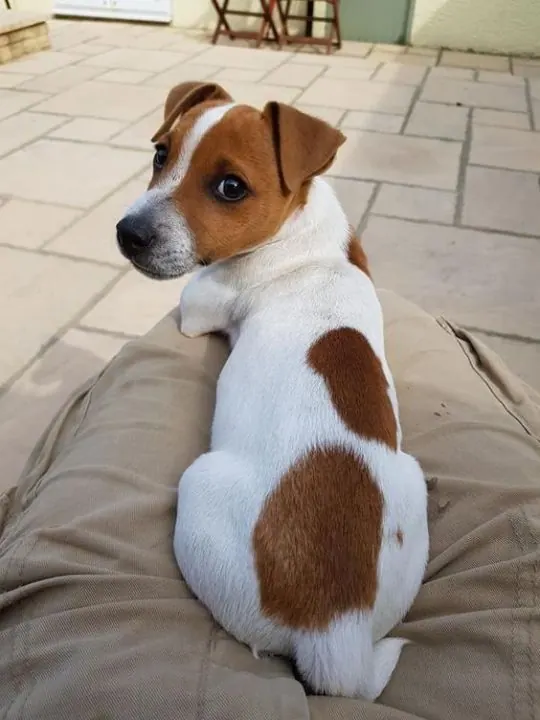
Jack Russell at Home
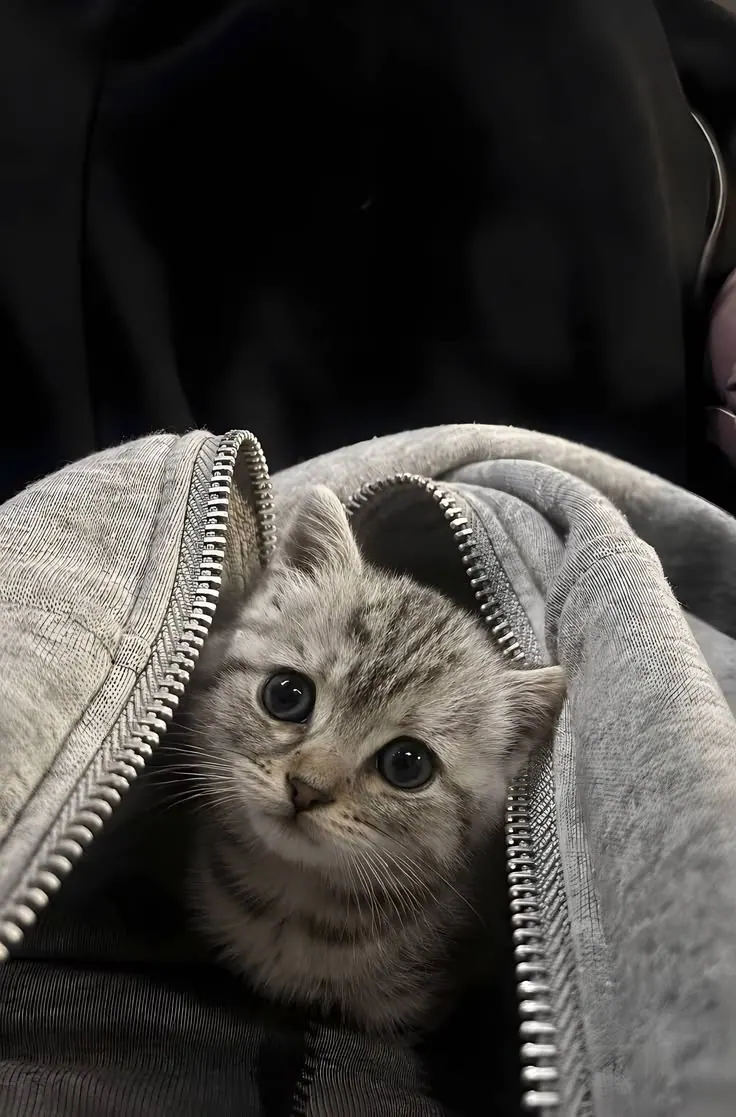
Kitten in a Hood
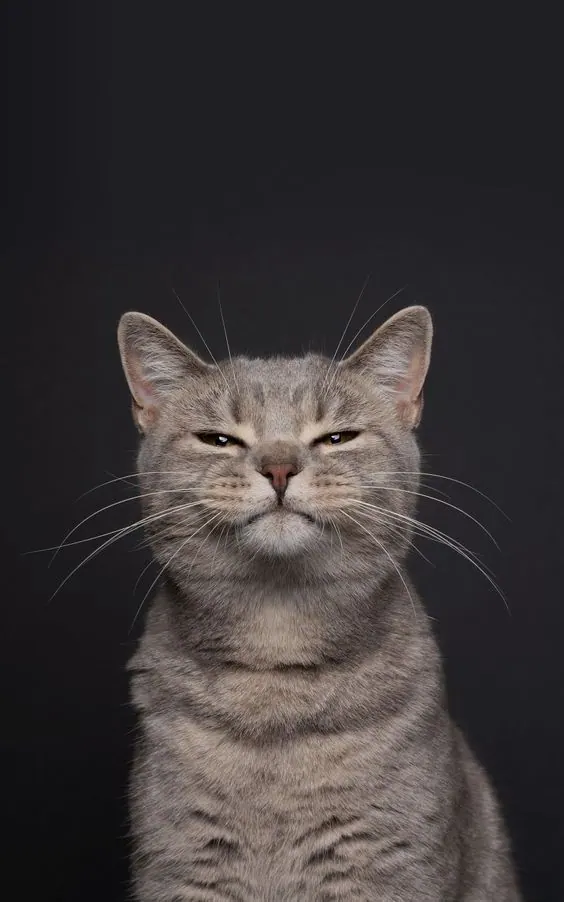
Cat on Dark
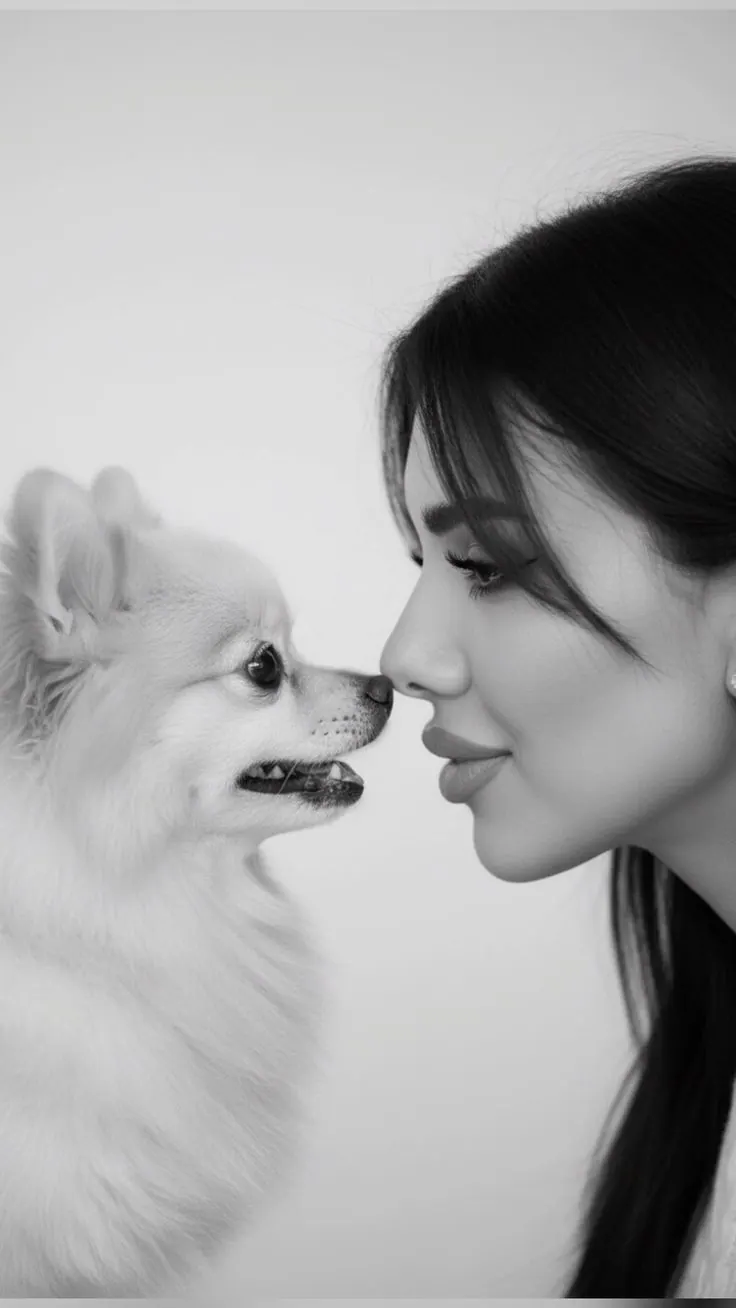
Pomeranian Close
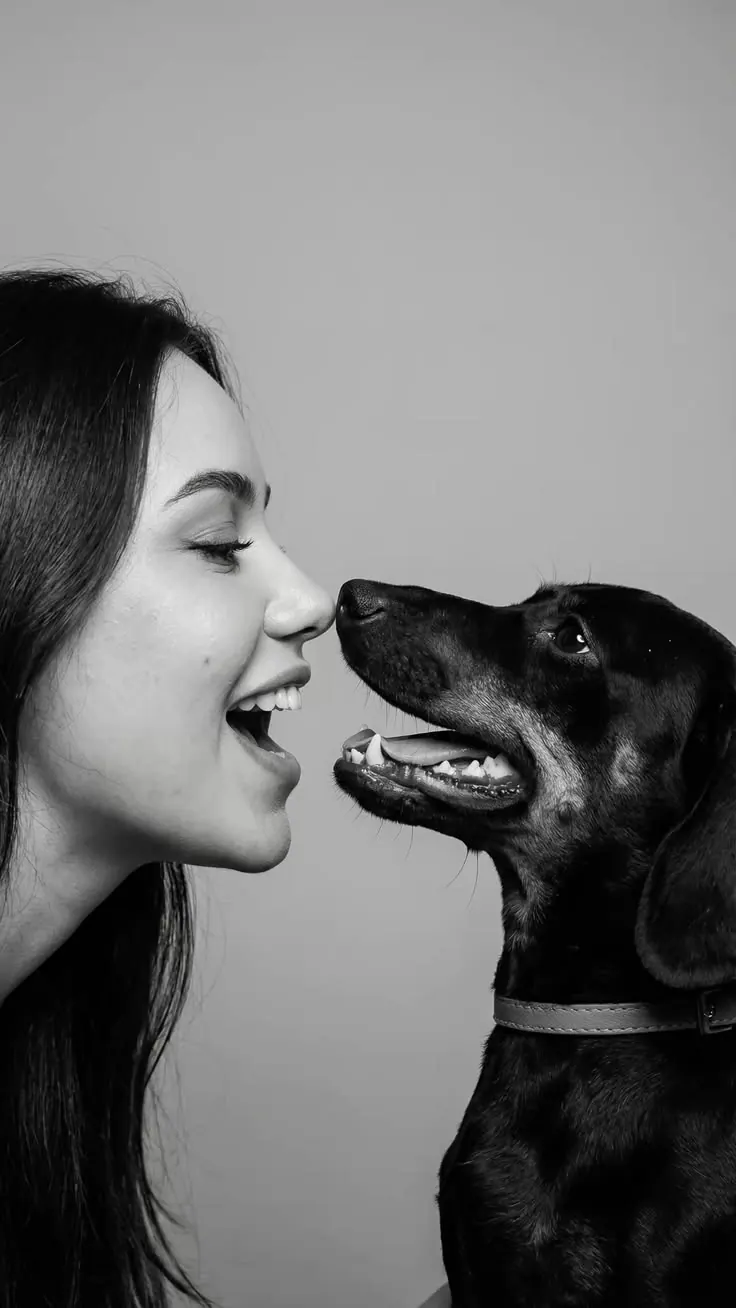
Dog Profile
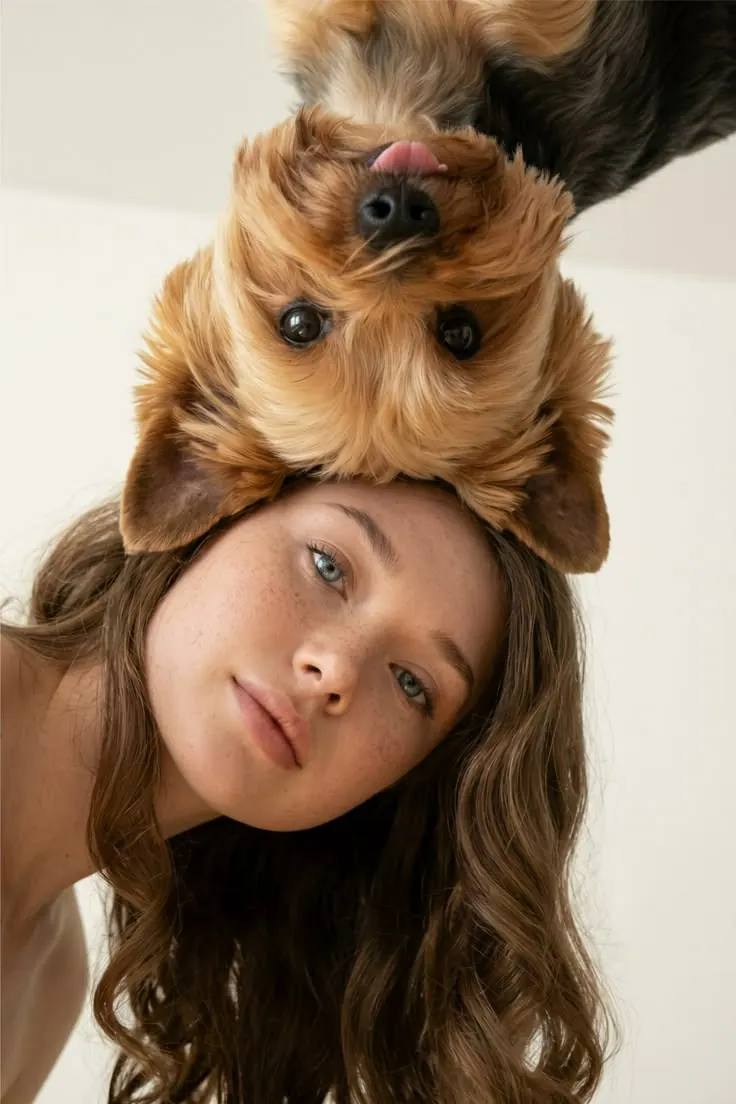
Puppies on Top
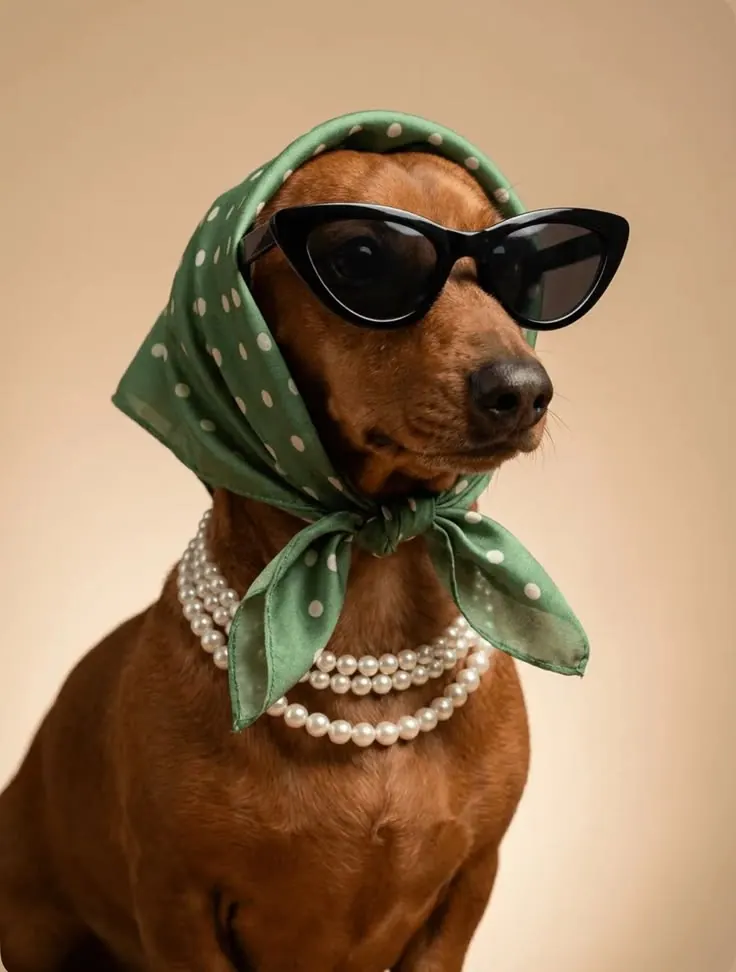
Dachshund in a Headscarf
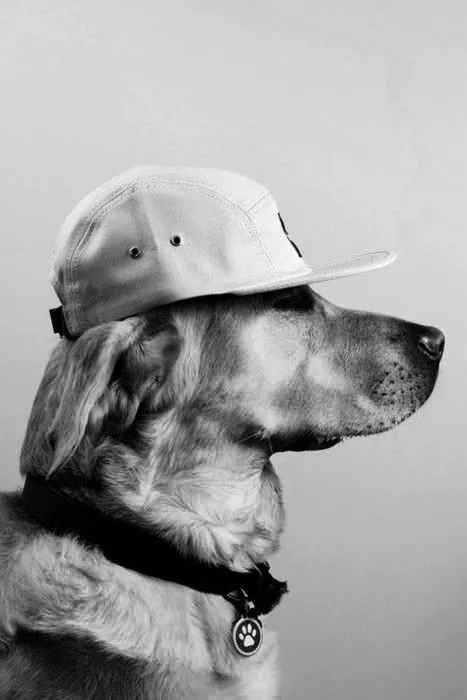
Retriever in a Cap
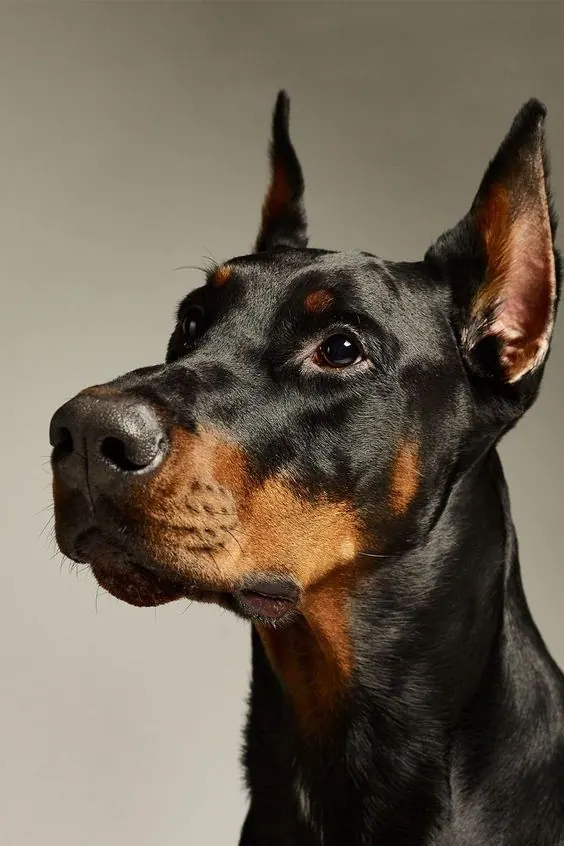
Doberman on Warm Grey
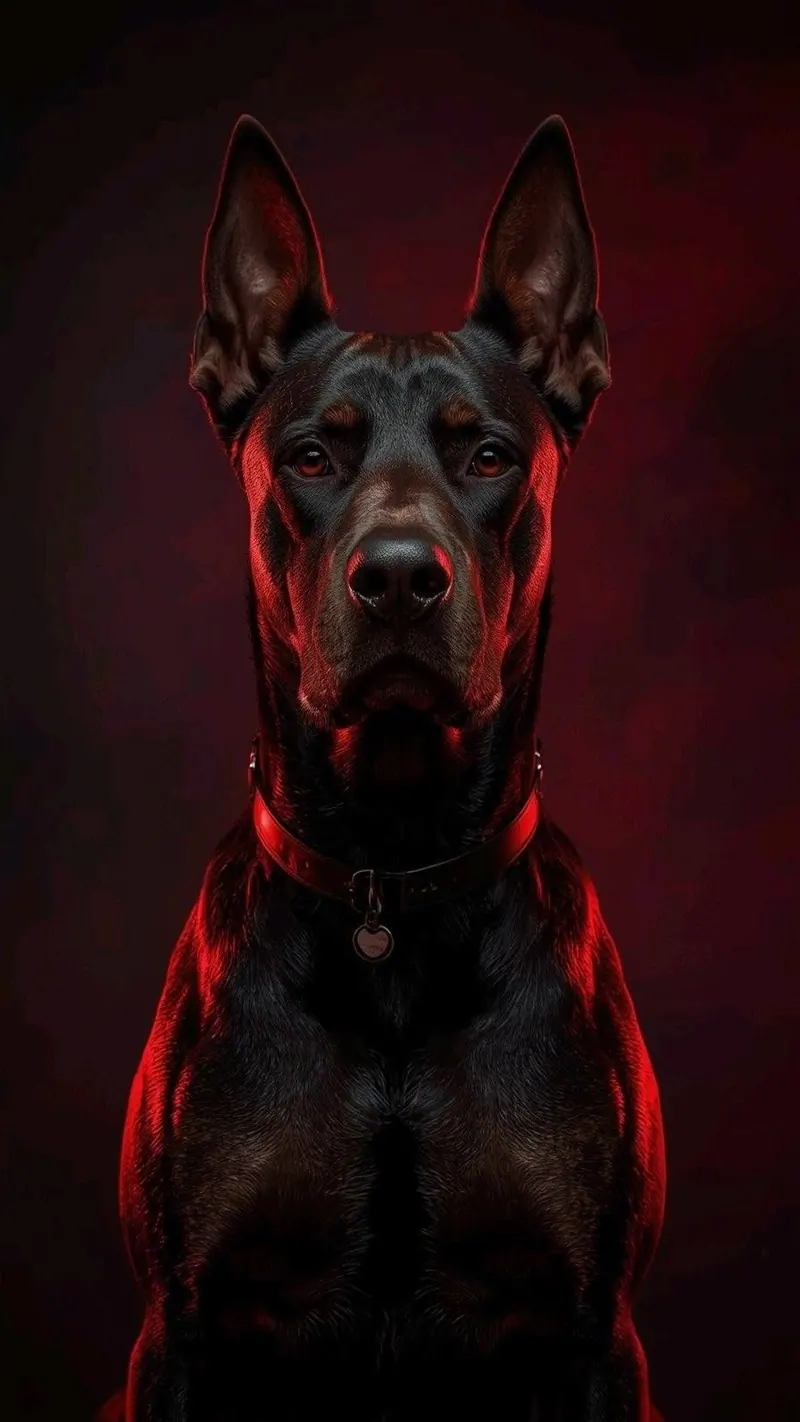
Doberman in Red
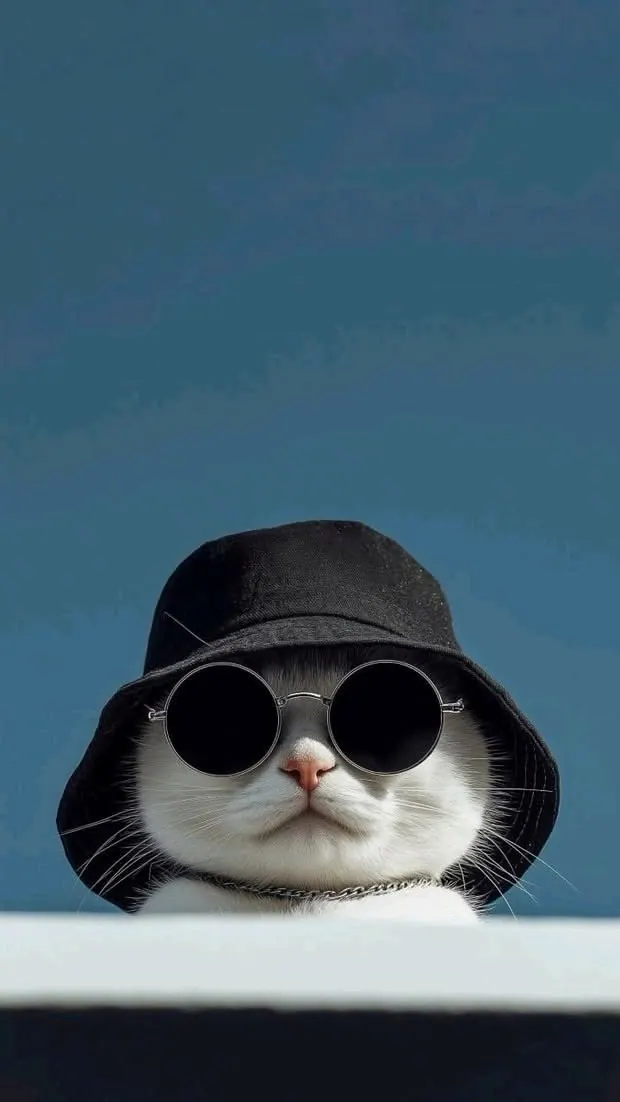
Dog in Black Hat and Glasses
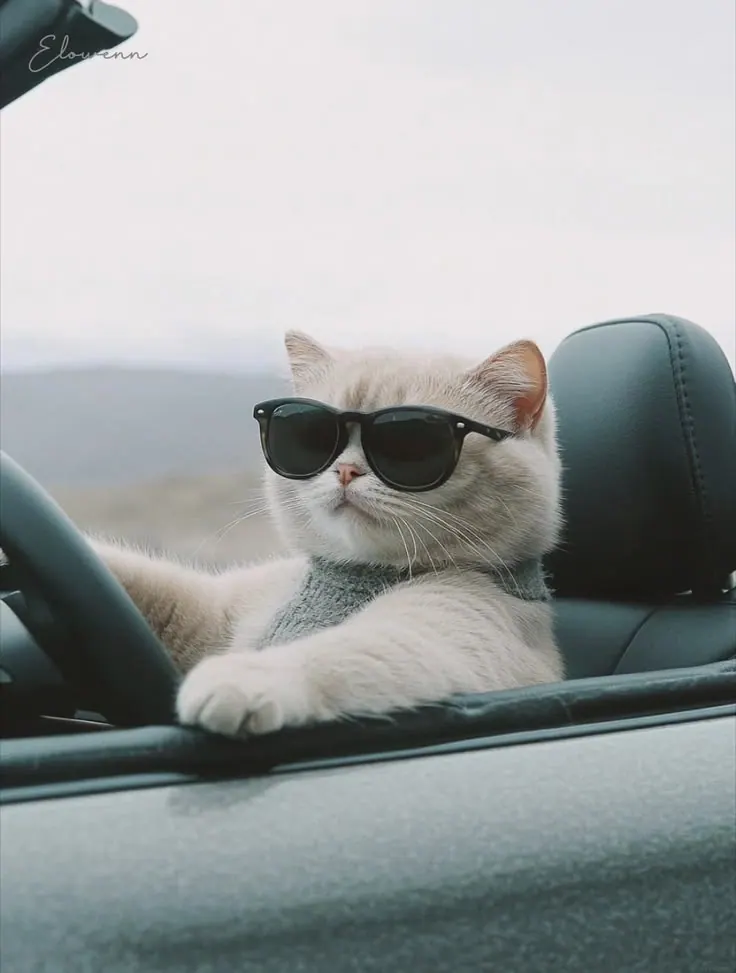
Cat in Sunglasses in a Car
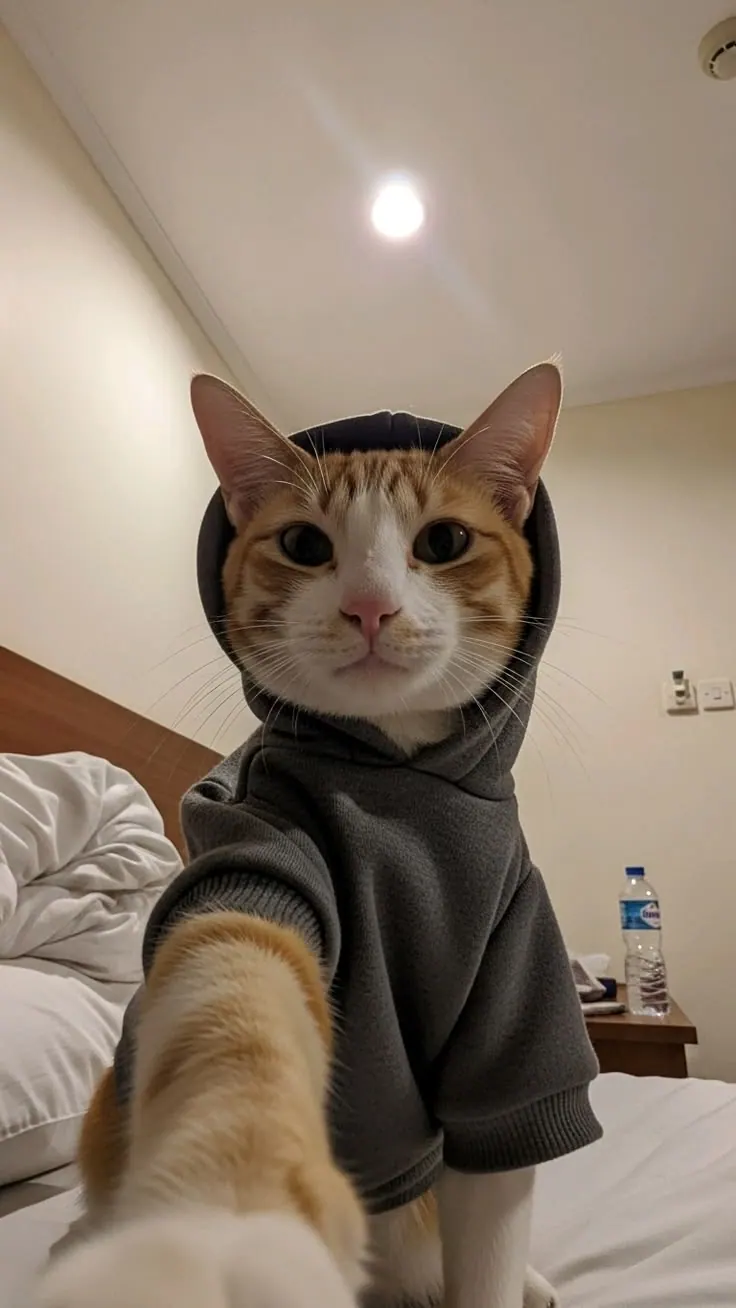
Cat Taking a Selfie
How to create a pet portrait from a ready-made prompt
Choose a reference, upload your source photos and download the finished image.
Choose a prompt for pet photos
Pick a scene; its light and composition are already configured.
Upload clear photos of your pet
Use clear, well-lit photos without heavy filters or obstructions.
Get a pet portrait
Generate the image and download the finished JPG.
Questions about pet photos
What to upload, how the prompts work and where to use the result.
Yes. Every card contains a configured scene, light and composition. Choose an example instead of writing the prompt yourself.
Upload clear photos of your pet. Use sharp, well-lit images without heavy filters or obstructions.
Usually a few minutes. You can close the page while the image is being generated and return to it from your account.
You receive a JPG and can choose 1:1, 4:5 or 9:16 depending on where the image will be used.