Enhance photo quality with AI
Upload a photo — the AI brings back its sharpness, clears the noise and enlarges the frame.
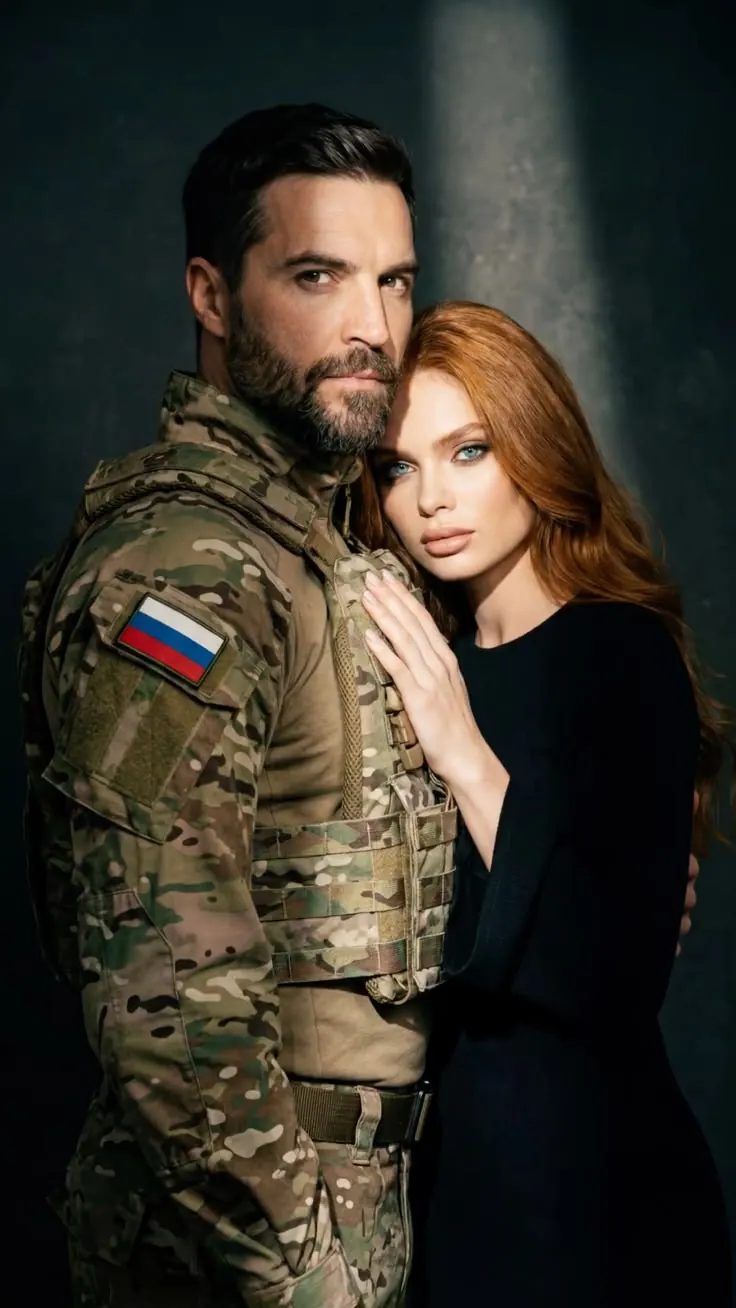

What gets better in the photo
All of it happens in one run — there is nothing to pick separately.
Sharpness and detail
Edges come back crisp and small things become readable.
A larger frame
Upscaling: the photo comes back bigger than the original file.
Noise and grain
Colour speckle in dark shots goes; the texture stays.
Light and colour
An even exposure instead of blocked shadows and blown highlights.
Old photographs
Faded and scanned frames start to look alive again.
Over-compressed shots
The damage messaging apps leave behind stops showing.





Which photos this works for
Enhancing pays off where the shot is good and only the file let it down.
Phone photos
Everyday shots taken in a hurry or in poor light.
Photos from chats
Pictures a messenger compressed on the way.
Old photographs
Scanned and faded frames out of the family archive.
Photos to print
Where a small file falls apart on paper.
Product photos
Listings that need a large, clean shot.
Profile pictures
An avatar you would like to use at a bigger size.




How to enhance a photo
Three steps, from your photo to the finished frame.
Upload a photo
One shot you want to enhance, from your phone or your computer.
Add a note
Optional: you can simply press the button and write nothing.
Get the finished frame
Download the result. Your original file stays untouched.
Try enhancing a photo online
Upload a photo — the AI brings back sharpness, clears the noise and gives the frame the size it was missing.
Questions about enhancing photos
Still not sure? Write to support — we reply the same day.
Upload your photo in the tool window and press the button. The AI raises sharpness, clears noise, evens out the light and enlarges the frame on its own — there is nothing to set up and no photo editor to install. It all happens in the browser: no layers, masks or curves to learn. Your original file is not modified — the processed frame arrives as a separate image, so you can download it or run it again if you do not like the result.
Upscaling means enlarging the shot: the frame comes back bigger than it was in the original file. Stretching a picture in an editor gives you mush — the pixels are simply smeared over a larger area. Here the missing pixels are not stretched but built up from what the photo already shows: the edges of objects, the weave of fabric, hair, lines in the background. That is why the enlarged frame looks sharp rather than swollen.
Strictly speaking, no — and it is worth saying so, because almost everyone promises otherwise. Detail that is not in the file has to come from somewhere, and the only place is invention: that is exactly what happens when a photo is enlarged. To the eye the result is usually clearly better than the original — sharper, cleaner, larger — but it is a new frame reconstructed from yours, not the same one at a bigger size. The better the original, the closer the result and the less guesswork there is.
Faded, scanned and slightly soft photographs usually improve a great deal: contrast returns, film grain and scanner marks go, details become readable. But a badly motion-blurred shot, or one compressed down to blocks, has nothing left to recover — where the features of a face cannot be read at all, the AI will not find them, it will invent them. A photograph can be enhanced; what is not in it cannot be taken out of it, and on archive photos that shows most clearly.
No. The tool runs from a single button: there is no need to describe in words what should happen to sharpness and light. Enhancement is an action, not a brief for a model. There is a note field in the window, but it is optional — use it if you want something specific, such as a warmer frame or less yellow from a lamp. Leave it empty and the photo is processed as it is.
The point of enhancement is to keep the likeness. Features stay where they are: what changes is sharpness, noise, light and the size of the frame, not the person. On very small and murky photos a face can come out slightly different, simply because there is almost nothing readable left in the file and part of it has to be rebuilt. If you want to change how someone looks on purpose — skin, teeth, make-up or hair — that is what the retouching tools are for.
More from Photopin
A photo you already have can become more than one thing in Photopin.