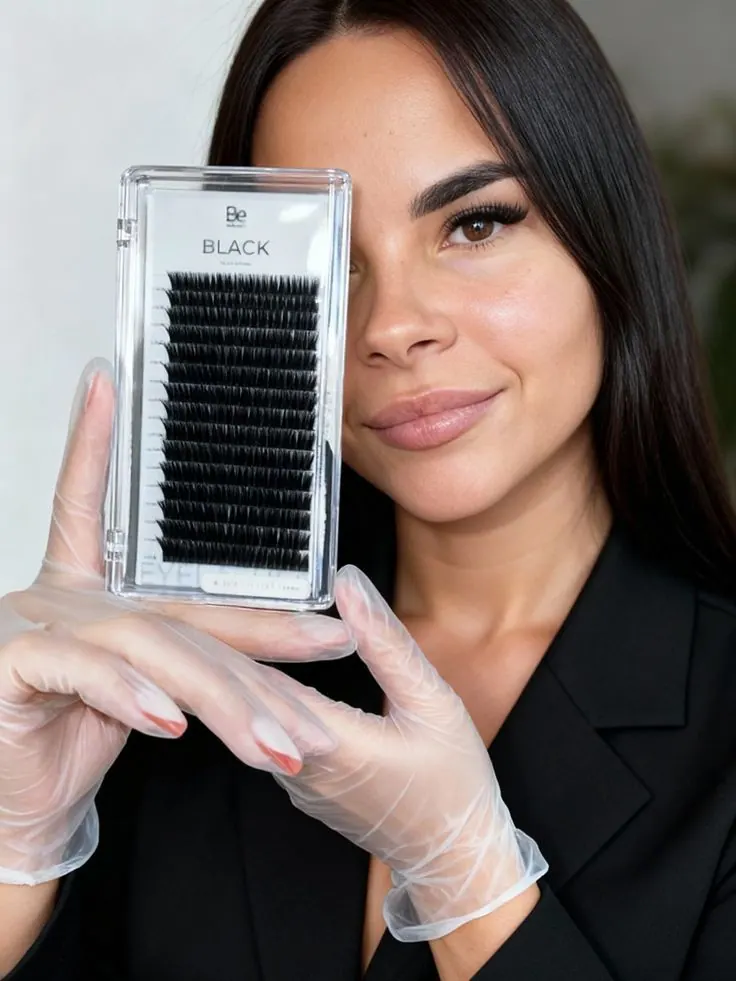
AI photoshoot prompts for beauty professionals
Ready-made photo ideas for makeup artists, nail technicians, lash artists, hairdressers, tattoo artists and depilation specialists. Pick a professional look with the scene and prompt already configured.
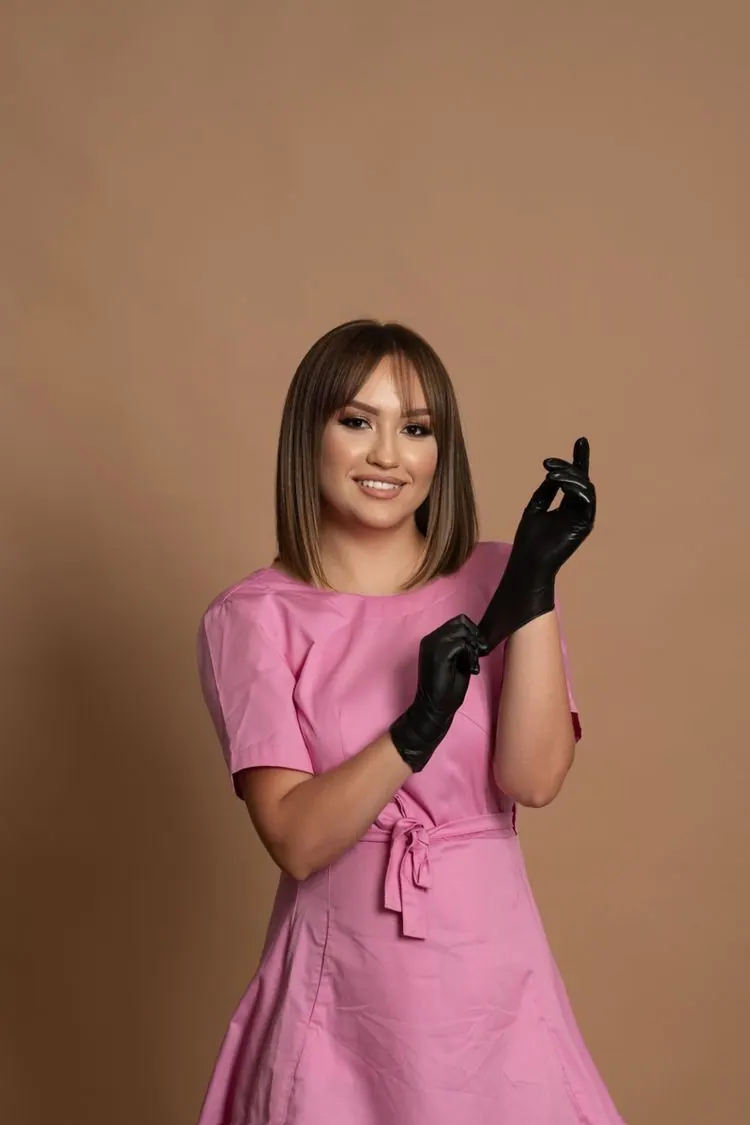
Pink Beauty Uniform
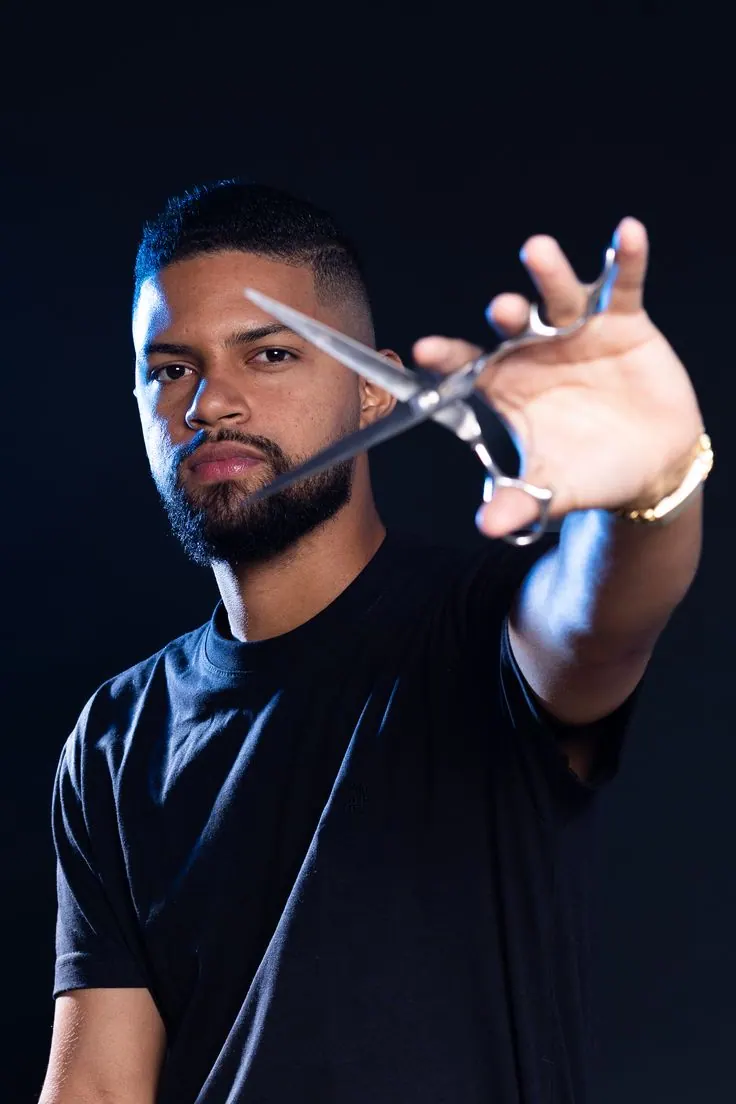
Barber with Scissors
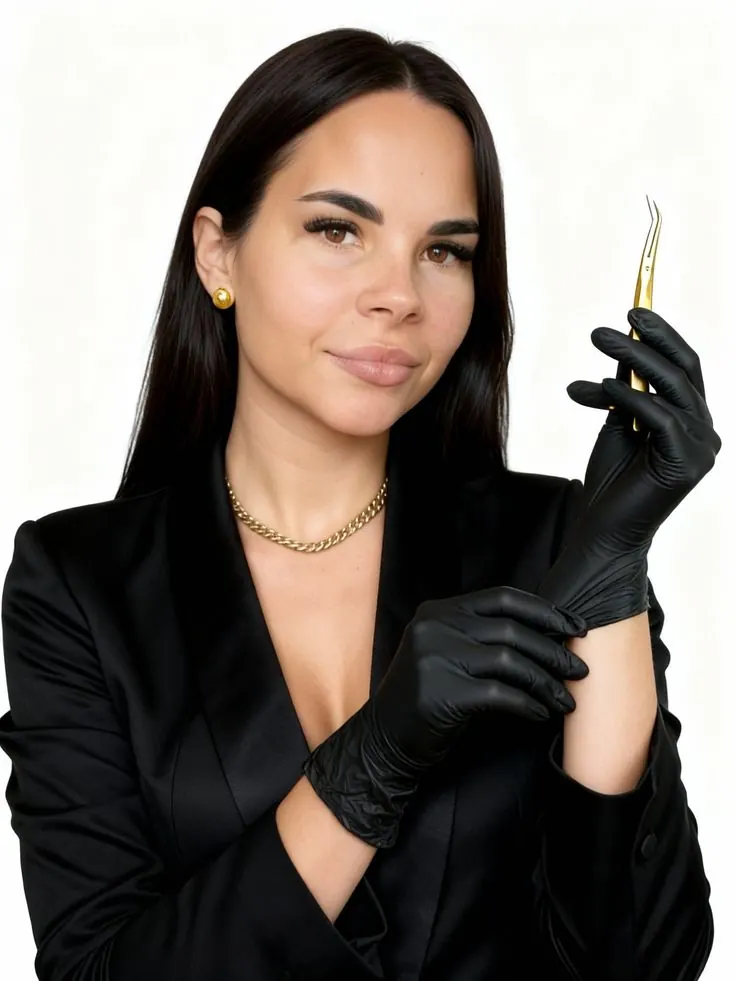
Beauty Tweezers Studio
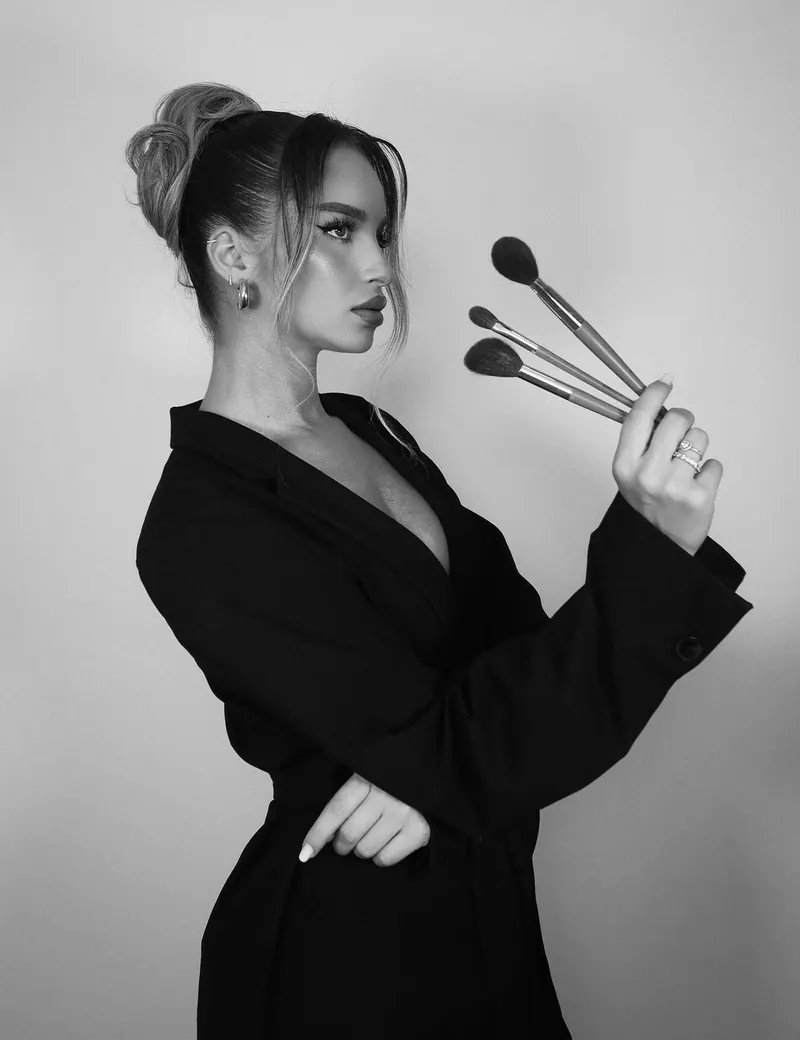
Makeup Brushes Silhouette
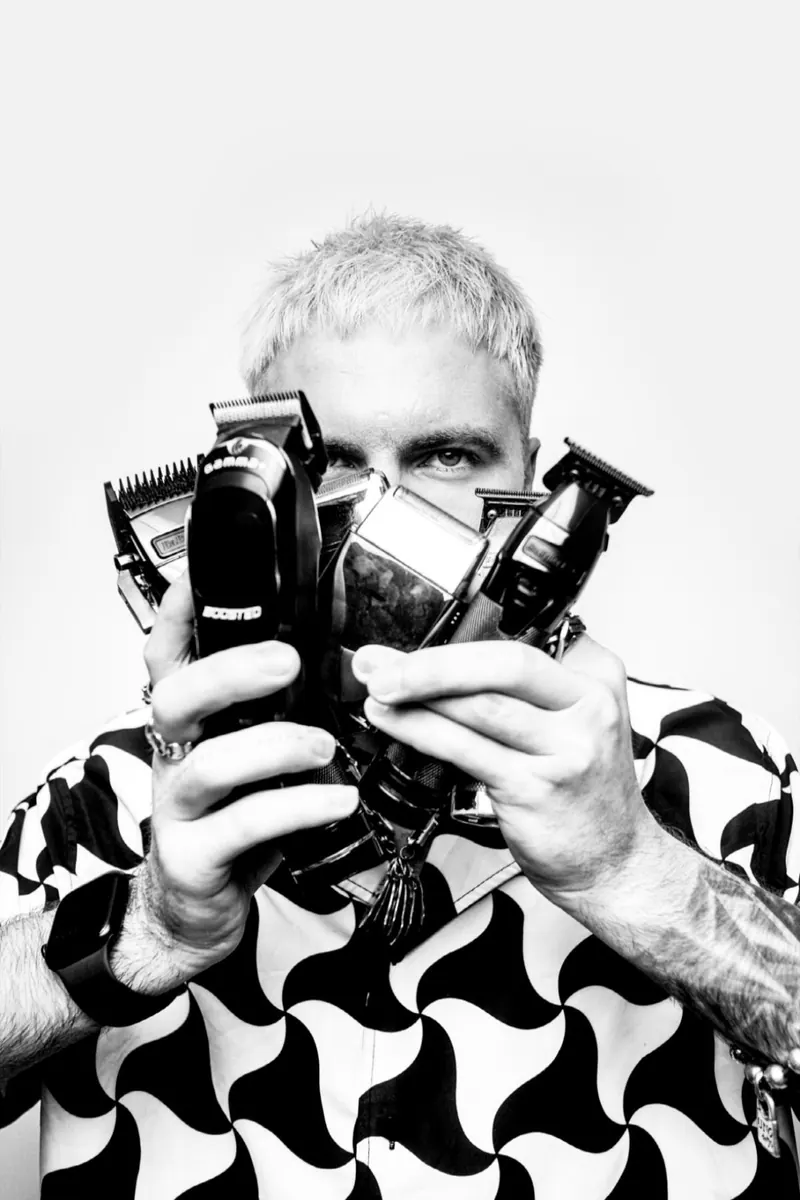
Barber Tools Monochrome
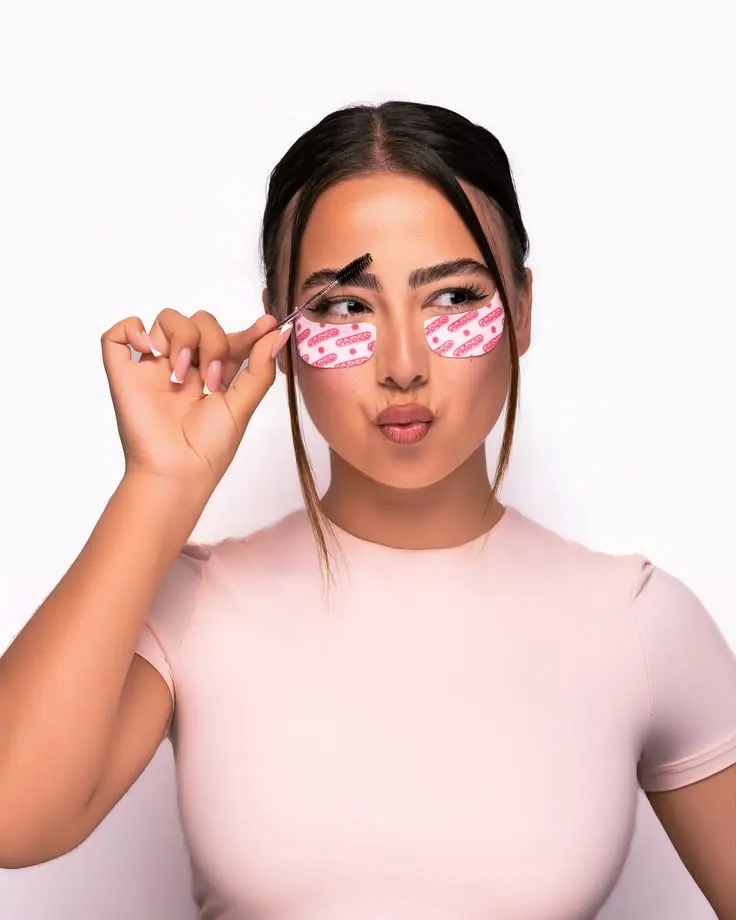
Under-Eye Patches Portrait
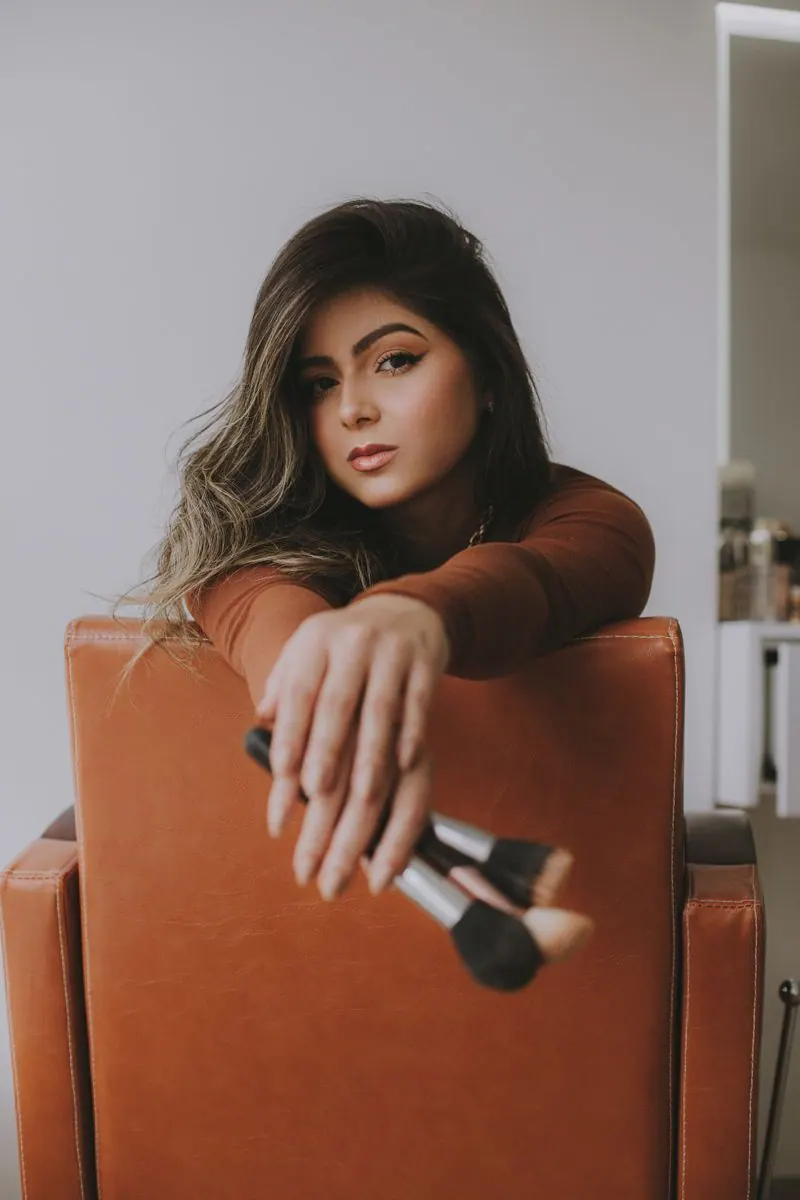
Brush Over Orange Chair
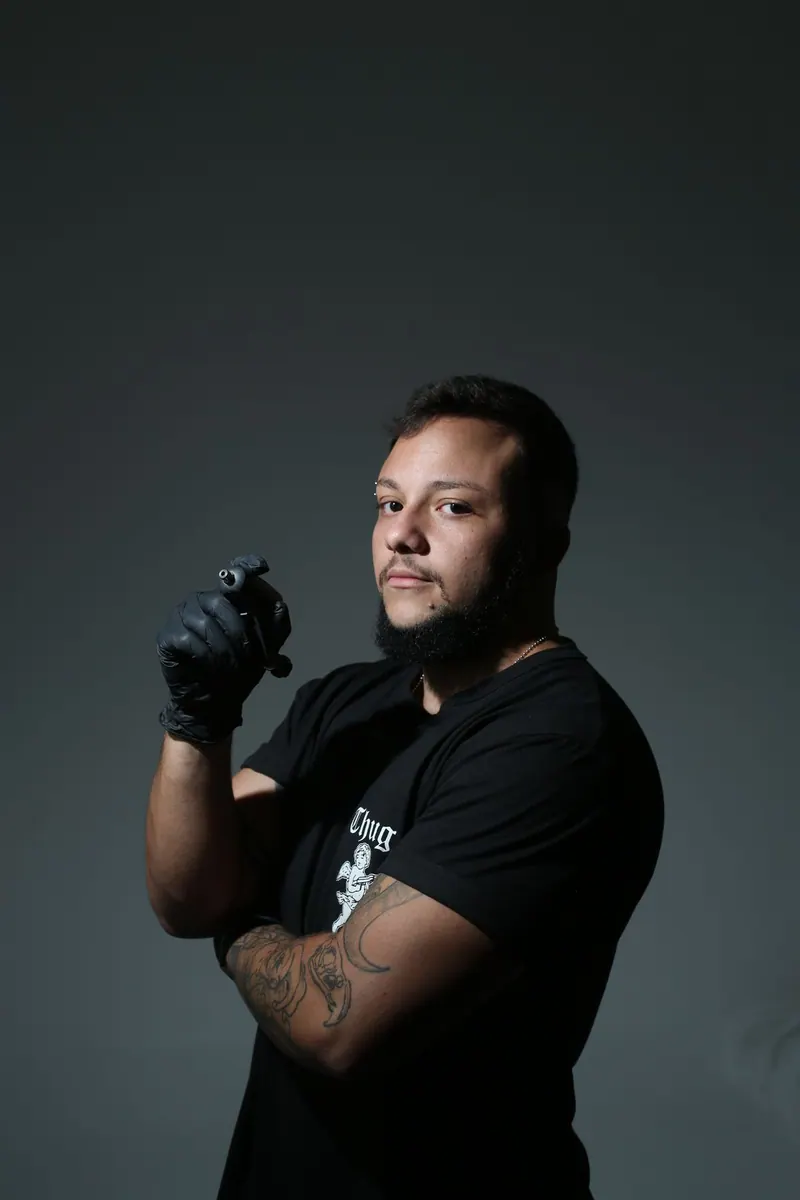
Tattoo Artist with Machine
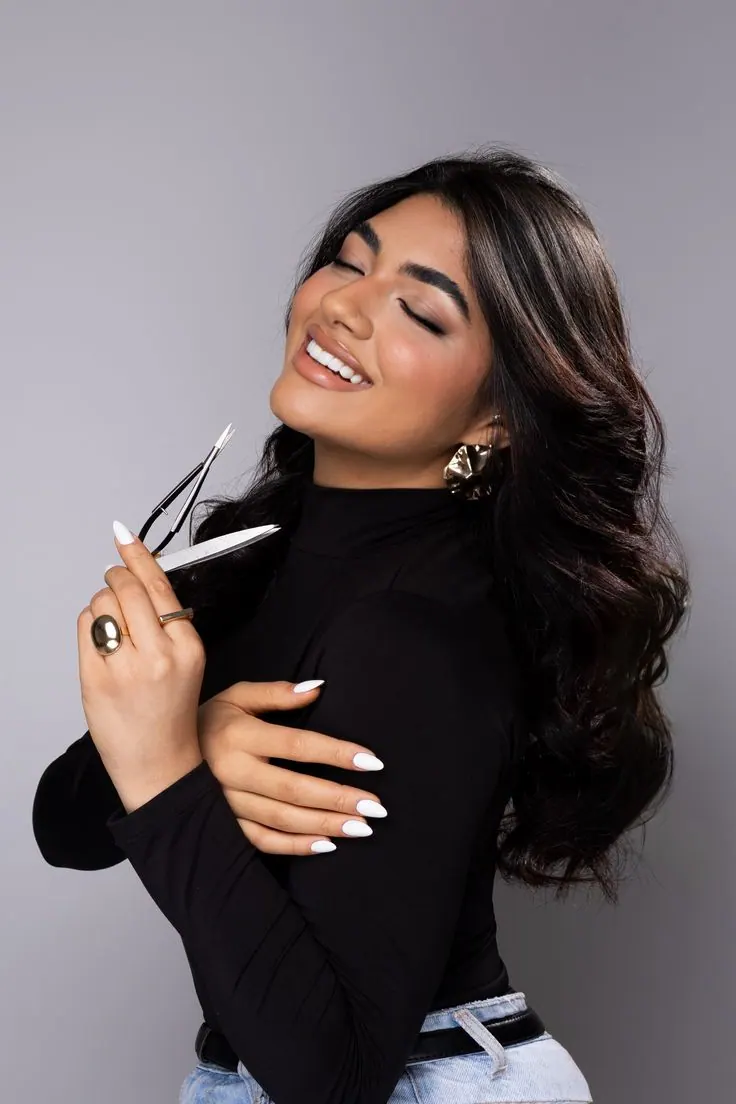
Makeup Brush Smile
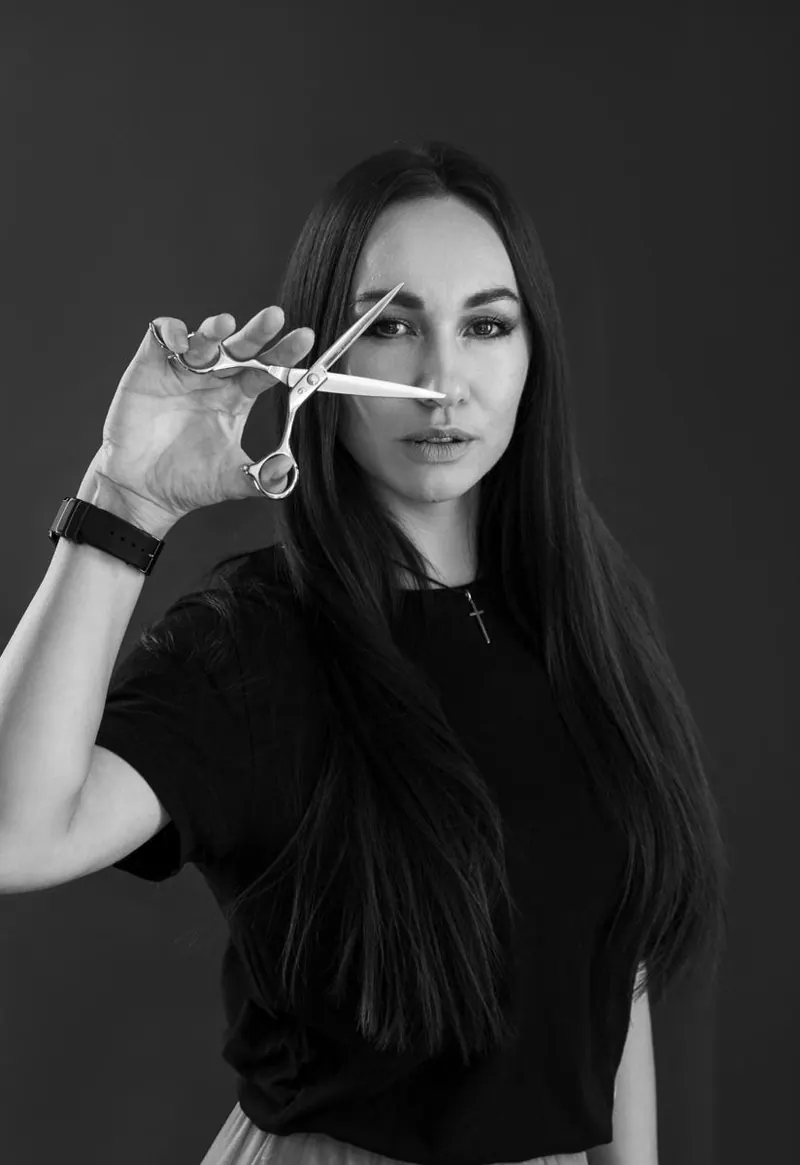
Hairdresser with Scissors
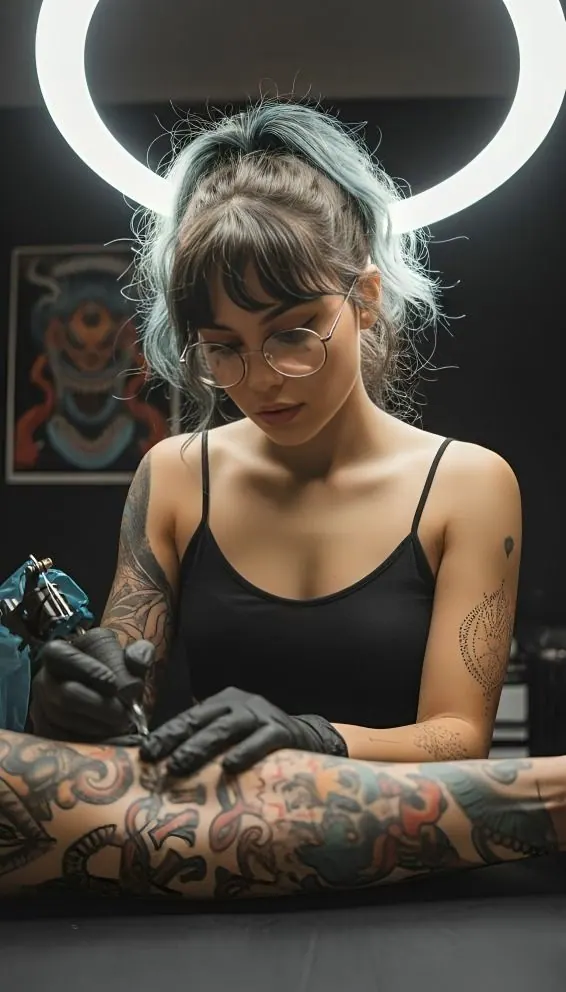
Tattoo Artist at Work
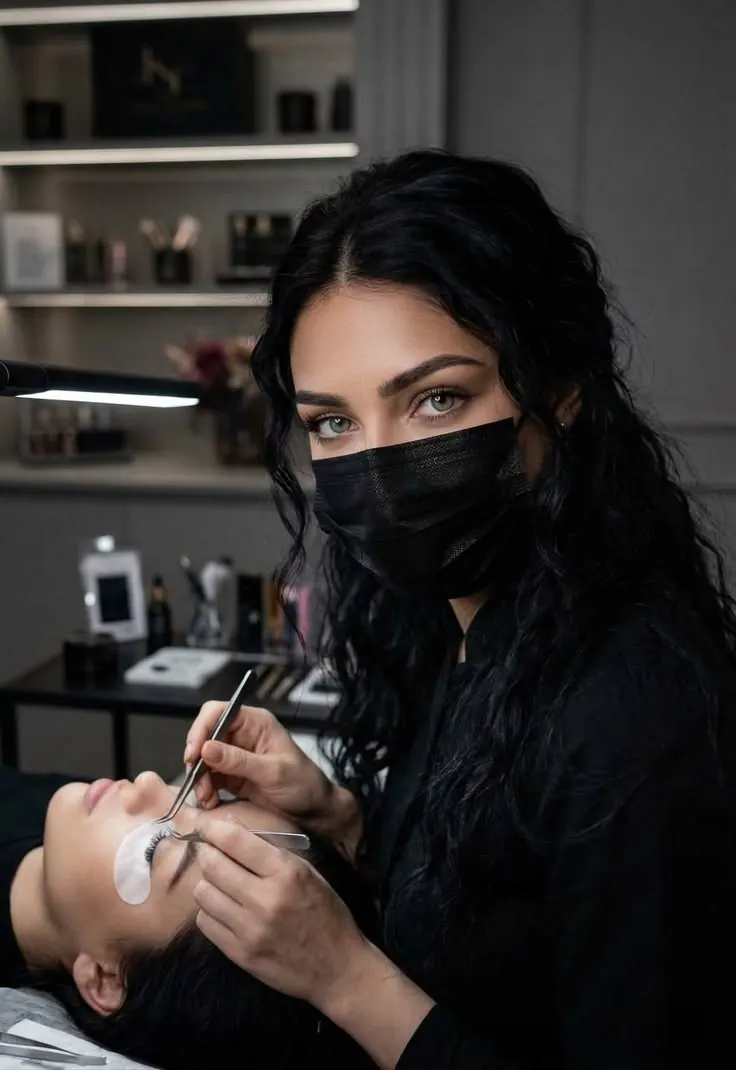
Lash Artist at Work
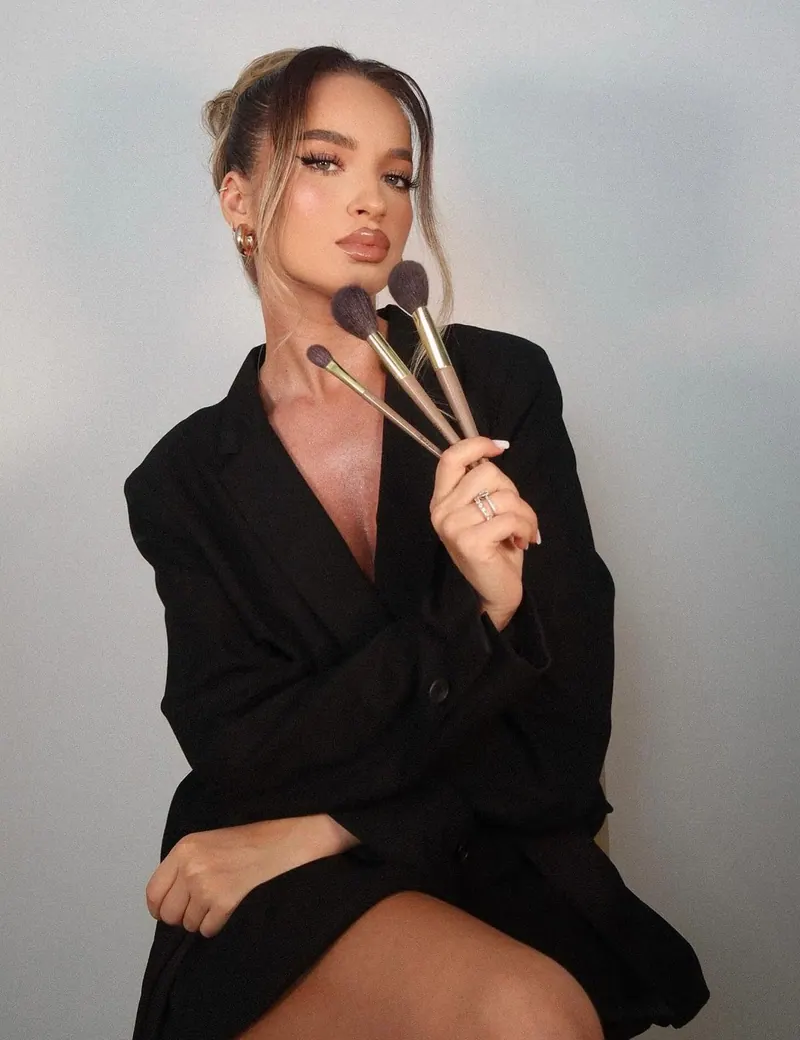
Makeup Artist with Brushes
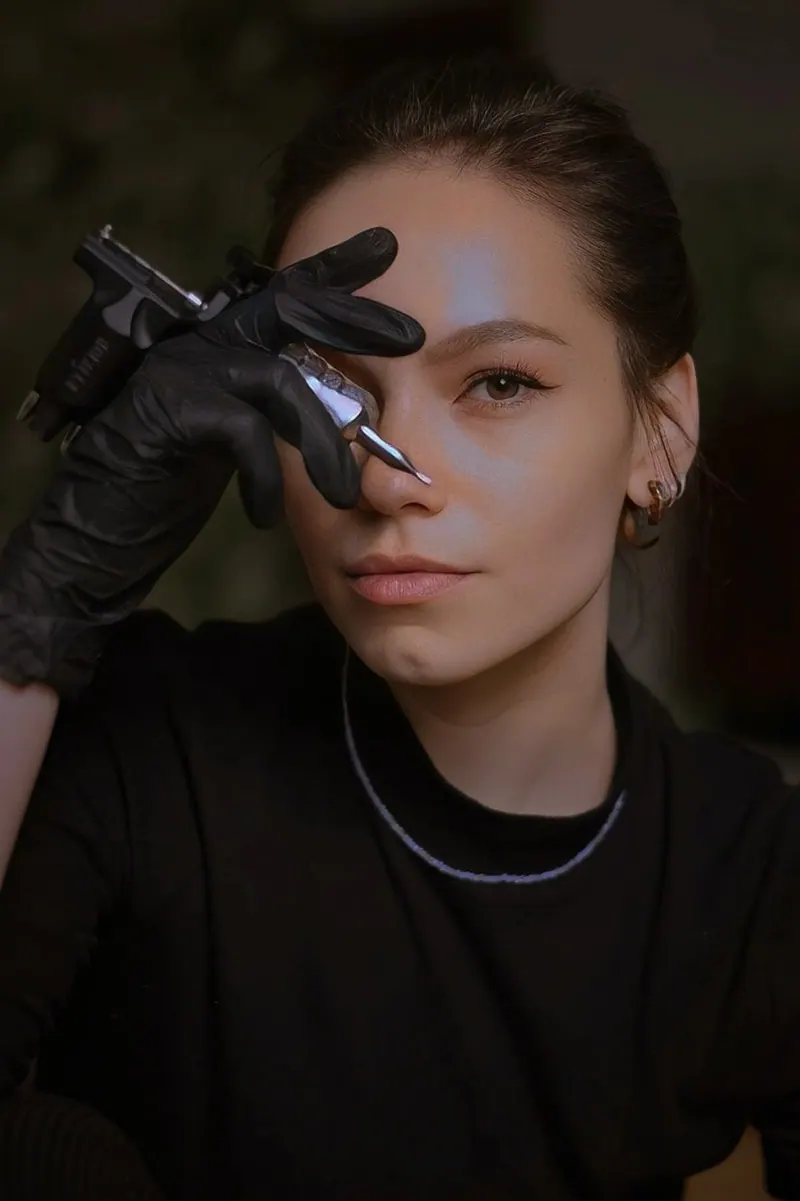
Beauty Tools Close-Up
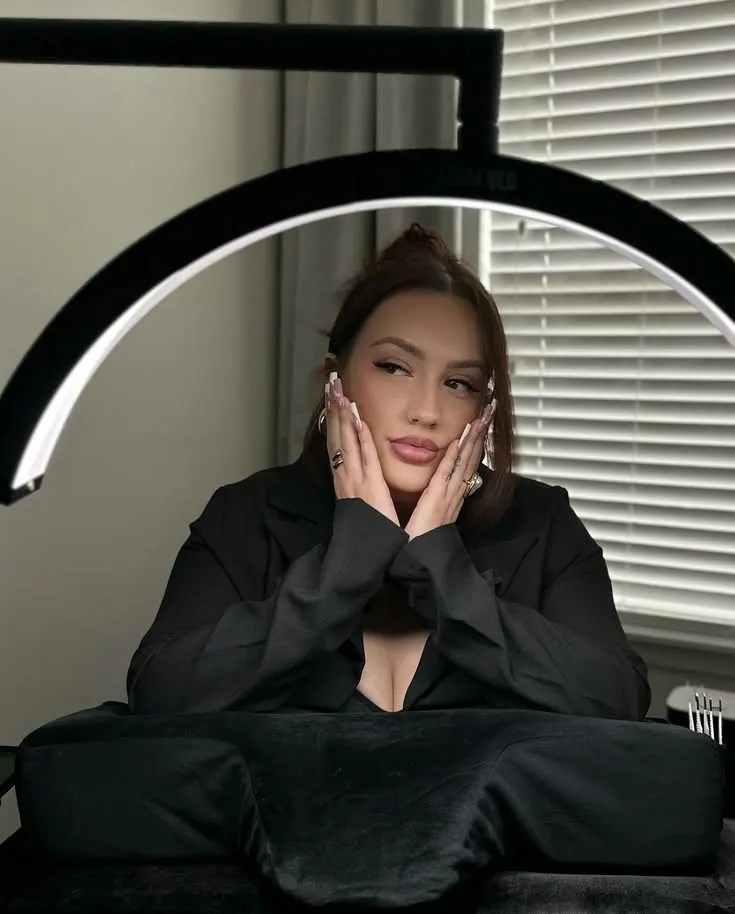
Ring Light Beauty Portrait
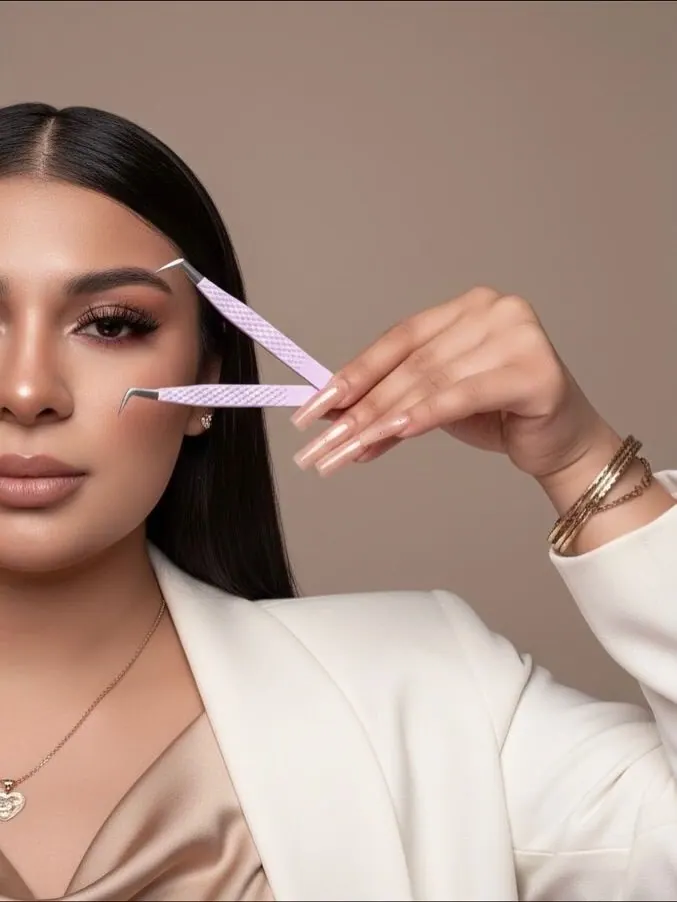
Lash Tweezers Close-Up
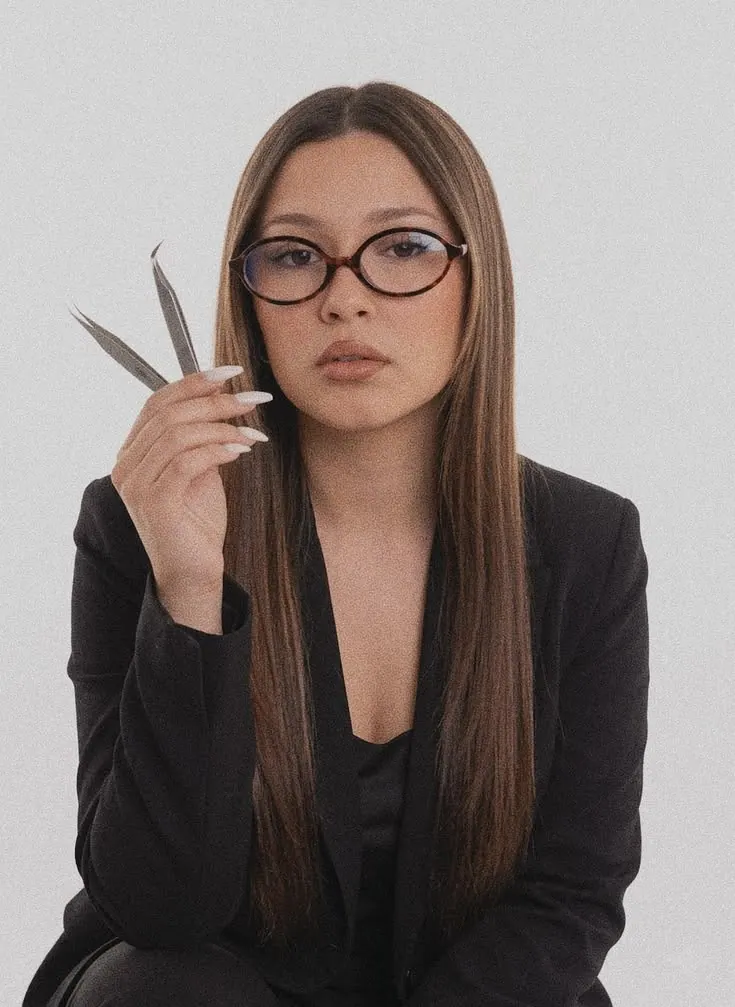
Hairdresser Scissors Portrait
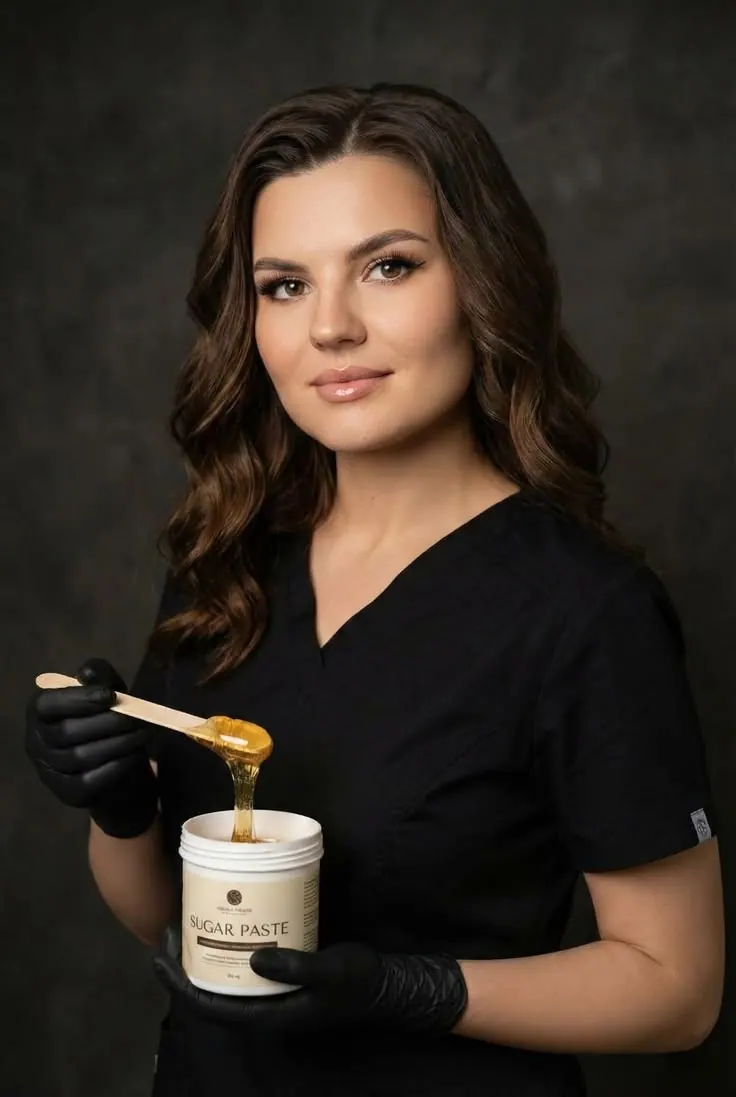
Sugaring Specialist Portrait
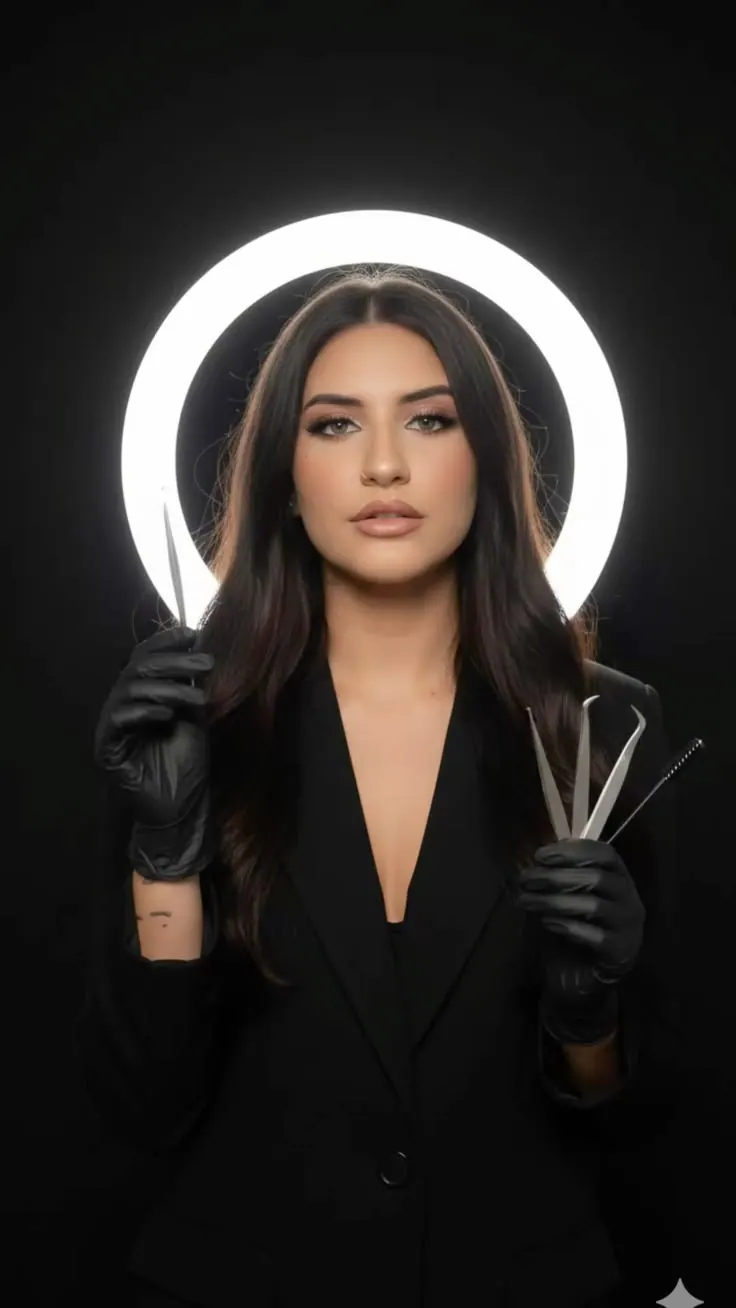
Lash Artist Ring Light
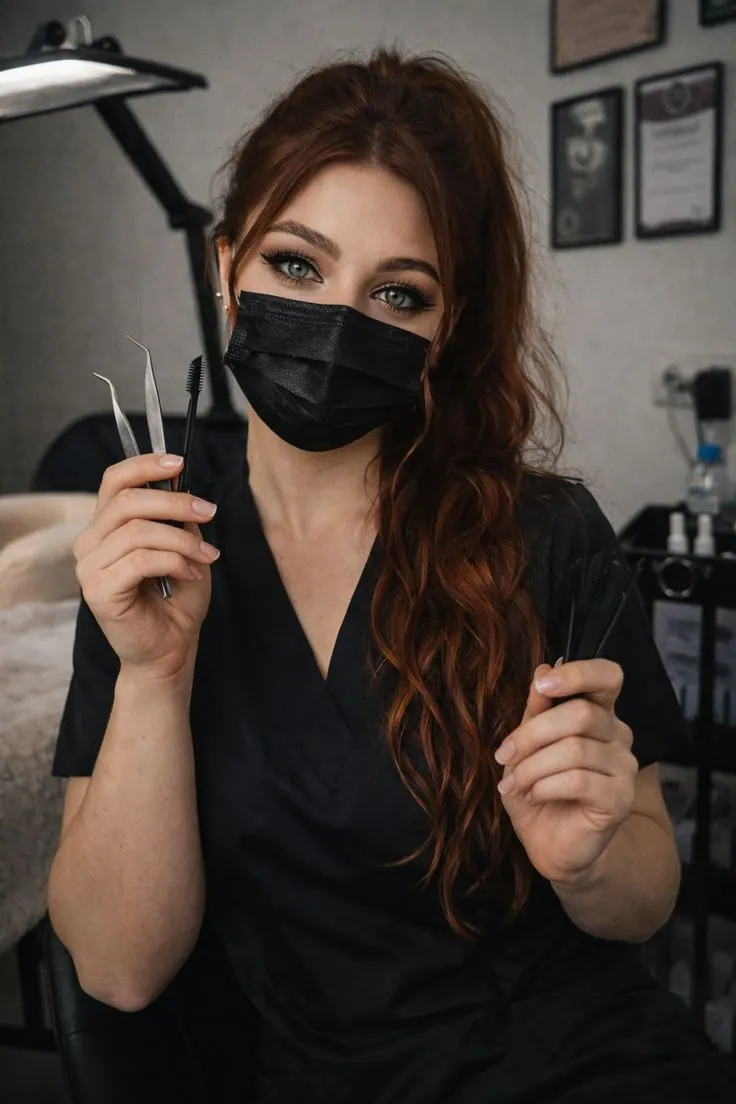
Lash Artist with Tools
How to create a professional portrait from a ready-made prompt
Choose a reference, upload your source photos and download the finished image.
Choose a prompt for a beauty professional photoshoot
Pick a scene; its light and composition are already configured.
Upload 2–4 clear photos
Use clear, well-lit photos without heavy filters or obstructions.
Get a professional portrait
Generate the image and download the finished JPG.
Questions about a beauty professional photoshoot
What to upload, how the prompts work and where to use the result.
Yes. Every card contains a configured scene, light and composition. Choose an example instead of writing the prompt yourself.
Upload 2–4 clear photos. Use sharp, well-lit images without heavy filters or obstructions.
Usually a few minutes. You can close the page while the image is being generated and return to it from your account.
You receive a JPG and can choose 1:1, 4:5 or 9:16 depending on where the image will be used.