Photo retouching online with AI
Upload a photo — the AI works on it in 45 seconds: even skin tone, a clean smile, a face that still looks like itself. No photo editor and no manual retouching.
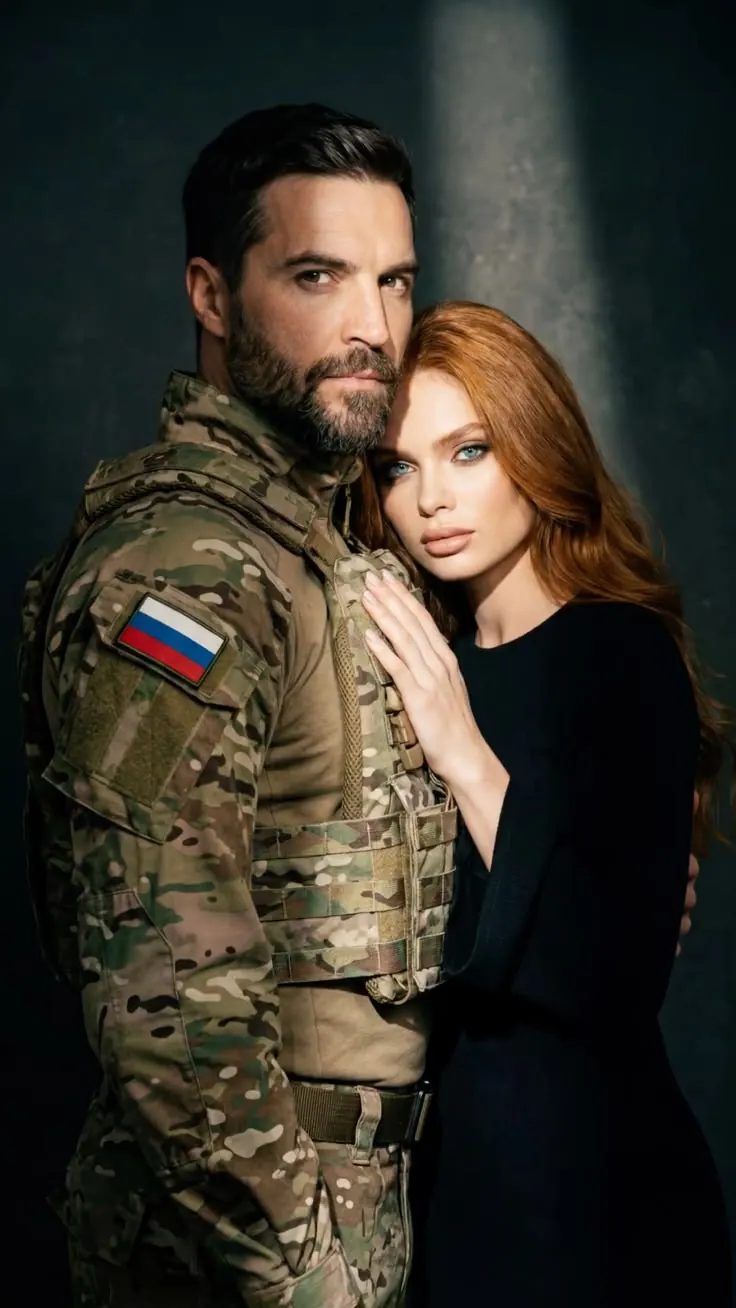
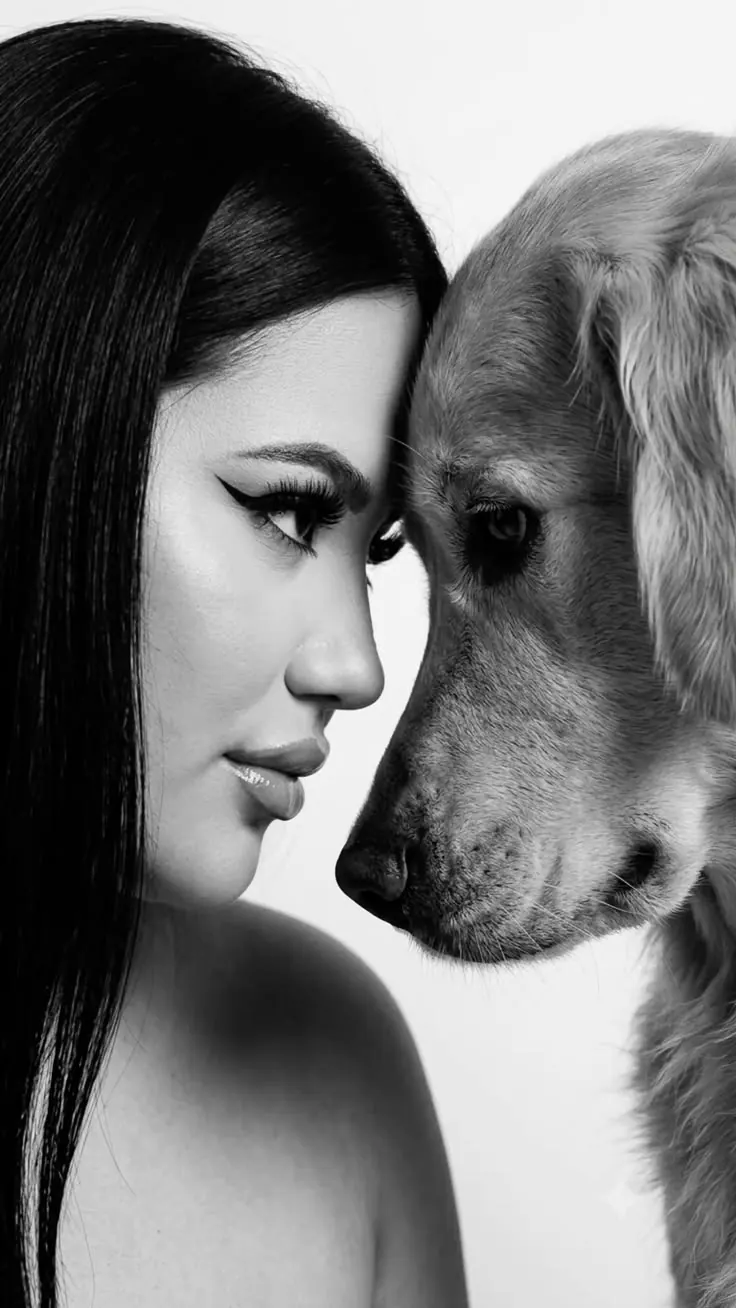
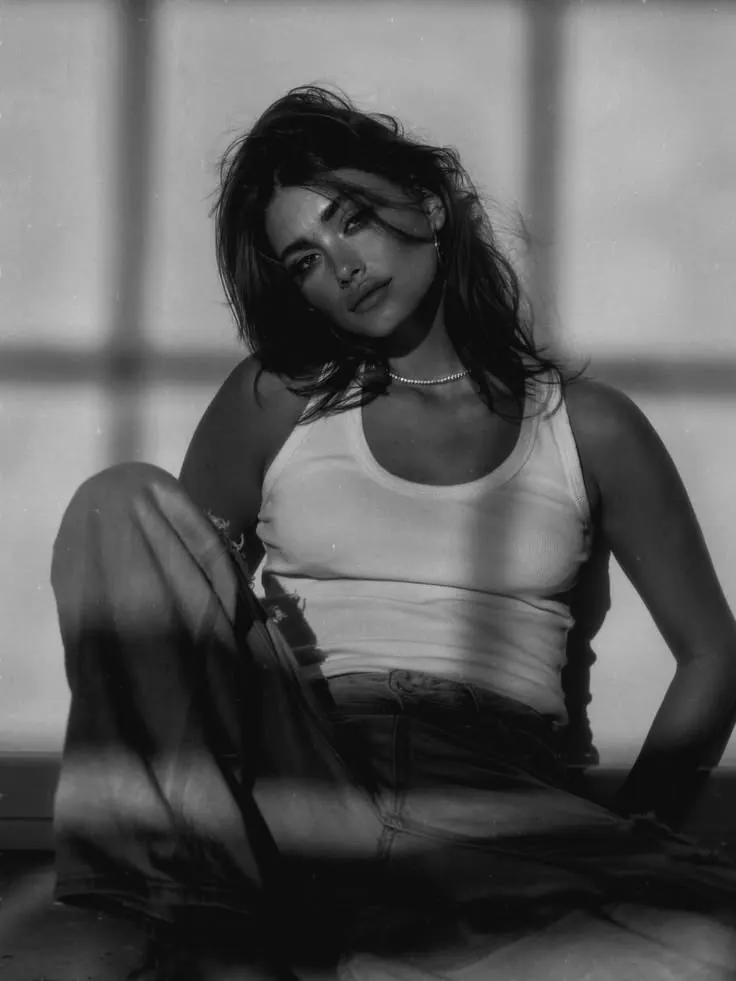
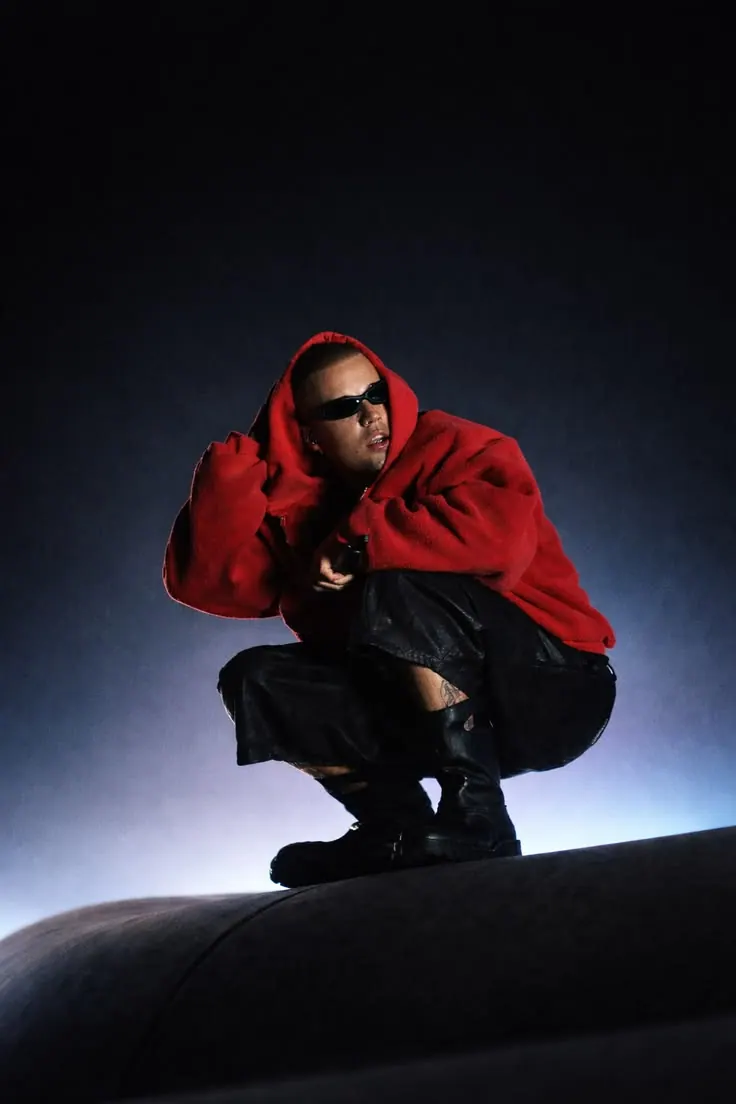
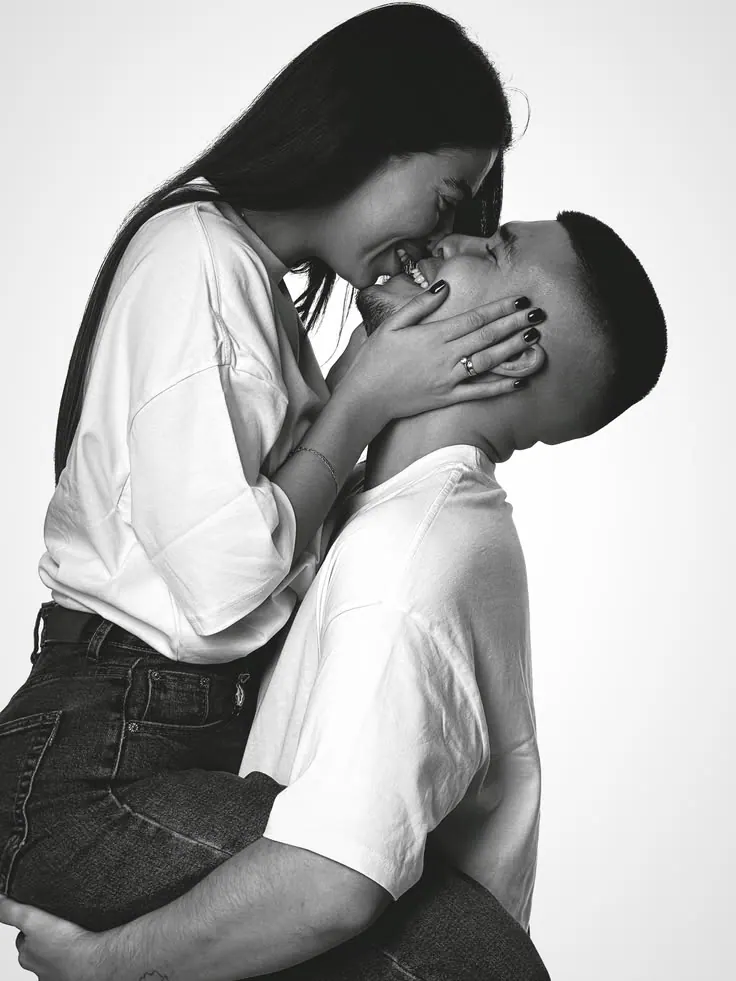
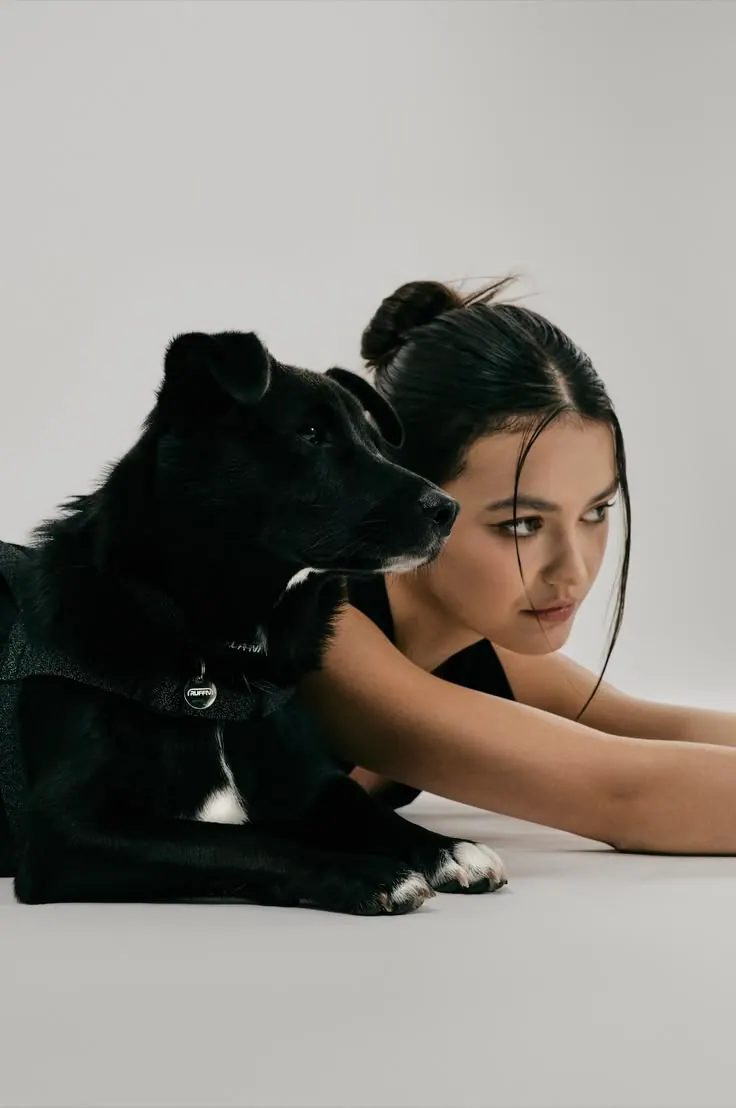
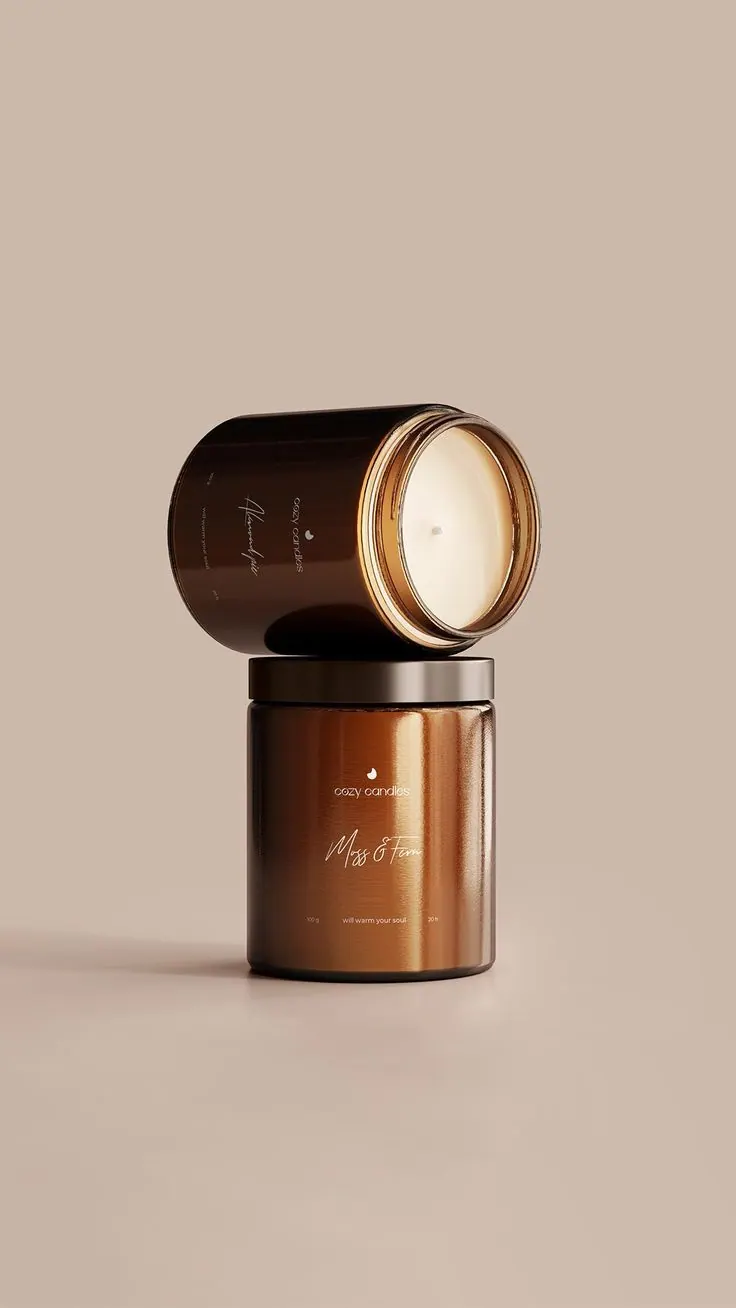
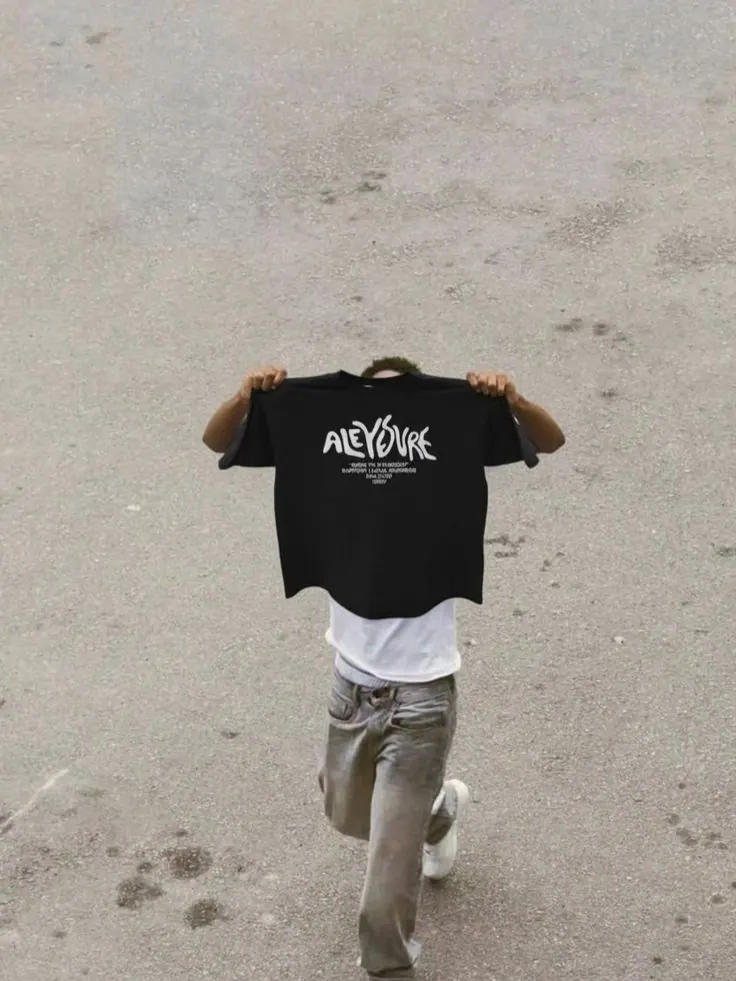
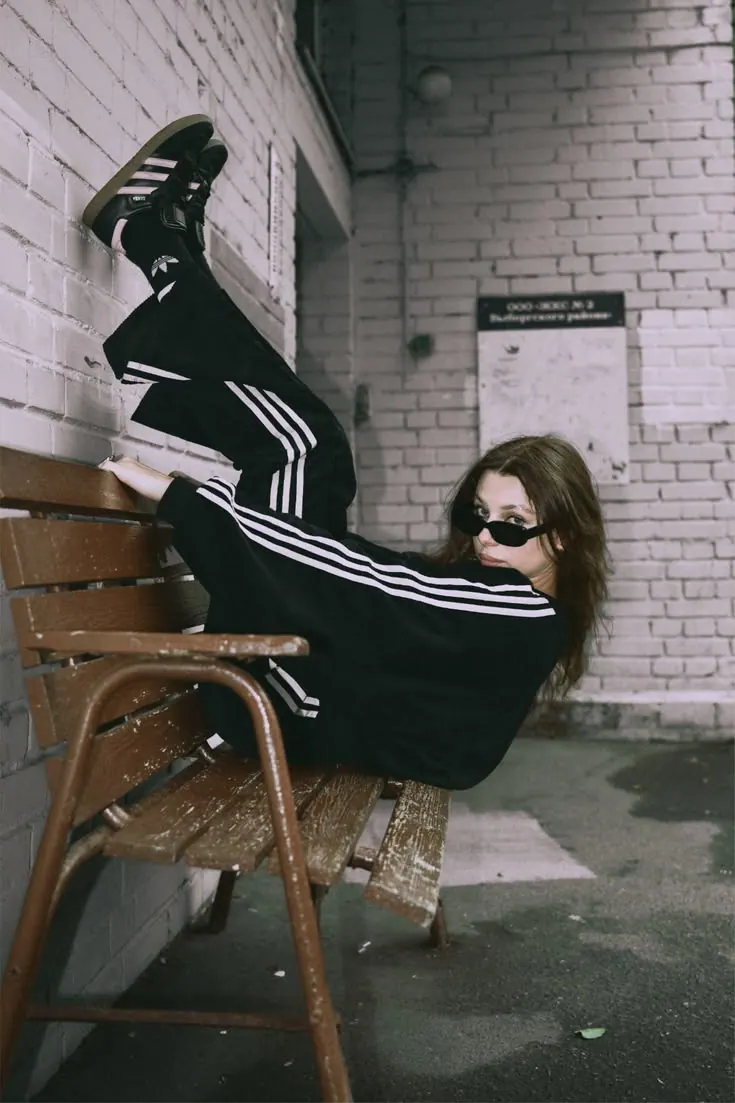
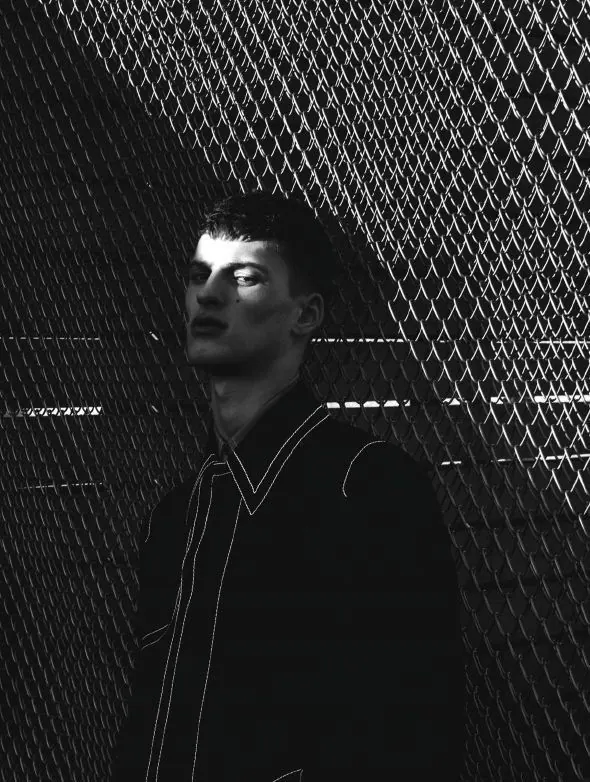
Choose what you want to improve
Pick the service you need — each one runs its own kind of processing.
Which photos this works for
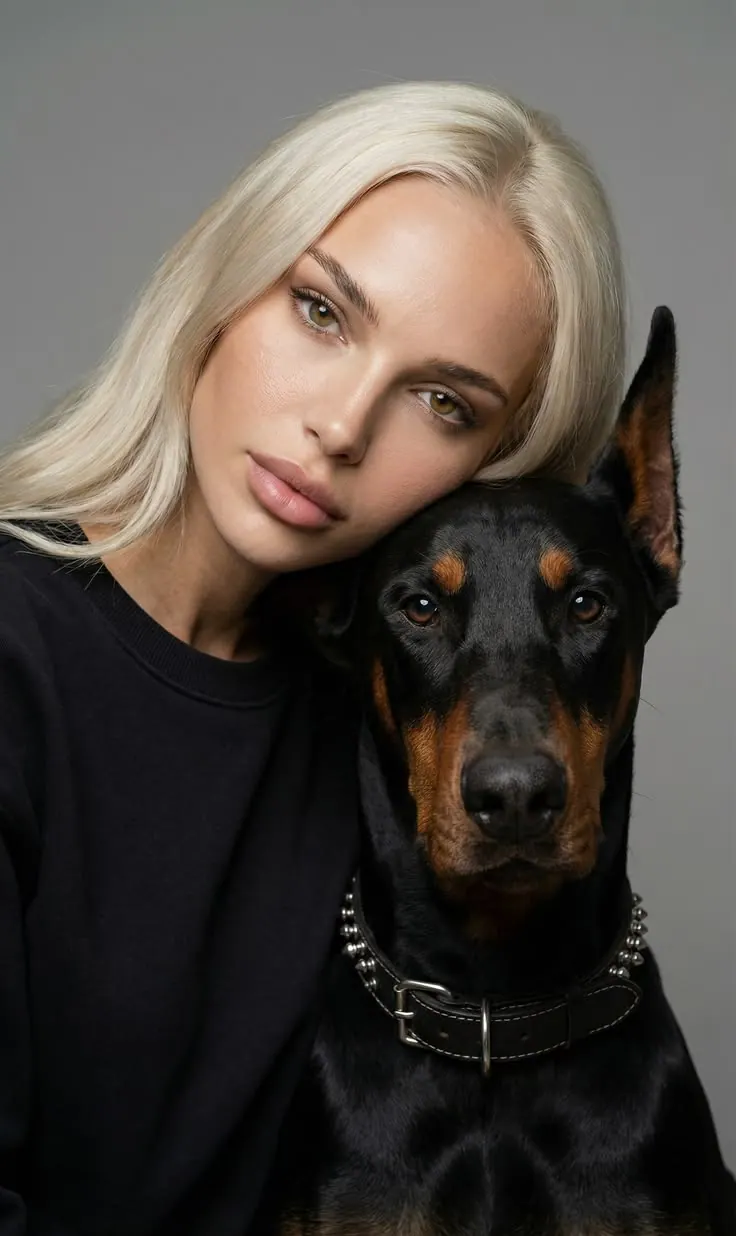
Retouching pays off where the photo is already good and one small thing is in the way.
Portraits
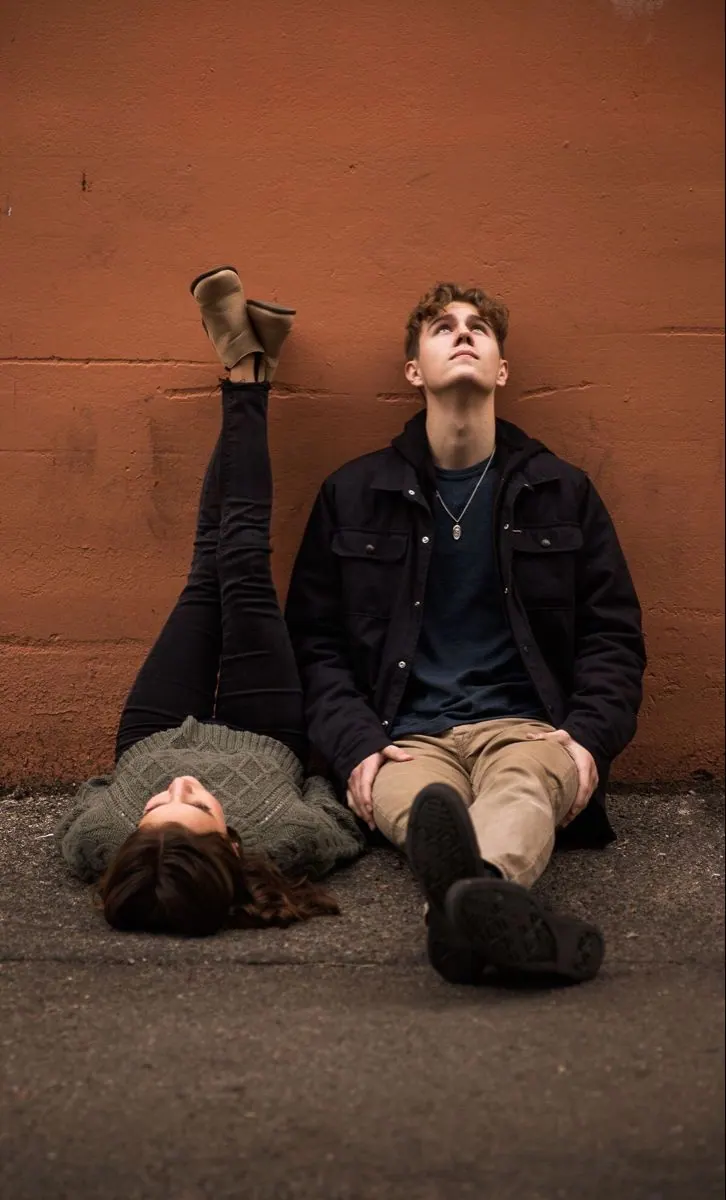
A close shot where the face is the point: a studio, home, or just a phone.
Photos for social
Shots for the feed and stories that need to hold their own.
Profile pictures
An avatar in a messenger or a photo on a team page.
Business portraits
A shot for a CV, a visa or a work profile, where neatness counts.
Family and couples
A photo of the two of you, or all of you, worth printing.
Photos to keep
A trip, a celebration or an ordinary day — the ones you send on.




How to retouch a photo online
Three steps, from your photo to the finished frame.
Upload a photo
One shot to work on, straight from your phone or computer.
Start the retouch
Nothing to set up: no prompt, no sliders, no layers.
Get the finished photo
Download the result. Your original file stays untouched.
Try photo retouching online
Upload a photo — the AI takes away what gets in the way of looking at it and leaves everything else as it was.
Questions about retouching
Still not sure? Write to support — we reply the same day.
It is work on a photograph you already have: an even skin tone, a clean smile, living light. The frame is not created from scratch — it is treated as a photograph, not as a sketch for a drawing.
Six: skin retouching, teeth whitening, fuller lips, looking younger, make-up and a new hairstyle. The first two tidy up what is already in the photo; the rest change how someone looks on purpose. Each service does one thing, and you choose which.
The person still looks like themselves whichever service you pick: the features are kept, even when you change the hairstyle or add make-up. What changes is exactly what the chosen service names — the rest of the frame stays as it was.
No. A service runs from a single button. Only make-up and hairstyle have a note field — without your words there is no guessing the look you want — and even that can be left empty.
Ones where the face is clearly visible and not covered by hair or objects, taken in reasonable light. A very dark or motion-blurred shot cannot be brought back: a photograph can be retouched, but what is not in it cannot be drawn in.
It all happens in the browser, with no photo editor to install. Press “Retouch a photo”, choose a service and add one shot — straight from your phone or computer. You will need a Photopin account to upload.
More from Photopin
A photo you already have can become more than one thing in Photopin.