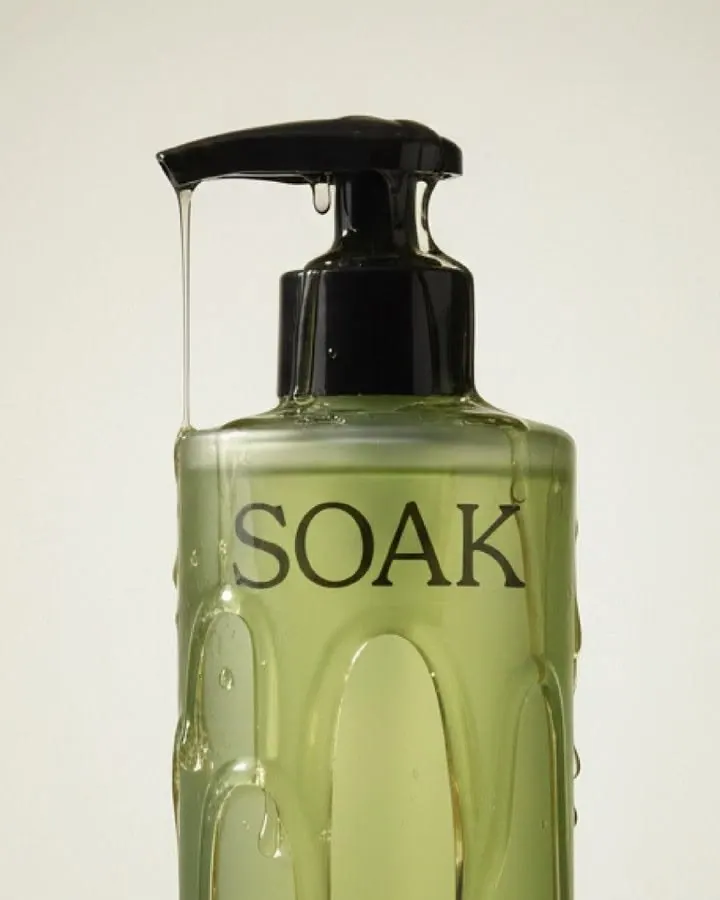
AI prompts for product photography
Ready-made scenes for AI product photography: clean marketplace listings, lifestyle shots, cosmetics, electronics and packaging. Pick the result you need and upload your product.
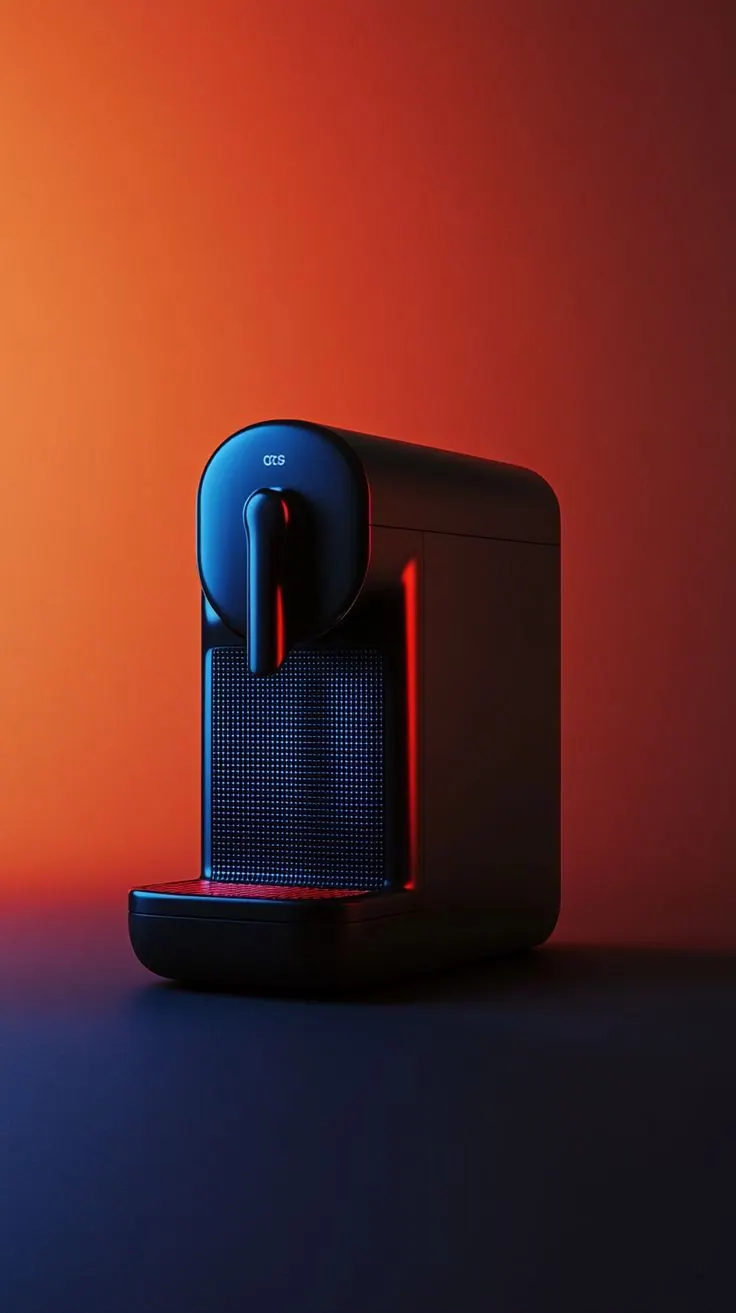
Coffee Machine
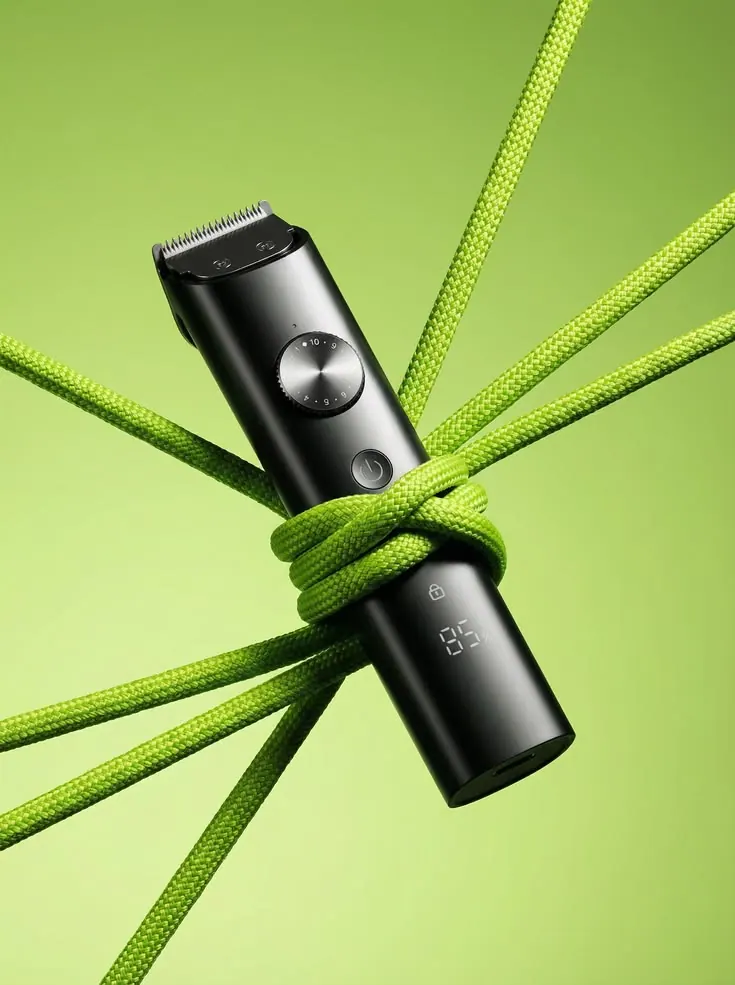
Trimmer on Green
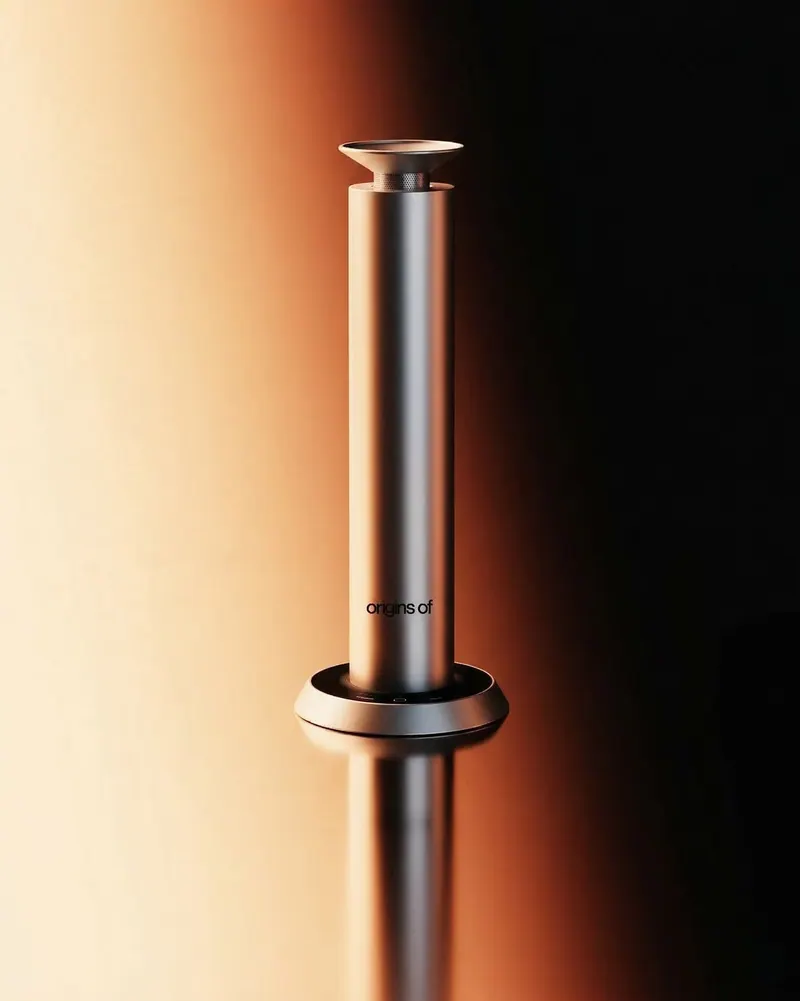
Metal and Gradient
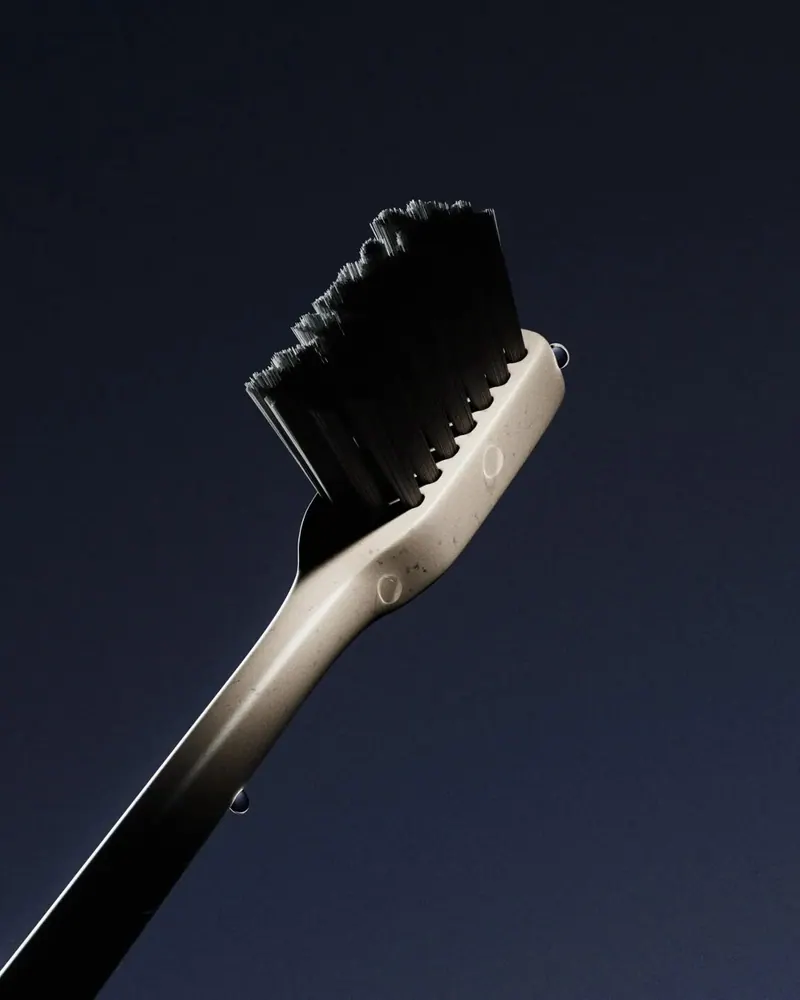
Brush in the Light
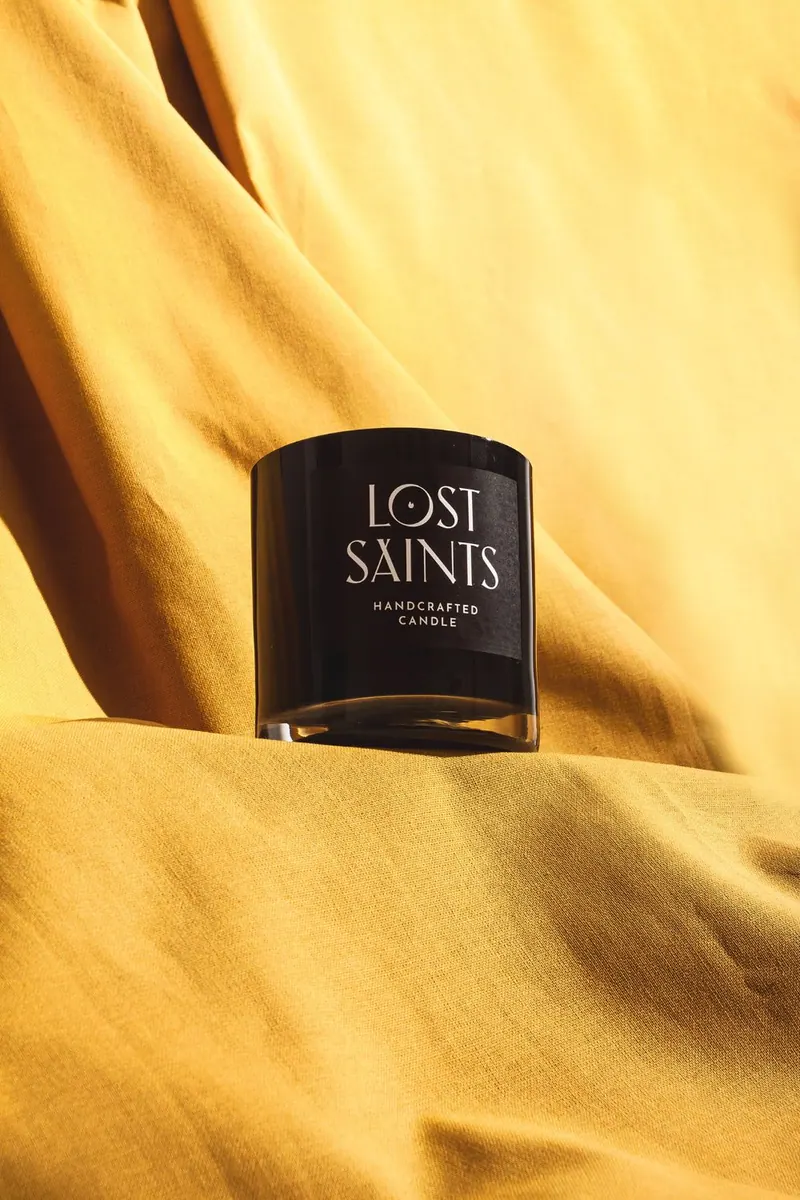
Candle on Silk
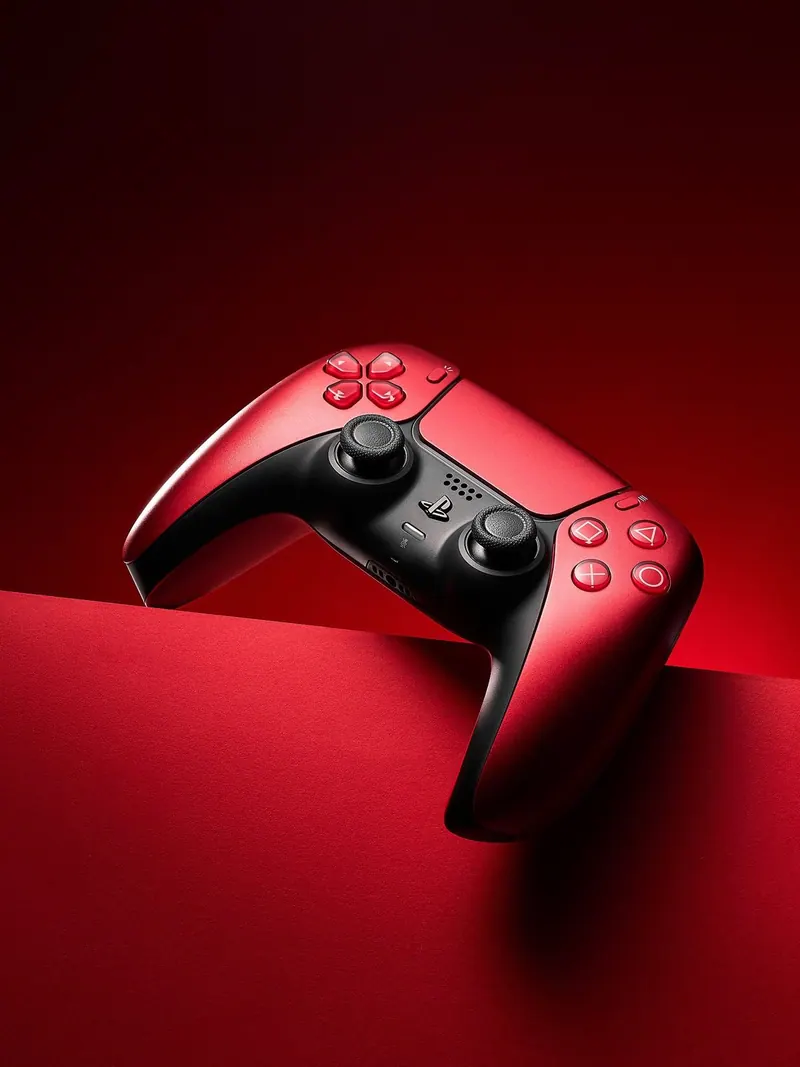
Game Controller
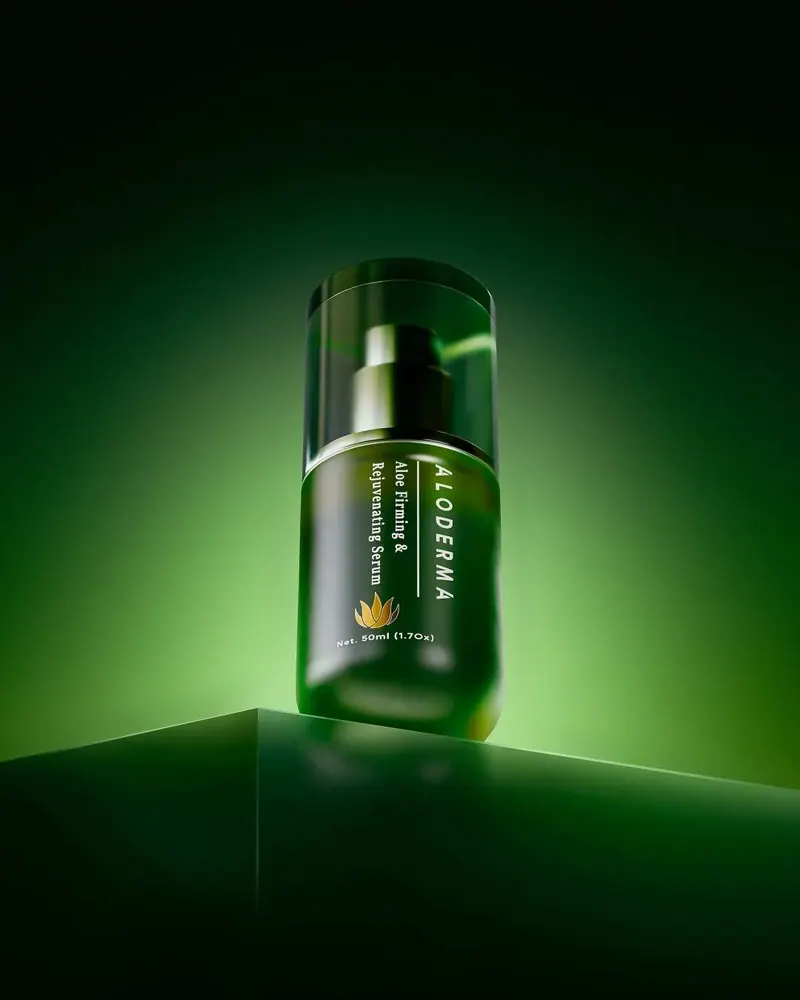
Serum on Green
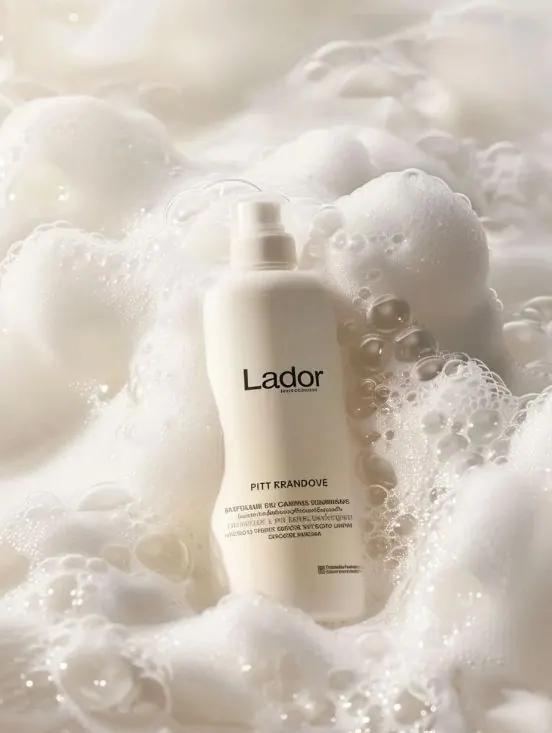
Shampoo in Foam
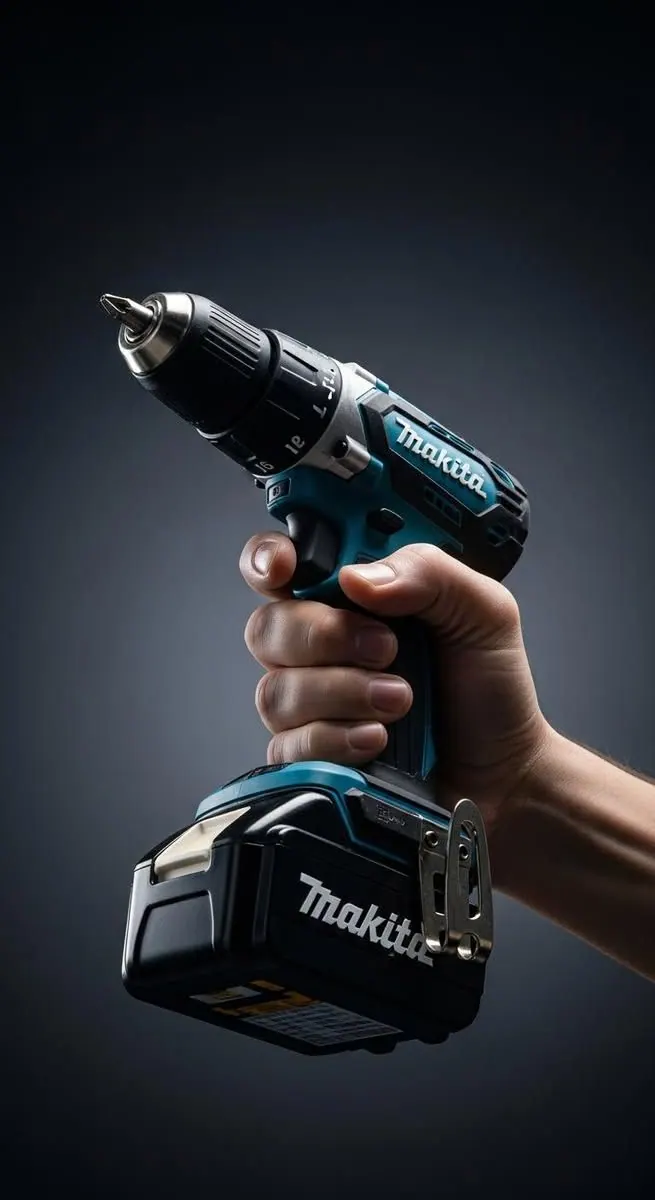
Cordless Drill
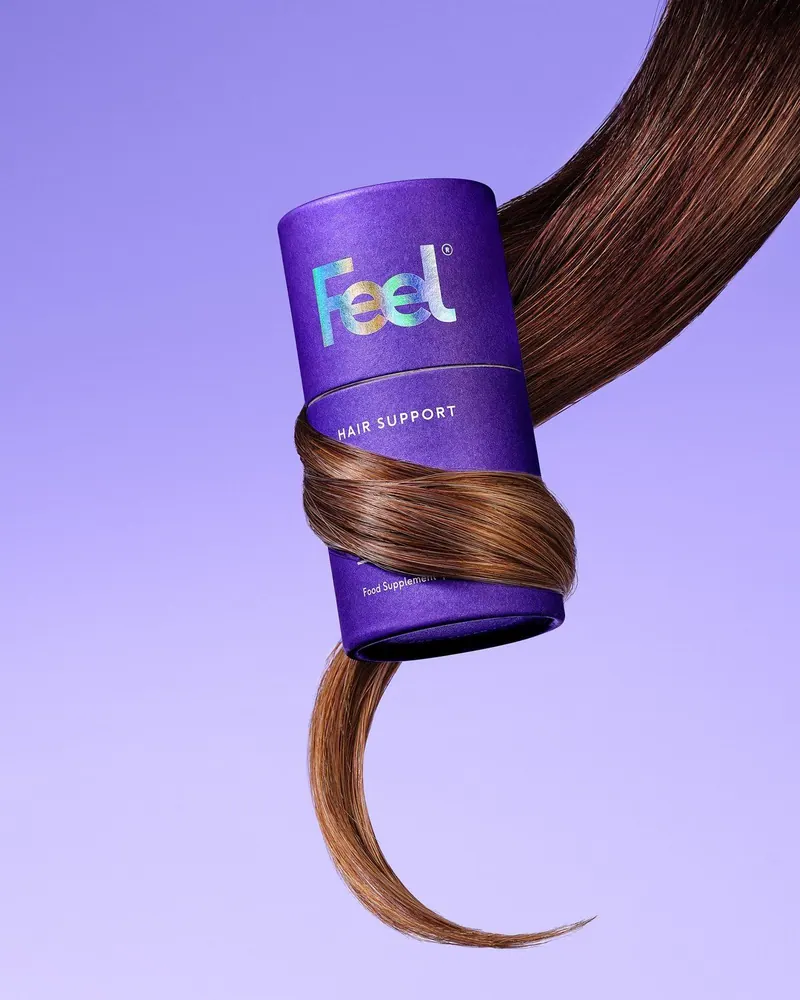
Jar and Hair
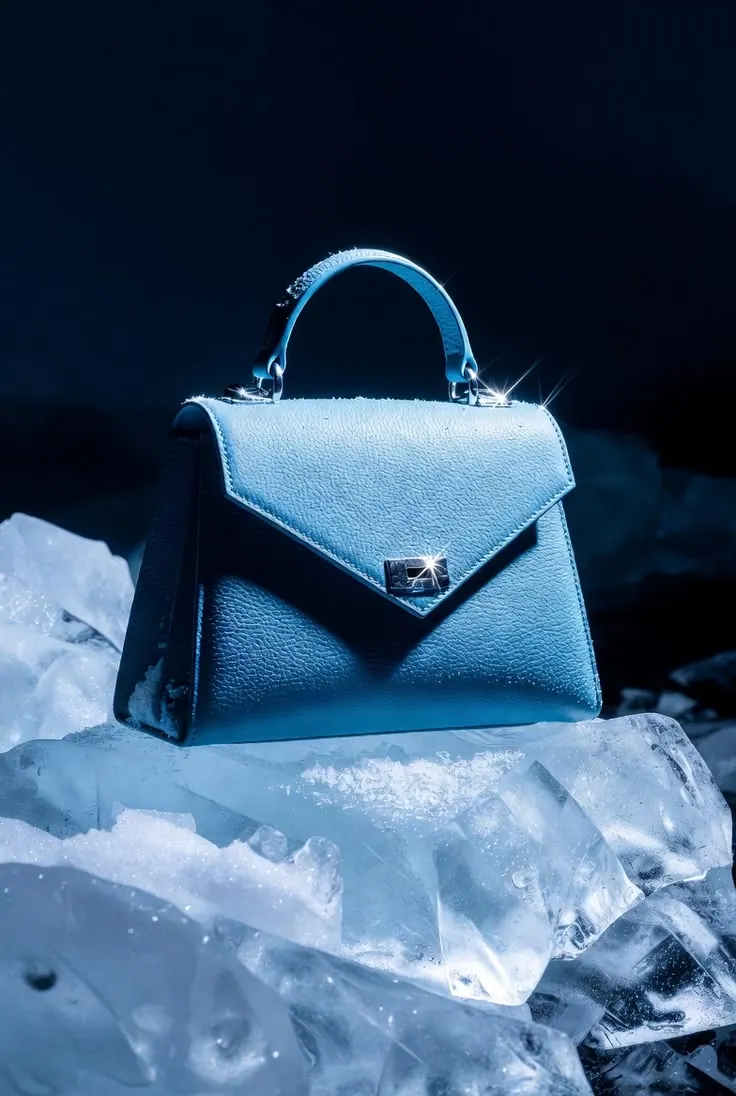
Bag on Ice
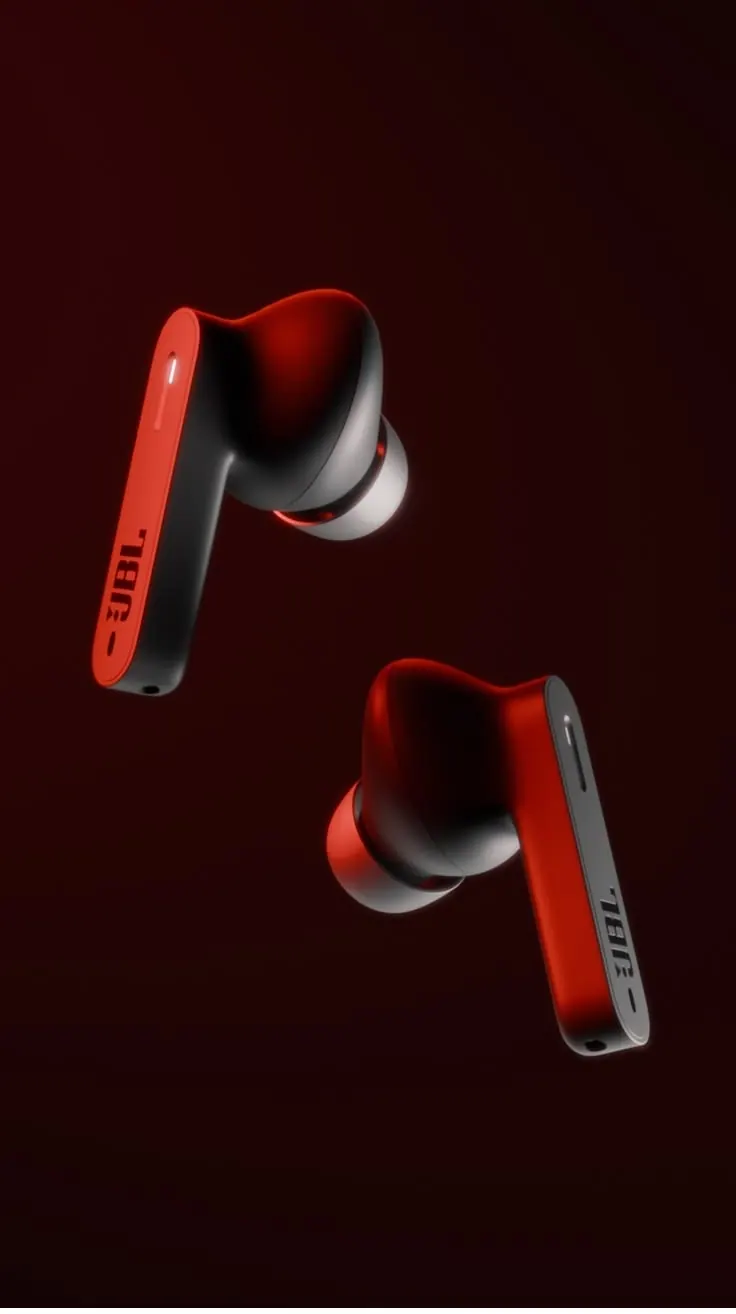
Earbuds in the Dark
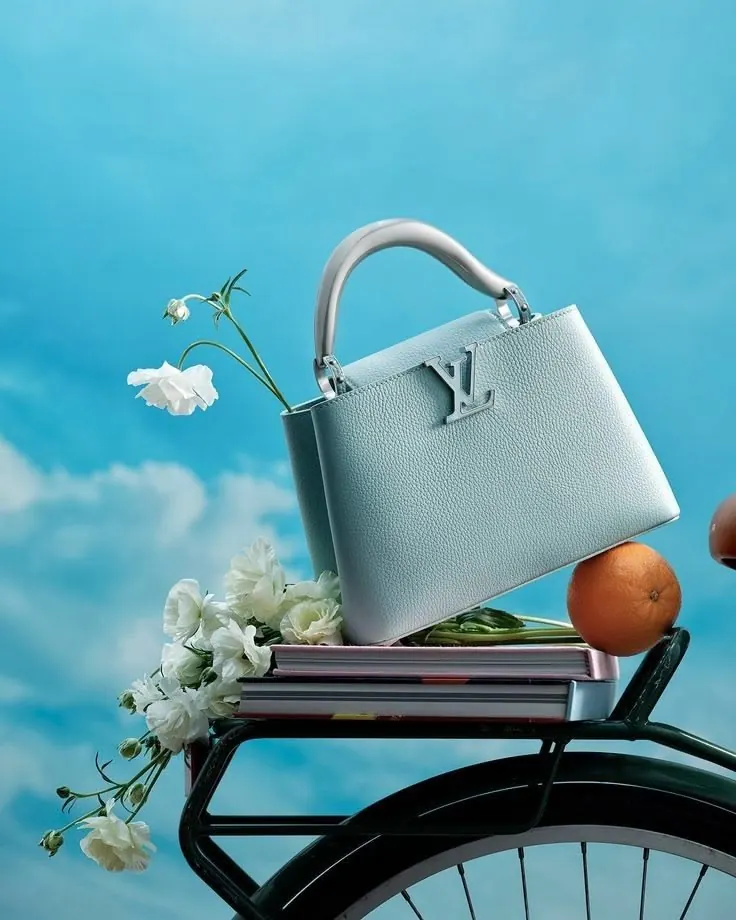
Bag and Sky
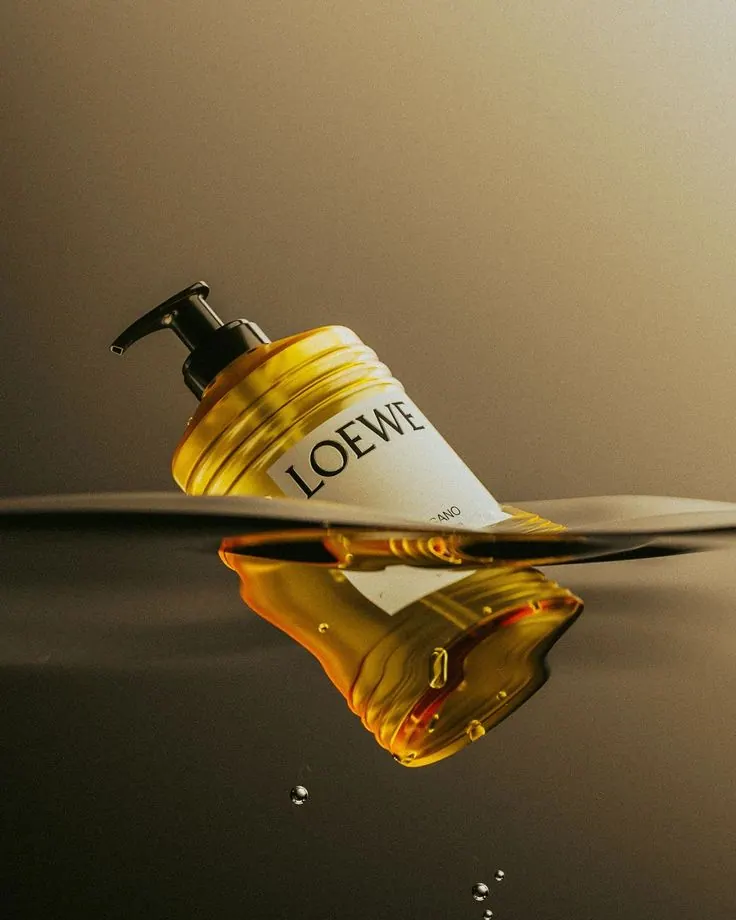
Soap and Honey
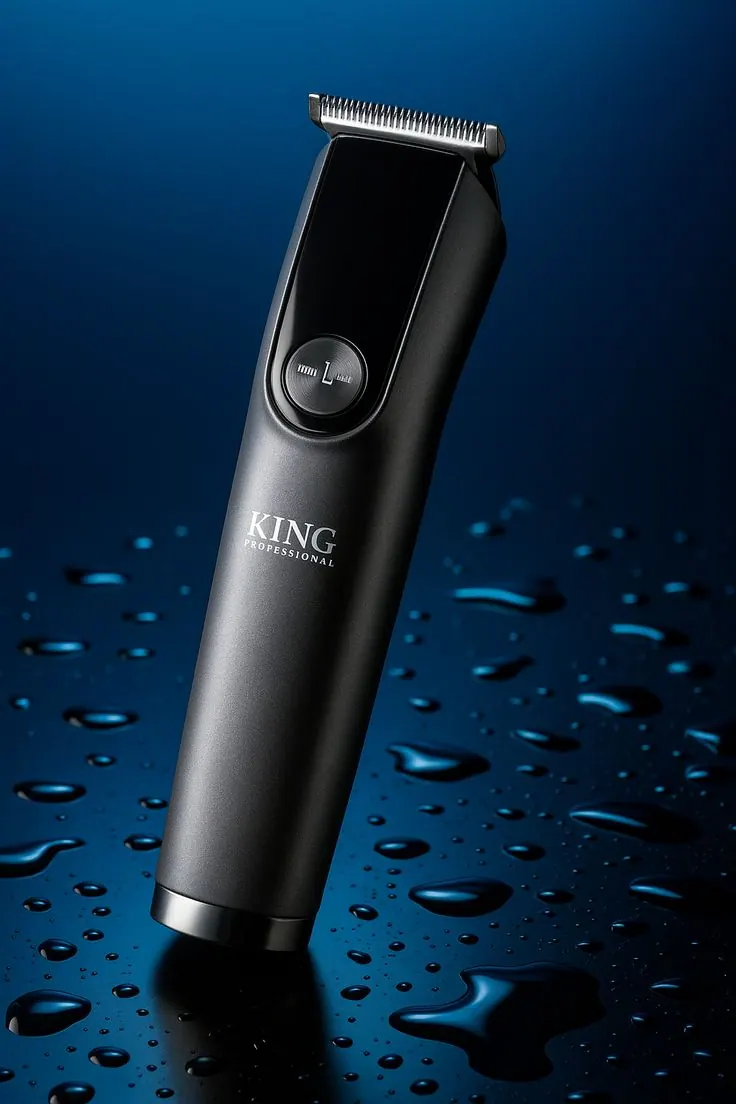
Hair Clipper
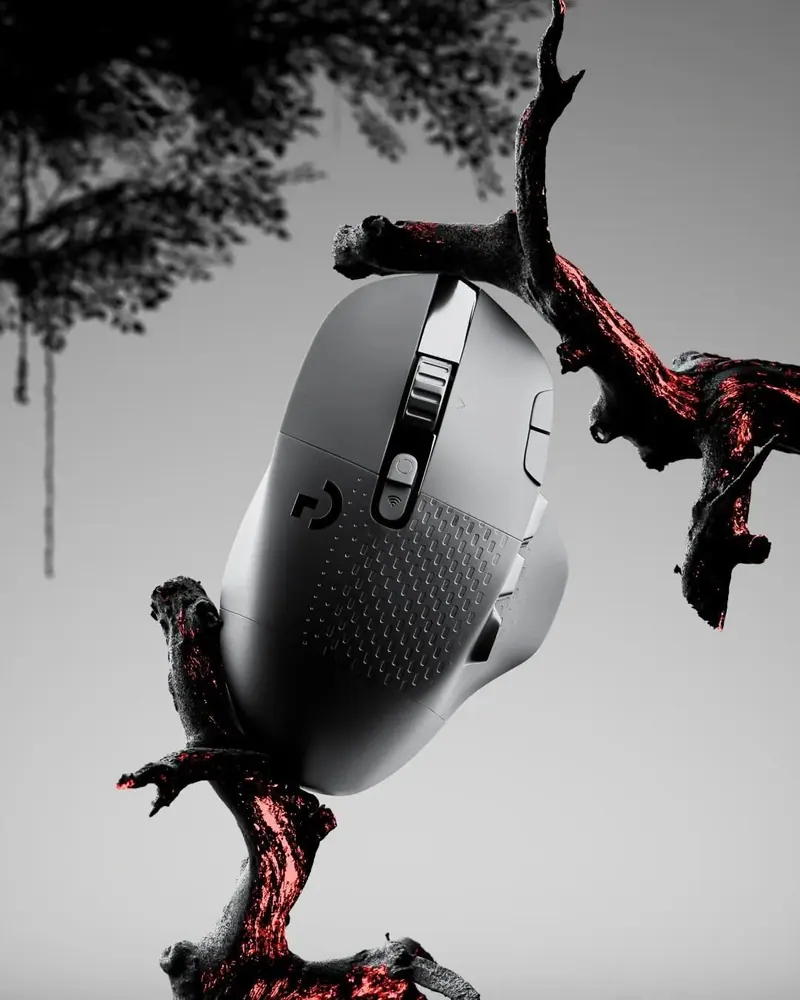
Mouse on a Branch
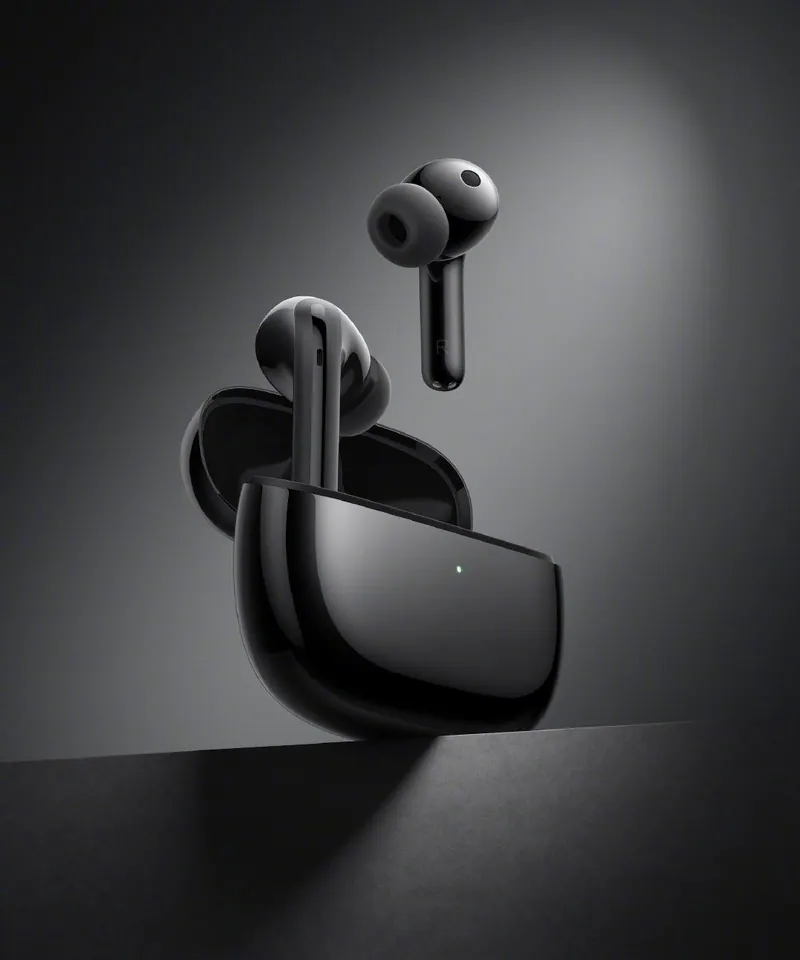
Earbuds in the Case
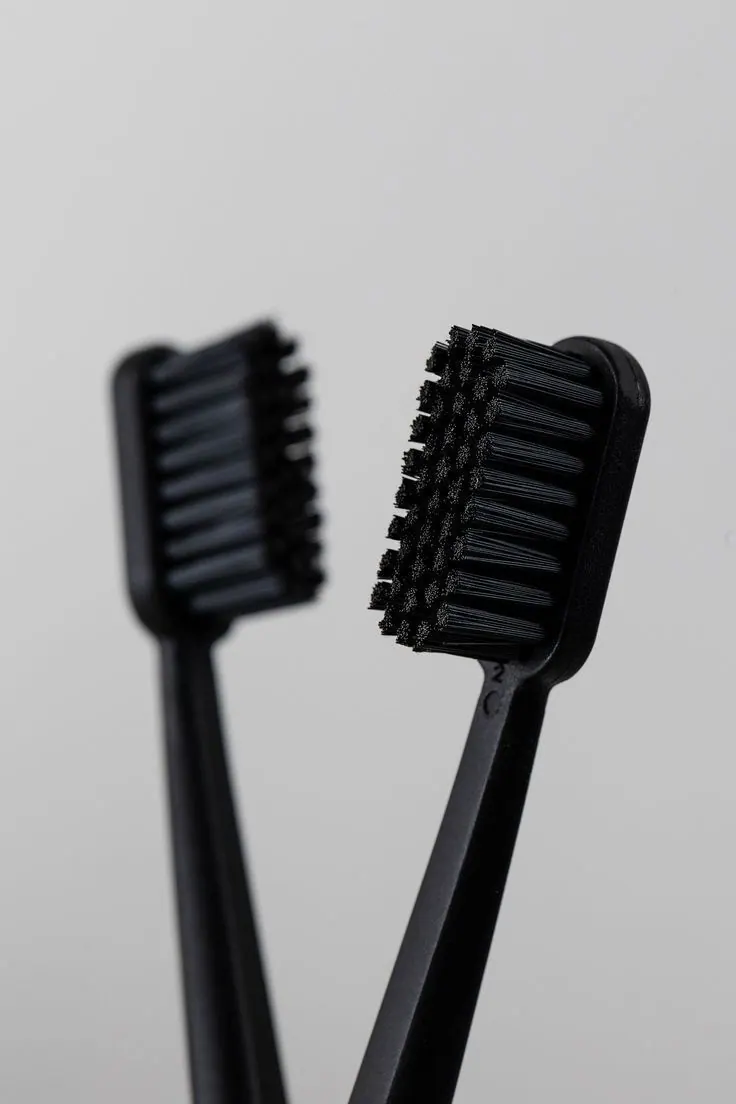
Two Brushes
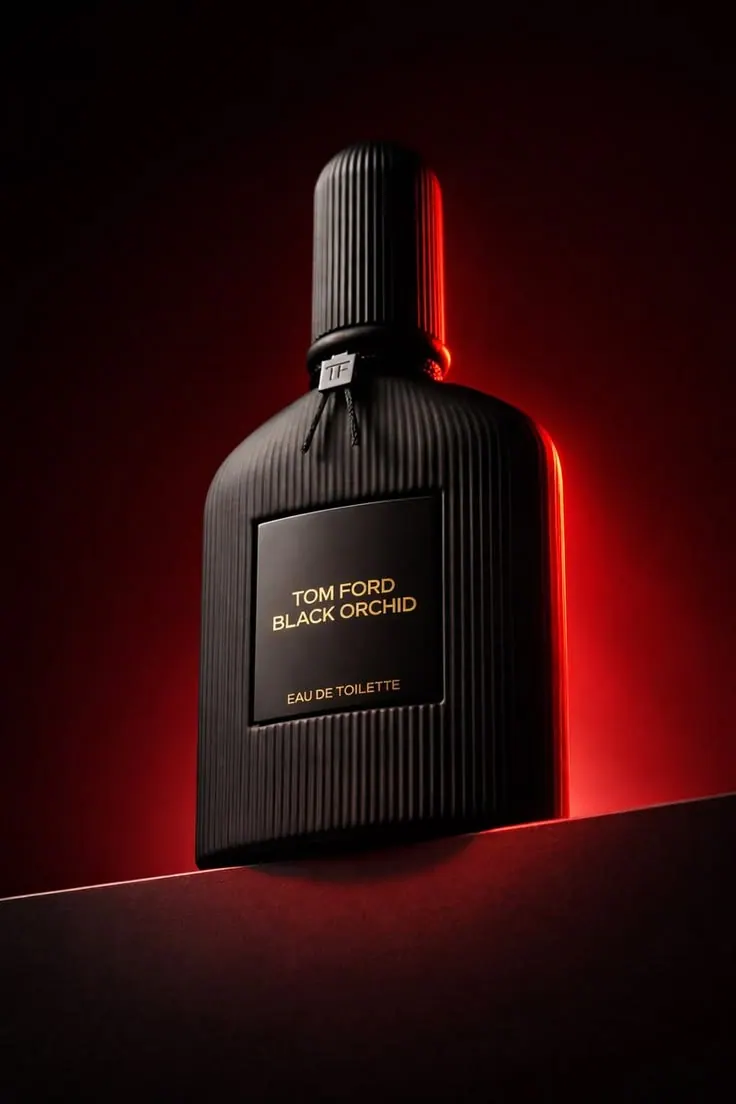
Perfume in Red
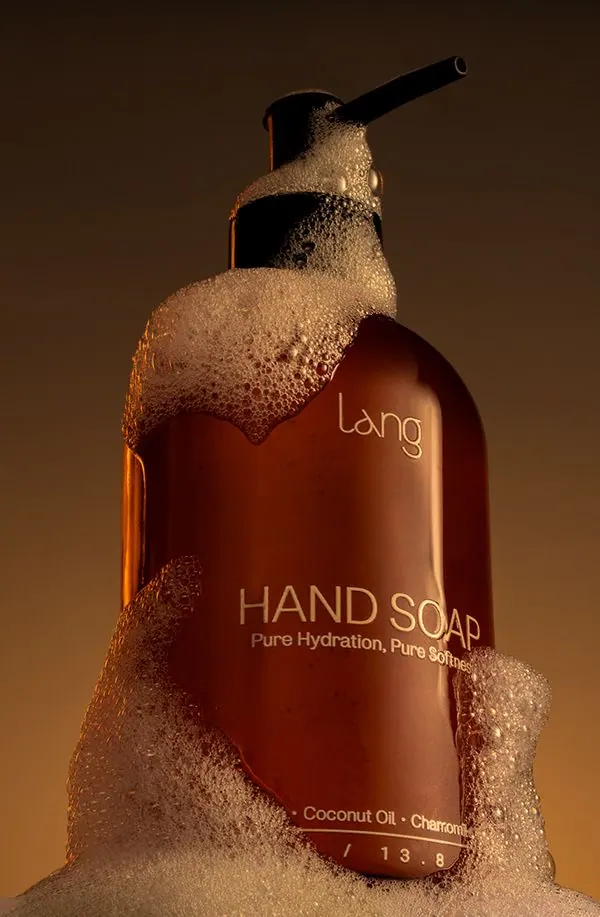
Hand Soap
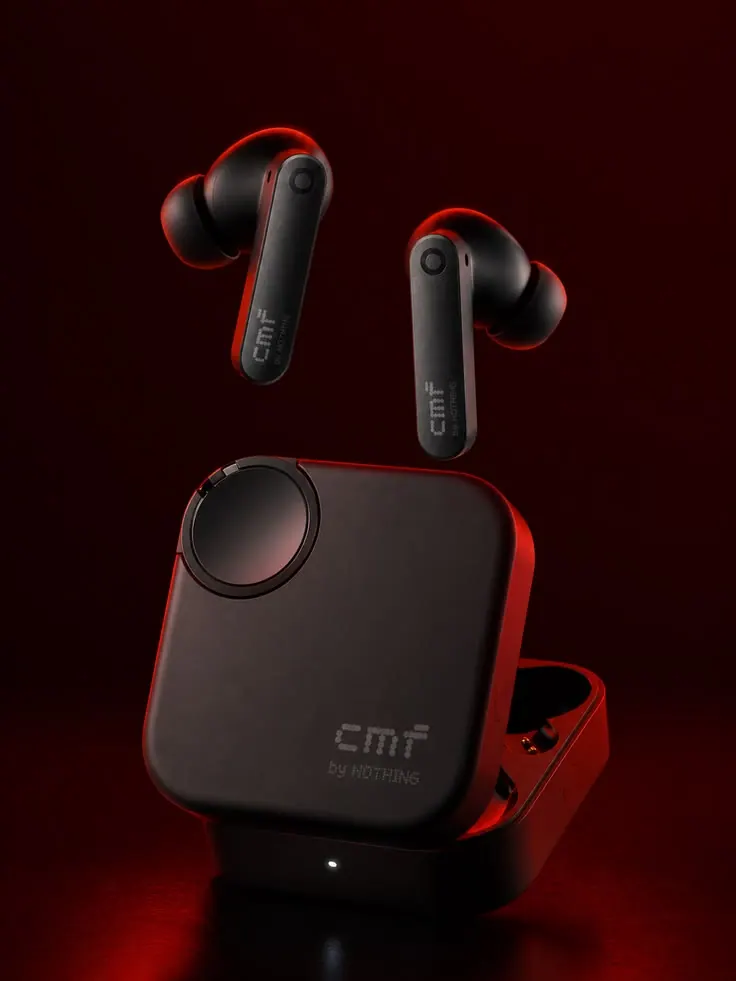
Earbuds and Case
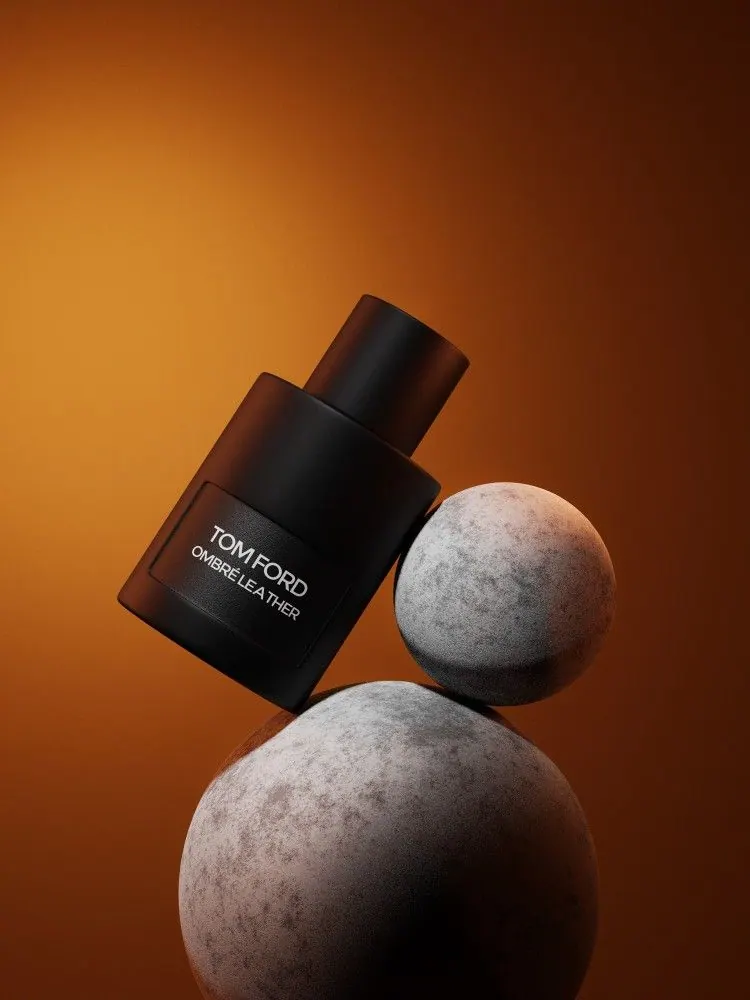
Perfume and Stones
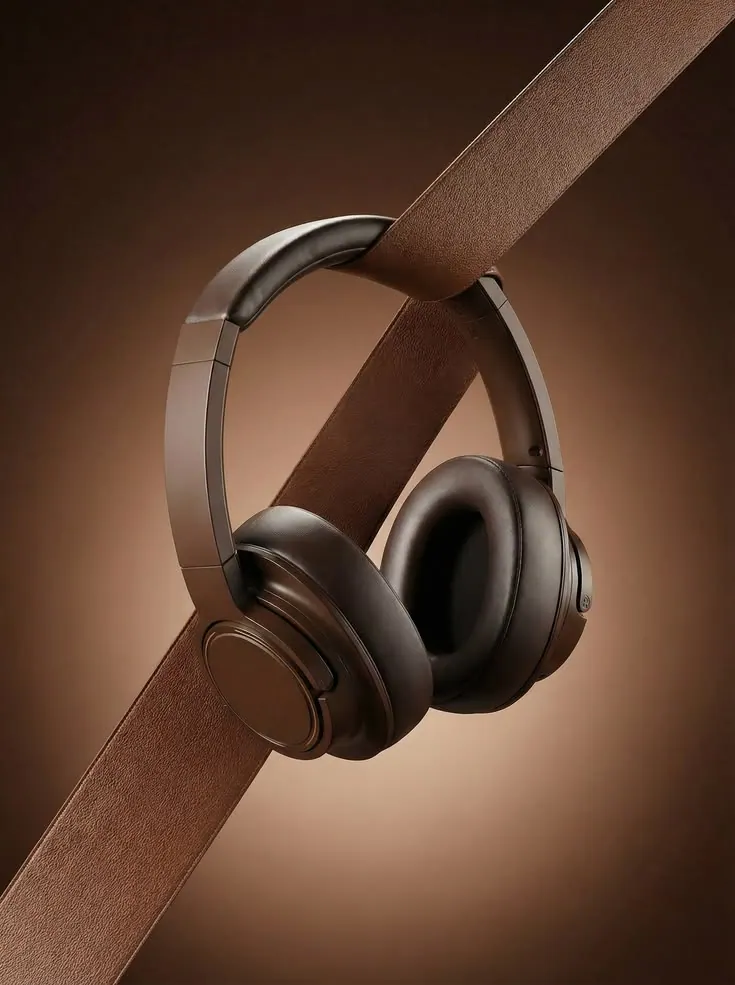
Headphones on Leather
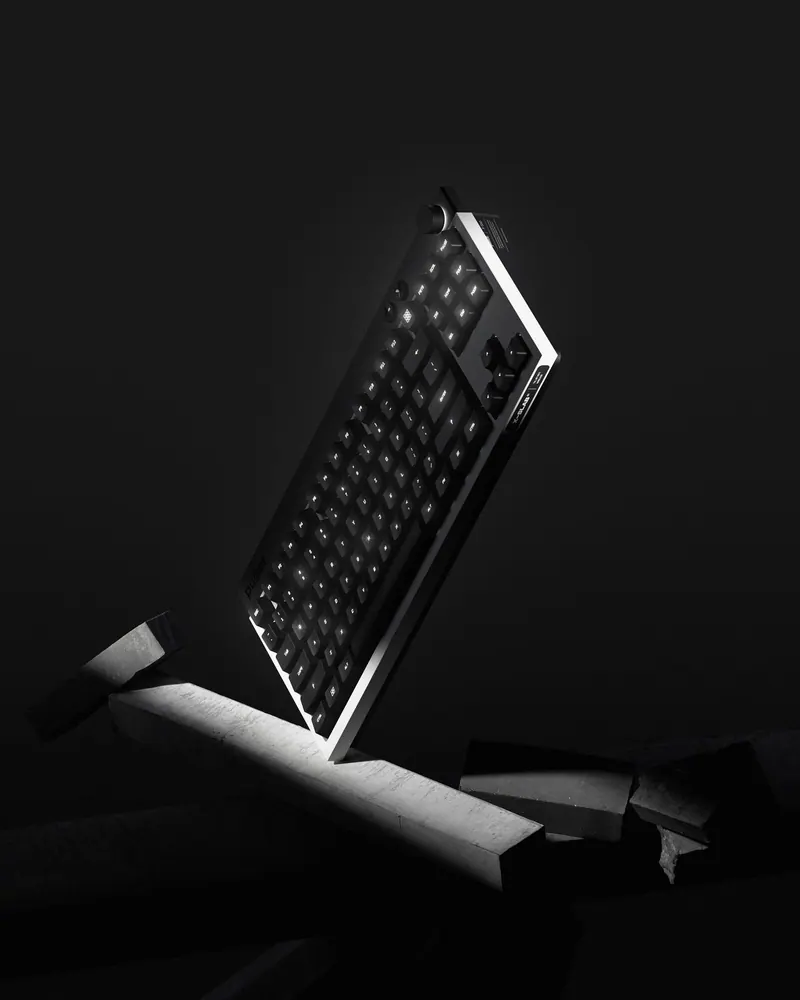
Keyboard in the Dark
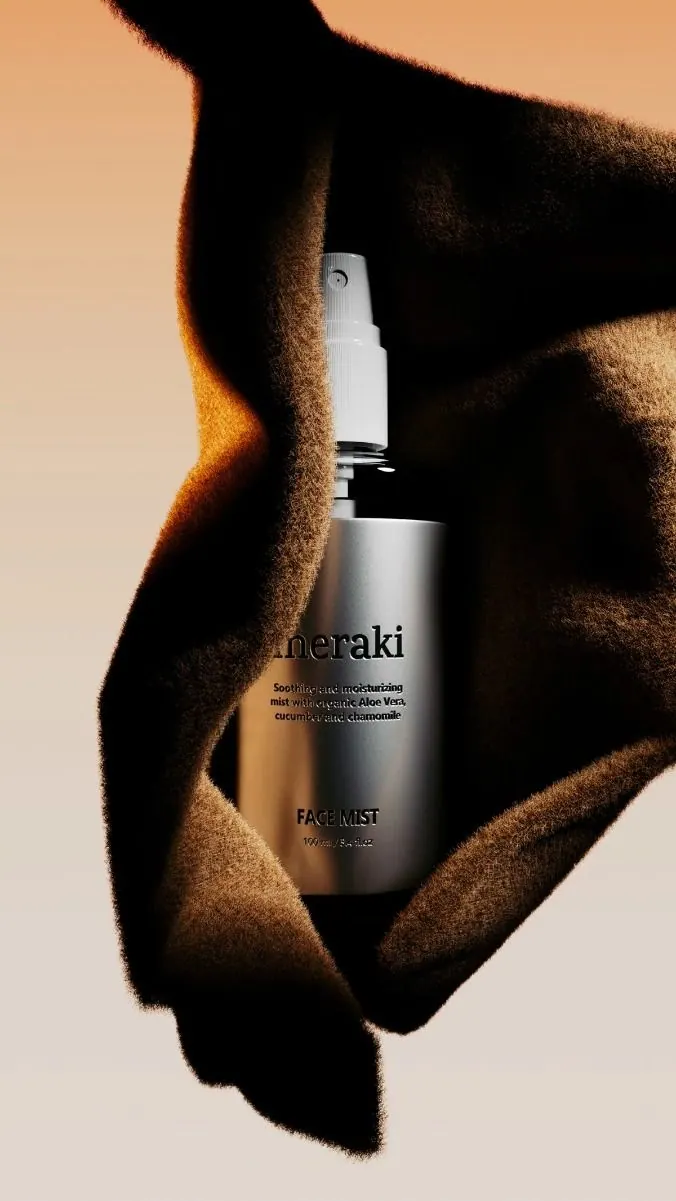
Serum and Shadow
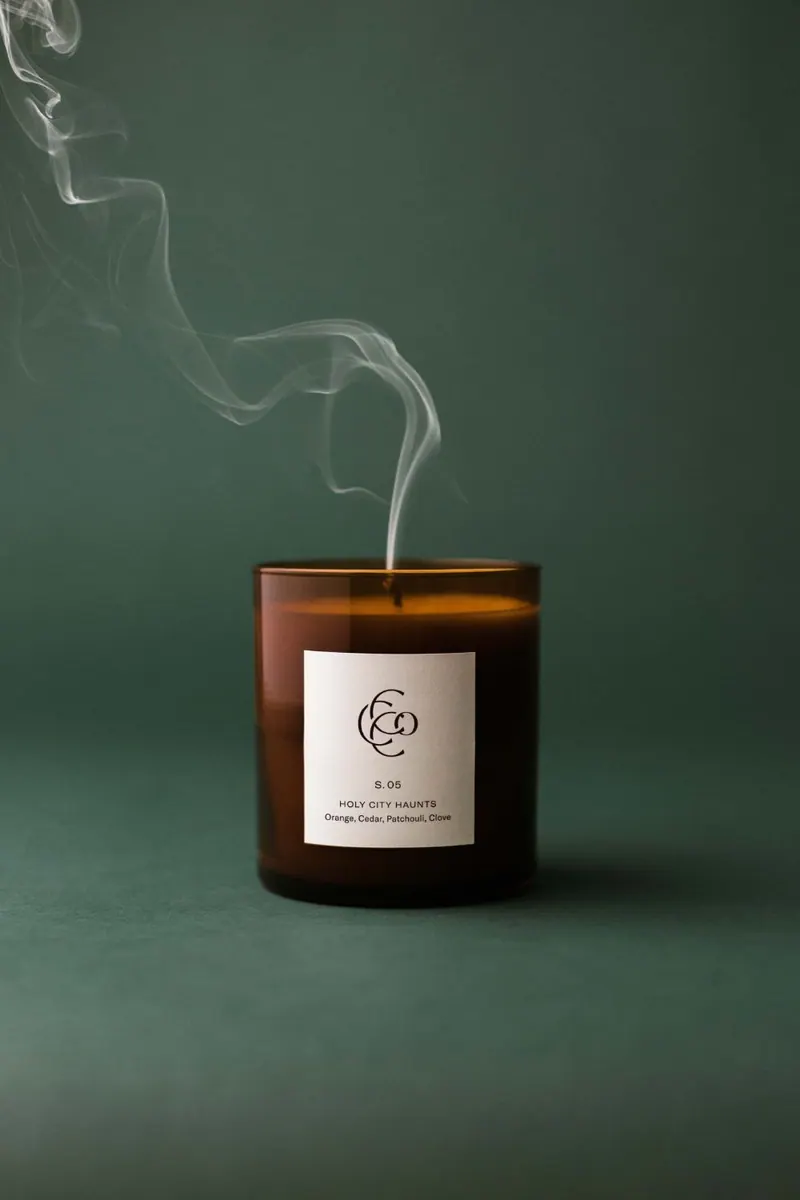
Candle and Smoke
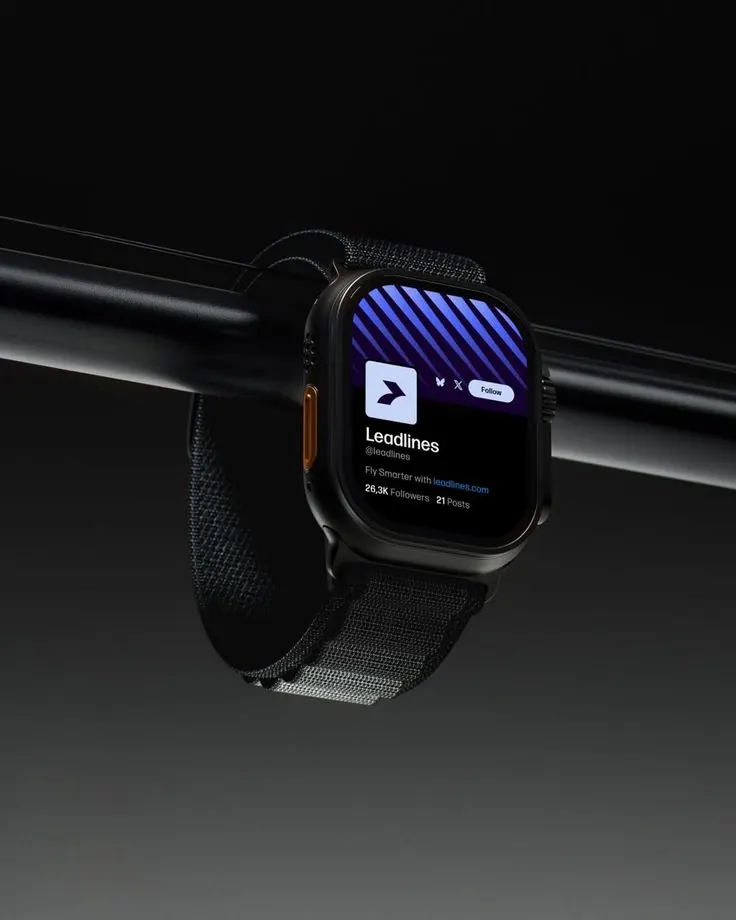
Smart Watch
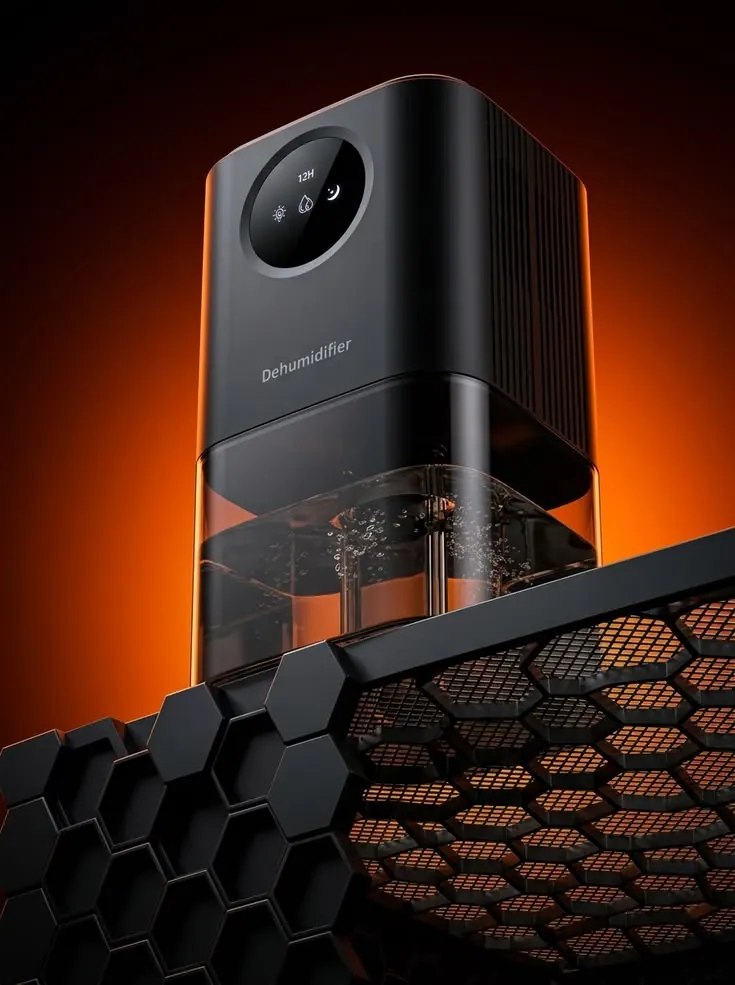
Projector
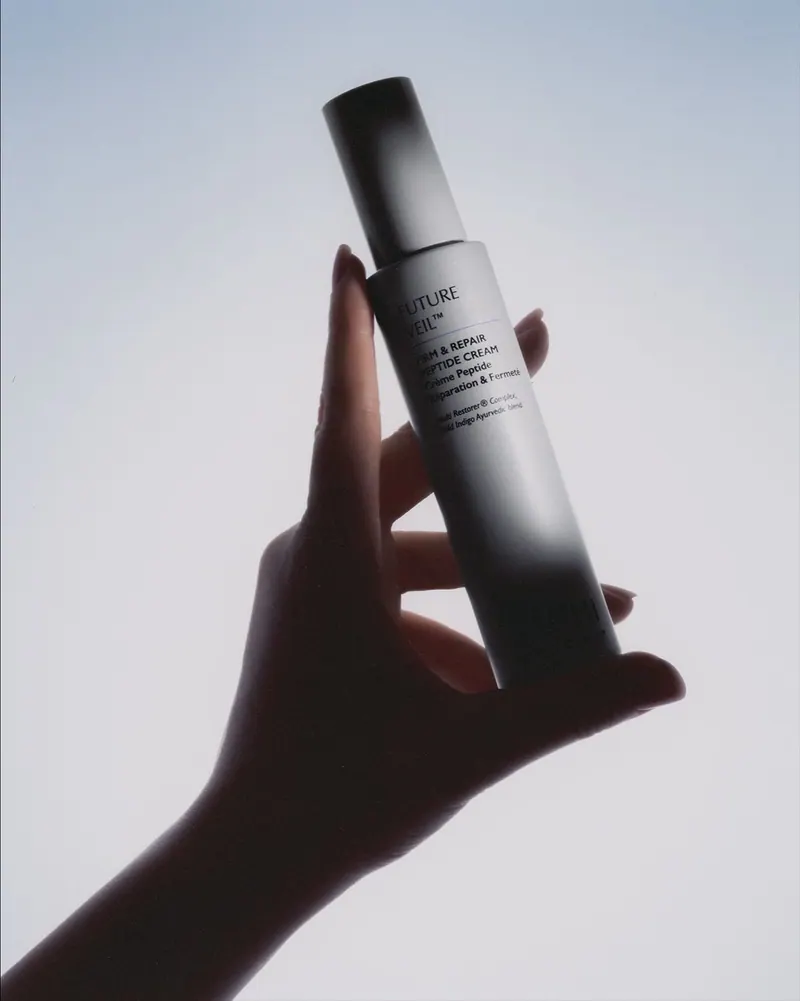
Bottle in Hand
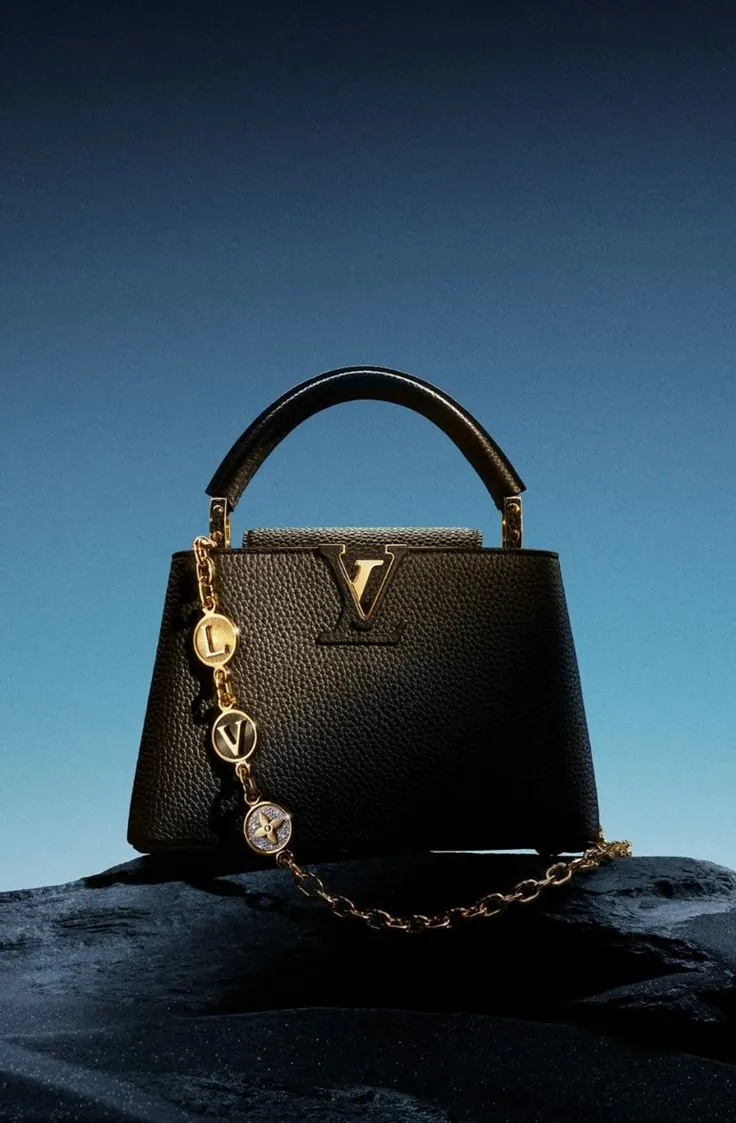
Bag on a Rock
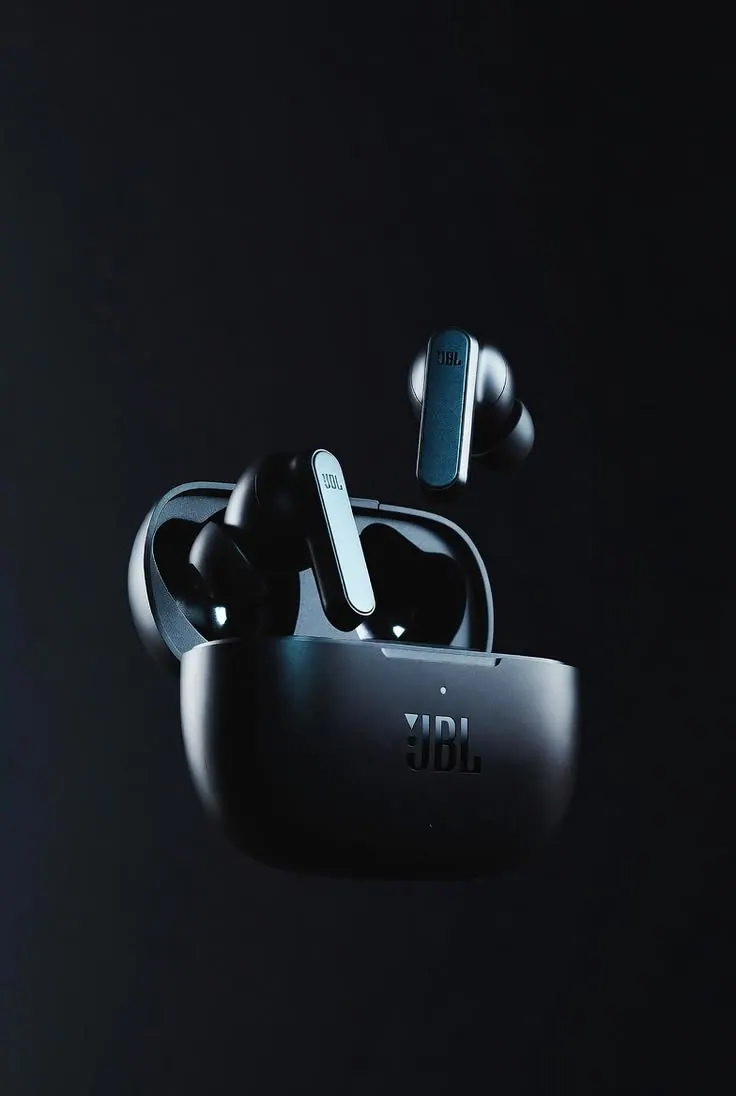
Earbuds Close Up
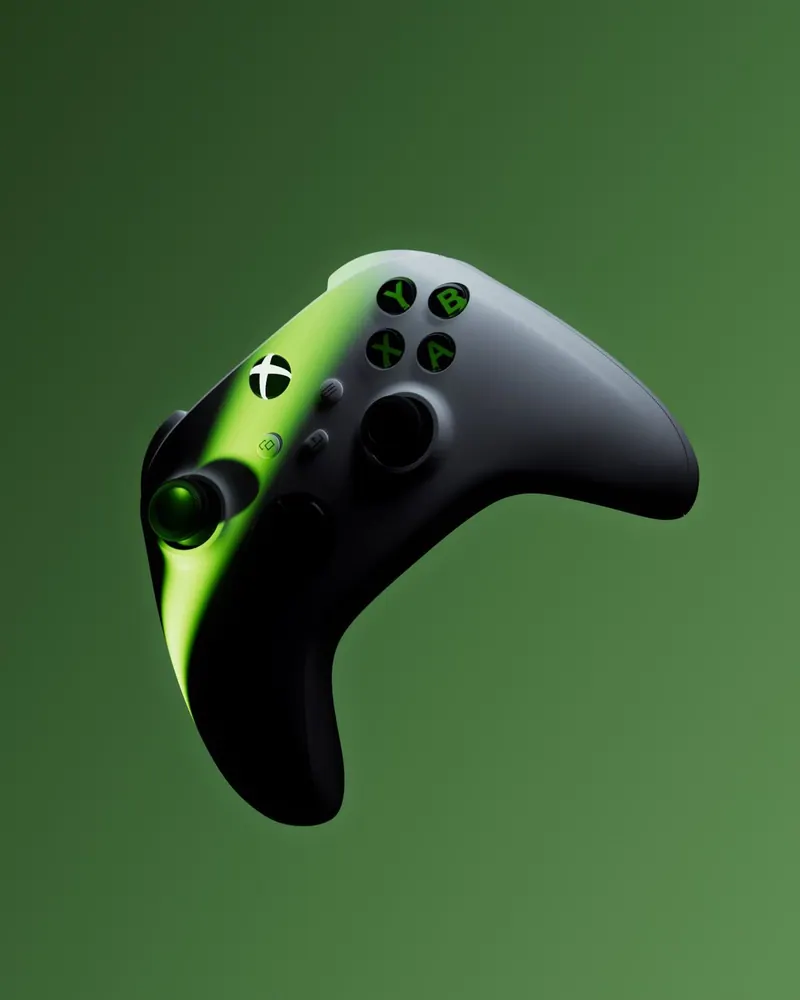
Controller on Green
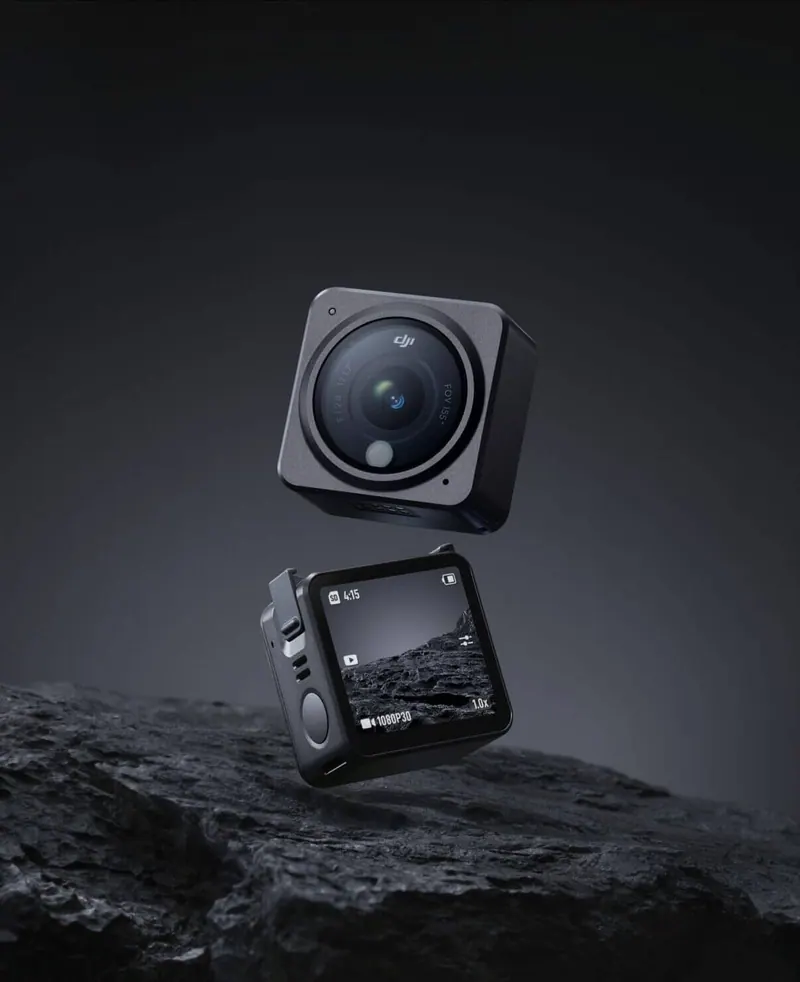
Action Camera
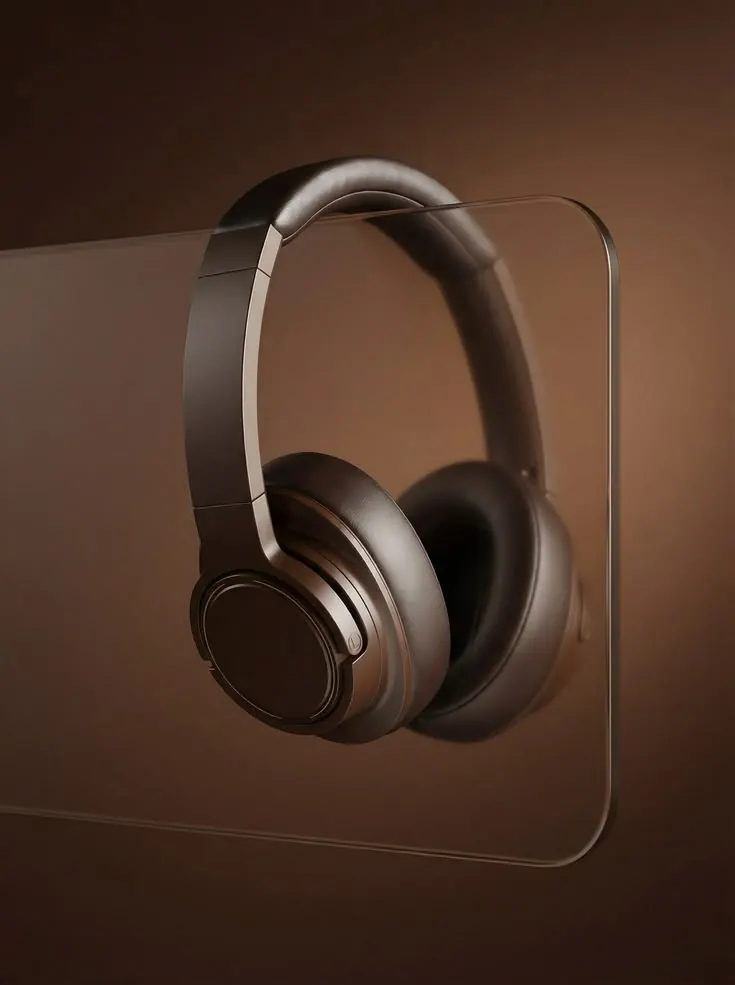
Headphones and Glass
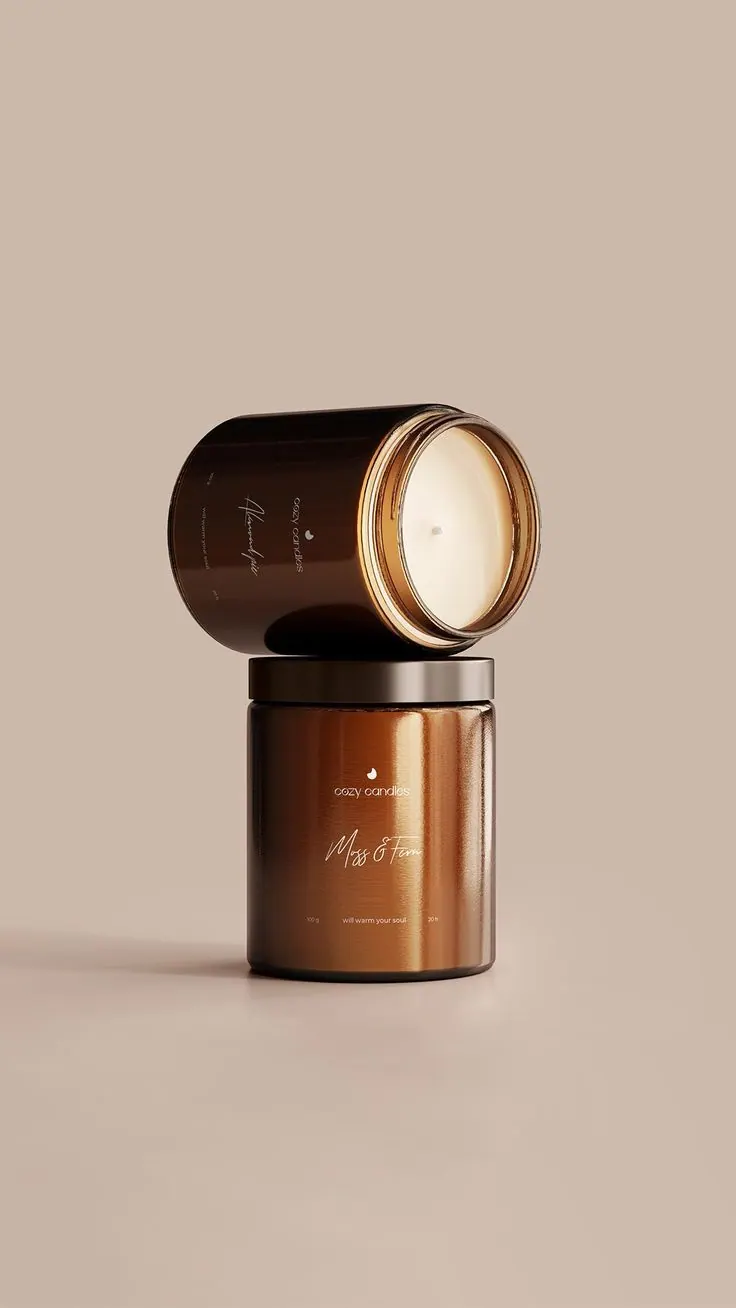
Two Jars
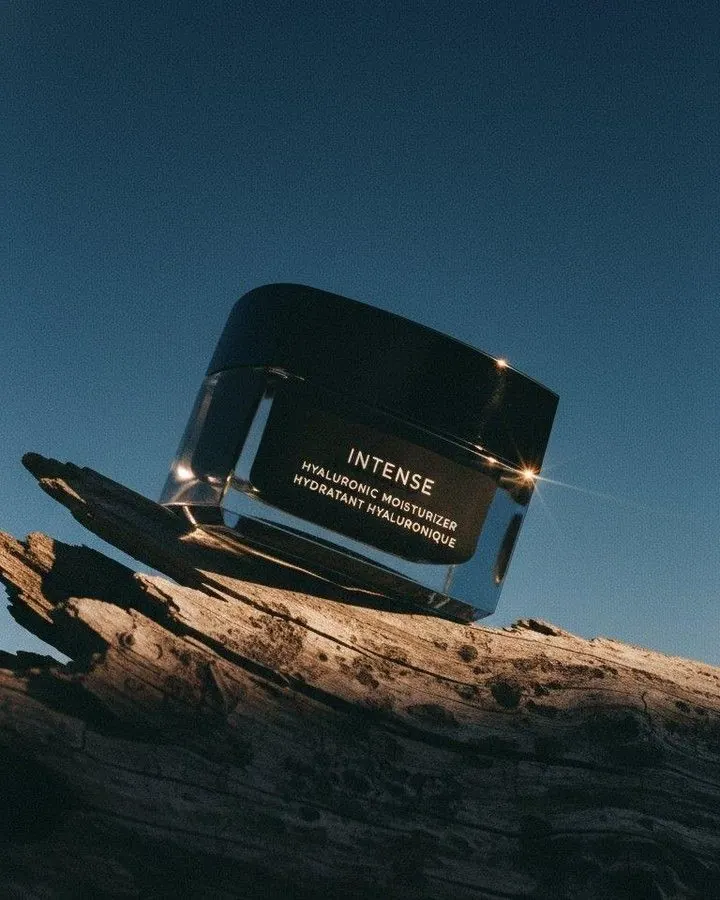
Cream on a Rock
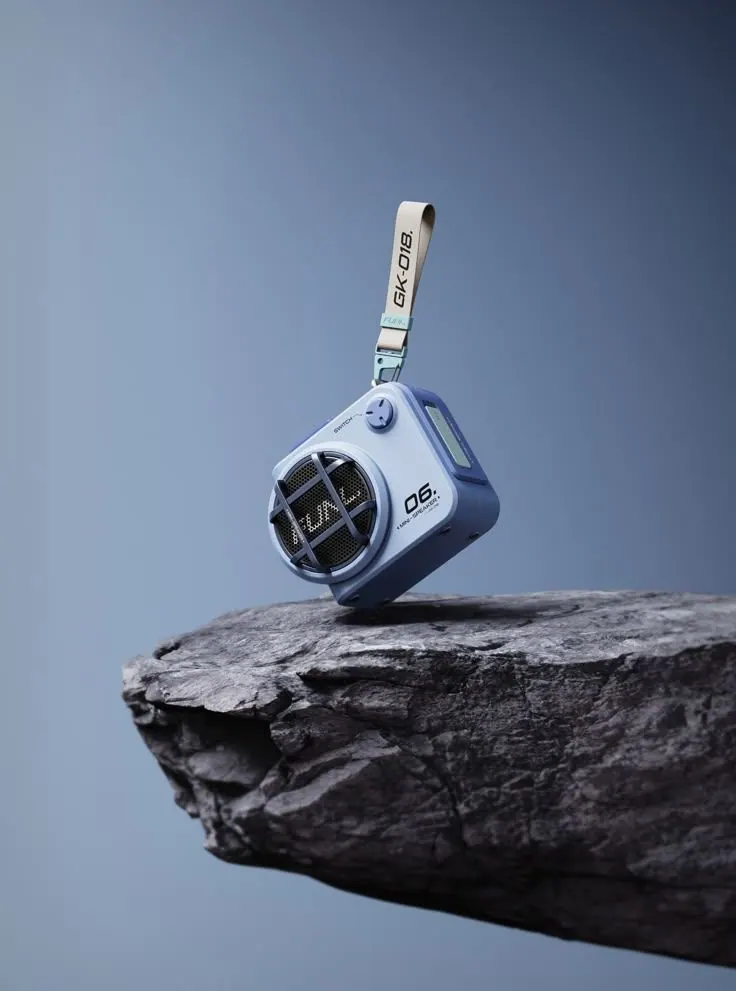
Speaker on Stone
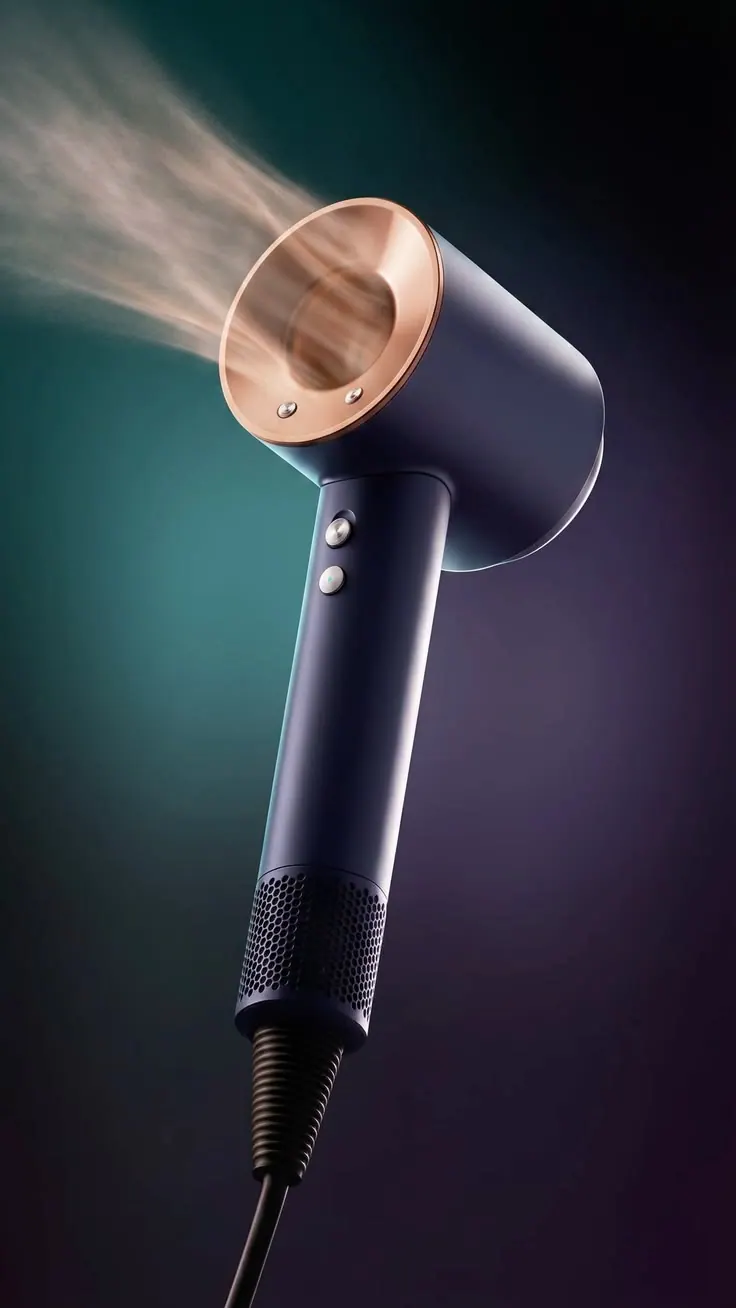
Hair Dryer
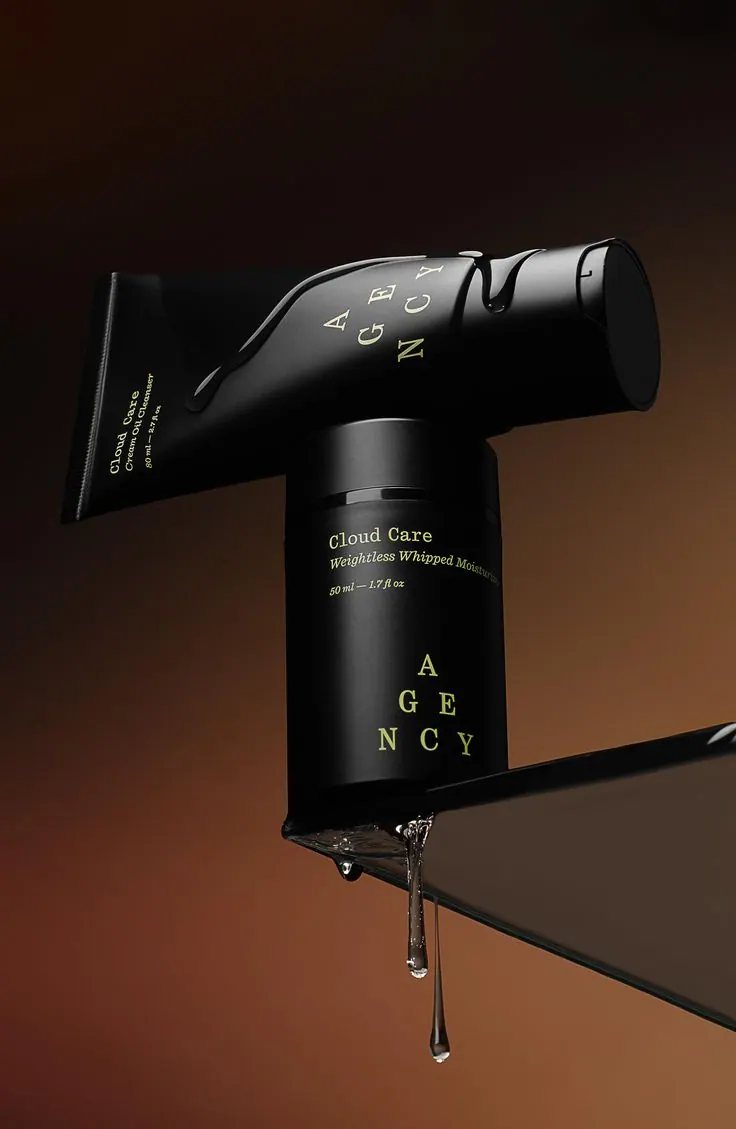
Tube and Glass
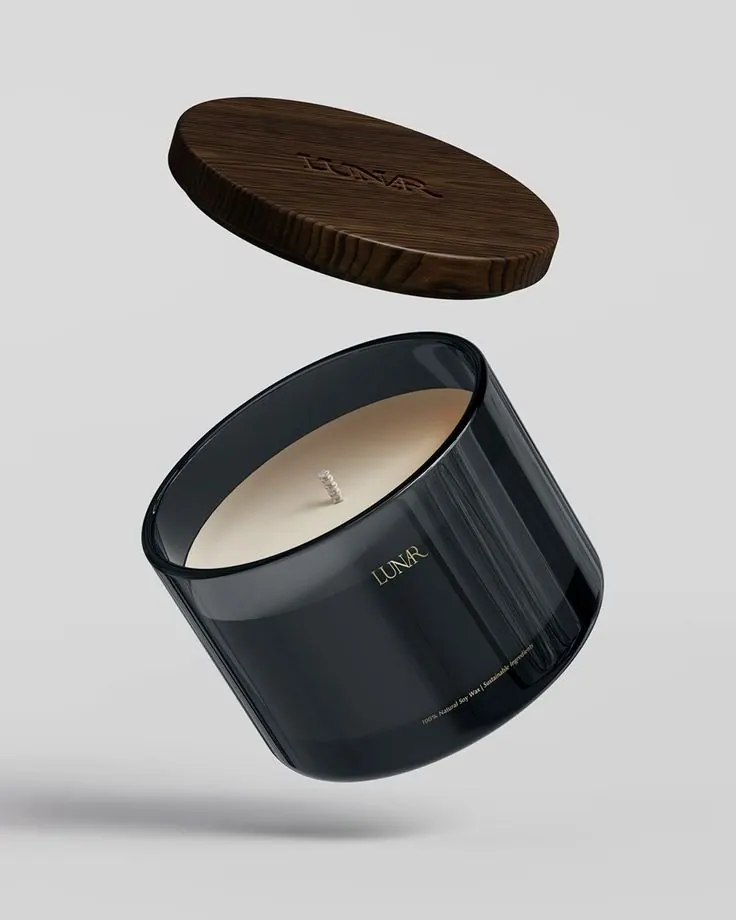
Candle in Glass
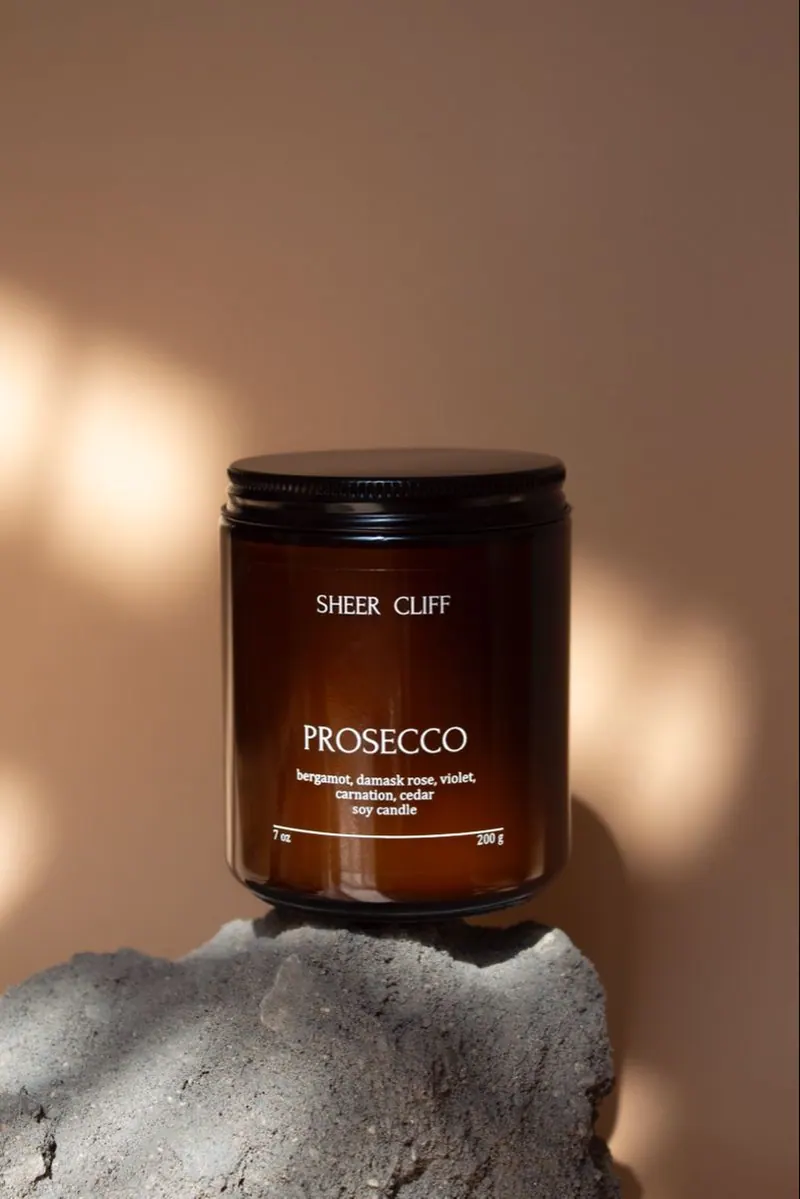
Candle on Stone
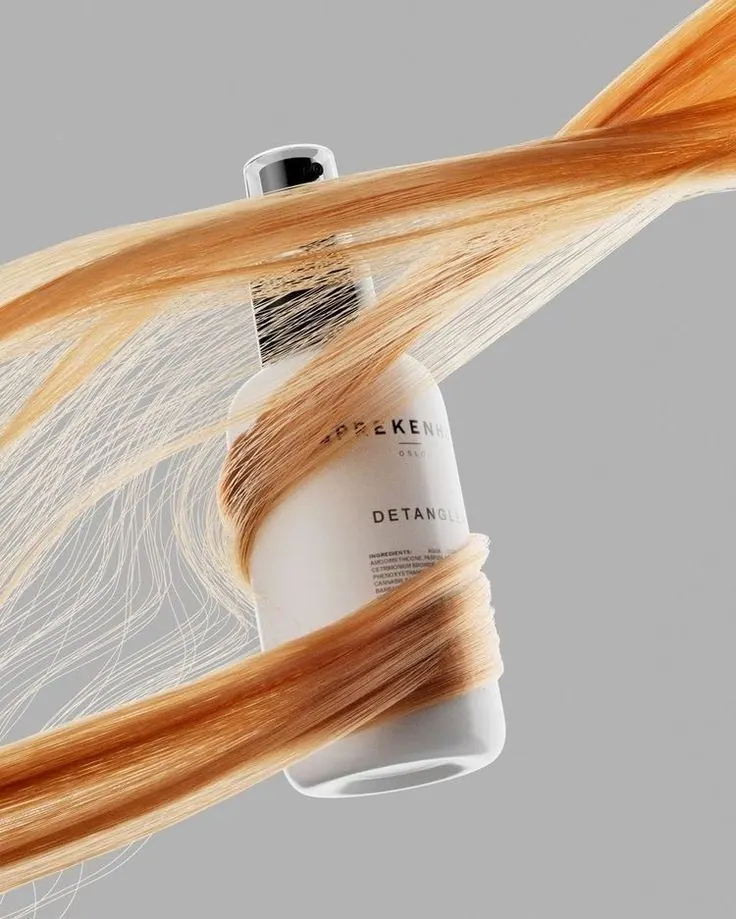
Shampoo and Hair
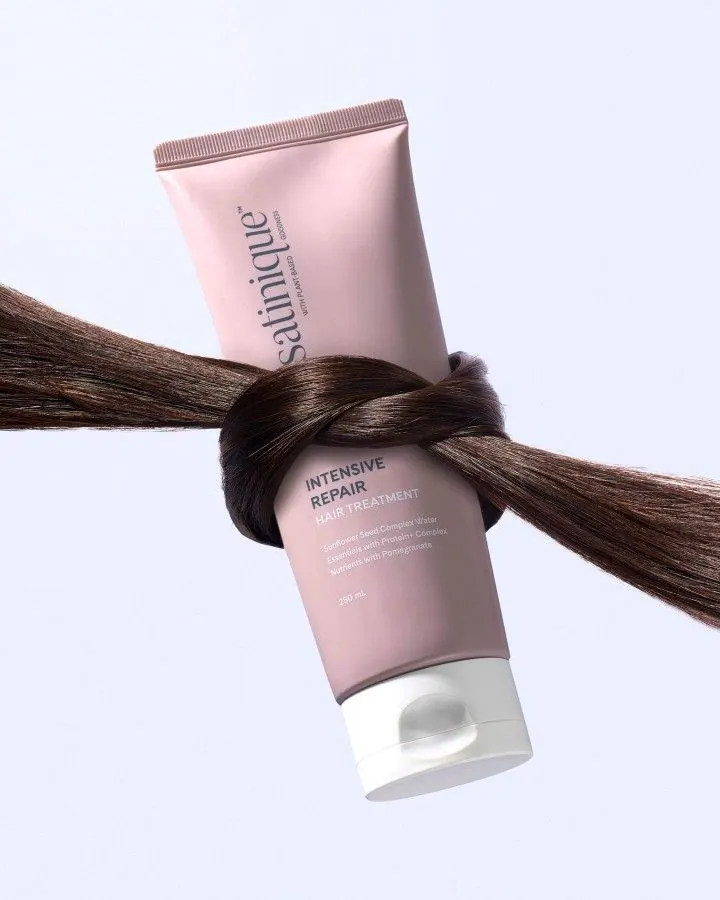
Tube and Strand
How to create a product photo from a ready-made prompt
Choose a reference, upload your source photos and download the finished image.
Choose a prompt for product photography
Pick a scene; its light and composition are already configured.
Upload a clear photo of the product
Use clear, well-lit photos without heavy filters or obstructions.
Get a product photo
Generate the image and download the finished JPG.
Questions about product photography
What to upload, how the prompts work and where to use the result.
Yes. Every card contains a configured scene, light and composition. Choose an example instead of writing the prompt yourself.
Upload a clear photo of the product. Use sharp, well-lit images without heavy filters or obstructions.
Usually a few minutes. You can close the page while the image is being generated and return to it from your account.
You receive a JPG and can choose 1:1, 4:5 or 9:16 depending on where the image will be used.